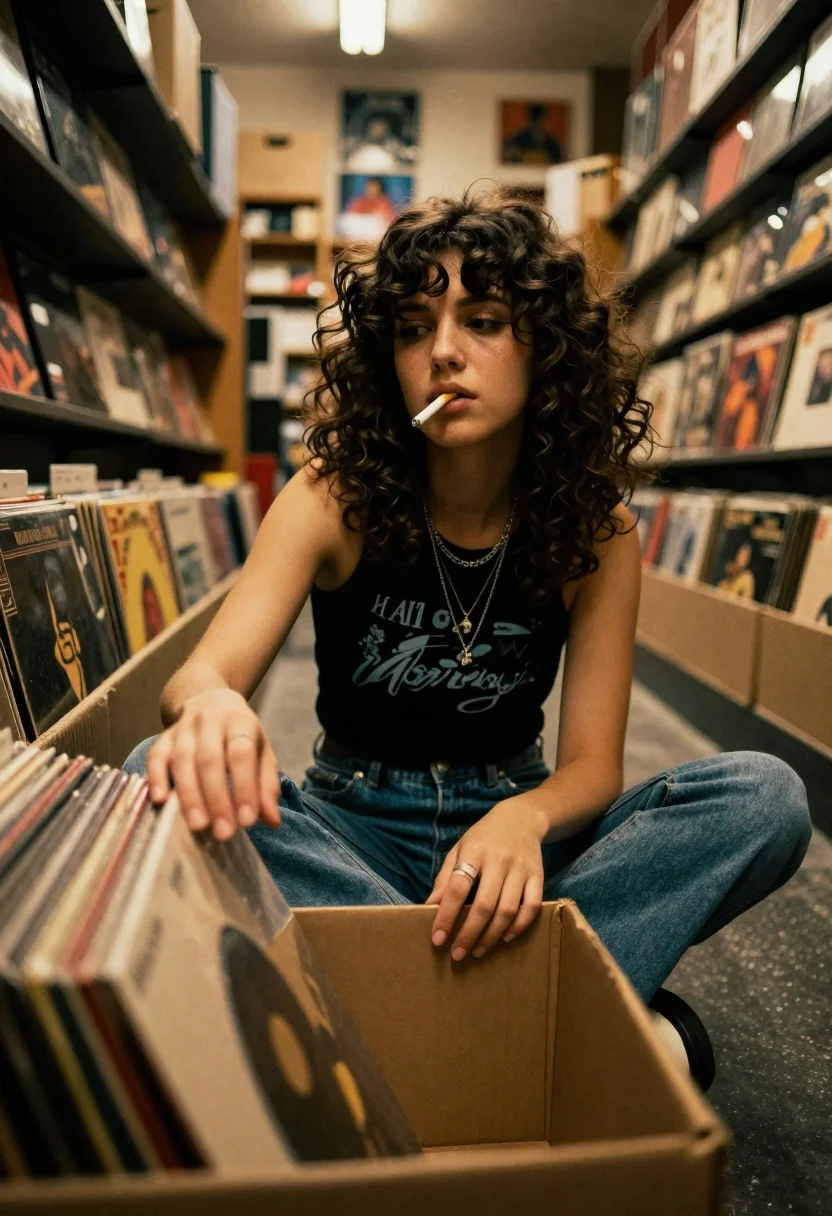
Young woman in black tank top sitting among vinyl records in store
Prompt
A young woman with curly dark hair sits cross-legged inside a cardboard box filled with vinyl records in a dimly lit record store aisle.

Subject: A young woman with voluminous, wavy dark brown hair and a contemplative expression, holding a cigarette between her lips.

Clothing: She wears a black sleeveless tank top with a faded graphic print, layered silver necklaces including a pendant, blue denim jeans, and a ring on her finger.

Action: She is looking slightly upward and to the side while reaching into the box of records with both hands, appearing relaxed and casual.

Environment: The setting is a narrow aisle in a record store or thrift shop, surrounded by tall shelves stacked with vinyl records and cardboard boxes.

Camera: Low-angle shot looking up at the subject from within the box, creating an intimate perspective with shallow depth of field blurring the foreground records.

Lighting: Warm, moody indoor lighting with soft highlights on her face and hair, casting gentle shadows that enhance the nostalgic atmosphere.

Style Details: Film photography aesthetic with a grainy texture, warm color grading, and a vintage 1970s or 80s vibe.
Description
This prompt is useful for creating cinematic character portraits, moody album art mockups, and editorial lifestyle shots evoking retro nostalgia. The combination of 'low-angle shot looking up' from within the records box establishes an immediate intimacy that contrasts with the 'shallow depth of field blurring the foreground records,' focusing all attention on the subject's contemplative expression while the 'film photography aesthetic with a grainy texture' grounds it firmly in a specific, aged time period.
Suggestions
- Change 'black sleeveless tank top' to 'oversized band tee' for more casual wear.
- Swap 'vinyl records' for 'stacks of old books' to change the environment feel.
- Adjust 'warm color grading' to 'muted cyan and orange tones' for a specific 80s cinematic shift.
Category
Tags
Black HairBrunetteCasual WearFemaleIndoorsLow AngleMedium ShotRealistic
Date added
June 19, 2026
Added by
PromptDexter Team
Related Prompts
More prompts with similar categories and tags.
Woman in green dress looking over shoulder in bright ballroom setting

Woman in green satin slip dress standing in sunlit elegant interior room
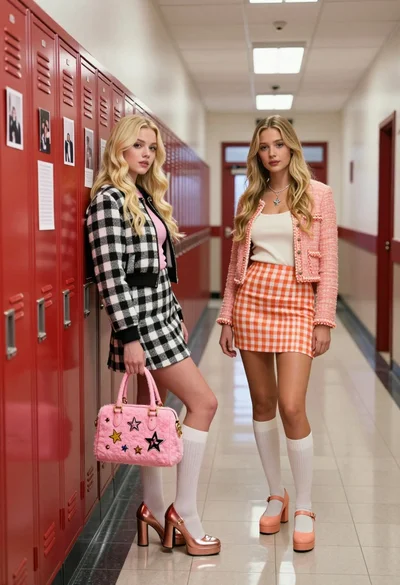
Two blonde women posing in a school hallway next to red lockers

Young woman in traditional embroidered attire standing in a lush green meadow
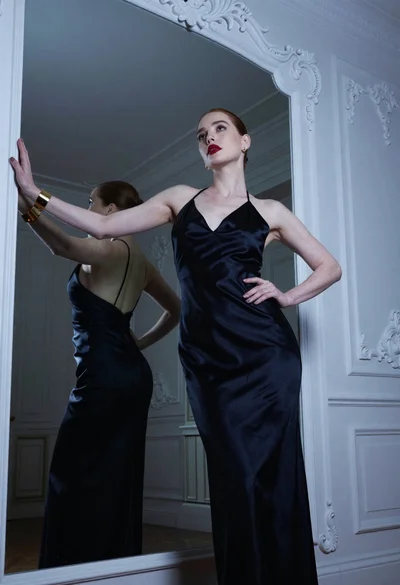
Fair skinned woman in black gown before ornate mirror with blue lighting

Young woman in beige mini dress looking back at camera on subway
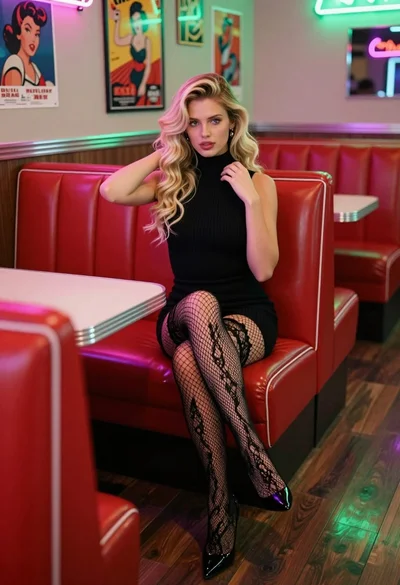
Blonde woman in black dress sitting in a retro diner booth
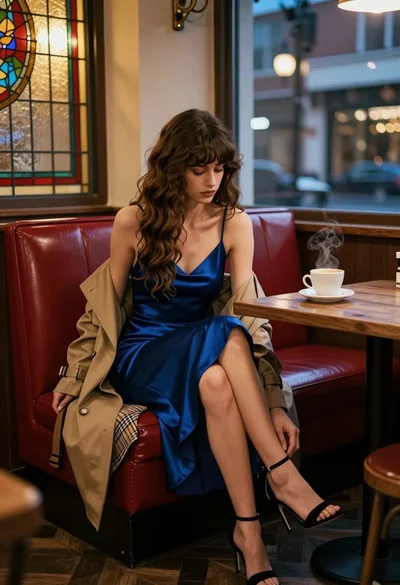
Woman in blue slip dress sitting in dimly lit cafe by stained
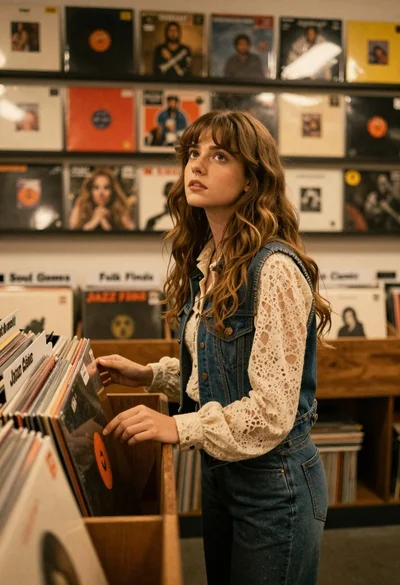
Young woman with brown hair browsing vinyl records in cozy store
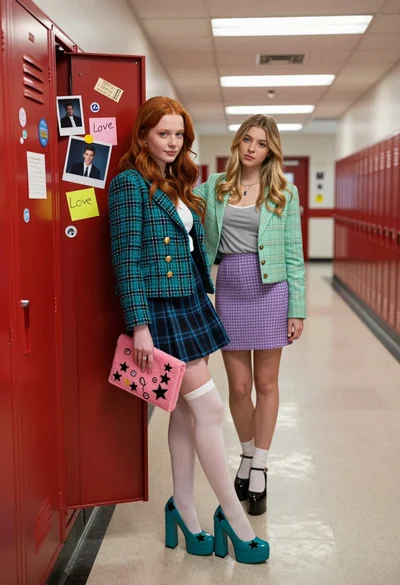
Two young women in school hallway by open red locker filled with