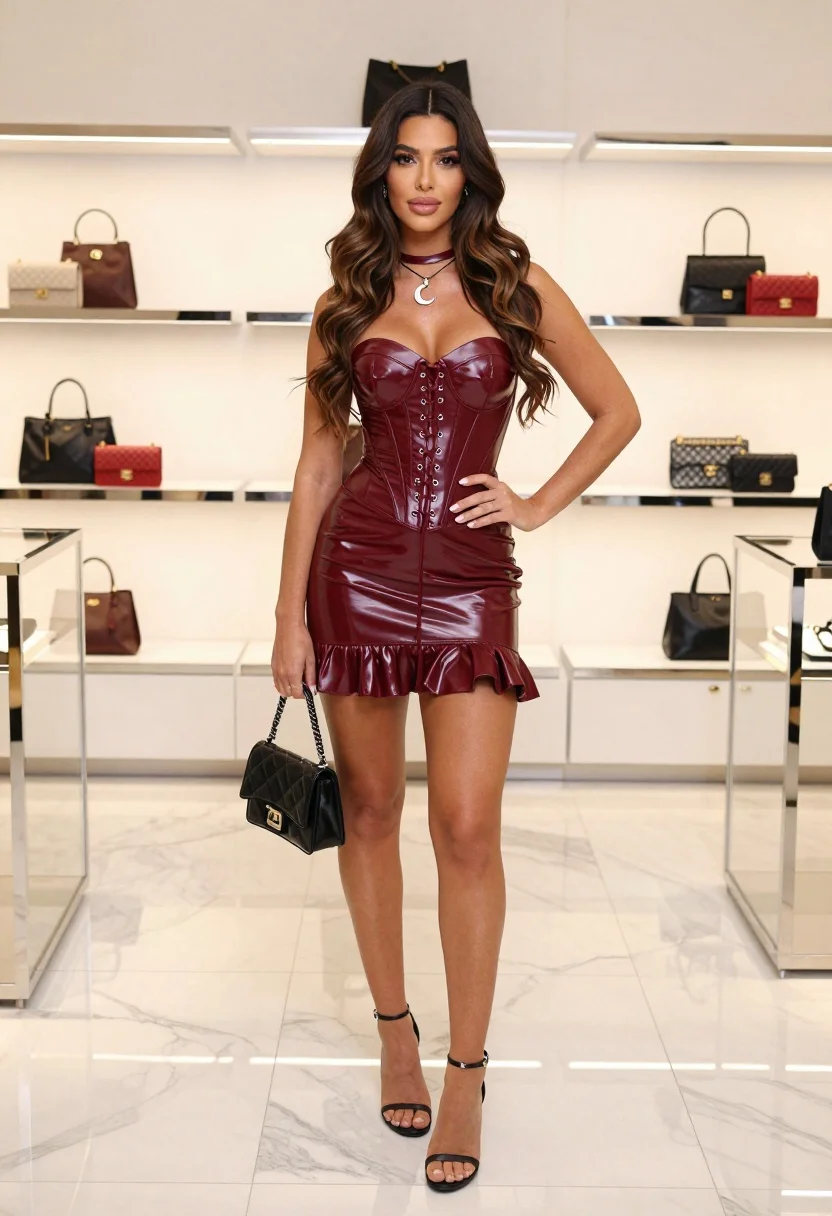
Full body shot of woman in maroon corset dress inside luxury fashion
Prompt
A full-body shot of a woman with long wavy dark brown hair standing confidently in a luxury boutique.

Subject: A young woman with tanned skin and long wavy dark brown hair that cascades over her shoulders, featuring a confident facial expression and direct gaze.

Clothing: She wears a glossy maroon patent leather corset mini dress with a sweetheart neckline, front lace-up detailing with silver eyelets, and a ruffled hemline, accessorized with a matching choker necklace and a crescent moon pendant.

Action: She stands with her left hand on her hip and her right hand holding a small black handbag by her side, looking directly at the camera.

Environment: The setting is an upscale fashion store or boutique with white marble flooring and tall glass display shelves in the background filled with luxury handbags.

Camera: Full-length vertical framing capturing the entire figure from head to toe with a straight-on eye-level angle.

Lighting: Bright, soft studio lighting illuminates the scene evenly, highlighting the glossy texture of the dress and creating subtle reflections on the marble floor.

Objects: A small black patent leather handbag with a silver chain strap held in her right hand.

Style Details: High-fashion editorial photography style with sharp focus, vibrant colors, and a polished commercial aesthetic.
Description
This prompt is useful for creating high-end e-commerce lookbooks, magazine feature spreads, and virtual showroom visualizations. The combination of 'glossy maroon patent leather' against the 'white marble flooring' ensures that the dress material catches light dramatically, while the 'straight-on eye-level angle' provides an authoritative view suitable for showcasing both the garment structure and the subject's confidence.
Suggestions
- Change 'glossy maroon patent leather' to 'matte velvet' for a softer editorial feel.
- Add 'rim lighting from above' to accentuate the hair texture.
- Swap 'small black handbag' for 'structured clutch bag' to change the prop's formality.
Category
Tags
Brown SkinFemaleFull BodyIndoorsPortrait ShotRealisticStudio
Date added
July 3, 2026
Added by
PromptDexter Team
Related Prompts
More prompts with similar categories and tags.
Black woman in olive coat with cat in studio
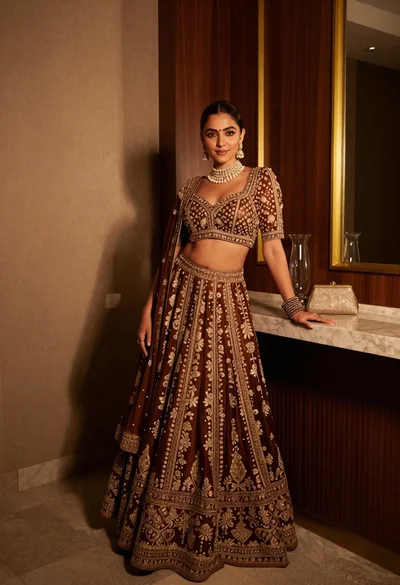
Poised woman in ornate lehenga choli against dark wood paneling interior
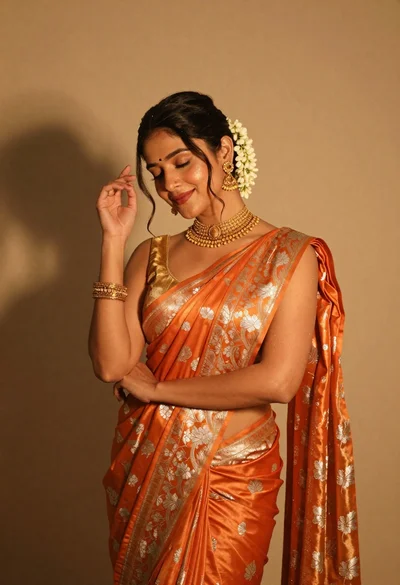
Elegant woman in orange silk saree posing against a beige studio wall
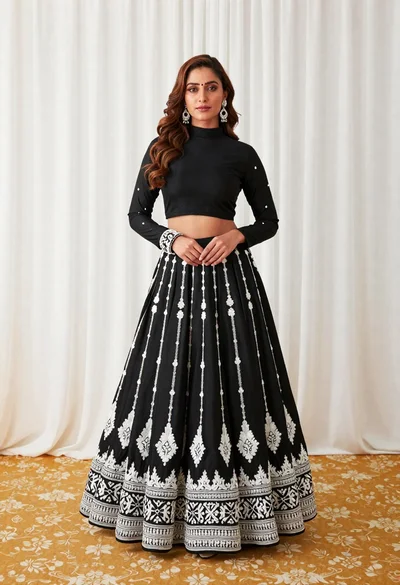
Full length portrait of woman in black traditional outfit indoors
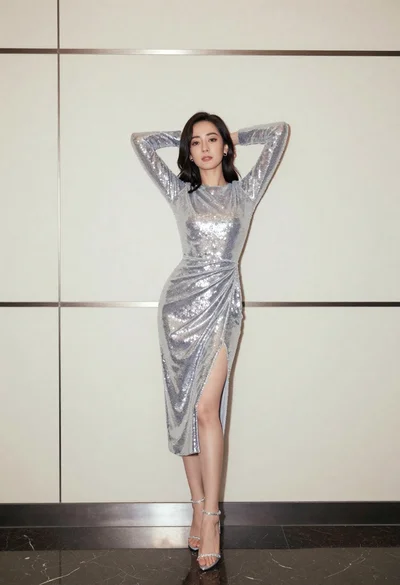
Full body portrait of woman in silver sequin dress against modern paneling
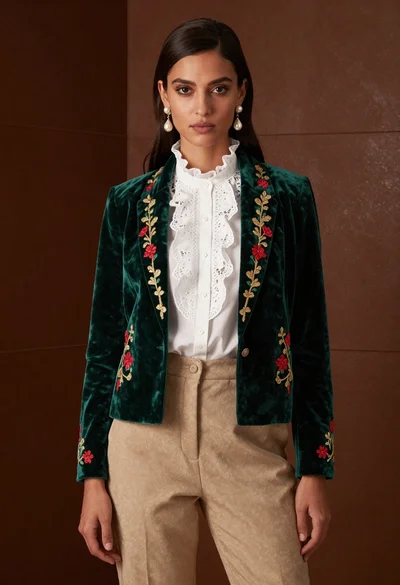
Woman in emerald jacket against deep brown backdrop
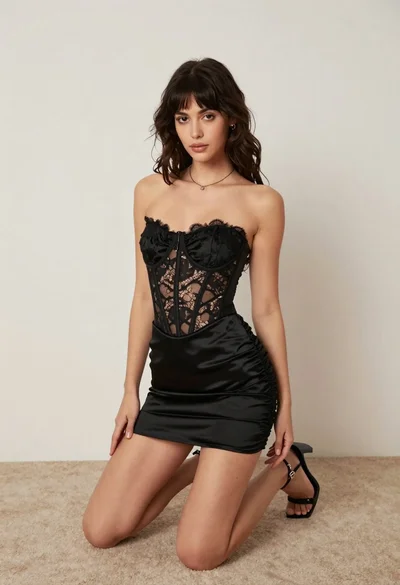
Woman kneeling on carpeted floor in black strapless mini dress
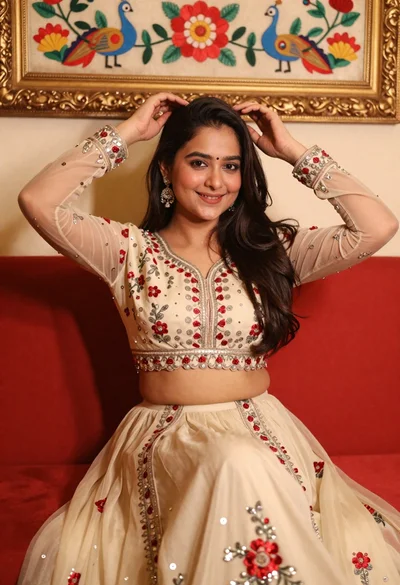
Young woman in cream lehenga choli sitting on red sofa
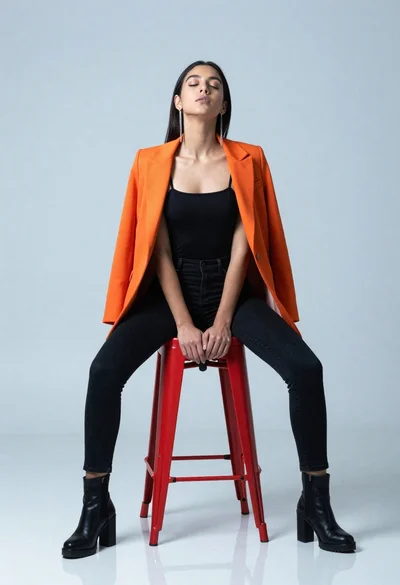
Woman in black outfit seated on red metal stool
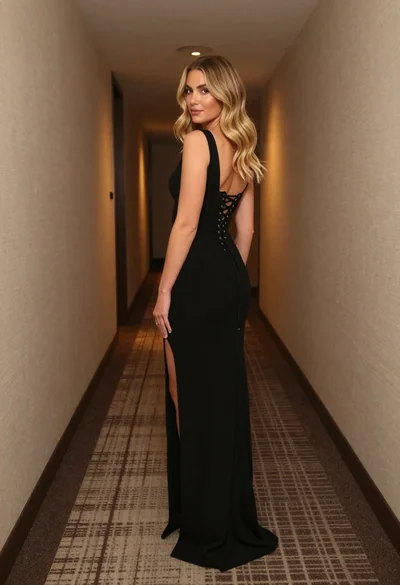
Blonde woman in black gown standing in narrow beige hallway