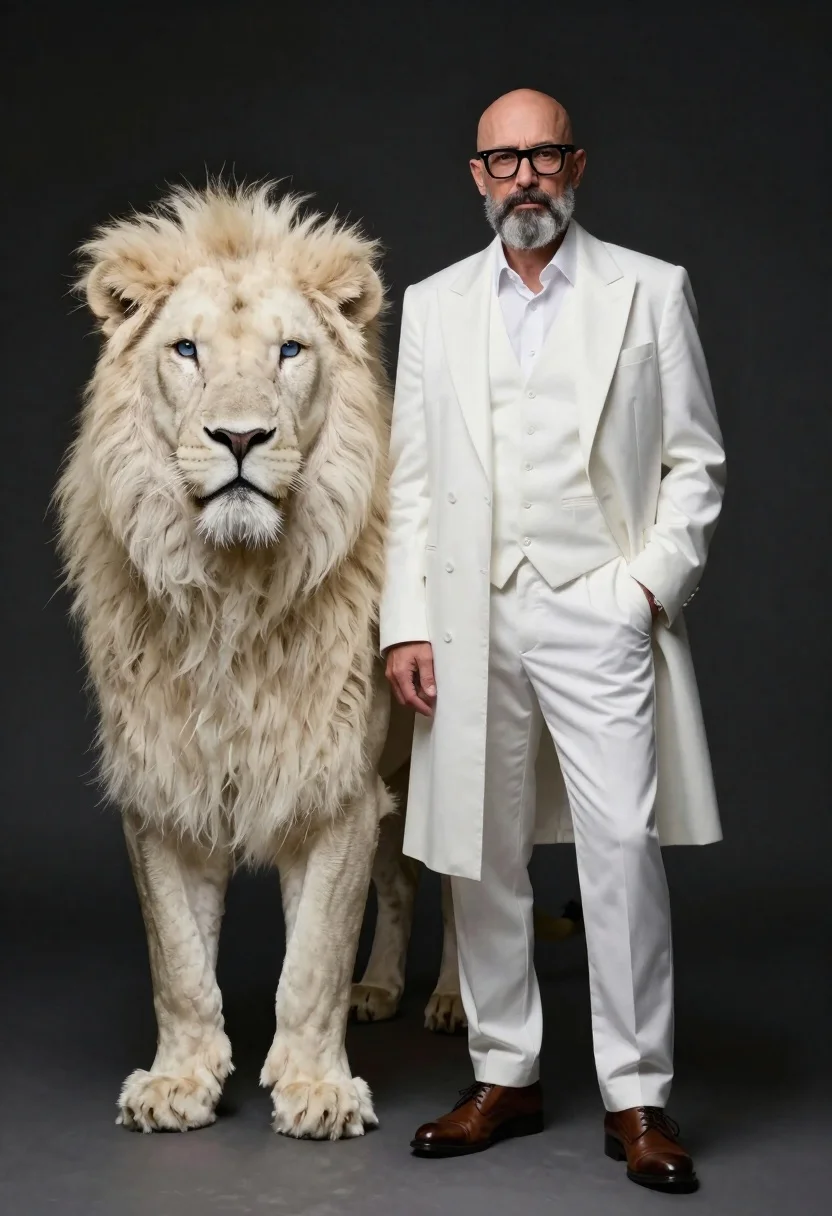
Man in white coat standing with white lion studio portrait
Prompt
A full-length studio portrait of a bald man with glasses and a gray beard standing confidently next to a majestic white lion on a dark background

Subject: A composed middle-aged man wearing thick-rimmed black glasses, a well-groomed salt-and-pepper beard, short-cropped hair, and looking directly at the camera.

Other Subjects: A large male white lion with striking blue eyes standing alertly beside him, facing forward.

Clothing: The man is dressed in an elegant all-white ensemble consisting of a long satin-style overcoat, matching vest, trousers, dress shirt tucked in, and polished leather shoes; he has one hand casually placed in his pocket while the other rests by his side.

Lighting: Dramatic studio lighting highlights both figures against a dark background, creating strong contrast that emphasizes their forms and textures with soft shadows falling on the floor.

Camera: Shot from a straight-on medium-full angle capturing full body poses of both subjects, likely using an 85mm portrait lens for natural depth-of-field focus.
Description
This prompt is useful for creating conceptual editorial spreads, character concept art for film, and high-end advertising campaigns requiring symbolic pairings. The combination of 'dramatic studio lighting' against a 'dark background' ensures that the bright white coat and the lion's fur achieve maximum contrast, preventing the subjects from blending into an undifferentiated void while the '85mm portrait lens' keeps the focus tightly on their interaction.
Suggestions
- Change 'all-white ensemble' to include 'subtle gold embroidery' for more luxury.
- Swap 'dark background' for 'deep emerald velvet' to add color contrast.
- Adjust 'thick-rimmed black glasses' to 'round tortoiseshell glasses' for a different intellectual feel.
Category
Tags
AnimalsFull BodyGray HairMalePortrait ShotRealisticStudio
Date added
June 19, 2026
Added by
PromptDexter Team
Related Prompts
More prompts with similar categories and tags.
Full length black and white portrait of woman with two dalmatian dogs
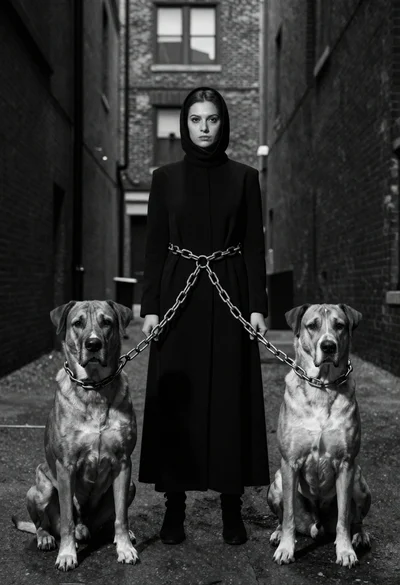
Woman between two large dogs in an urban alleyway
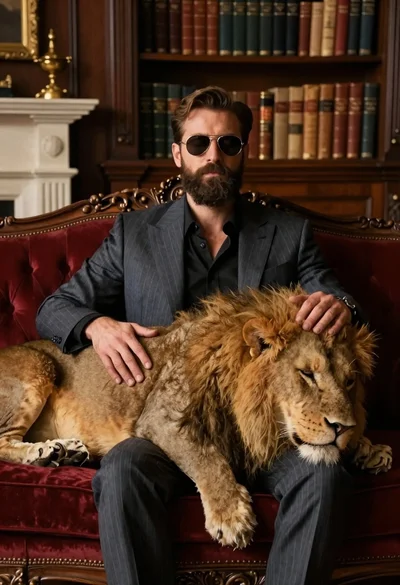
Man in suit resting with lion on red velvet couch
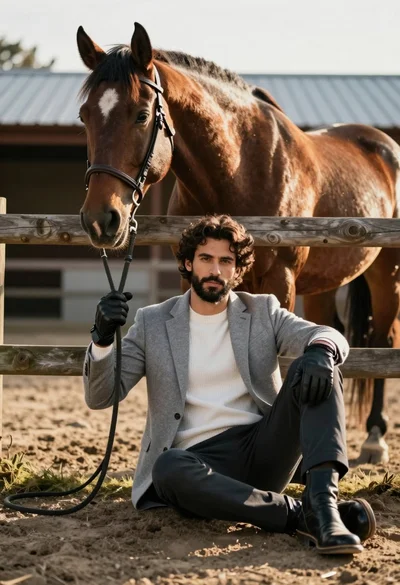
Handsome man with dark curly hair holding reins of large brown horse
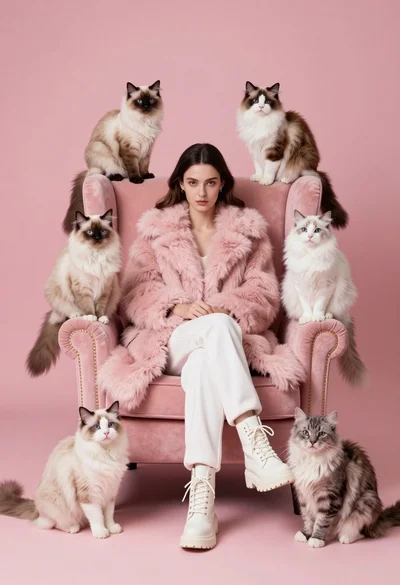
Woman in pink fur coat surrounded by six fluffy cats on pink
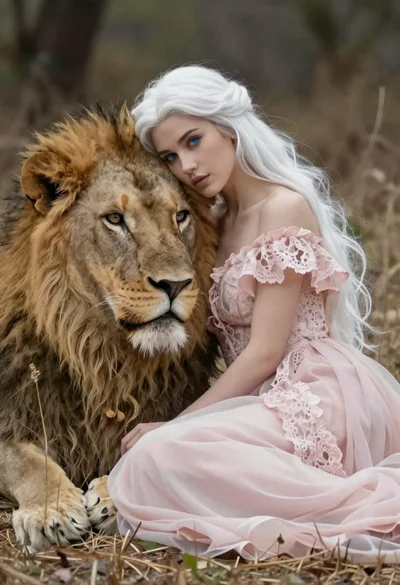
Woman leaning against a lion with white hair

Young woman with dog sitting on green grass in a garden setting
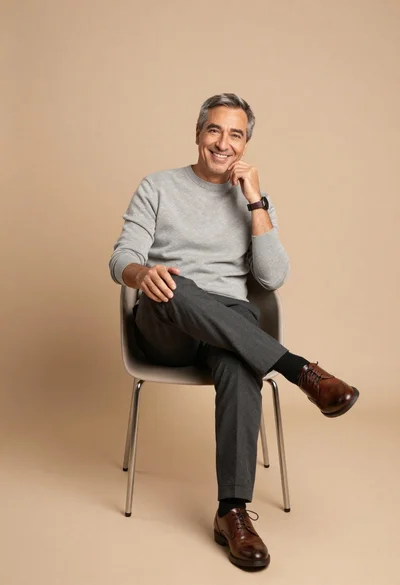
Smiling middle aged man seated against beige background