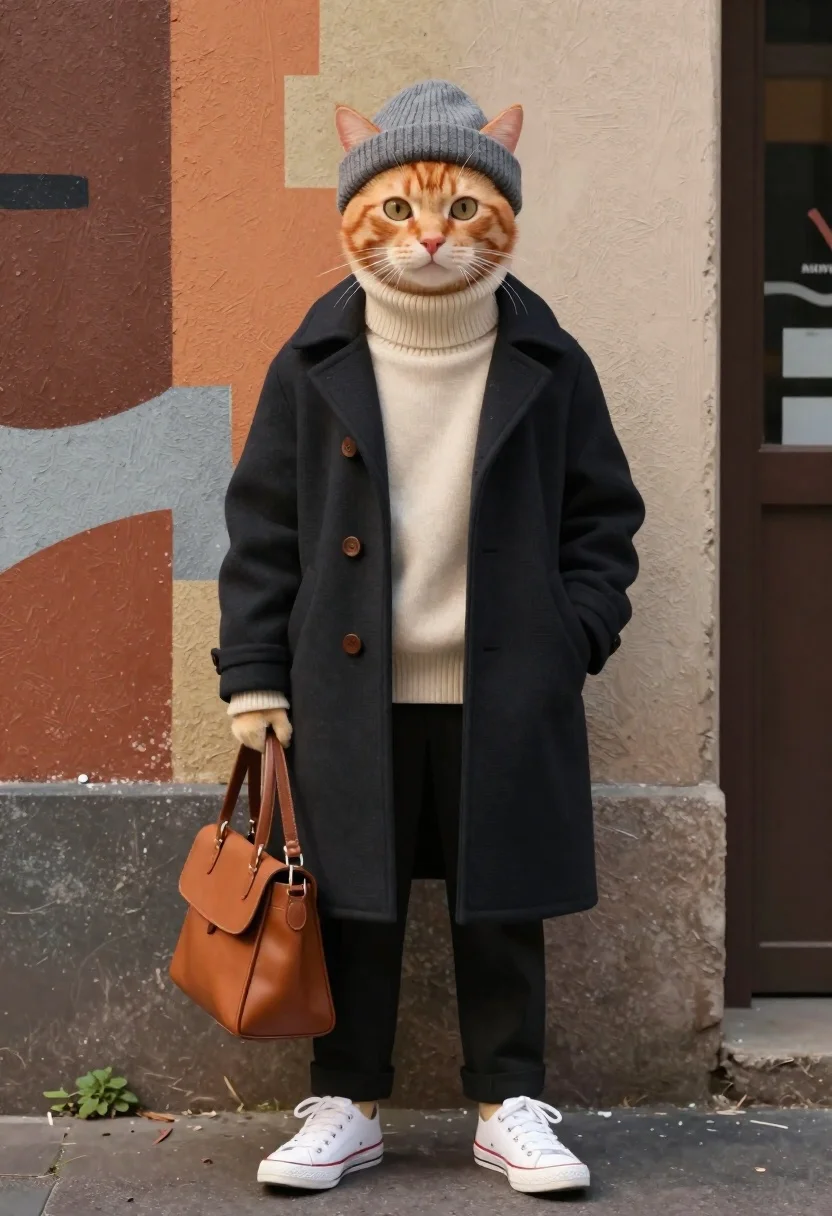
Ginger cat in winter streetwear against textured urban wall
Prompt
Medium and scene: A full-body portrait of an anthropomorphic ginger cat styled in fashionable winter streetwear against a textured wall background.

Subject: An orange tabby cat with large expressive eyes, wearing a gray knitted beanie that sits snugly on its head; ears peek out from the hat rim.

Clothing: Layered outfit including a cream-colored turtleneck sweater under a long dark pea coat with wooden buttons; black trousers tucked into white low-top sneakers; carrying a tan leather shoulder bag in one hand.

Action: Standing upright, hands casually placed inside pockets of the coat, head slightly tilted forward as if looking at something off-frame; relaxed and composed posture.

Environment: Urban alleyway or street corner backdrop with abstract painted shapes on walls warm browns, oranges, grays with hints of graffiti-style brushwork behind the figure.

Lighting: Soft ambient lighting from above and front-left casting gentle shadows beneath feet and along coat folds; warm tones enhance mood without harsh contrast.

Style Details: Hyper-realistic fur texture mixed with semi-stylized fashion illustration aesthetic clean lines, rich colors, high detail on fabric textures like wool knit and leather grain.
Description
This prompt is useful for creating character concept art for animated features, editorial pet photography spreads, and narrative scene illustrations. The combination of 'hyper-realistic fur texture' with the 'semi-stylized fashion illustration aesthetic' allows the model to render believable animal anatomy while maintaining clean lines suitable for commercial or storybook applications, further supported by the soft ambient lighting that prevents harsh shadows on the coat folds.
Suggestions
- Change 'gray knitted beanie' to 'navy knit beanie' for a more cohesive color palette.
- Swap 'tan leather shoulder bag' for 'black crossbody bag' to match the trousers.
- Adjust 'abstract painted shapes' to 'brickwork with peeling paint' for a grittier feel.
Category
Tags
AlleyAnimalsFull BodyRealisticStreetwearUrban
Date added
June 19, 2026
Added by
PromptDexter Team
Related Prompts
More prompts with similar categories and tags.
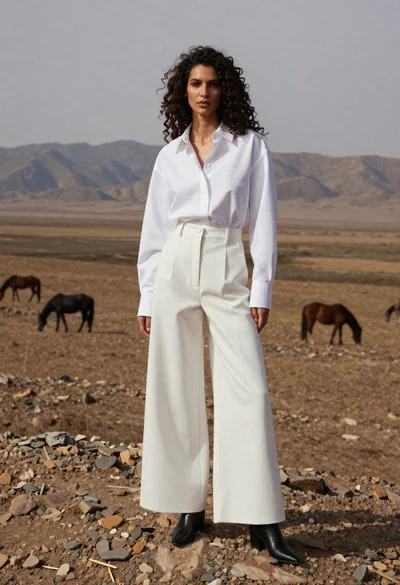
Woman in white shirt on rocky steppe with horses
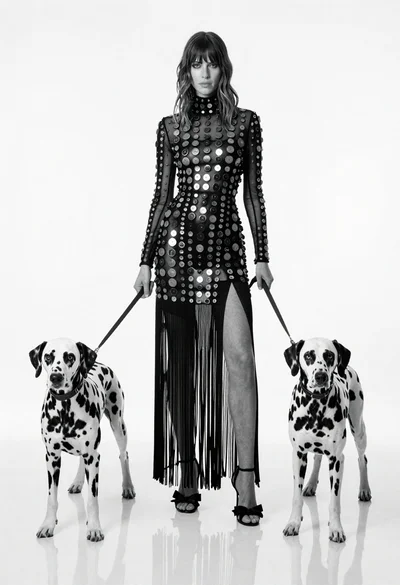
Full length black and white portrait of woman with two dalmatian dogs
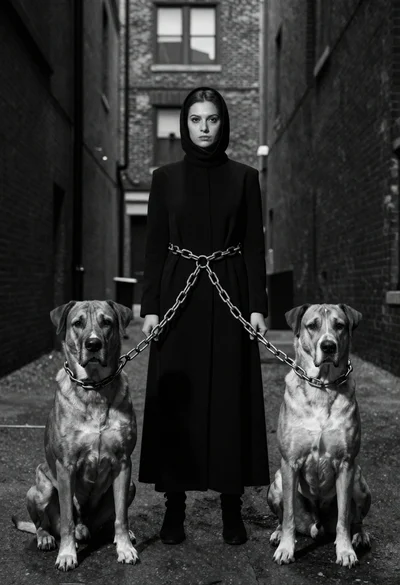
Woman between two large dogs in an urban alleyway

Young woman in white lehenga sitting with beagle dog in studio setting
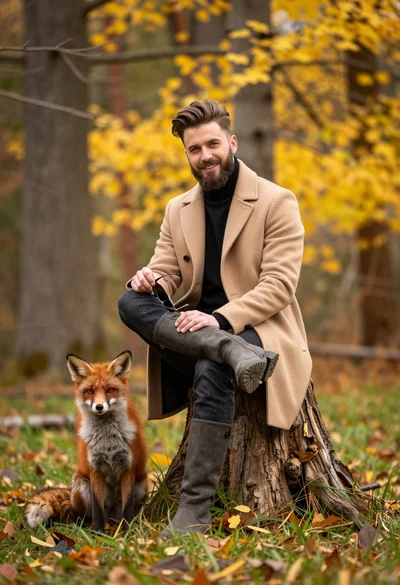
Man in beige coat and boots sitting by red fox in autumn
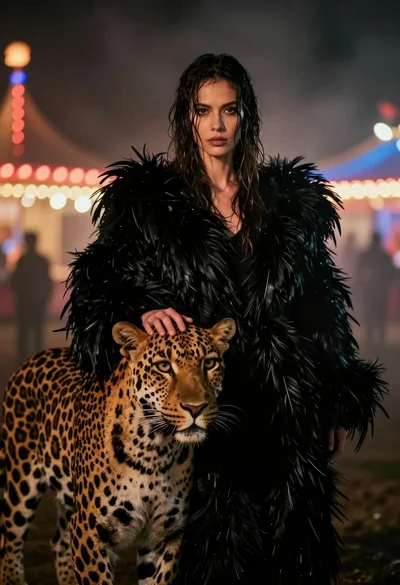
Woman with leopard in feathered coat against misty carnival lights at night
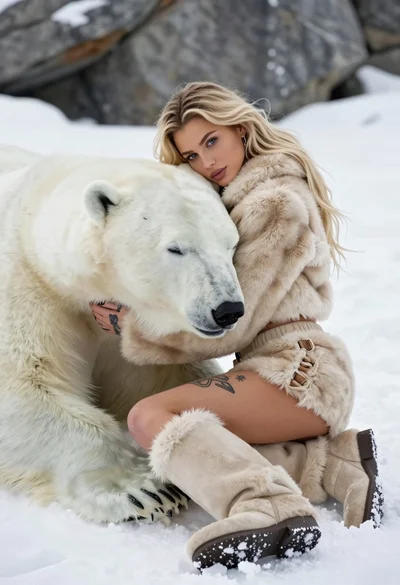
Blonde woman in beige fur suit cuddling a sleeping polar bear on
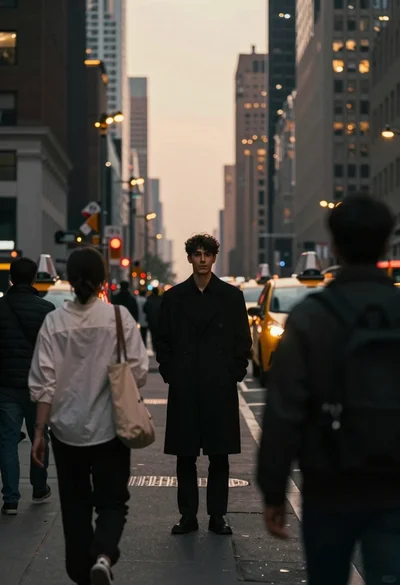
Young man on city street at hazy dusk