

Glamorous blonde woman smiling in yellow animal print dress against white shapes
Prompt
A glamorous woman with long wavy blonde hair smiles warmly at the camera.

Subject: A beautiful woman with voluminous wavy blonde hair featuring darker roots and a center part, wearing heavy eye makeup with dark eyeliner and mascara, glossy lips, and a visible beauty mark on her left cheek.

Clothing: She wears a sleeveless dress with a deep plunging neckline revealing a sheer black underlayer, patterned in yellow and black animal print or abstract designs, accessorized with a thick multi-layered gold necklace and small gold earrings.

Action: The woman stands facing forward with a bright smile, her head slightly tilted to the right, exuding confidence and elegance.

Environment: She stands against a dark background featuring large white geometric shapes that resemble letters from a step-and-repeat banner.

Camera: A medium close-up shot taken at eye level with a shallow depth of field that keeps the subject sharp while blurring the background.

Lighting: Bright, direct flash lighting illuminates her face and hair evenly, creating soft shadows and highlighting the texture of her skin and dress.

Style Details: High-resolution photography with vibrant colors, sharp focus on facial features, and a polished red carpet aesthetic.
Description
This prompt is useful for creating high-end magazine editorials, celebrity portraiture mockups, and fashion campaign visuals requiring immediate impact. The combination of 'bright, direct flash lighting' with the 'yellow and black animal print' ensures that every detail, from the 'dark eyeliner' to the dress pattern, receives sharp illumination, preventing the background shapes from becoming muddy or losing their graphic structure.
Suggestions
- Change 'animal print' to 'geometric abstract' for a more modern feel.
- Swap 'deep plunging neckline' for 'structured bodice' to change the silhouette.
- Adjust 'bright, direct flash lighting' to 'soft box lighting' for less harsh shadows.
Category
Tags
BlondeBrown HairFemalePortrait ShotRealistic
Date added
June 19, 2026
Added by
PromptDexter Team
Related Prompts
More prompts with similar categories and tags.

Smiling blonde woman in black dress at sports illustrated event backdrop
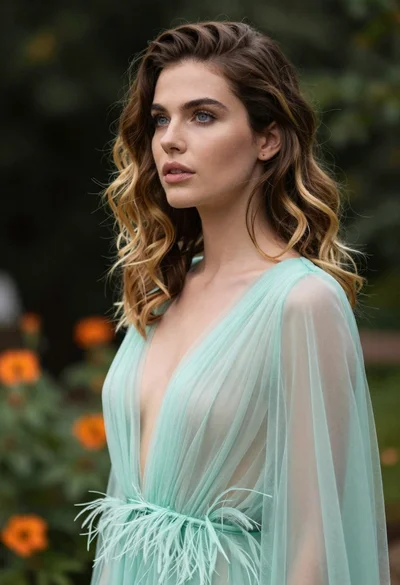
Portrait of woman with brown blonde hair in mint gown garden setting

Blonde woman reading at a cafe table with roses

Smiling blonde woman in black leather outfit at an indoor evening event

Blonde woman in sequined black dress looking back over shoulder
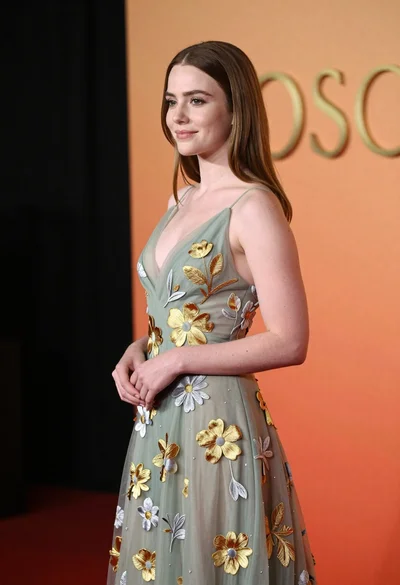
Young woman in sage green embroidered gown against orange backdrop
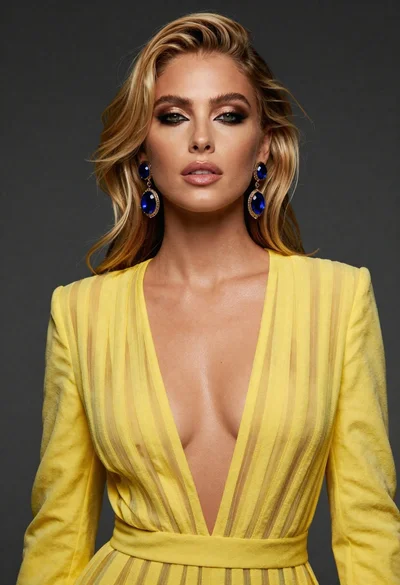
Close up portrait of blonde woman in yellow striped dress against dark

Blonde woman in black coat leaning against white wall by window
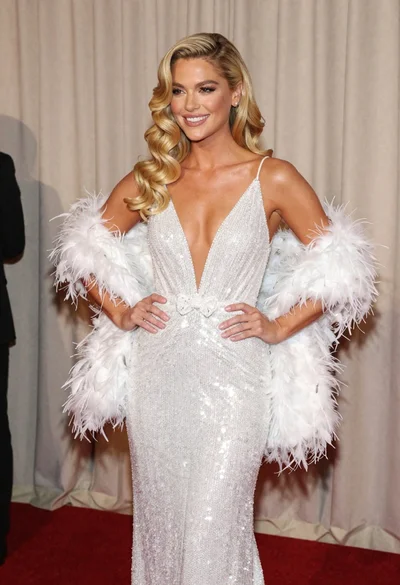
Glamorous blonde woman in white sequin gown holding feather boa indoors

Smiling blonde woman in pink satin dress against dark branded backdrop
