

Glamorous woman crouching in shimmering gold dress inside luxurious room
Prompt
A glamorous woman crouching elegantly in a luxurious interior setting.

Subject: A young woman with light brown hair styled in an elegant updo, featuring soft curls framing her face and dark, expressive eyes gazing directly at the viewer.

Clothing: She wears a shimmering gold mini dress made of sequins or metallic fabric that catches the light, paired with ornate gold strappy platform high heels. Her jewelry includes dangling gold earrings, a necklace, a wide gold cuff bracelet, and rings on her fingers.

Action: The woman is in a deep crouch with one knee raised and her arms resting gently on her legs, displaying a poised and alluring expression with a slight tilt of the head.

Environment: The setting appears to be an upscale indoor space with warm brown walls, a white railing visible behind her, and a patterned carpet underfoot. A decorative wall sconce with glowing lights is mounted in the background.

Lighting: Warm ambient lighting emanates from the wall sconce and reflects off the gold textures of her dress and shoes, creating soft highlights on her skin and casting gentle shadows that enhance the intimate mood.

Camera: The shot is a medium close-up framed to emphasize her pose and expression, with a shallow depth of field that blurs the background slightly to keep focus on the subject.

Style Details: The image features a polished, high-fashion aesthetic with rich golden tones, smooth skin textures, and a cinematic quality typical of professional portrait photography.
Description
This prompt is useful for creating editorial fashion moodboards, luxury advertisement campaigns, and character concept art requiring opulence. The combination of 'shimmering gold mini dress' and 'warm ambient lighting' ensures that the metallic surfaces catch light dramatically, while the 'shallow depth of field' isolates the subject against the patterned carpet, preventing visual competition from the background details.
Suggestions
- Change 'sequins or metallic fabric' to 'liquid gold charmeuse' for a different sheen.
- Swap 'warm brown walls' for 'deep emerald velvet' to shift the color palette.
- Adjust 'medium close-up' to 'full body shot' to better showcase the high heels.
Category
Tags
BrunetteCasual WearFemaleIndoorsMedium ShotRealisticStudio
Date added
June 19, 2026
Added by
PromptDexter Team
Related Prompts
More prompts with similar categories and tags.

Glamorous woman in gold sequin gown holding white cup in modern kitchen
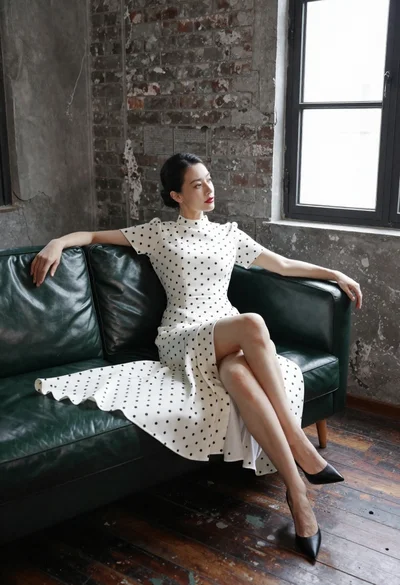
Woman in white polka dot dress seated on green leather sofa

Blonde woman looking back over shoulder against white wall
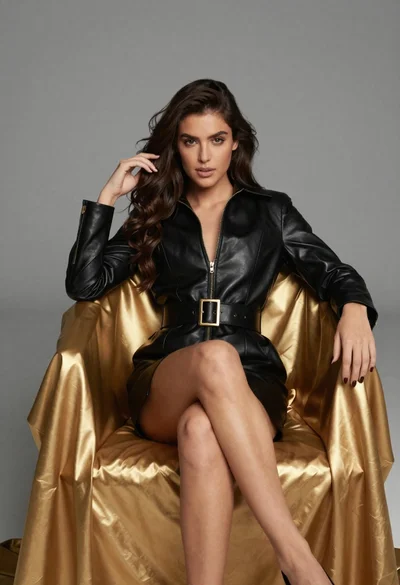
Confident woman in black leather dress sitting on golden chair studio portrait

Poised woman in black blazer sitting on stool against blue gradient background

Woman sitting gracefully indoors wearing yellow skirt and top

Fair skinned woman with red hair in brown satin dress against gray
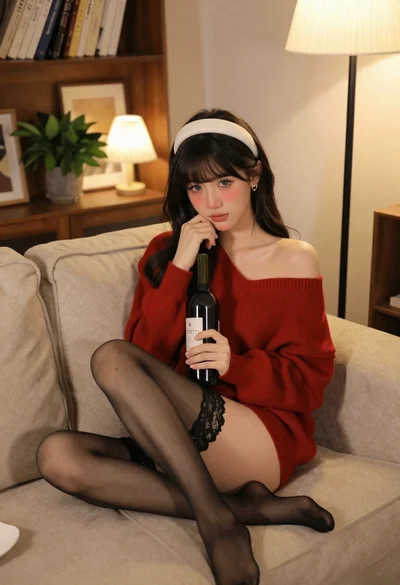
Young woman in red sweater on beige sofa indoors
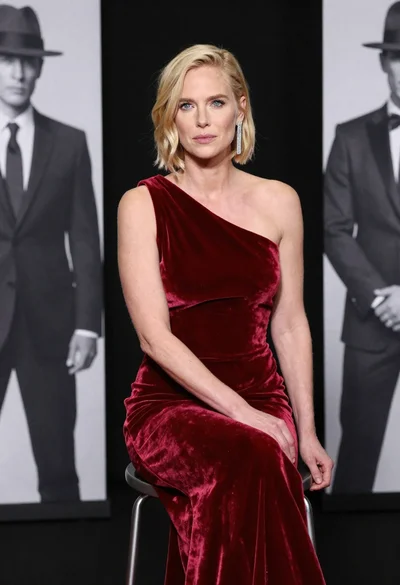
Blonde woman in deep red velvet gown sitting on stool studio portrait

Fair skinned woman in black sequined outfit sitting elegantly indoors
