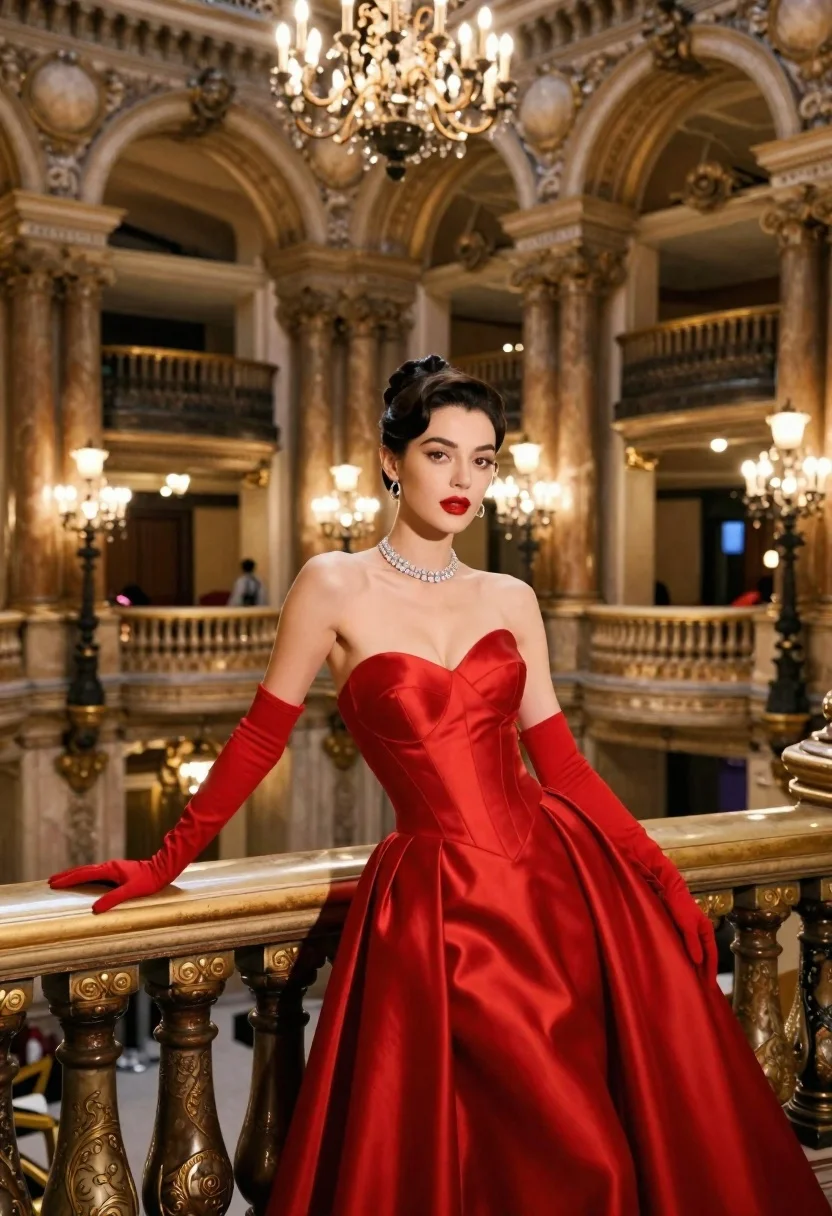
Glamorous woman in red strapless gown stands elegantly on an ornate balcony
Prompt
A glamorous woman in a striking red strapless gown stands elegantly on an ornate balcony inside a grand, historic hall.

Subject: A woman with dark hair styled in a sleek updo, featuring sharp makeup with defined eyebrows and bold red lipstick.

Clothing: She wears a vibrant red satin strapless ballgown with a fitted bodice and a voluminous skirt, paired with matching long red gloves that reach her elbows and a sparkling diamond choker necklace.

Action: She leans casually against the golden balustrade with one hand resting on it while looking directly at the camera with a poised expression.

Environment: The setting is a luxurious interior resembling a palace or opera house, featuring tall marble columns, intricate architectural details, and a multi-level balcony structure in the background.

Camera: The shot is taken from a medium-full angle with a shallow depth of field that keeps the subject sharp while softly blurring the opulent background architecture.

Lighting: The scene is illuminated by warm ambient light from multiple large crystal chandeliers hanging from the ceiling, casting soft highlights on her skin and dress.

Style Details: The image has a cinematic, high-fashion aesthetic with rich color saturation and a polished, elegant atmosphere reminiscent of classic Hollywood glamour photography.
Description
This prompt is useful for creating editorial fashion editorials, historical costume concept art, and luxury brand advertising campaigns. The combination of 'vibrant red satin' against the 'marble columns' and 'golden balustrade' establishes a rich, saturated palette that anchors the subject within an opulent setting, while the 'shallow depth of field' ensures the viewer's focus remains squarely on the woman's poised expression.
Suggestions
- Change 'red strapless gown' to 'emerald velvet ballgown' for a different color story.
- Replace 'crystal chandeliers' with 'single spotlight beam' to create more dramatic shadows.
- Adjust 'medium-full angle' to 'full body shot' to better showcase the voluminous skirt.
Category
Tags
FemaleFormal WearFull BodyIndoorsPortrait ShotRealistic
Date added
June 23, 2026
Added by
PromptDexter Team
Related Prompts
More prompts with similar categories and tags.

Full length shot of woman in dusty pink lace gown at indoor
Glamorous blonde woman in black lace gown seated on vintage chaise lounge
Glamorous woman in burgundy gown standing in an elegant palace hall
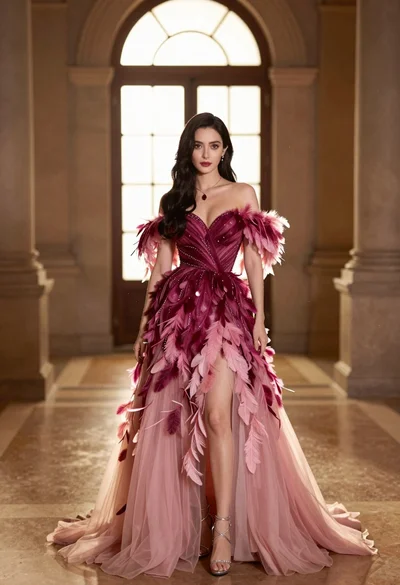
Woman in magenta gown standing in grand hall with arched windows
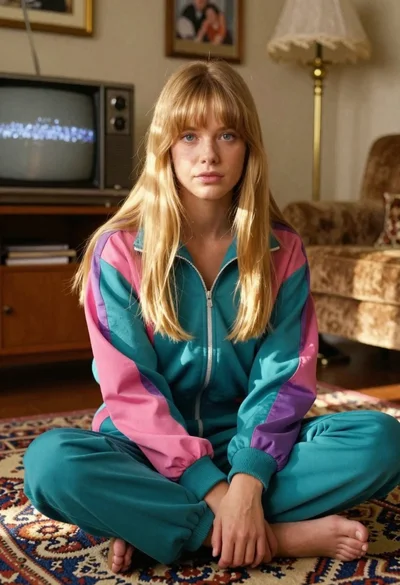
Young blonde woman in retro tracksuit sitting crosslegged on carpet in vintage
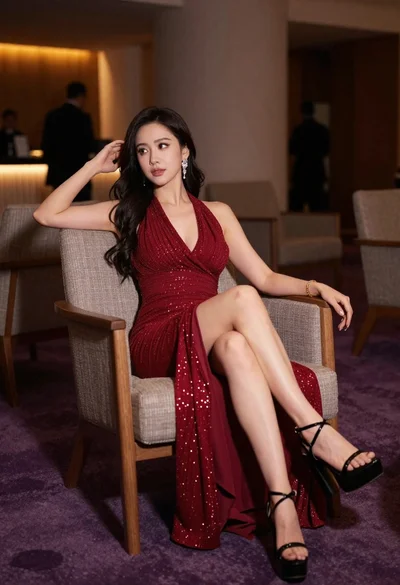
Elegant woman in deep red gown sitting in modern lounge chair indoors

Woman seated on mid century chair wearing beige suit

Woman posing indoors in an embellished gown against sheer curtains