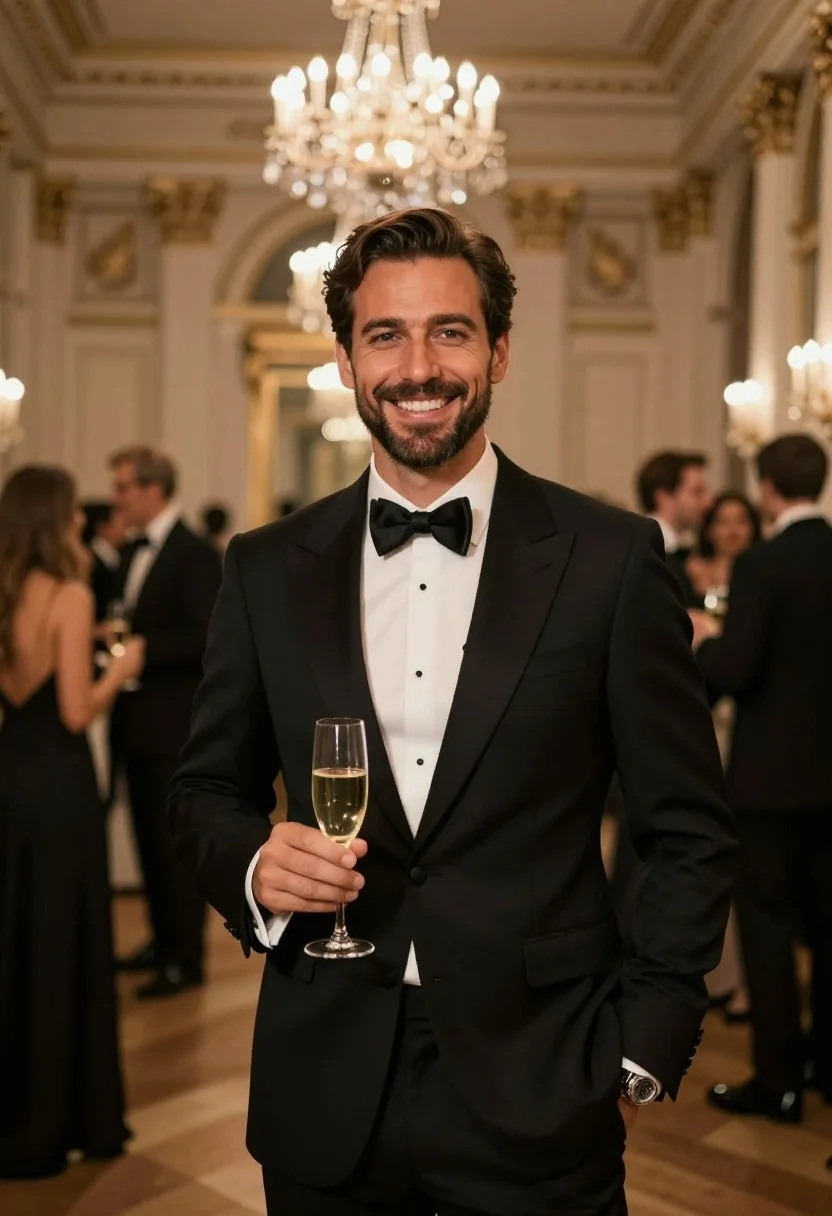
Handsome man in black tuxedo smiling holding champagne in elegant ballroom setting
Prompt
A handsome man in a formal black tuxedo smiles warmly at the camera while holding a glass of champagne.

Subject: A well-groomed man with dark hair styled back and a short beard, featuring warm skin tones and bright eyes.

Clothing: He wears a classic black tuxedo jacket over a crisp white dress shirt, paired with a black bow tie and a silver wristwatch on his left wrist.

Action: He stands facing forward with a relaxed posture, holding a champagne flute in his right hand near his waist.

Environment: The setting is an elegant ballroom or grand hall with high ceilings, ornate architectural details, and blurred guests mingling in the background.

Lighting: Warm ambient lighting creates a soft glow, highlighted by large crystal chandeliers hanging from the ceiling and bokeh lights in the distance.

Camera: Shot with a shallow depth of field that keeps the subject sharp while blurring the background to emphasize focus on the man.

Style Details: The image has a cinematic, high-end photography aesthetic with rich colors, smooth textures, and a polished, sophisticated mood.
Description
This prompt is useful for creating luxury event advertising, formal portraiture for corporate annual reports, and cinematic movie stills depicting celebration. The combination of 'warm ambient lighting' emanating from 'large crystal chandeliers' ensures the subject remains the focal point by providing controlled highlights that contrast against the softly blurred background bokeh lights.
Suggestions
- Change 'black tuxedo jacket' to 'midnight blue velvet tuxedo jacket' for a richer color pop.
- Add 'rim light catching the champagne flute' to emphasize the object.
- Modify 'ornate architectural details' to include 'marble columns' for more specific texture.
Category
Tags
Brown SkinFormal WearFull BodyIndoorsMaleMedium ShotPortrait ShotRealistic
Date added
July 3, 2026
Added by
PromptDexter Team
Related Prompts
More prompts with similar categories and tags.
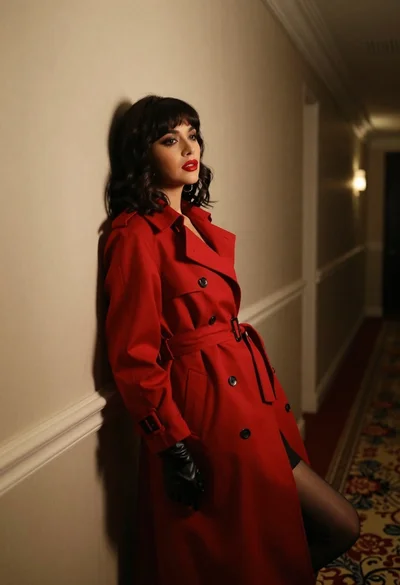
Woman in red trench coat leaning against hallway wall cinematic portrait
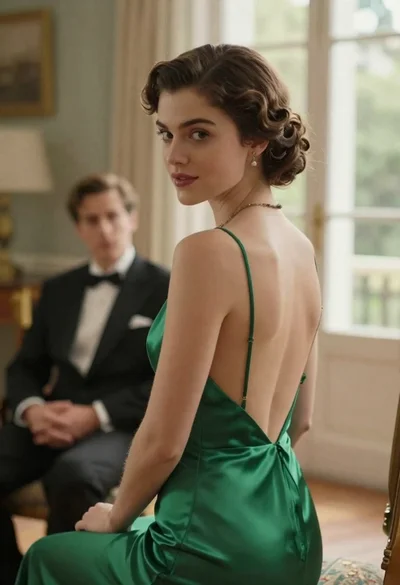
Woman in green dress looking over shoulder in bright ballroom setting

Woman in green satin slip dress standing in sunlit elegant interior room
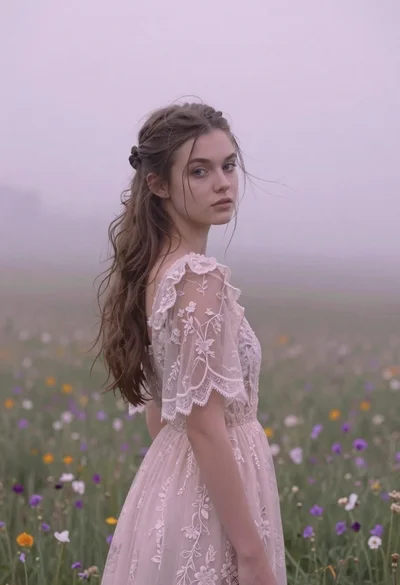
Young woman in pink lace gown standing in misty wildflower field
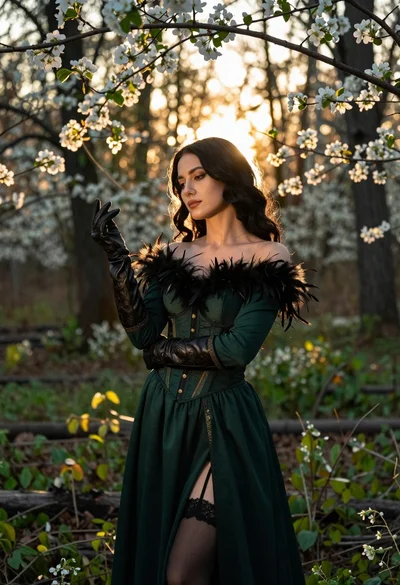
Woman in green gown stands in sunlit forest with blooming trees
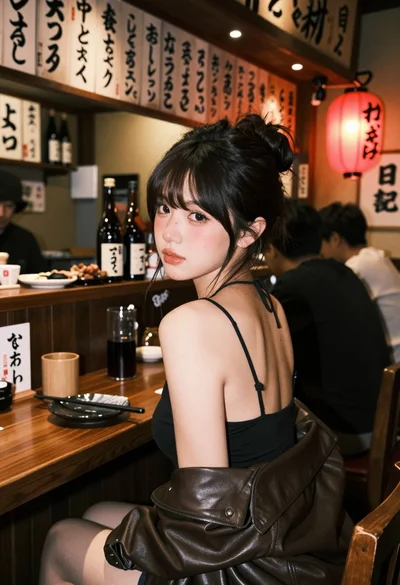
Young woman at wooden counter in dimly lit japanese izakaya bar setting
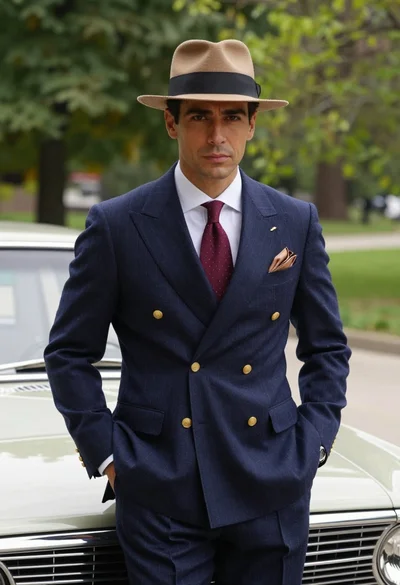
Confident man in vintage suit leaning on classic car in lush park
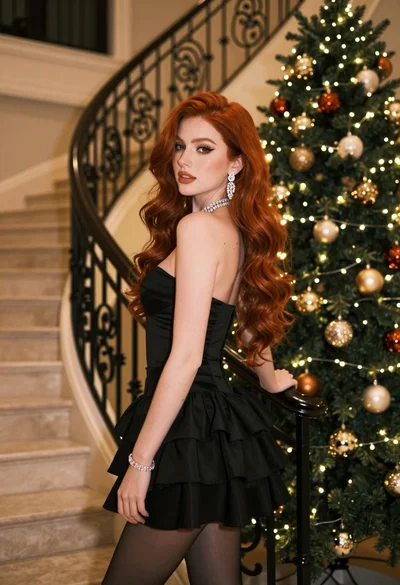
Glamorous woman in black mini dress near decorated christmas tree staircase
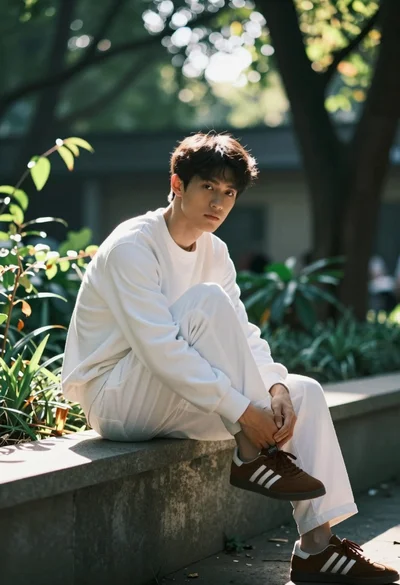
Young man sitting on concrete ledge in sundappled garden setting
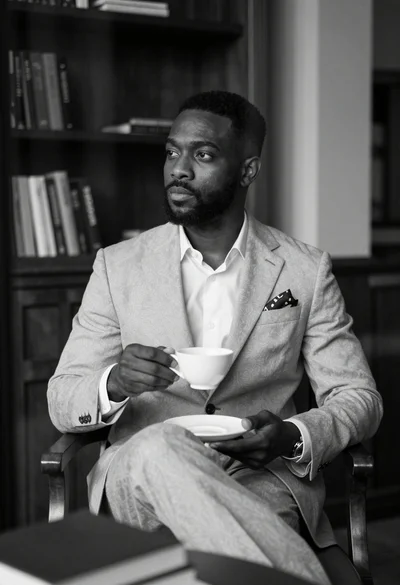
Contemplative black man in light suit holding teacup in dimly lit room