Woman in green dress looking over shoulder in bright ballroom setting
Prompt
A woman in a green backless dress turns her head to look over her shoulder with a soft expression.

Subject: A young woman with brown hair styled in an elegant updo featuring soft curls at the nape of her neck, fair skin, and defined facial features.

Clothing: She wears a vibrant emerald green satin slip dress with thin spaghetti straps and a deep open back that reveals her entire spine.

Action: The subject is captured from behind but has turned her head to look over her left shoulder directly at the viewer with a calm, slightly parted-lip expression.
Second

Subject: A blurry man in formal wear wearing a black tuxedo with a white shirt and bow tie sits in the background looking forward.

Environment: An indoor setting resembling a bright dining room or ballroom with large windows letting in natural light and hints of greenery outside.

Lighting: Soft, diffused natural daylight illuminates the scene from the right side, casting gentle highlights on her skin and creating a warm, cinematic atmosphere.

Camera: Medium shot focusing on the subject's back and profile with a shallow depth of field that keeps the background man out of focus.

Style Details: Cinematic film photography aesthetic with rich color saturation, soft grain, and a nostalgic period drama look.
Description
This prompt is useful for creating vintage cinematic stills, formal event portraits, and editorial fashion spreads evoking classic Hollywood glamour. The combination of 'vibrant emerald green satin slip dress' against the backdrop illuminated by 'soft, diffused natural daylight' ensures the subject remains the focal point while the shallow depth of field blurs the background man, preventing visual competition with the primary portrait.
Suggestions
- Change 'emerald green satin slip dress' to 'deep sapphire velvet gown' for a richer color.
- Add 'anamorphic lens flare' to enhance the cinematic quality.
- Adjust 'soft expression' to 'knowing smirk' for more dramatic impact.
Category
Tags
Brown HairBrunetteFair SkinFemaleFormal WearIndoorsMedium ShotRealistic
Date added
June 19, 2026
Added by
PromptDexter Team
Related Prompts
More prompts with similar categories and tags.
Young woman in elaborate ballgown on grand marble staircase interior
Confident man in vintage suit leaning on classic car in lush park
Glamorous woman in black mini dress near decorated christmas tree staircase
Young blonde woman in white lace dress standing in blue doorway
Fair blonde woman in red dress and floral jacket indoors
Woman in red trench coat leaning against hallway wall cinematic portrait

Blonde woman in teal slip dress leaning on elevator handrail
Young woman in blue velvet dress with candelabra in dimly lit room
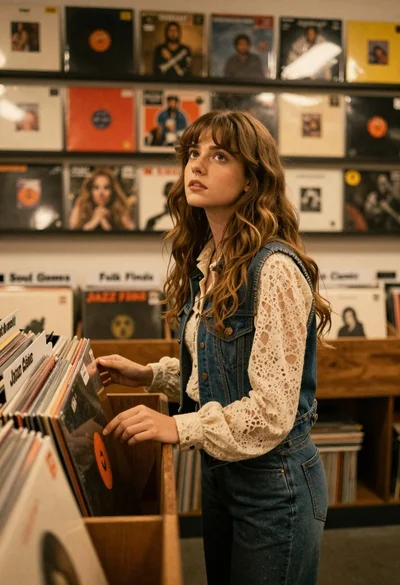
Young woman with brown hair browsing vinyl records in cozy store
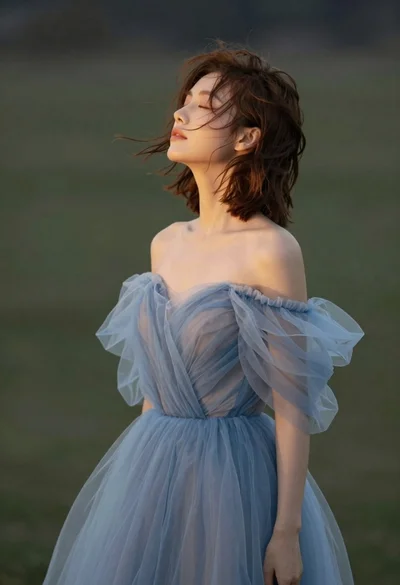
Young woman in blue tulle gown standing with eyes closed in wind