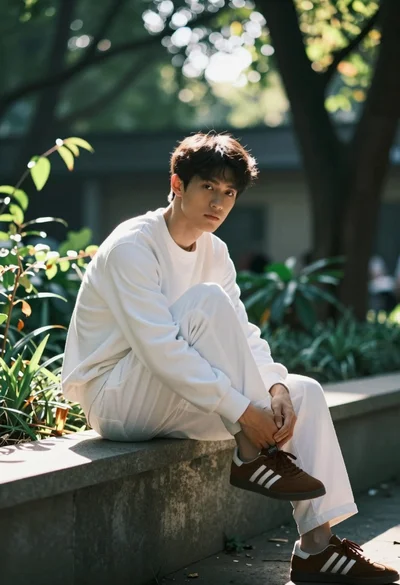
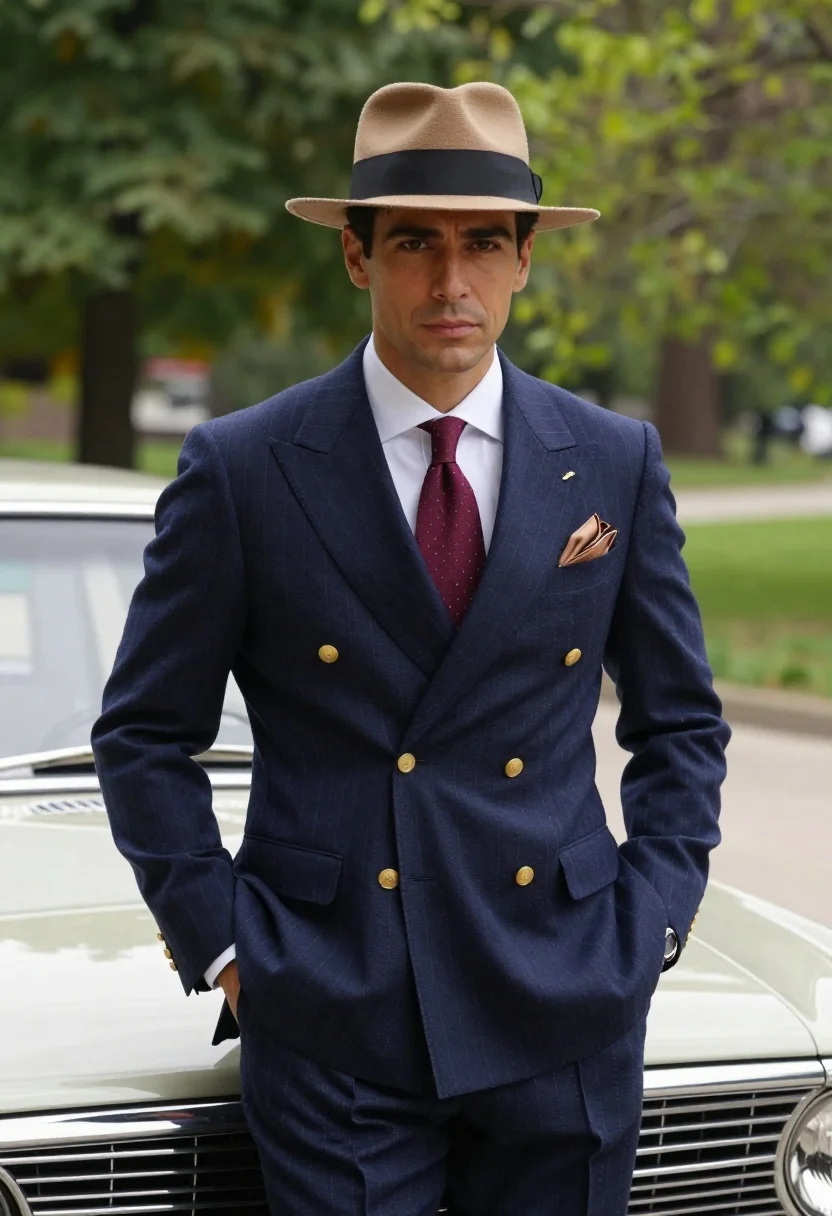
Confident man in vintage suit leaning on classic car in lush park
Prompt
A confident man in a vintage setting stands leaning against a classic car with a soft-focus natural background.

Subject: A well-groomed man with dark hair and a calm, direct gaze looking at the camera.

Clothing: He wears a navy blue pinstripe double-breasted suit jacket with gold buttons, a white collared shirt, a patterned burgundy tie, and a tan pocket square. He also wears a tan fedora hat with a black band and a silver wristwatch on his left wrist.

Action: He stands with both hands casually tucked into his trouser pockets, leaning slightly against the car hood.

Environment: The background consists of lush green trees and foliage, suggesting a park or garden setting during the day.

Camera: A medium shot framed from the waist up, utilizing a shallow depth of field to blur the background while keeping the subject sharp.

Lighting: Soft, natural daylight illuminates the scene evenly, creating gentle highlights on the car and the man's face without harsh shadows.

Style Details: The image features a cinematic color palette with rich tones, high-definition realism, and smooth textures reminiscent of a high-end fashion editorial photograph.
Description
This prompt is useful for creating vintage menswear editorials, automotive lifestyle advertising, and sophisticated portraiture for luxury brands. The combination of 'navy blue pinstripe double-breasted suit jacket' against the 'lush green trees and foliage' grounds the subject in a specific time and place, while the 'shallow depth of field' ensures that the viewer's focus remains entirely on the man's confident posture and the car's details rather than getting lost in background clutter.
Suggestions
- Change 'navy blue pinstripe double-breasted suit jacket' to 'charcoal tweed blazer' for a different texture.
- Swap 'classic car' for '1950s Cadillac Eldorado' to specify the vehicle type.
- Adjust 'Soft, natural daylight' to 'late afternoon sunbeams' for more dramatic contrast.
Category
Tags
Brown HairFormal WearMaleMedium ShotOutdoorsRealistic
Date added
July 3, 2026
Added by
PromptDexter Team
Related Prompts
More prompts with similar categories and tags.
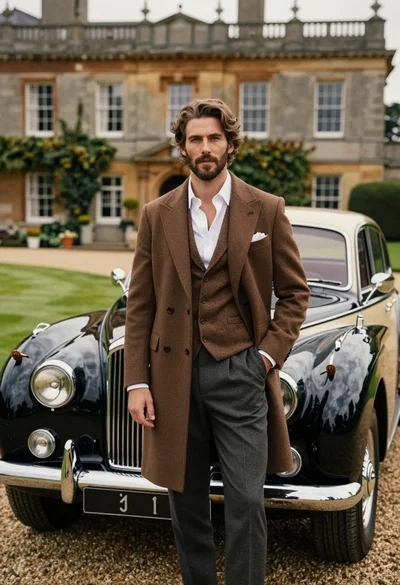
Handsome man in brown overcoat standing by vintage luxury car near manor

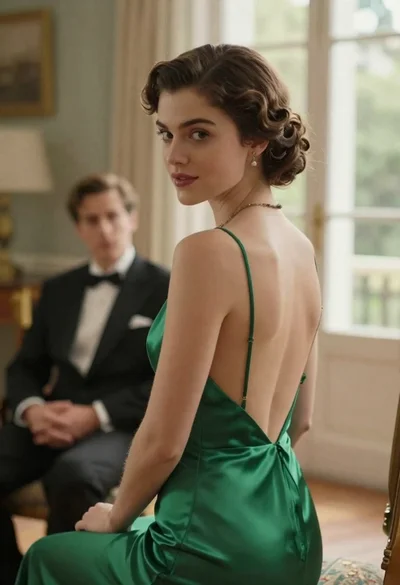
Woman in green satin slip dress standing in sunlit elegant interior room

Young man in leather jacket standing on wet city sidewalk at night
Young woman in blue tulle gown standing with eyes closed in wind
Young woman in pink lace gown standing in misty wildflower field
Woman in green gown stands in sunlit forest with blooming trees
Handsome man in black tuxedo smiling holding champagne in elegant ballroom setting
Young woman in red sweatshirt standing on blurred city street at night

Young woman in traditional embroidered attire standing in a lush green meadow
Young woman in elaborate ballgown on grand marble staircase interior