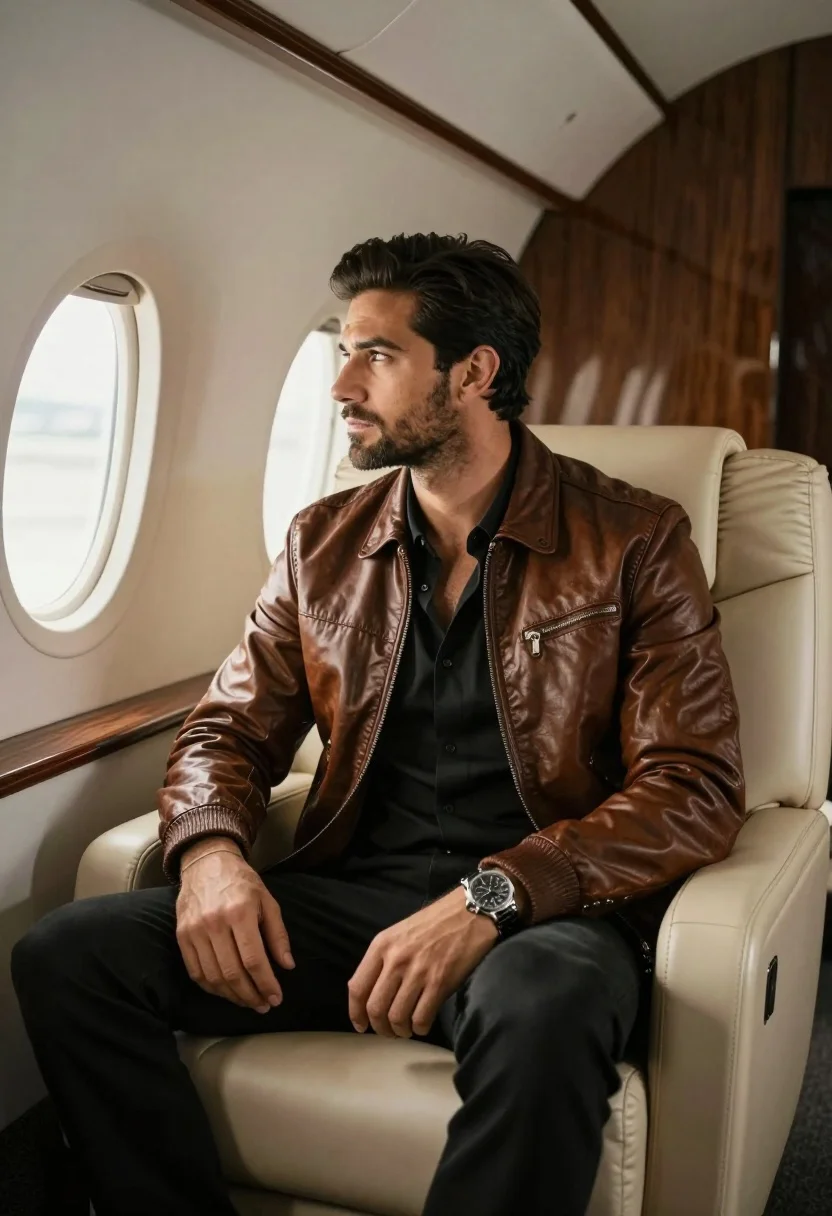
Handsome man in brown bomber jacket seated inside luxurious private jet cabin
Prompt
A handsome man with dark hair and a beard sits in the plush interior of a private jet.

Subject: A well-groomed man with short dark hair styled back, a trimmed beard, and a serious, contemplative expression looking out the window.

Clothing: He wears a brown leather bomber jacket over an unbuttoned black shirt, paired with black trousers and a silver watch on his left wrist.

Action: He is seated in a relaxed posture, leaning slightly forward with his gaze directed toward the airplane window.

Environment: The setting is the luxurious cabin of a private jet, featuring cream-colored leather seats and wood paneling in the background.

Camera: A medium shot framed from the side, capturing the subject's profile against the window light.

Lighting: Soft natural light streams in from the left through the oval airplane window, illuminating his face and highlighting the texture of the leather jacket.

Style Details: High-resolution photography with a cinematic color palette emphasizing warm browns and blacks.
Description
This prompt is useful for creating luxury lifestyle advertisements, high-end travel editorial spreads, and character concept art depicting success. The combination of 'soft natural light' streaming from the window and the 'cream-colored leather seats' grounds the subject in an opulent setting while the specified 'cinematic color palette emphasizing warm browns and blacks' ensures visual cohesion suitable for aspirational branding.
Suggestions
- Change 'brown leather bomber jacket' to 'charcoal wool blazer' for a more formal feel.
- Adjust 'serious, contemplative expression' to 'slight, knowing smile' for approachability.
- Replace 'wood paneling' with 'polished brass accents' to increase the sense of luxury.
Category
Tags
Brown SkinCasual WearIndoorsMaleMedium ShotRealisticSide Profile
Date added
July 3, 2026
Added by
PromptDexter Team
Related Prompts
More prompts with similar categories and tags.
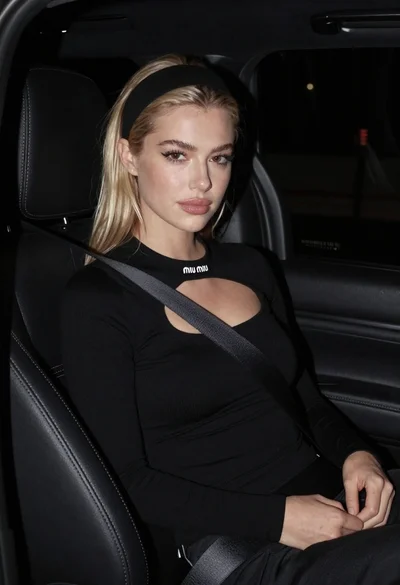
Close up portrait of blonde woman in black top inside luxury car
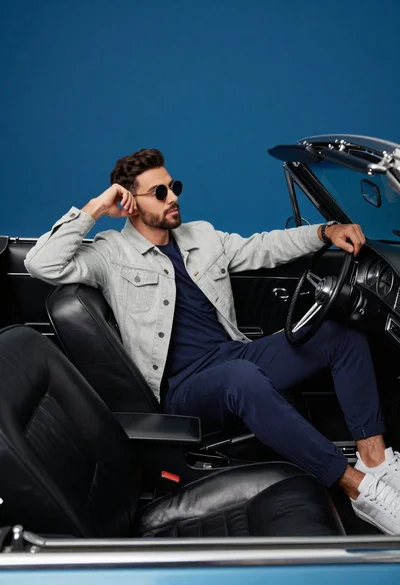
Stylish man in vintage convertible against blue background
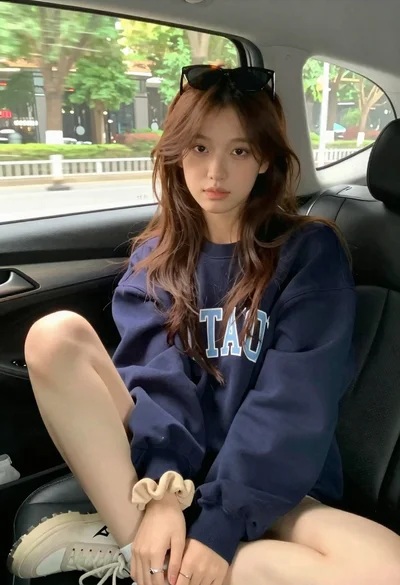
Young woman with brown hair sitting inside car looking at camera
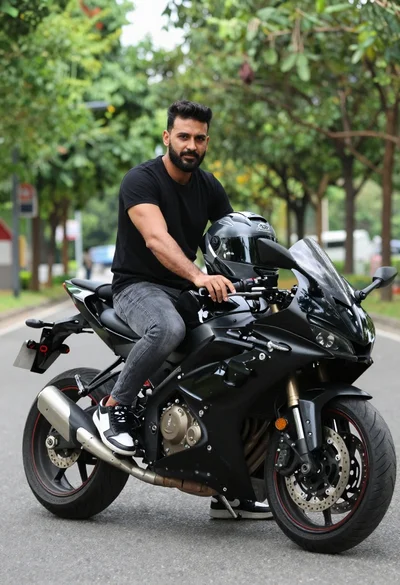
Man sitting on black sport motorcycle on asphalt road
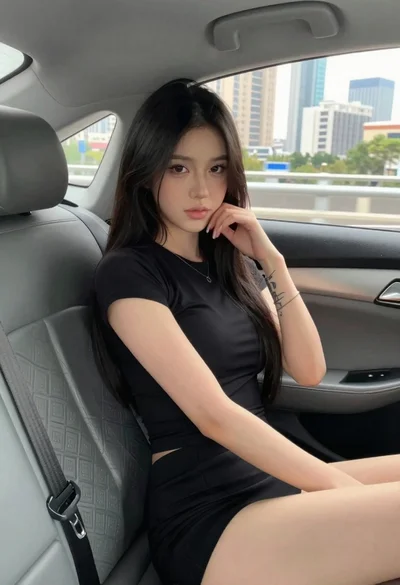
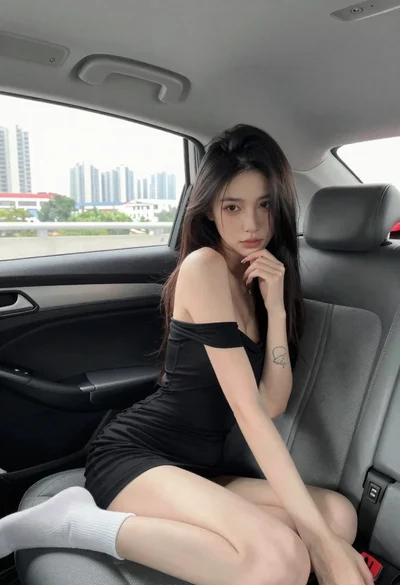
Young woman in black outfit sitting inside car looking at camera

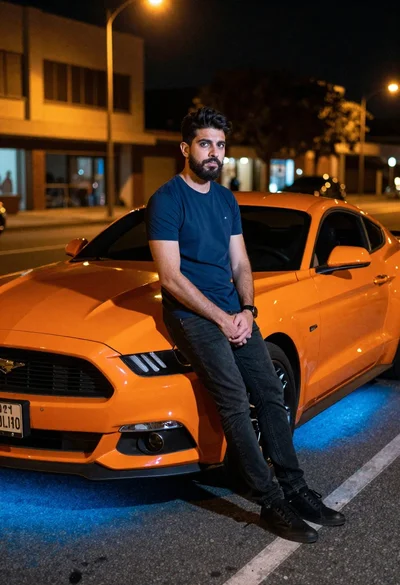
Young man leaning on a modified sports car in city night
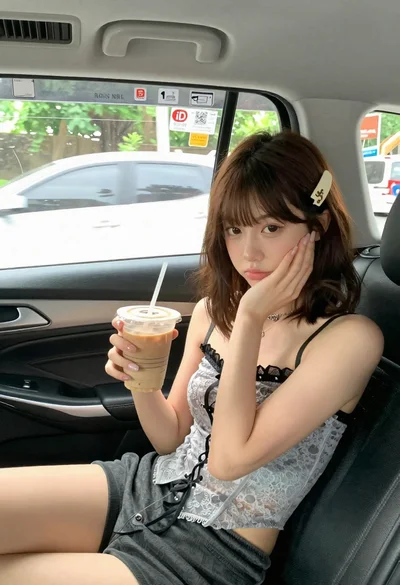
Young woman with brown hair in car seat holding coffee drink
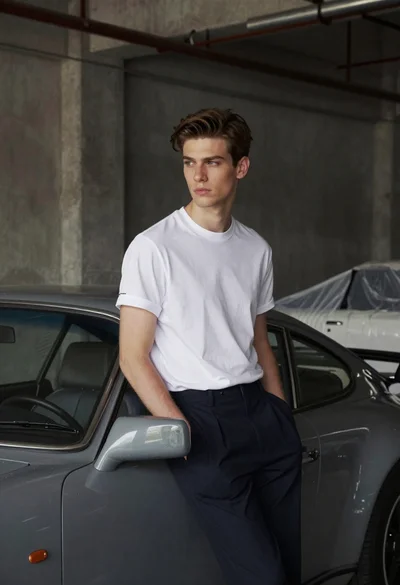
Young man leaning against grey sports car in industrial warehouse setting
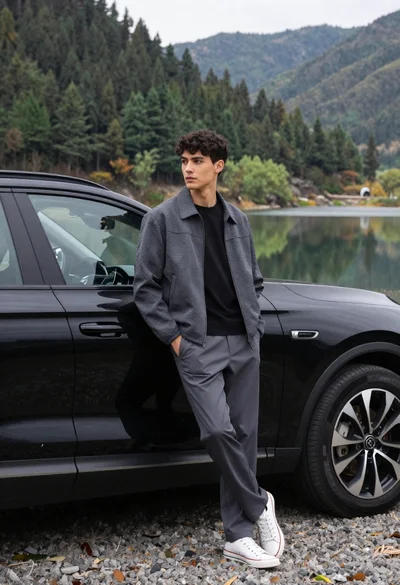
Young man leaning on black suv by lake with forested mountains background
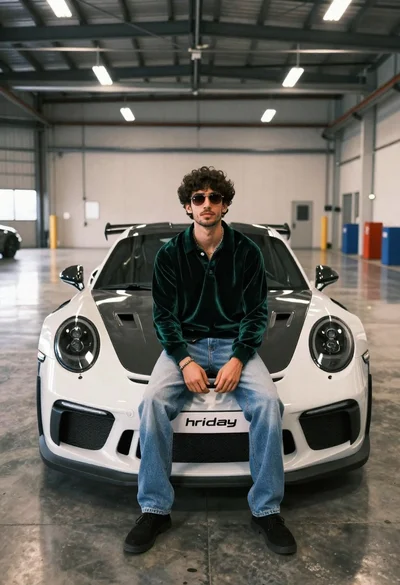
Young man in green polo sits on white porsche gt3 rs in