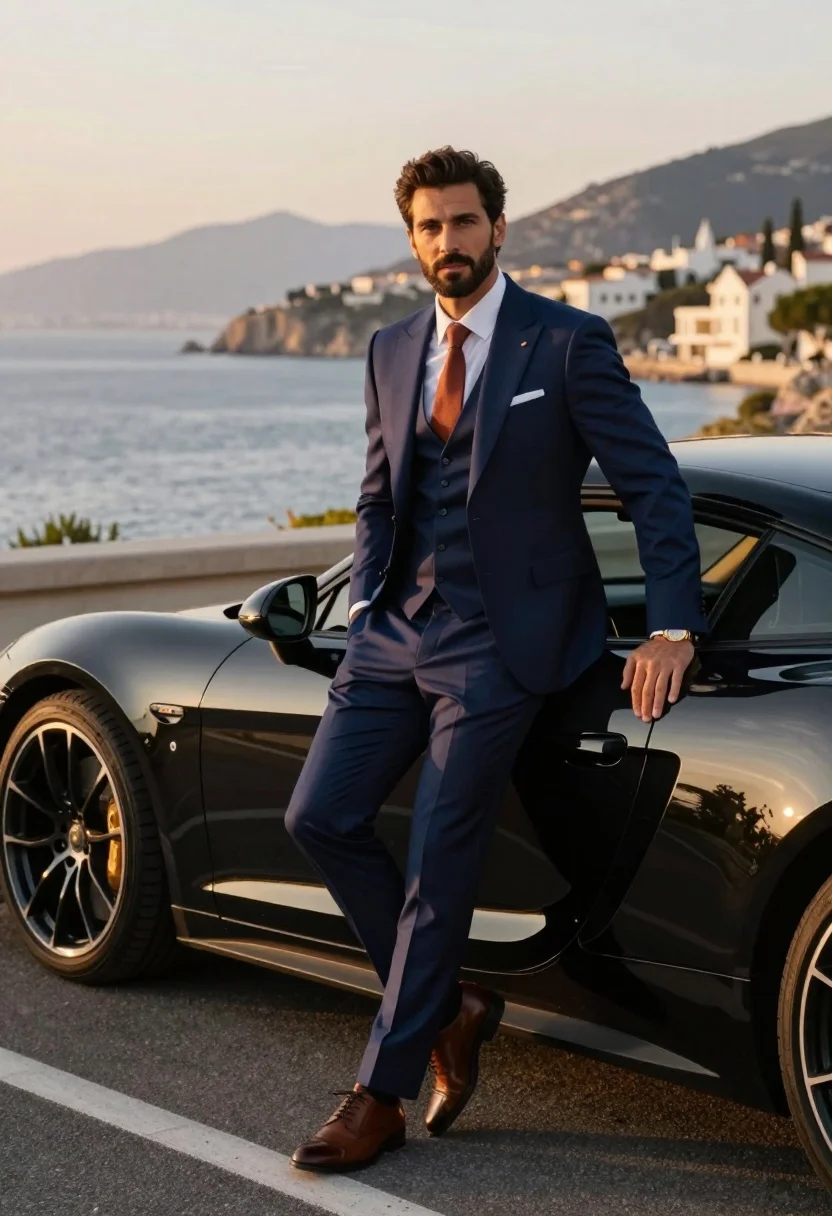
Handsome man in navy suit leaning on black sports car by sea
Prompt
A handsome man in a sharp navy three-piece suit leans casually against a sleek black luxury sports car on a coastal road at sunset.

Subject: A well-groomed man with dark hair and a short beard, looking directly at the camera with a confident expression.

Clothing: He wears a tailored navy blue three-piece suit with a matching vest, a crisp white dress shirt, a rust-colored tie, a white pocket square, and brown leather oxford shoes. A gold wristwatch is visible on his left wrist.

Action: The man stands in a relaxed pose with one leg crossed over the other, leaning back against the car door with his left arm resting on the vehicle.

Environment: The scene is set on an asphalt road overlooking a calm sea and distant mountains under a hazy sky. A coastal town with white buildings is visible on the hillside in the background.

Camera: Medium shot capturing the man from the knees up, framed slightly to include the rear of the car, with a shallow depth of field that blurs the distant landscape.

Lighting: Warm golden hour sunlight bathes the scene, creating a soft glow and casting long shadows, highlighting the contours of the suit and the car's glossy finish.

Objects: A high-end black sports car with multi-spoke alloy wheels and a reflective surface.

Style Details: Cinematic photography style with rich color grading, high contrast between the warm sunset tones and the cool navy suit, and a polished, aspirational aesthetic.
Description
This prompt is useful for creating luxury automotive advertisements, sophisticated menswear editorials, and cinematic travel brochures featuring upscale destinations. The combination of 'warm golden hour sunlight' with the 'high contrast between the warm sunset tones and the cool navy suit' ensures that the car's 'reflective surface' catches dramatic highlights while keeping the subject sharply defined against the hazy background.
Suggestions
- Change 'rust-colored tie' to 'burgundy silk tie' for a richer autumnal feel.
- Swap 'black luxury sports car' for 'deep emerald vintage convertible' to alter the vehicle type.
- Adjust 'shallow depth of field' to 'moderate depth of field' if you want more background detail.
Category
Tags
MaleMedium ShotOutdoorsRealistic
Date added
July 3, 2026
Added by
PromptDexter Team
Related Prompts
More prompts with similar categories and tags.
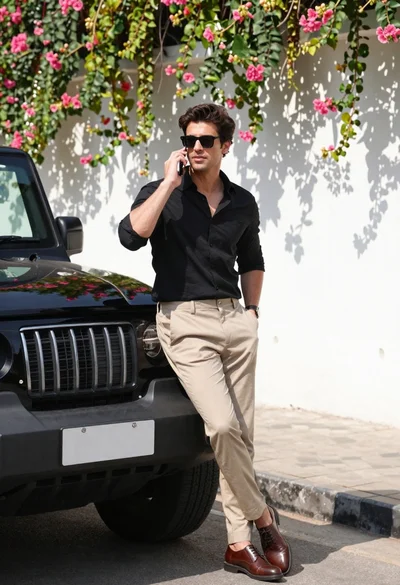
Stylish man in black shirt leaning against suv by floral wall
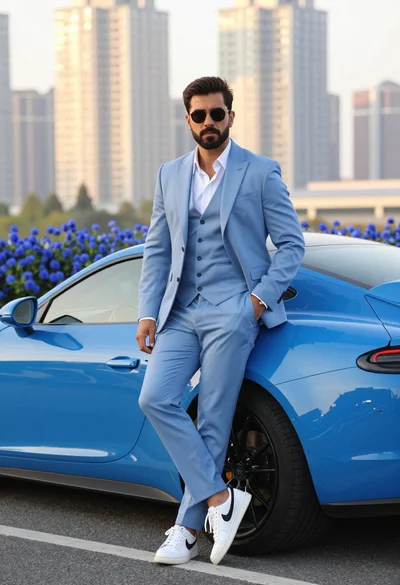
Man in light blue suit leaning against bright blue sports car outdoors
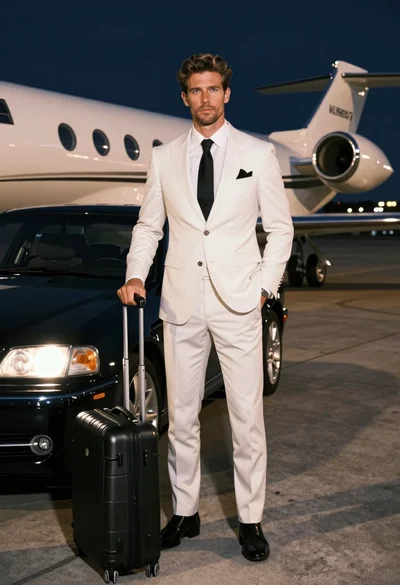
Handsome man in white suit standing on airport tarmac near private jet
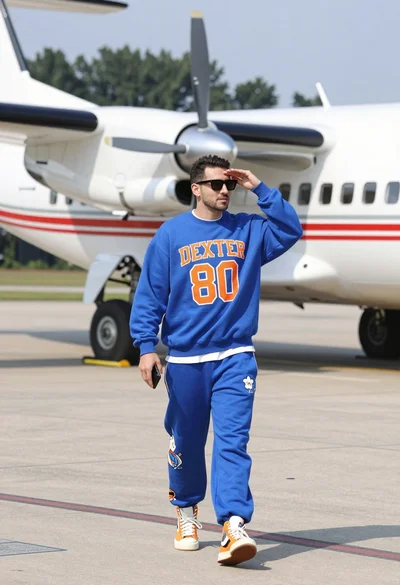
Man walking on airport tarmac near large white propeller plane
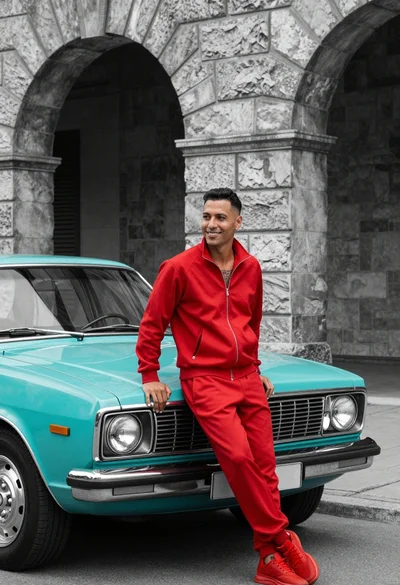
Man in red tracksuit leaning on vintage turquoise car before arched stone
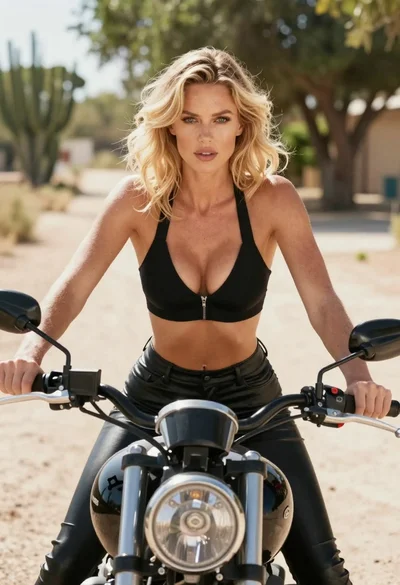
Blonde woman on black motorcycle on sunny dirt path in desert
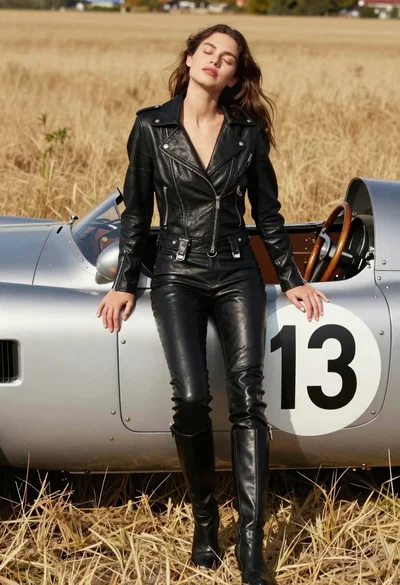
Woman leaning against vintage race car in golden grass field
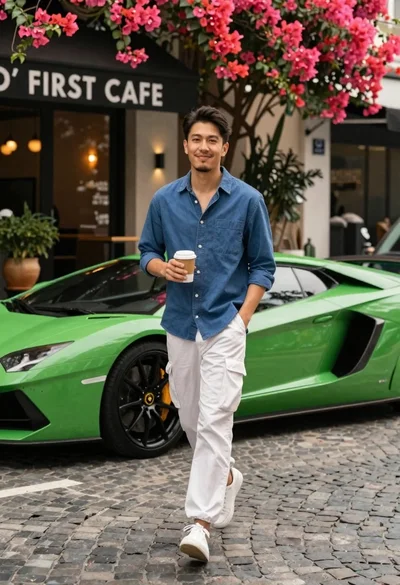
Man walking past green sports car on cobblestone street
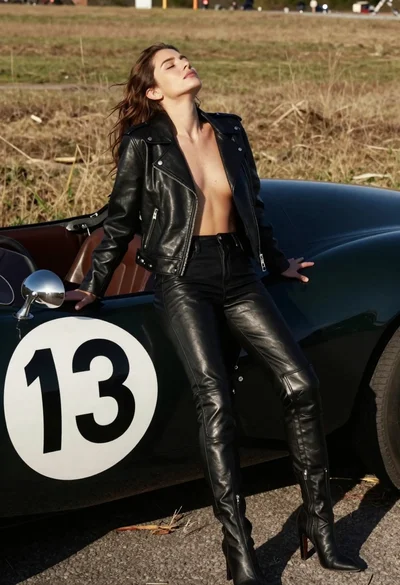
Woman leaning against vintage race car in dry grassy field
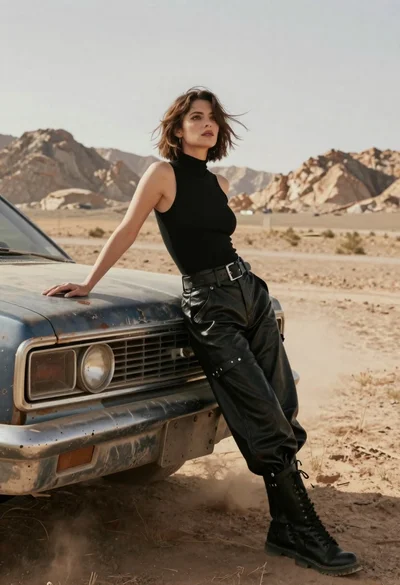
Woman in black leather outfit leaning on vintage car in desert