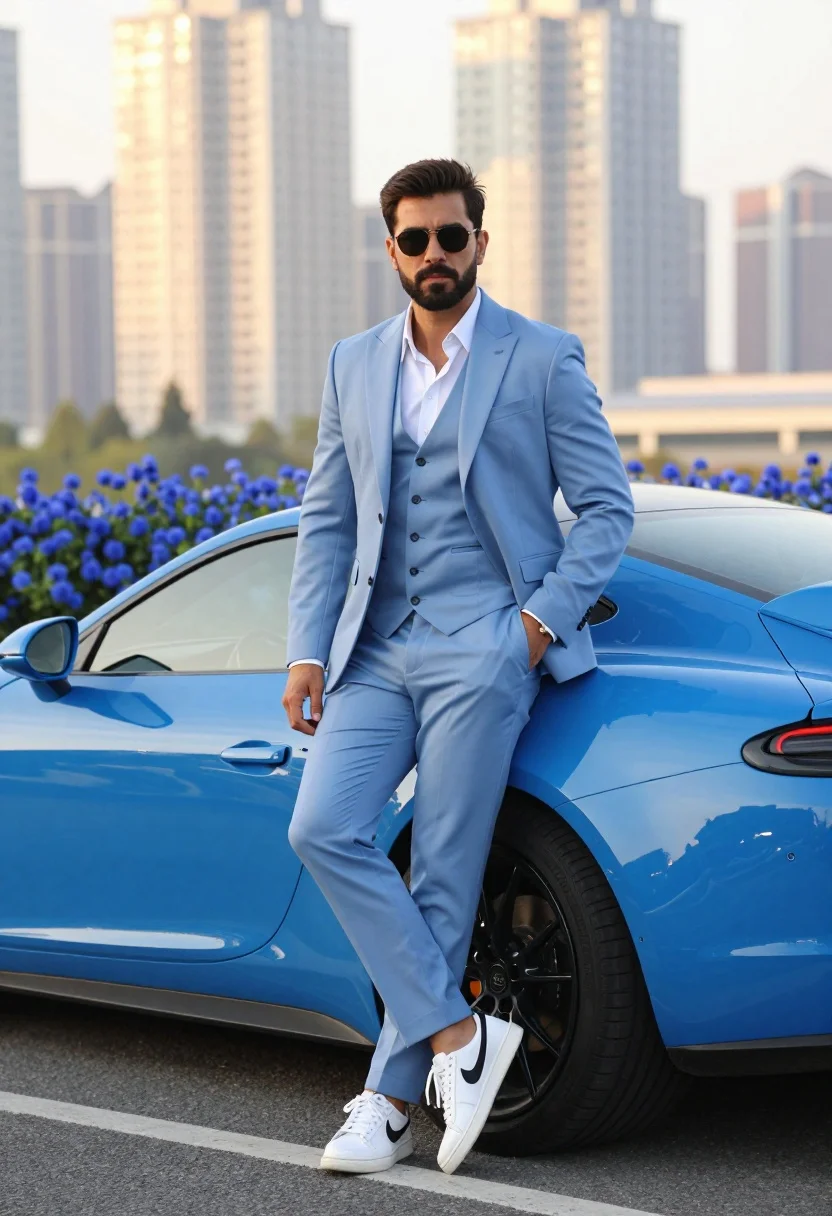
Man in light blue suit leaning against bright blue sports car outdoors
Prompt
A confident man in a light blue three-piece suit leans casually against a bright blue sports car with one hand in his pocket and the other resting by his side.

Subject: A well-groomed man with dark hair, a beard, and sunglasses standing confidently next to a luxury vehicle.

Clothing: He wears a tailored light blue suit jacket, matching vest, and trousers over a crisp white open-collar shirt, paired with white sneakers featuring black swoosh logos.

Action: The man stands in a relaxed pose with his left hand tucked into his pants pocket and his right arm hanging loosely by his side while looking directly at the camera.

Environment: The scene is set outdoors on an asphalt surface near a curb, with a cluster of blue flowers in the foreground and a blurred city skyline with tall buildings in the background.

Camera: The shot uses a medium framing angle that captures the subject from the knees up, employing a shallow depth of field to keep the man sharp while softening the urban background.

Lighting: Warm golden hour sunlight illuminates the scene from behind and above, creating a soft glow on the buildings and casting gentle highlights on the car and the man's suit.

Style Details: The image features high-end fashion photography aesthetics with vibrant color saturation, smooth skin textures, and a polished commercial look.
Description
This prompt is useful for creating automotive advertising campaigns, menswear editorial spreads, and aspirational lifestyle branding imagery. The combination of 'warm golden hour sunlight' casting highlights on the suit and car, paired with the 'shallow depth of field,' ensures the subject remains sharply focused against a softened urban backdrop, which directs all viewer attention to the fashion pairing.
Suggestions
- Change 'light blue three-piece suit' to 'charcoal grey three-piece suit' for contrast.
- Swap 'blue flowers in the foreground' for 'desert succulents' to change the setting feel.
- Adjust 'warm golden hour sunlight' to 'harsh midday sun' for a more dramatic look.
Category
Tags
MaleMedium ShotOutdoorsRealisticStreetwear
Date added
July 3, 2026
Added by
PromptDexter Team
Related Prompts
More prompts with similar categories and tags.
Woman in black leather outfit leaning on vintage car in desert
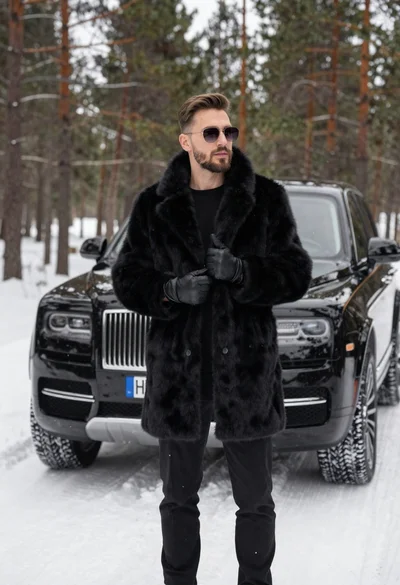
Stylish man in black fur coat standing by luxury suv in snowy
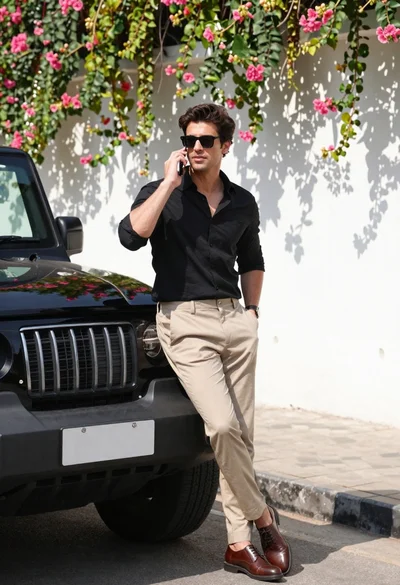
Stylish man in black shirt leaning against suv by floral wall
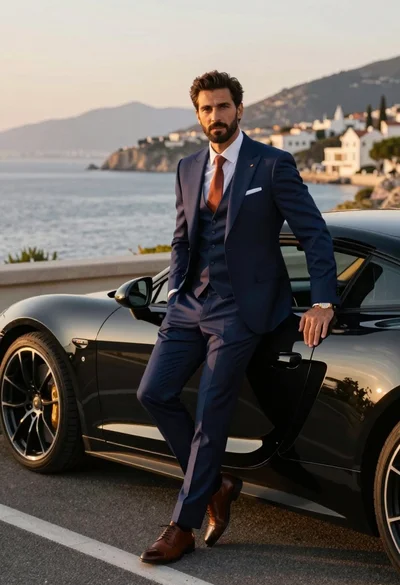
Handsome man in navy suit leaning on black sports car by sea
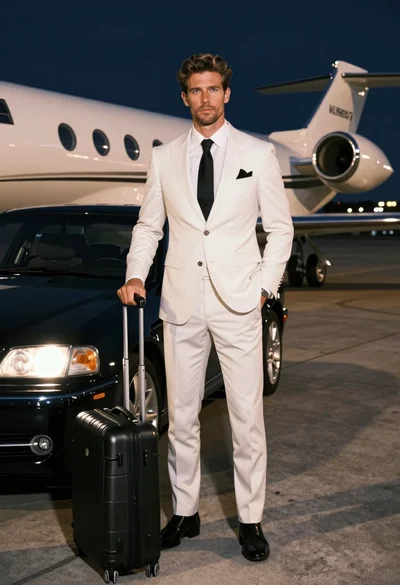
Handsome man in white suit standing on airport tarmac near private jet
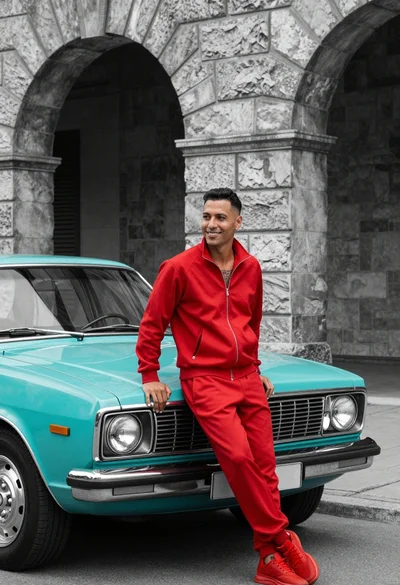
Man in red tracksuit leaning on vintage turquoise car before arched stone
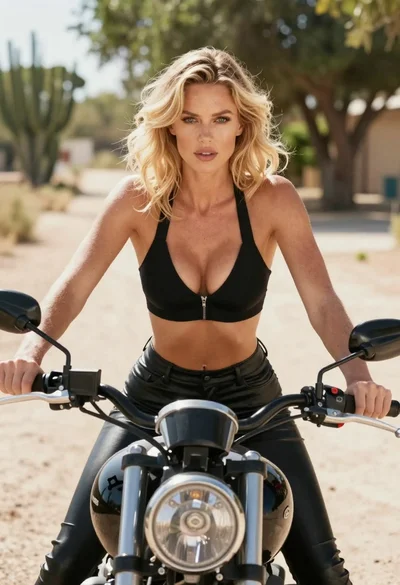
Blonde woman on black motorcycle on sunny dirt path in desert
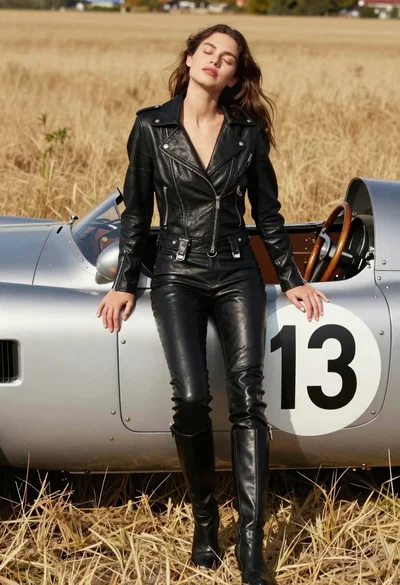
Woman leaning against vintage race car in golden grass field
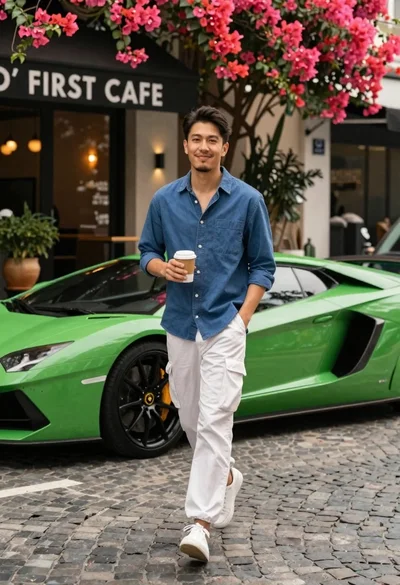
Man walking past green sports car on cobblestone street
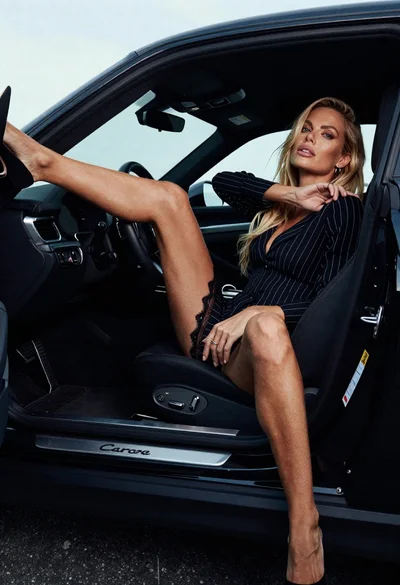
Blonde woman in black striped dress reclines in luxury car cabin