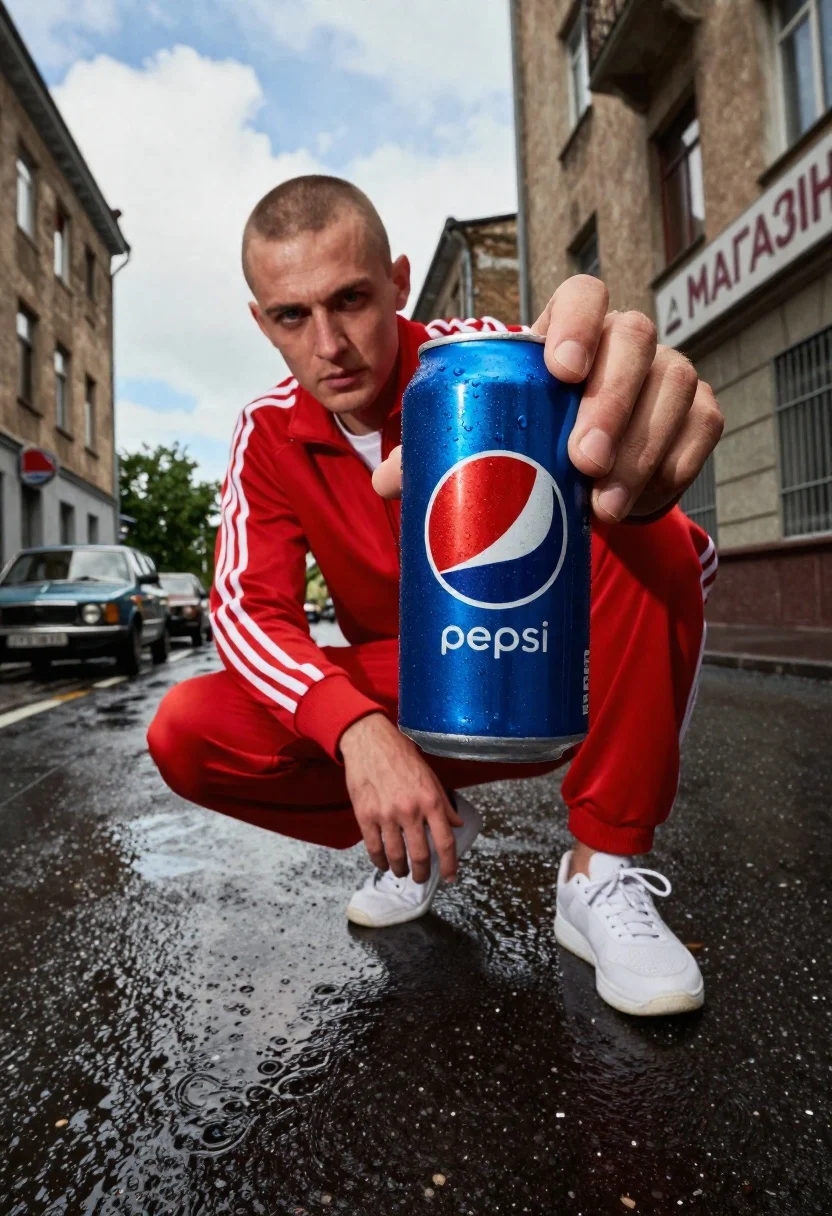
Low angle shot of man crouching in wet urban street holding pepsic
Prompt
A low-angle shot of a man crouching in a wet urban street while holding a large Pepsi can close to the camera lens.

Subject: A young man with a shaved head and intense gaze looking directly at the viewer.

Clothing: He wears a red Adidas tracksuit with white stripes down the sleeves and legs, paired with white sneakers.

Action: The man is crouching low on the asphalt, holding a large blue Pepsi can in his right hand that dominates the foreground.

Environment: A gritty city street with wet pavement reflecting the sky and buildings; vintage cars are parked in the background near a building with Cyrillic signage reading "МАГАЗИН".

Camera: Low angle perspective looking up at the subject, emphasizing the scale of the can and creating an immersive, close-up feel.

Lighting: Bright daylight with high contrast, casting sharp shadows on the wet ground and highlighting the condensation droplets on the soda can.

Style Details: High-definition commercial photography style with vibrant colors, realistic textures, and a cinematic depth of field that blurs the background slightly.
Description
This prompt is useful for creating edgy product advertisements, streetwear lookbooks featuring beverage placement, and gritty cinematic stills. The combination of 'low angle perspective looking up at the subject' with 'wet pavement reflecting the sky and buildings' exaggerates the scale of the can while grounding the scene in a hyper-realistic urban environment that complements the high contrast lighting.
Suggestions
- Change 'red Adidas tracksuit' to 'black bomber jacket' for a more subdued streetwear feel.
- Replace 'Pepsi can' with 'craft beer bottle' to shift the product focus.
- Adjust 'Bright daylight' to 'overcast daylight' to soften the harsh shadows.
Category
Tags
Low AngleMaleMedium ShotRealisticStreetwearUrban
Date added
June 19, 2026
Added by
PromptDexter Team
Related Prompts
More prompts with similar categories and tags.

Young man leaning on a modified sports car in city night
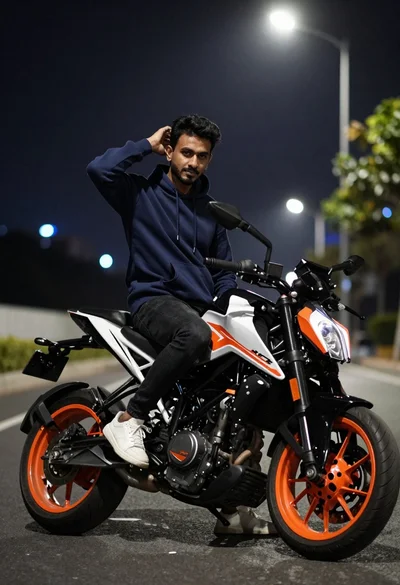
Man sitting on sport motorcycle at night with blurred city lights background

Muscular man with beard leaning on black luxury suv in garage

Woman leaning on silver sports car in showroom
Young woman in blue hoodie holding pepsi against graffiti street art background
Young man holding green limca soda can in front of gradient background
Woman underwater holding a beverage can near the surface looking up
Young woman in cream sweatshirt leaning against oversized beige clogs in studio
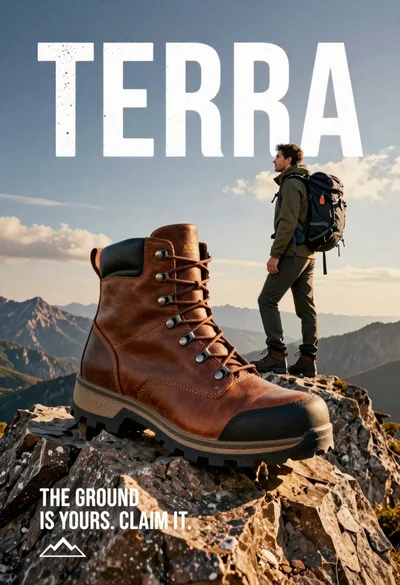
Large brown leather hiking boot on rock peak near lone hiker at

Young woman taking selfie in cafe holding purple beverage can