
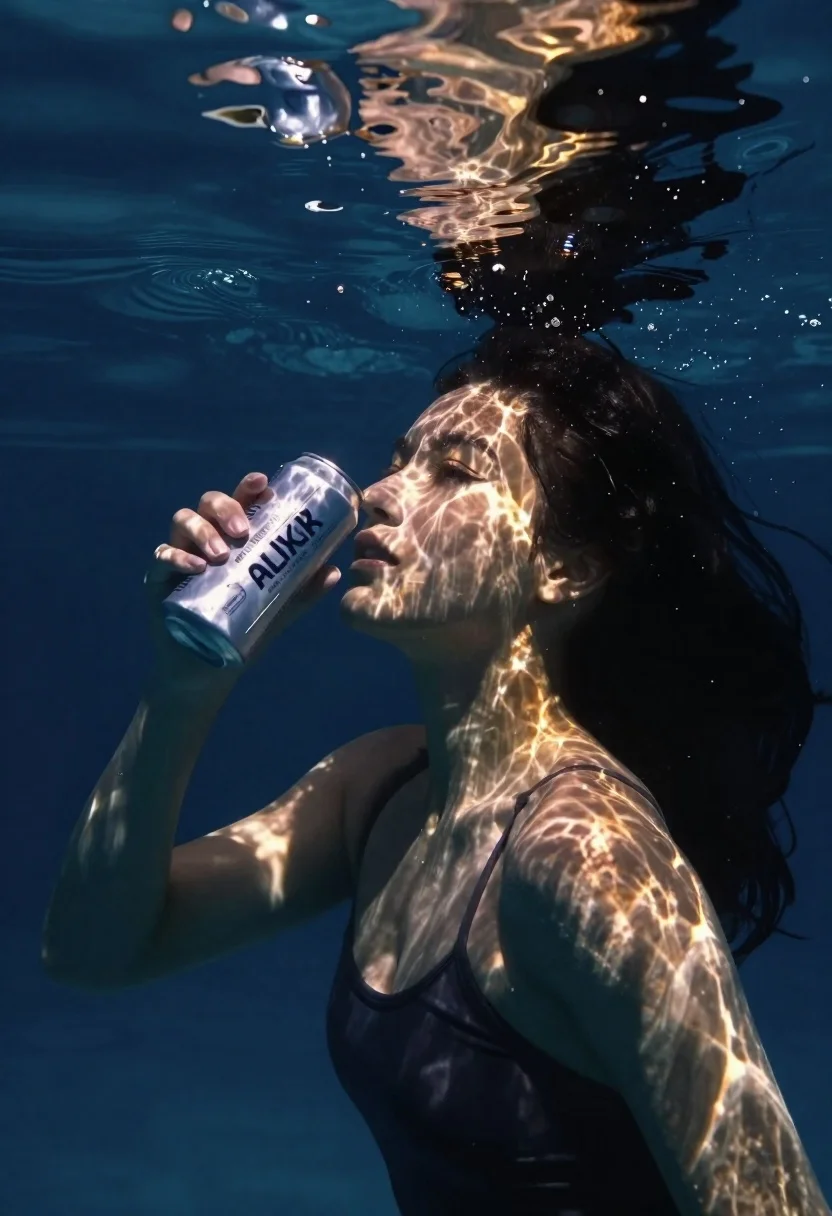
Woman underwater holding a beverage can near the surface looking up
Prompt
A woman submerged underwater holding a beer can near the surface.

Subject: A young woman with long dark hair floating in water, her face illuminated by shimmering caustic light patterns from above.

Clothing: She wears a dark-colored swimsuit top, partially visible on her shoulders.

Action: She holds a beverage can close to her face with one hand while looking upward toward the surface.

Environment: The setting is an underwater scene with deep blue water and ripples visible at the surface above.

Camera: Shot from below looking up through the water, capturing the refraction of light on her skin and the can.

Lighting: Natural sunlight filters down from the surface, creating dynamic patterns of light and shadow across her face and body.

Objects: A silver beverage can labeled "AURUM ELIXIR" is held in her hand near her cheek.

Text/Graphics: The words "AURUM ELIXIR" are clearly visible on the side of the can she is holding.

Style Details: Cinematic underwater photography with high contrast, rich blues and warm golden highlights, realistic water distortion effects.
Description
This prompt is useful for creating surreal advertising campaigns, editorial swimwear spreads, and conceptual product placements. The combination of 'shimmering caustic light patterns' and the 'deep blue water' establishes a high-contrast, dreamlike atmosphere that makes the metallic sheen of the 'silver beverage can' pop against the organic textures of the submerged subject.
Suggestions
- Change 'dark-colored swimsuit top' to 'black athletic bikini' for more definition.
- Add 'bokeh effect' to the surface ripples for visual interest.
- Swap 'golden highlights' for 'cyan highlights' to shift the mood.
Category
Tags
Dark SkinFemaleLow AngleMedium ShotOutdoorsRealisticSwimwearUnderwater
Date added
June 26, 2026
Added by
PromptDexter Team
Related Prompts
More prompts with similar categories and tags.

Young woman in cream sweatshirt leaning against oversized beige clogs in studio
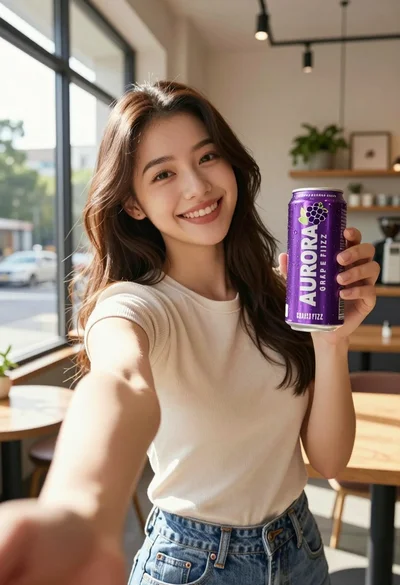
Young woman taking selfie in cafe holding purple beverage can
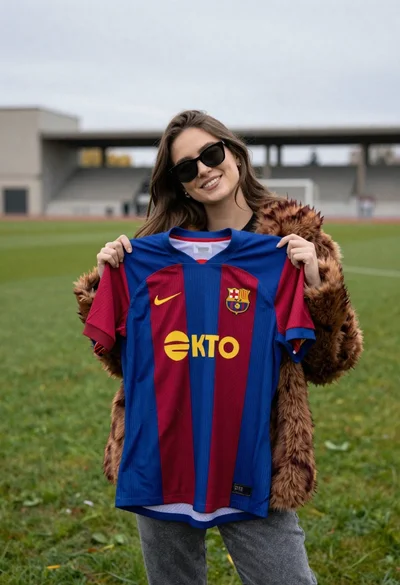
Smiling woman holding striped soccer jersey on green sports field

Woman leaning on silver sports car in showroom
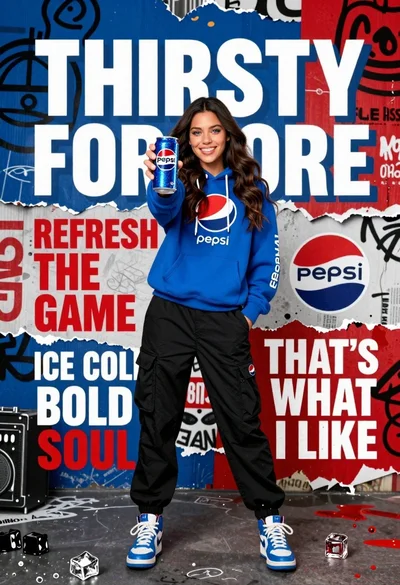
Young woman in blue hoodie holding pepsi against graffiti street art background

Stylish woman in sage green blazer leaning against white charging case

Young girl with black hair holding kitkat chocolate bar against red backdrop
Young woman taking underwater selfie with dolphin in blue pool
