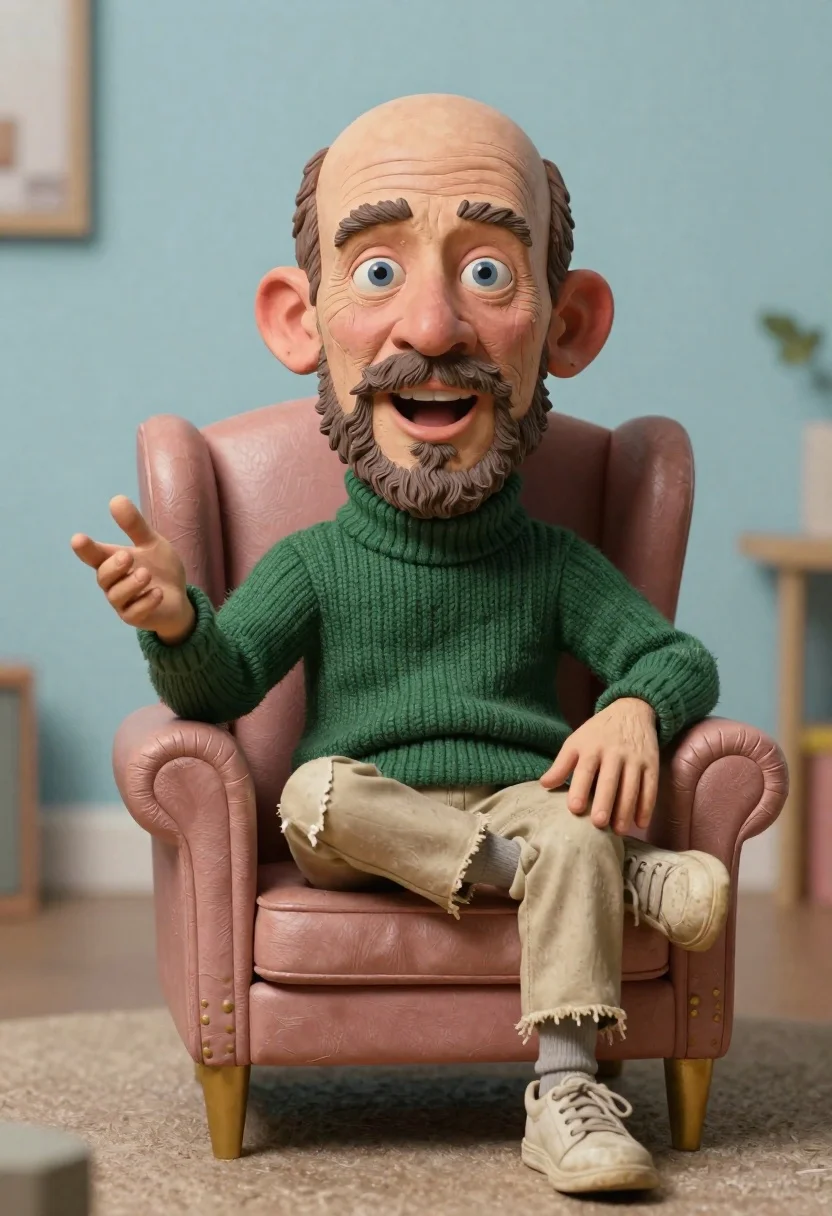
Hyperrealistic caricature sculpture of a man sitting
Prompt
Medium and Scene: A hyper-realistic caricature sculpture of a man with exaggerated features seated in an armchair.

Subject: Large head with oversized ears, blue eyes, thick mustache and beard, wide open mouth showing teeth, detailed skin texture with wrinkles.

Clothing: Chunky dark green knitted turtleneck sweater, beige pants or shorts appearing worn at the hem, gray socks, dirty off-white sneakers.

Action: Sitting in a relaxed pose on one side of the chair, gesturing outward with his left hand and resting right arm against leg, mouth open as if speaking mid-sentence.

Environment: Blurred pastel blue studio background, soft carpeted floor suggesting an indoor space.

Camera: Close-up framing emphasizing facial exaggeration, shallow depth of field blurring background for focus on subject.

Lighting: Soft diffused lighting from front-left creating gentle shadows under nose and chin with warm highlights on skin tone.

Objects: Pinkish-brown leather armchair with gold legs positioned centrally in composition.
Description
This prompt is useful for creating character concept art, satirical portraiture studies, or detailed collectible figurine mockups. The combination of 'hyper-realistic caricature sculpture' and the specific details like 'oversized ears' and 'soft diffused lighting from front-left' ensures that while the subject is exaggerated, the rendering maintains a tangible, sculptural quality suitable for high-detail physical representations.
Suggestions
- Increase the exaggeration by changing 'Large head with oversized ears' to 'massive head with disproportionate ears'.
- Swap 'Pinkish-brown leather armchair' for 'deep burgundy velvet armchair' to change the color palette.
- Add 'bronze patina' to the sculpture description for a metallic finish.
Category
Tags
3dClose UpFull BodyIndoorsMalePortrait ShotStudio
Date added
June 19, 2026
Added by
PromptDexter Team
Related Prompts
More prompts with similar categories and tags.

Obsidian humanoid in neon cube holding glowing heart
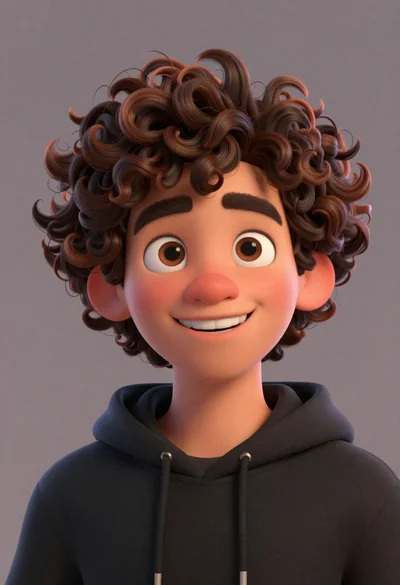
Close up portrait of cheerful young man with curly brown hair
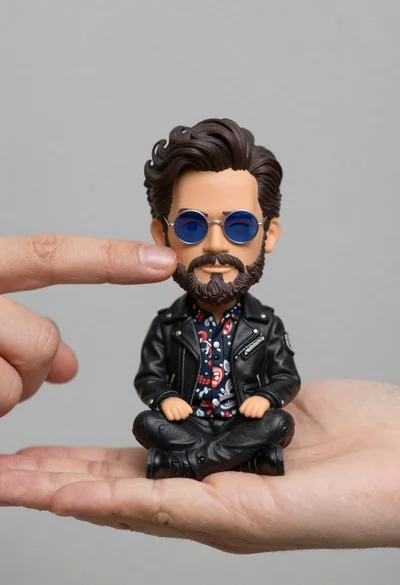
Hyperrealistic close up of bobblehead figure in an open hand
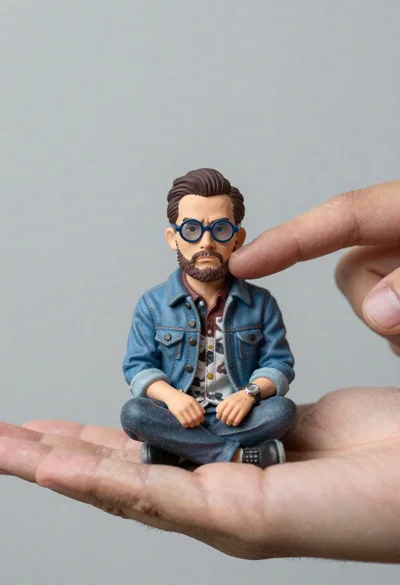
Macro photograph of miniature man seated in palm hand
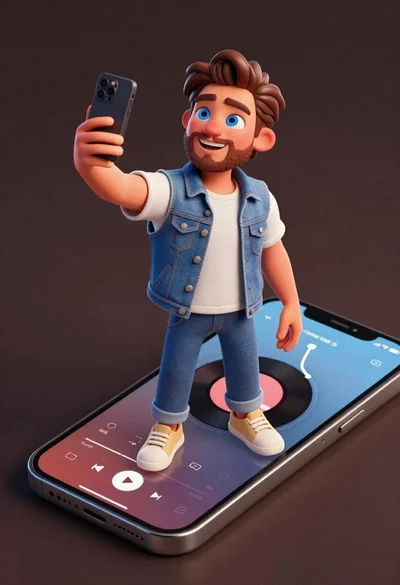
Cheerful young man taking selfie while standing on giant smartphone screen
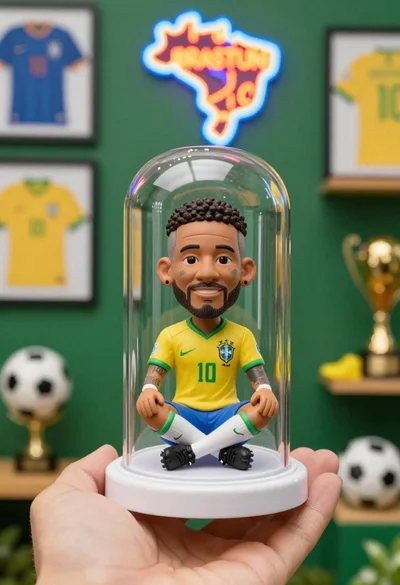
Hand holding clear capsule with miniature bobblehead soccer player
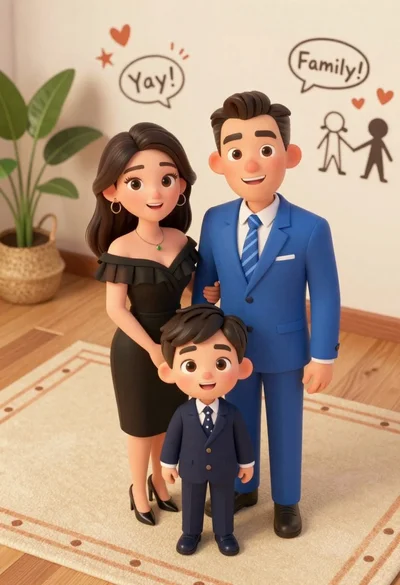
High angle shot of stylized family portrait in royal blue suit and

Basketball player holding championship trophy in arena