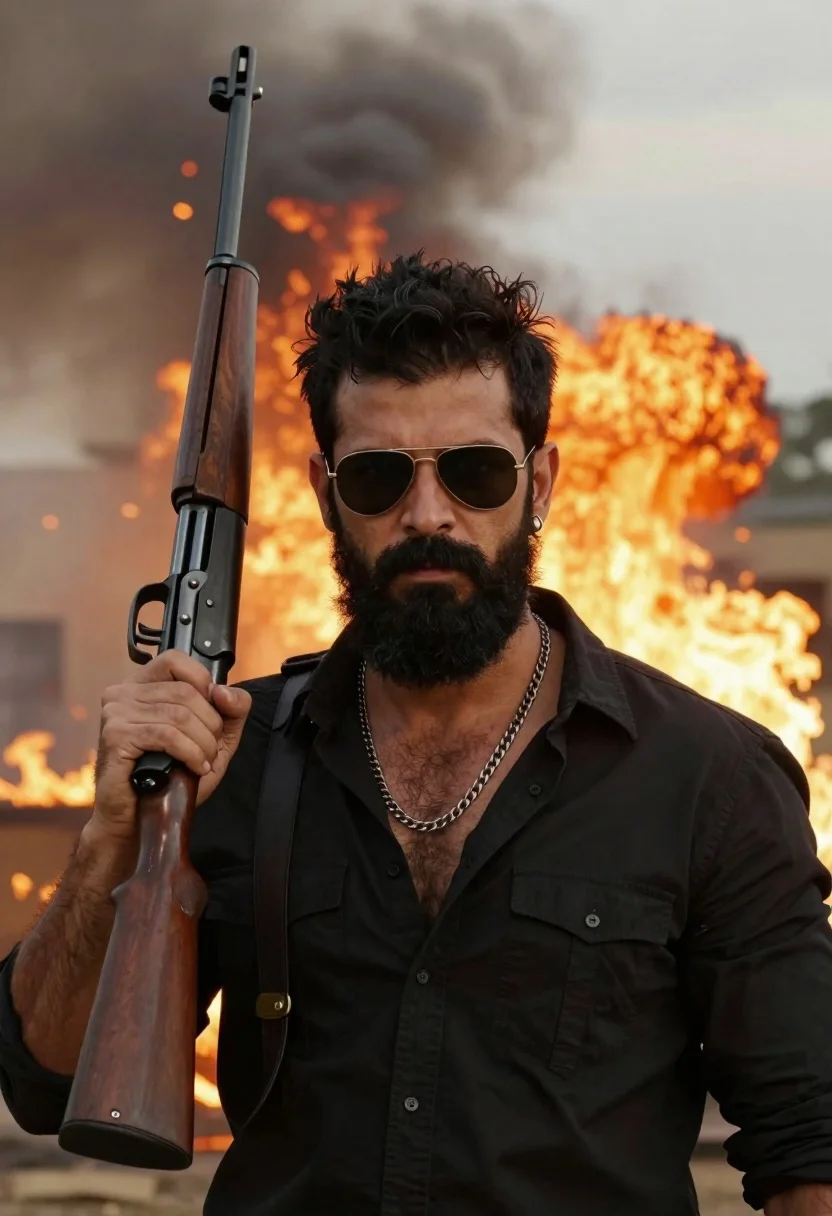
Man with beard holding rifle against massive explosion of orange flames
Prompt
A confident man with a thick black beard stands in the foreground holding a large rifle over his shoulder against a backdrop of intense fire and smoke.

Subject: A man with dark hair styled upward, wearing gold-rimmed aviator sunglasses, a full black beard, and an earring in his left ear.

Clothing: He wears a black button-down shirt that is unbuttoned at the chest to reveal hairy skin, accessorized with a thick silver chain necklace.

Action: He holds a large rifle with a wooden stock over his right shoulder, gripping the handle firmly while looking directly forward with a serious expression.

Environment: The background features a massive explosion with bright orange flames and billowing grey smoke rising into the air.

Camera: A medium close-up shot framed from the chest up, utilizing a shallow depth of field to keep the subject sharp while blurring the fiery background.

Lighting: Dramatic warm lighting emanates from the fire behind him, casting an orange glow on his face and creating high contrast with deep shadows.

Style Details: The image features hyper-realistic rendering with cinematic color grading, emphasizing the intense heat and smoke through vivid textures and atmospheric depth.
Description
This prompt is useful for creating dramatic movie poster concepts, gritty action sequence stills, and high-contrast character portraits. The combination of 'dramatic warm lighting' emanating from the fire behind him ensures that the subject's face catches an orange glow, which heightens the tension necessary for cinematic impact while the shallow depth of field isolates the man against the chaotic background.
Suggestions
- Change 'black button-down shirt' to 'ripped black tactical vest' for more action wear.
- Swap 'gold-rimmed aviator sunglasses' for 'smoked ballistic goggles' for a tougher look.
- Adjust 'medium close-up shot framed from the chest up' to 'full body shot' to better display the rifle.
Category
Tags
Black HairCasual WearFull BodyMaleMedium ShotOutdoorsRealistic
Date added
July 12, 2026
Added by
PromptDexter Team
Related Prompts
More prompts with similar categories and tags.
Handsome young man in yellow shirt leaning against bamboo under full moon
Young black male with tattoos stands against concrete pillar in underground parking
East asian woman in black leather jacket on bustling chinese street at
Young man sitting on concrete ledge in sundappled garden setting
Muscular man standing in doorway silhouetted against bright daylight
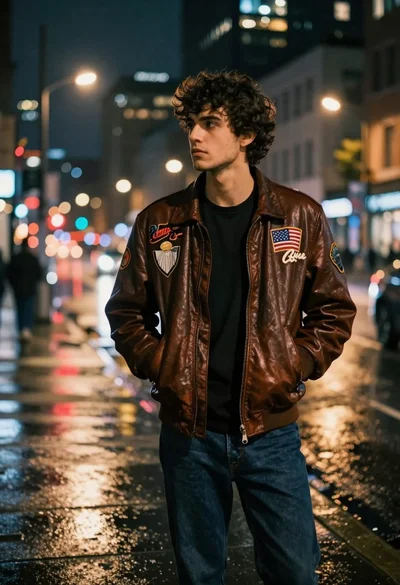
Young man in leather jacket standing on wet city sidewalk at night
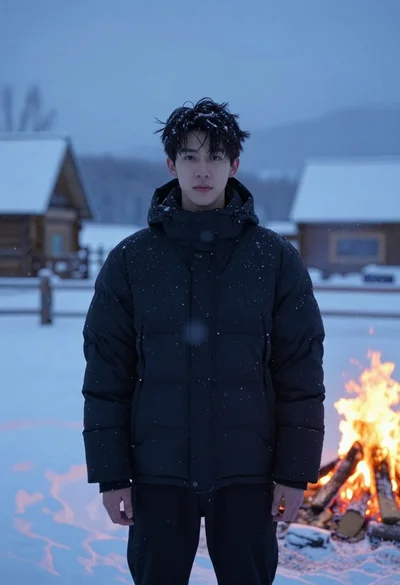
Young man in black jacket standing in snowy landscape at twilight
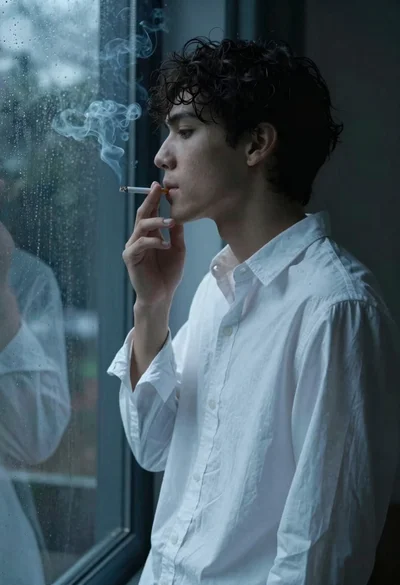
Medium close up profile of young man smoking by rainy window
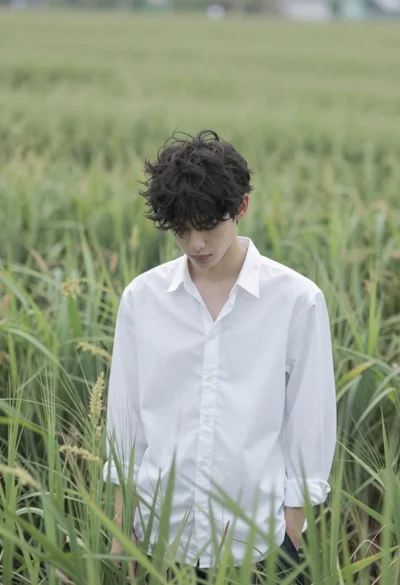
Young man in white shirt standing in tall swaying green grass field
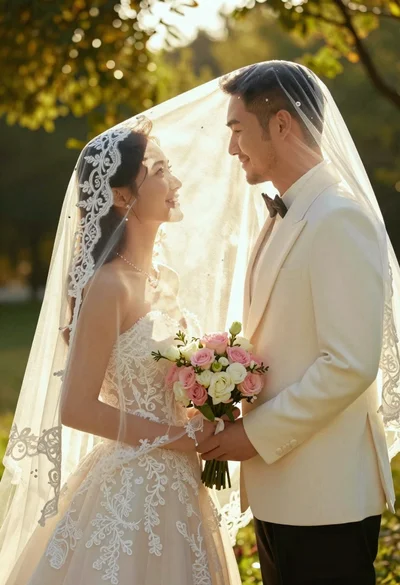
Bride and groom under lace veil in sunlit garden holding roses