
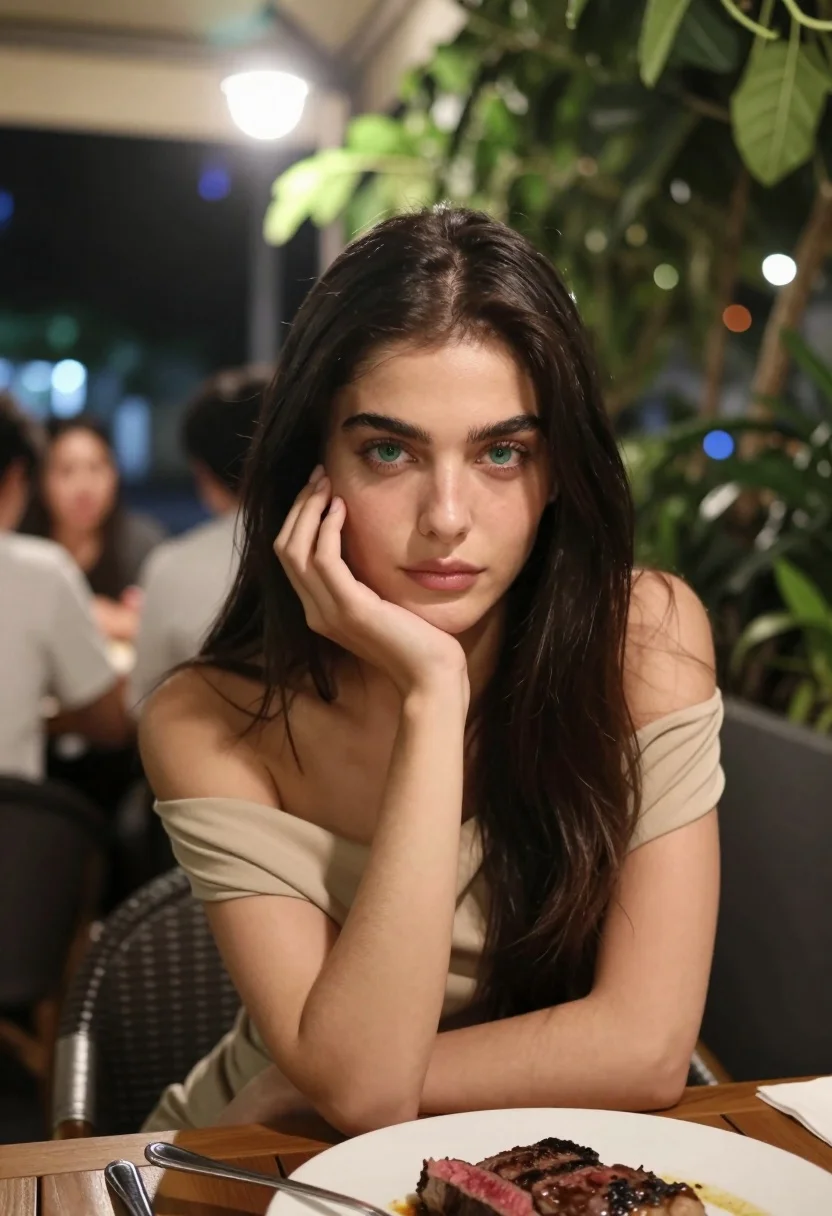
Medium close up portrait of woman at outdoor restaurant table at night
Prompt
A young woman with long dark hair and striking green eyes gazes directly at the camera while resting her chin on her hand in a relaxed pose.

Subject: A young woman with long, straight dark brown hair parted in the middle, featuring distinct eyebrows and fair skin with natural texture.

Clothing: She wears a beige or light tan off-the-shoulder top made of soft fabric that drapes loosely over her shoulders.

Action: She is seated at a table, leaning forward slightly with her left hand supporting her chin, looking directly into the lens with a calm and neutral expression.

Environment: The setting appears to be an outdoor restaurant or patio at night, featuring a wooden table in the foreground, blurred diners in the background, and lush green foliage hanging from above on the right side.

Camera: Shot as a medium close-up portrait with a shallow depth of field that keeps the subject sharp while blurring the background elements into soft bokeh circles.

Lighting: The scene is illuminated by warm ambient light with a bright overhead source creating a slight lens flare and casting soft shadows, highlighting her face against the darker surroundings.

Objects: A white plate containing a thick slice of medium-rare steak with visible juices sits on the wooden table in front of her, accompanied by a silver fork.

Style Details: The image has a cinematic, realistic photographic quality with high contrast between the warm foreground and the cool, dark background tones.
Description
This prompt is useful for creating intimate fine-dining editorial spreads, moody character portraits for film promotion, and atmospheric lifestyle blog features. The combination of 'warm ambient light' against the 'cool, dark background tones' establishes a dramatic contrast that focuses attention on the subject's face, while the specified 'shallow depth of field' ensures the foreground steak remains tangible without distracting from her gaze.
Suggestions
- Change 'beige or light tan off-the-shoulder top' to 'black silk slip' for higher contrast.
- Replace 'wooden table' with 'marble tabletop' to change the material feel.
- Adjust 'slight lens flare' to 'subtle bokeh highlights' for a less dramatic look.
Category
Tags
Brown HairFair SkinFemaleMedium ShotRealistic
Date added
July 12, 2026
Added by
PromptDexter Team
Related Prompts
More prompts with similar categories and tags.

Young woman in pink camisole standing in sunlit rolling hills

Blonde woman in black top on balcony overlooking beige stone street

Young woman in olive saree leaning on railing outdoors during golden hour
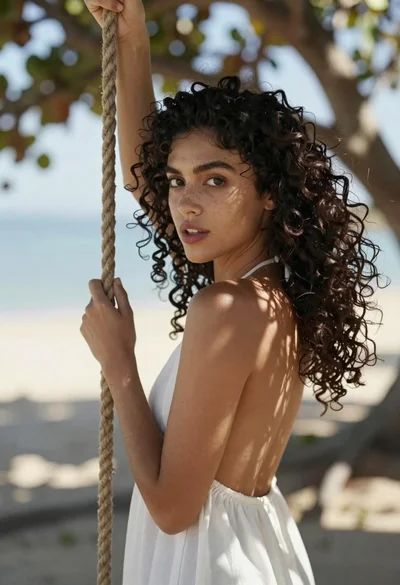
Young woman in white dress holding rope swing outdoors with sunlight

Young woman with dark hair at wooden table in open air setting

Young woman with brown hair holding red wine at striped table setting

Young woman in patterned dress looking back over grassy hills
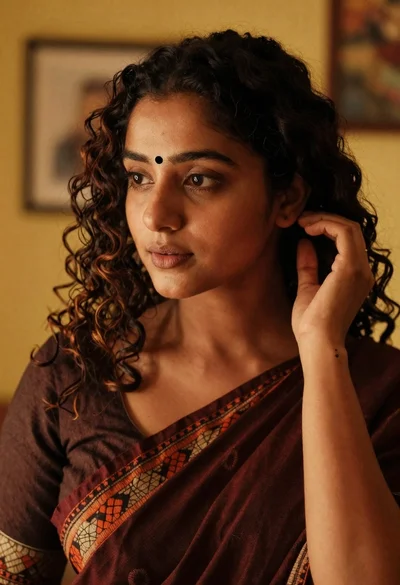
Medium close up portrait of woman in maroon saree indoors
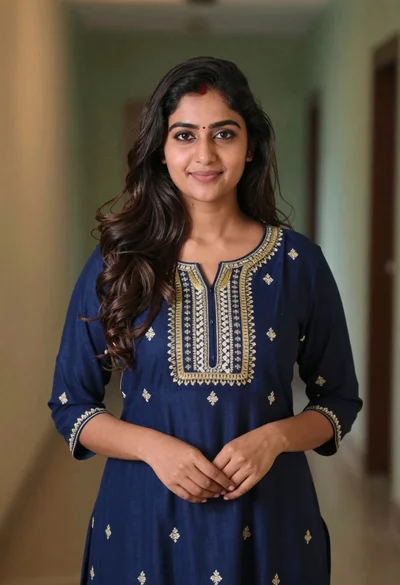
Young woman in navy embroidered traditional dress indoors medium shot

Young woman with dark hair in mint dress inside modern apartment
