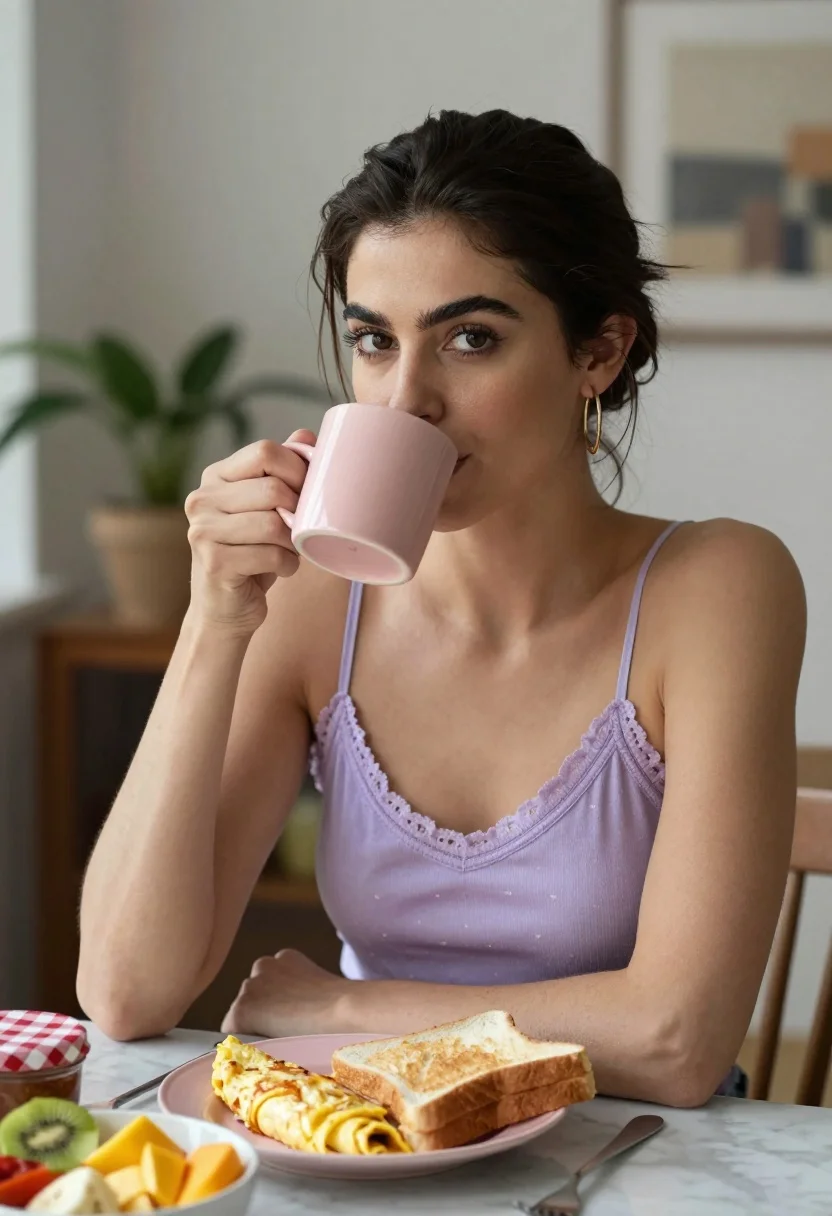
Medium close up portrait of woman drinking from pink mug at marble
Prompt
A woman with dark hair pulled back sits at a table drinking from a pink mug while looking directly at the camera.

Subject: A woman with dark brown hair styled in an updo and prominent eyebrows wearing gold hoop earrings.

Clothing: She wears a light purple camisole top featuring lace trim along the neckline and small heart patterns on the fabric.

Action: She holds a pink ceramic mug to her lips with her right hand while resting her left arm on the table surface.

Environment: The setting is an indoor dining area with a marble tabletop, a wooden chair back visible behind her, a potted plant in the background, and framed art on the wall.

Objects: A plate holds a folded omelette and a slice of toast, accompanied by a separate bowl containing sliced fruit including kiwi, banana, pineapple, and mango, alongside a jar with a red checkered lid.

Lighting: Soft natural light enters from the left side creating gentle highlights on her skin and casting subtle shadows across the scene.

Camera: The shot is framed as a medium close-up at eye level with a shallow depth of field that keeps the subject sharp while blurring the background elements.

Style Details: The image exhibits a clean, high-definition photographic quality with warm color tones and realistic texture rendering.
Description
This prompt is useful for creating lifestyle blog features, intimate breakfast table vignettes, and cozy editorial portraiture. The combination of 'soft natural light' entering from the left side sculpts gentle highlights on her skin, which prevents the flat look that harsh overhead lighting would create, while the 'shallow depth of field' ensures the viewer focuses solely on the subject despite the detailed background elements like the fruit bowl.
Suggestions
- Change 'light purple camisole top' to 'cream knit sweater' for a warmer feel.
- Add 'bokeh effect' to enhance the background blur.
- Swap 'pink ceramic mug' for 'blue stoneware mug' to contrast with the outfit.
Category
Tags
BrunetteFemaleFoodIndoorsMedium ShotRealistic
Date added
July 3, 2026
Added by
PromptDexter Team
Related Prompts
More prompts with similar categories and tags.
Young woman with brown hair sitting in a leather armchair indoors
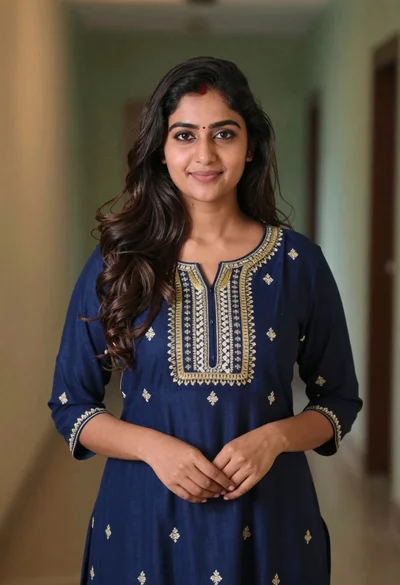
Young woman in navy embroidered traditional dress indoors medium shot
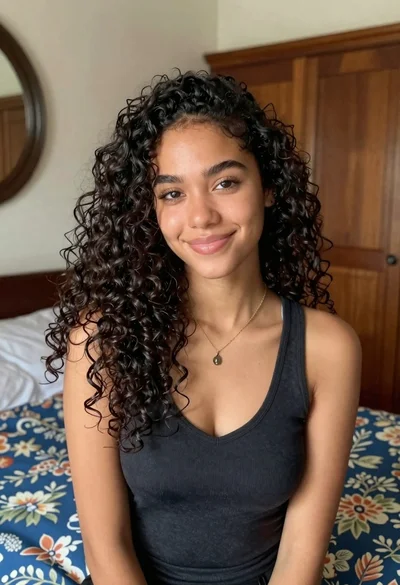
Medium close up portrait of young woman with dark curly hair indoors
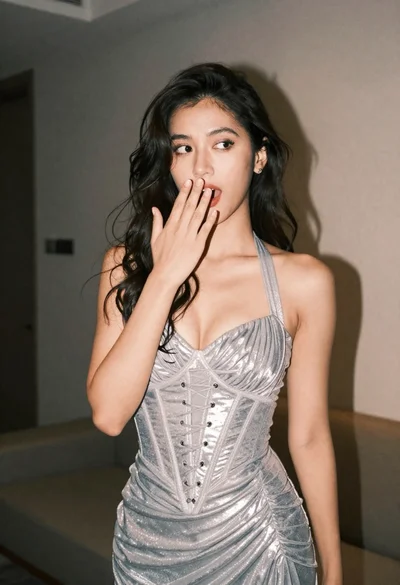
Woman in shimmering silver halter dress posing indoors with playful gesture
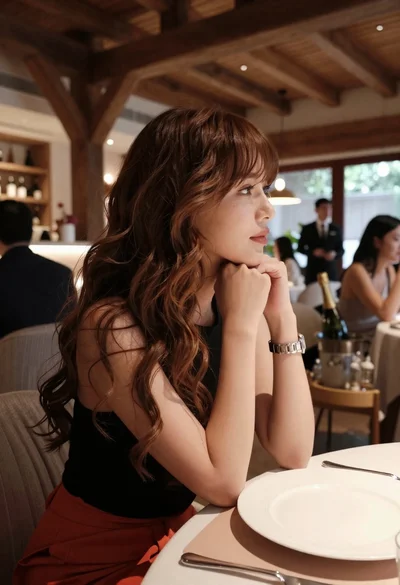
Profile portrait of woman at dining table in upscale restaurant setting
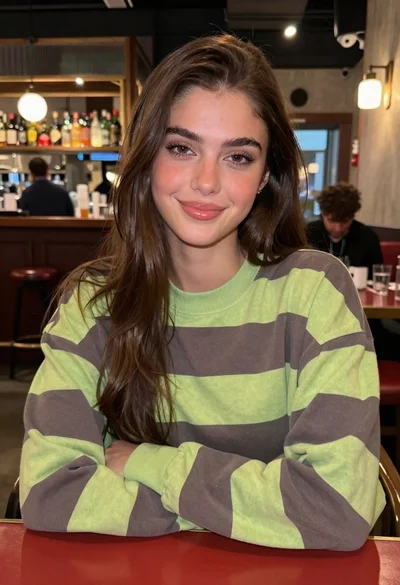
Young woman in striped sweatshirt sitting at restaurant table smiling
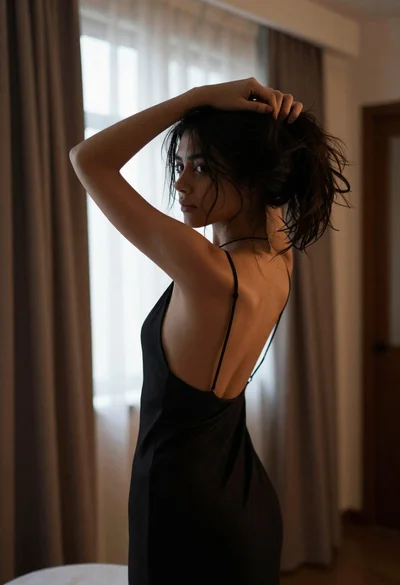
Young woman gathering dark wavy hair in black slip dress bedroom setting
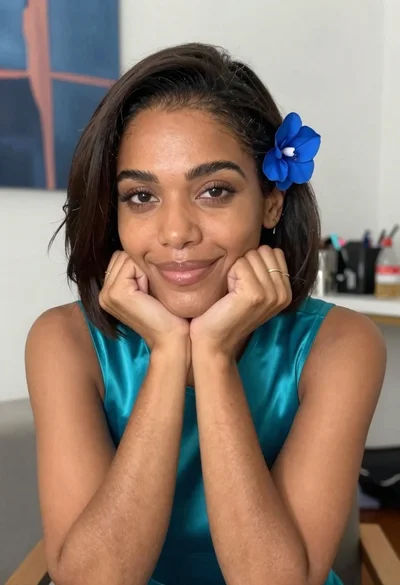
Medium close up portrait of woman with dark hair indoors

Young woman with dark wavy hair sitting in modern bright indoor living

Confident woman with dark wavy hair in lavender top indoors