
Woman holding purple hair product against cheek in studio setting
Prompt
A woman with long dark wavy hair holds a purple L'Oreal Elvive hair product bottle against her cheek while looking directly at the camera.

Subject: A woman with fair skin and long dark brown wavy hair that cascades over her shoulders.

Clothing: She wears a simple white ribbed short-sleeved top.

Action: She holds a purple cylindrical bottle up to the left side of her face, resting it against her cheek, while gazing forward with a neutral expression.

Environment: The background is a plain seamless light grey studio backdrop.

Camera: Medium close-up shot with soft focus on the background and sharp detail on the subject's face and hair.

Lighting: Bright and even studio lighting that highlights the texture of the hair and skin without harsh shadows.

Objects: A purple L'Oreal Elvive hair care bottle held in her right hand.

Text/Graphics: The label on the bottle reads L'Oreal Elvive in white text with a silver cap.

Style Details: High-key commercial photography style with clean lines and polished retouching.
Description
This prompt is useful for creating beauty advertisement mockups, e-commerce product listings, and haircare campaign visuals. The combination of 'bright and even studio lighting' and the 'plain seamless light grey studio backdrop' ensures that all focus remains on the subject's face and the vibrant purple object, preventing distracting environmental elements from competing with the product placement.
Suggestions
- Change 'L'Oreal Elvive' to a generic brand name for broader use.
- Swap 'white ribbed short-sleeved top' for 'black turtleneck' to increase contrast.
- Adjust 'soft focus on the background' to 'shallow depth of field' for more dramatic separation.
Category
Tags
Brown HairBrunetteCasual WearFair SkinFemalePortrait ShotRealisticStudio
Date added
June 19, 2026
Added by
PromptDexter Team
Related Prompts
More prompts with similar categories and tags.
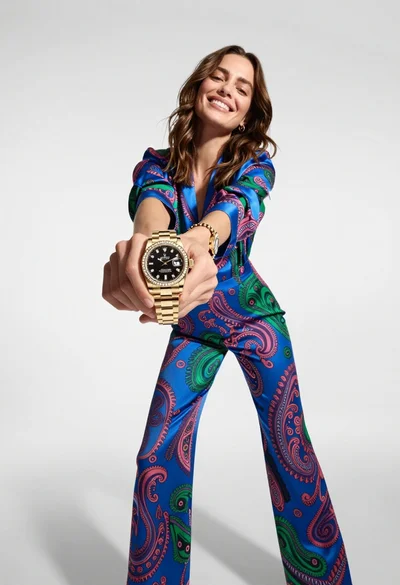
Woman in blue paisley jumpsuit presenting diamond wristwatch against white studio backdrop
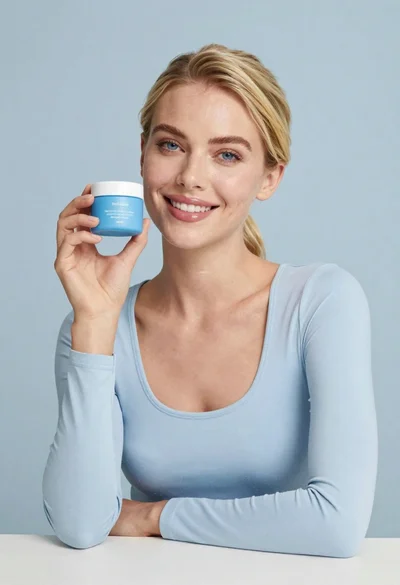
Smiling blonde woman holding a blue jar in a minimalist studio setting
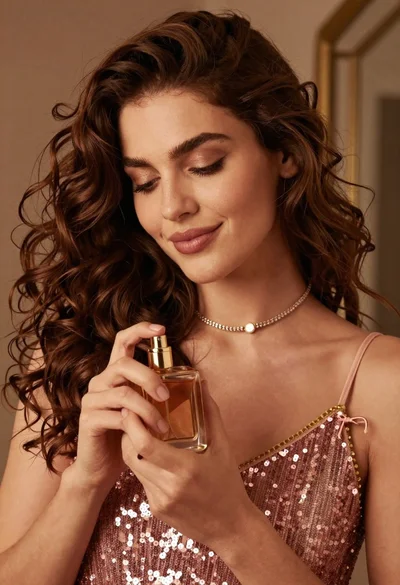
Portrait of woman holding perfume bottle in soft warm indoor light
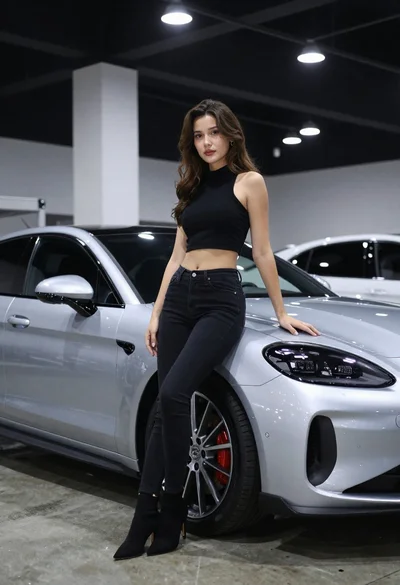
Woman leaning on silver sports car in showroom
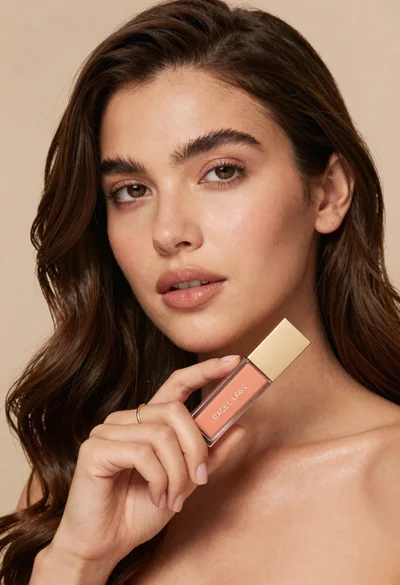
Woman holding cosmetic tube near face in closeup portrait shot
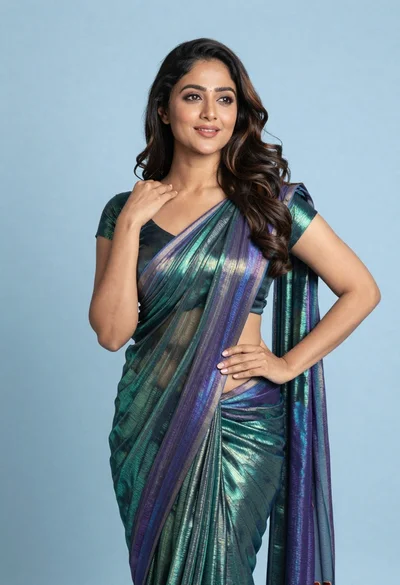
Woman in shimmering green saree posing confidently against soft blue studio backdrop
Woman with dark brown hair seated in wooden chair against green backdrop

Woman with brown hair forming heart shape in white strapless dress

Photorealistic portrait of woman in red gold armor holding shield studio shot
Close up portrait of woman with brown hair holding black lipstick indoors