
Medium close up portrait of woman with dark hair and yellow top
Prompt
A close-up portrait of a woman with dark hair pulled back tightly and sharp winged eyeliner.

Subject: A woman with fair skin, green eyes, and a neutral expression looking directly at the camera. Her hair is slicked back into a sleek bun or ponytail, revealing her ears and neck clearly. She has defined eyebrows and natural-looking lips.

Clothing: She wears a bright chartreuse yellow top featuring a square neckline and a satin bow detail across the bust. The sleeves appear to be made of a sheer, translucent fabric.
Accessories: She is wearing small, dangling earrings with yellow gemstones that match her outfit.

Environment: The background consists of out-of-focus green foliage, likely a hedge wall, with large white abstract shapes visible behind her head.

Lighting: The lighting is bright and even, typical of a red carpet or event flash, highlighting the sheen on her skin and the texture of her clothing without casting harsh shadows.

Camera: A medium close-up shot framed from the chest up, utilizing a shallow depth of field to keep the subject in sharp focus while blurring the background elements.

Style Details: High-resolution photography with a polished, glamorous aesthetic characteristic of celebrity event coverage.
Description
This prompt is useful for creating high-end red carpet editorials, promotional headshots for actresses, and glossy magazine features requiring immediate impact. The combination of 'bright chartreuse yellow top' against the 'out-of-focus green foliage' creates a vibrant focal point that directs attention to the subject while the specified 'shallow depth of field' ensures the polished focus remains entirely on her face and accessories.
Suggestions
- Change 'chartreuse yellow top' to 'mustard yellow silk' for a warmer tone.
- Swap 'dangling earrings with yellow gemstones' for 'diamond stud earrings' for more timeless glamour.
- Adjust 'bright and even, typical of a red carpet or event flash' to 'soft box lighting' for less harsh highlights.
Category
Tags
Close UpFair SkinFemaleMedium ShotOutdoorsRealistic
Date added
June 19, 2026
Added by
PromptDexter Team
Related Prompts
More prompts with similar categories and tags.

Blonde woman in rust knit sweater leaning against textured wall

Woman in gold sequin slip dress looking over shoulder in forest

Woman in black dress by window overlooking ocean at golden hour
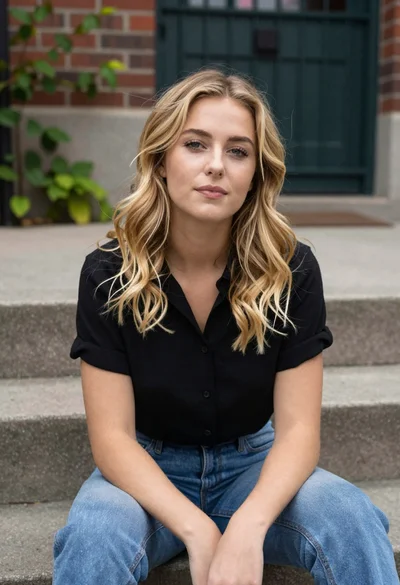
Blonde woman sitting on concrete steps outdoors near brick wall
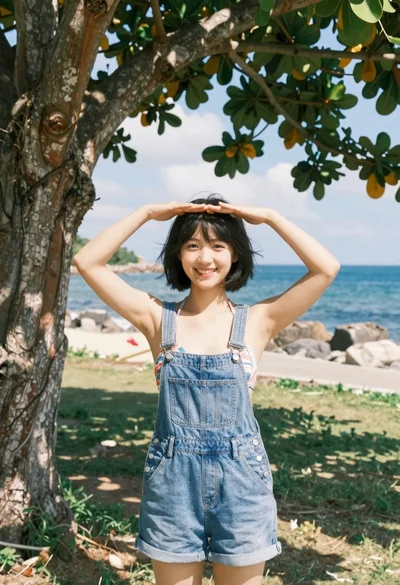
Smiling young woman in denim overalls outdoors near ocean shoreline
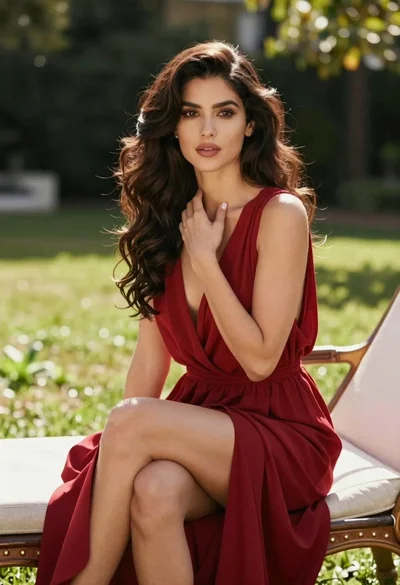
Woman in deep red dress seated elegantly outdoors on grassy lawn
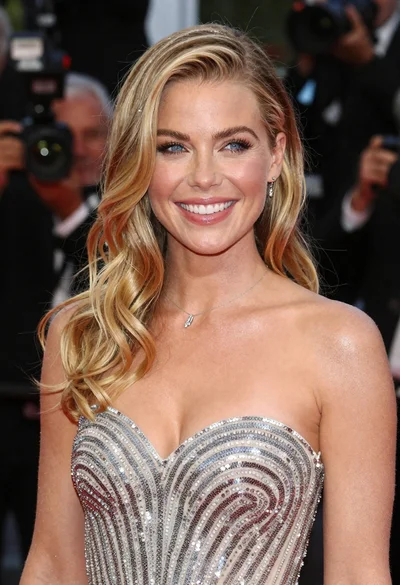
Close up portrait of smiling blonde woman in silver sequin gown

Blonde woman reading at a cafe table with roses
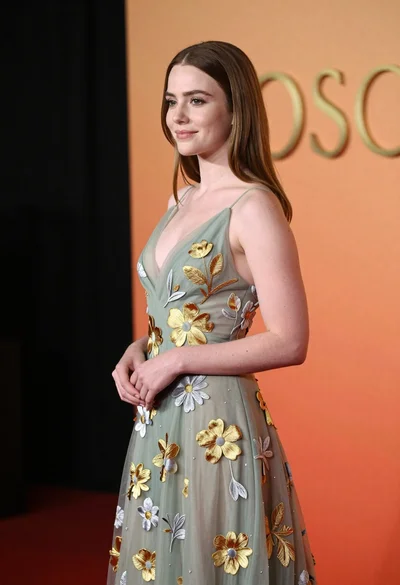
Young woman in sage green embroidered gown against orange backdrop

Fair blonde woman touching hair outdoors overlooking hazy cityscape