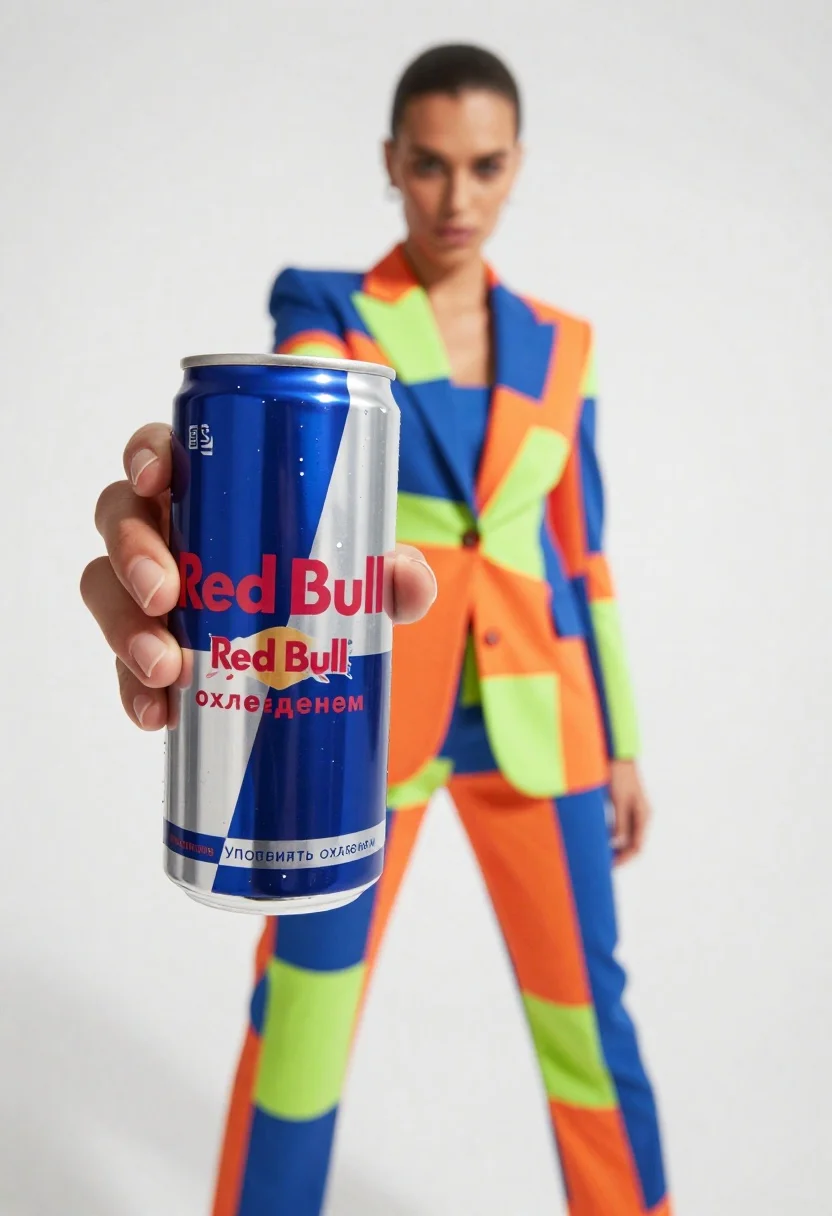
Closeup of red bull can held by hand with fashion model in
Prompt
A close-up shot of a hand holding a Red Bull energy drink can in the foreground with a fashion model standing behind it against a white background.

Subject: A woman with dark hair pulled back, wearing a vibrant geometric-patterned suit featuring bold blocks of blue, orange, and neon green.

Clothing: The model wears a tailored blazer and matching trousers with sharp angular patterns in bright primary colors and lime accents.

Action: The model stands with legs apart in a confident stance, looking directly at the camera with a neutral expression while holding the can forward.

Environment: A stark white studio background that isolates the subjects and emphasizes the colorful clothing and product.

Camera: Close-up perspective focusing on the Red Bull can in the immediate foreground, creating a shallow depth of field that blurs the model slightly in the background.

Lighting: Bright, high-key studio lighting with soft shadows, highlighting the metallic sheen of the can and the vivid colors of the suit.

Text/Graphics: The Red Bull logo is clearly visible on the can along with Russian text reading "Употреблять охлажденным" (Consume chilled) and other product details.

Style Details: Commercial advertising photography style with high saturation, sharp focus on the product, and a clean, modern aesthetic.
Description
This prompt is useful for creating commercial beverage advertisements, fashion brand collaborations, and lifestyle product placements requiring immediate visual impact. The combination of 'bright primary colors' in the suit against a 'stark white studio background' ensures maximum contrast, while the 'shallow depth of field' directs the viewer's eye precisely to the foreground product, preventing the model from distracting from the can.
Suggestions
- Change 'vibrant geometric-patterned suit' to 'monochromatic structured suit' for a more sophisticated feel.
- Adjust 'high saturation' to 'muted tones' if you want a less aggressive look.
- Swap 'Red Bull energy drink can' for '[Brand Name] beverage can' to generalize the product.
Category
Tags
Close UpFemaleFormal WearFull BodyOutdoorsPortrait ShotRealisticStudio
Date added
June 23, 2026
Added by
PromptDexter Team
Related Prompts
More prompts with similar categories and tags.
Woman holding cosmetic tube near face in closeup portrait shot
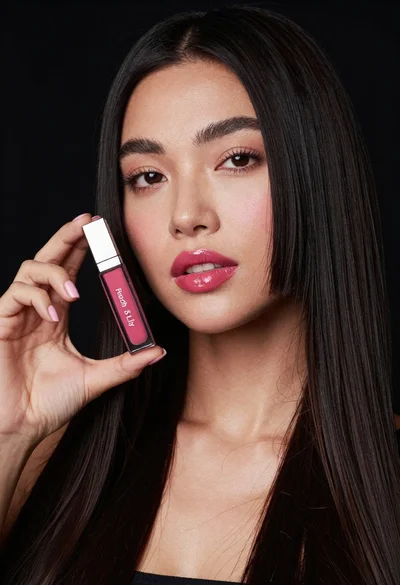
Woman holding lip gloss tube against black background in closeup
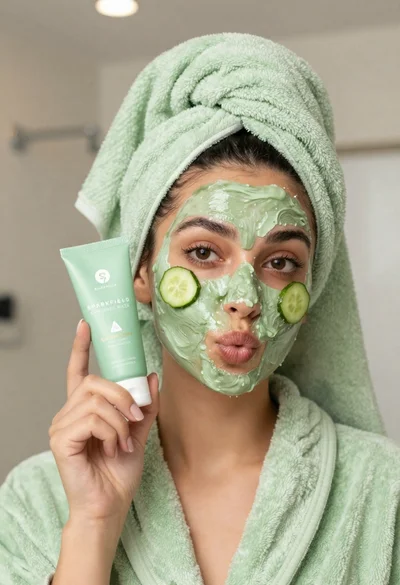
Woman in light green bathrobe holding cucumber face mask tube
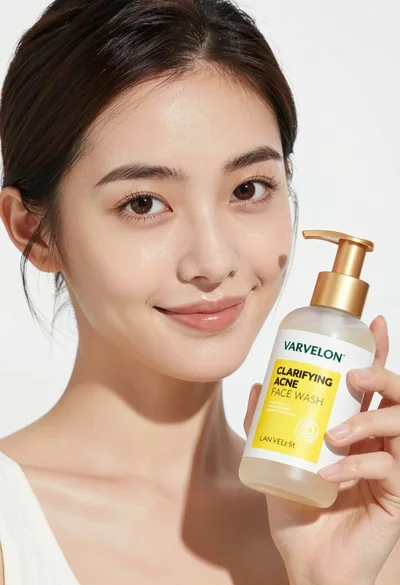
Medium close up portrait of woman holding face wash bottle in white
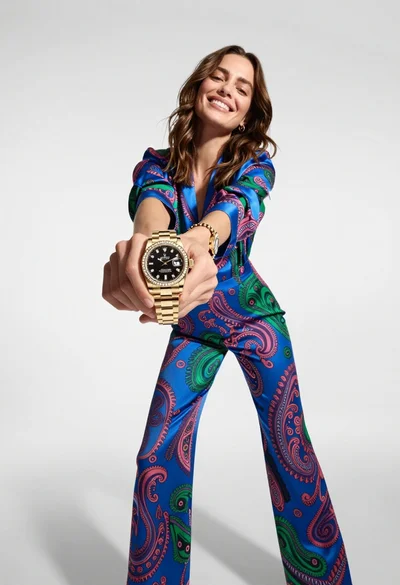
Woman in blue paisley jumpsuit presenting diamond wristwatch against white studio backdrop
Close up of woman holding pink body splash bottle in bright white
Young woman holding energy drink can making kissy face in studio setting
Woman in lavender suit standing beside giant perfume bottle in studio