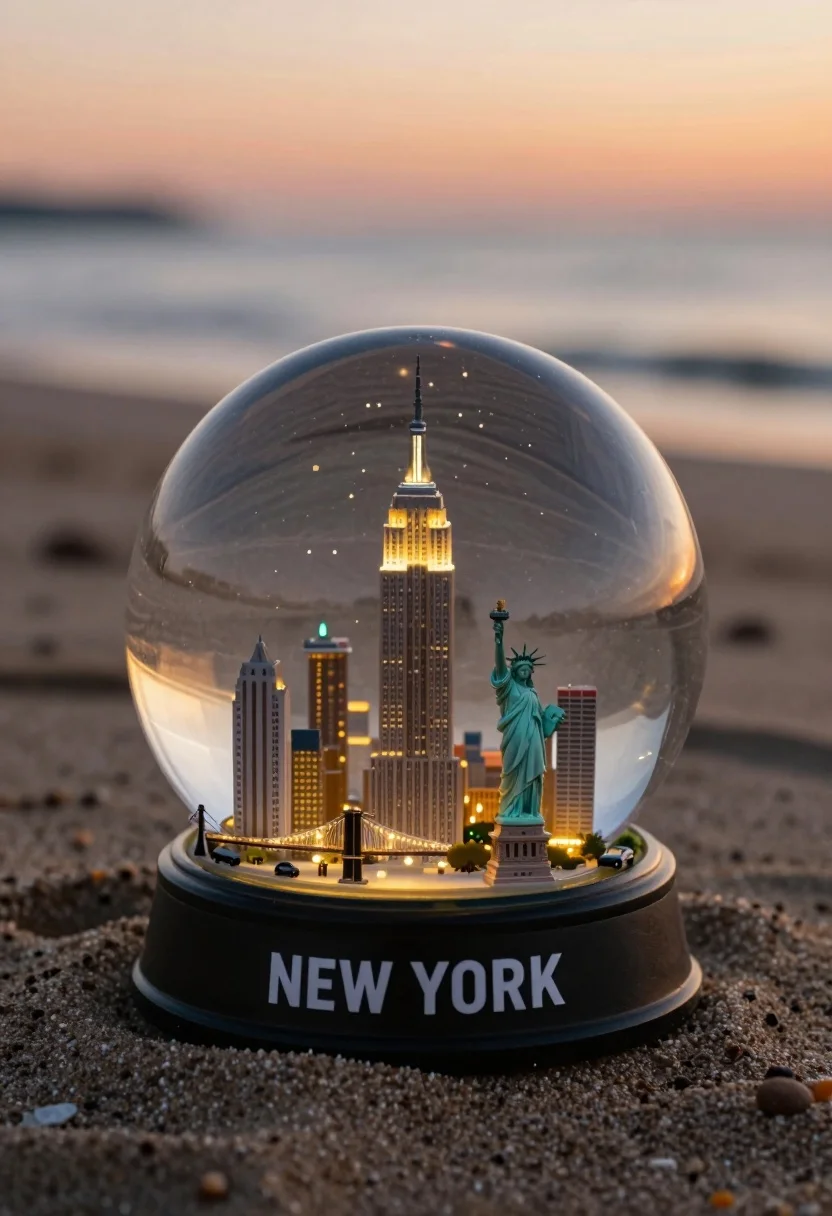
Miniature new york city skyline snow globe on sandy beach at sunset
Prompt
A miniature glass snow globe containing a detailed model of the New York City skyline sits on a sandy beach at sunset.

Subject: A transparent spherical glass dome encasing a meticulously crafted miniature cityscape featuring iconic landmarks including the Empire State Building, the Statue of Liberty, and the Brooklyn Bridge.

Clothing: Not applicable.

Action: The miniature city is static within the globe, illuminated from within by warm yellow lights that contrast with the cool exterior tones.

Environment: The scene is set on a textured sandy beach with gentle ocean waves visible in the blurred background under a soft orange and pink sky.

Camera: A close-up shot with a shallow depth of field that keeps the snow globe sharp while blurring the beach and ocean behind it.

Lighting: Warm, golden ambient light from the setting sun reflects off the glass surface, creating highlights on the dome and casting a soft glow on the sand.

Objects: Tiny model cars are parked along the base of the city inside the globe.

Interaction: The miniature city is contained entirely within the glass sphere, isolated from the real-world beach environment outside.

Text/Graphics: The words "NEW YORK" are printed in bold white capital letters on the black base of the snow globe.

Style Details: Photorealistic rendering with high detail and a cinematic composition that blends macro photography with miniature modeling aesthetics.
Description
This prompt is useful for creating whimsical product advertisements, surreal landscape art, and detailed architectural vignettes. The combination of 'miniature glass snow globe' containing the cityscape, juxtaposed against the 'sandy beach at sunset,' establishes a contained fantasy element that contrasts with the natural environment, while the 'shallow depth of field' ensures the intricate model remains the sharp focal point.
Suggestions
- Change 'warm yellow lights' to 'cool blue internal lighting' for a more dramatic contrast.
- Swap 'soft orange and pink sky' for 'deep indigo twilight' to enhance the moodiness.
- Add 'bokeh effect' to the background description for greater separation.
Category
Tags
BeachClose UpMacro ShotOutdoorsRealisticRooftopWide Shot
Date added
August 5, 2026
Added by
PromptDexter Team
Related Prompts
More prompts with similar categories and tags.

Exhilarated tourist man at christ the redeemer statue in rio

Silhouette of india gate monument at sunset viewed from a low angle

Solitary white house by reflective water under vibrant sunset sky
Majestic palace complex with red domes and golden spires under soft sky
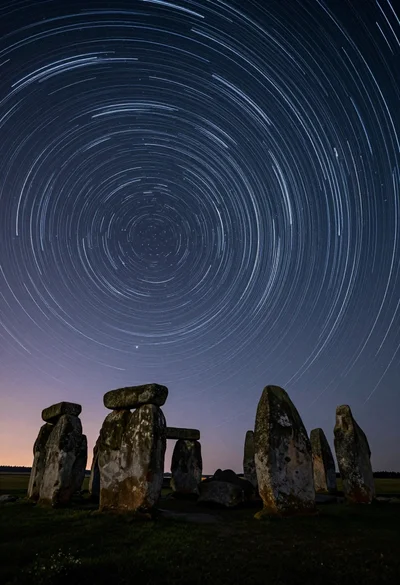
Majestic ancient stone circle dolmen silhouetted against swirling star trails at night
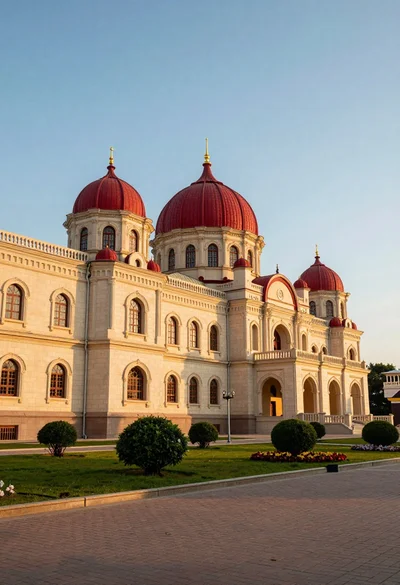
Majestic palace complex architecture with red domes and golden spires at sunset
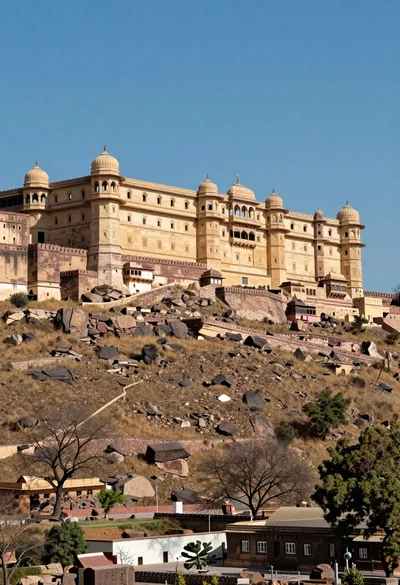
Majestic sandstone fortress complex atop a rugged arid hill under blue sky

High angle aerial view of st peters square in vatican city rome
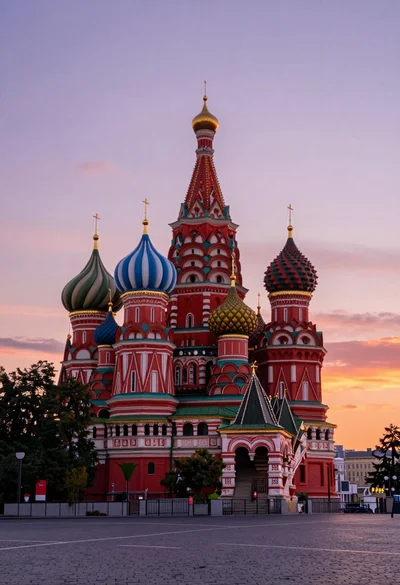
Wide view of st basils cathedral under soft twilight sky with colorful
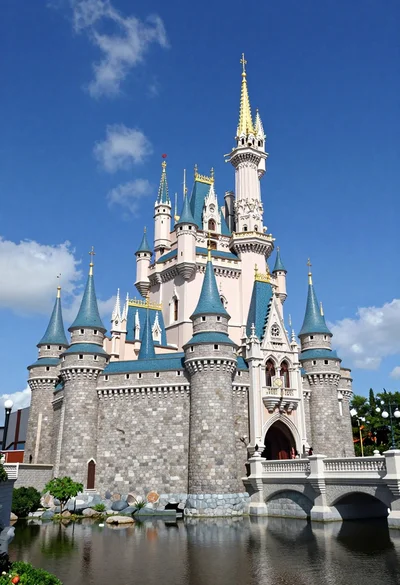
Majestic fairytale castle with blue roofs standing by a moat under bright