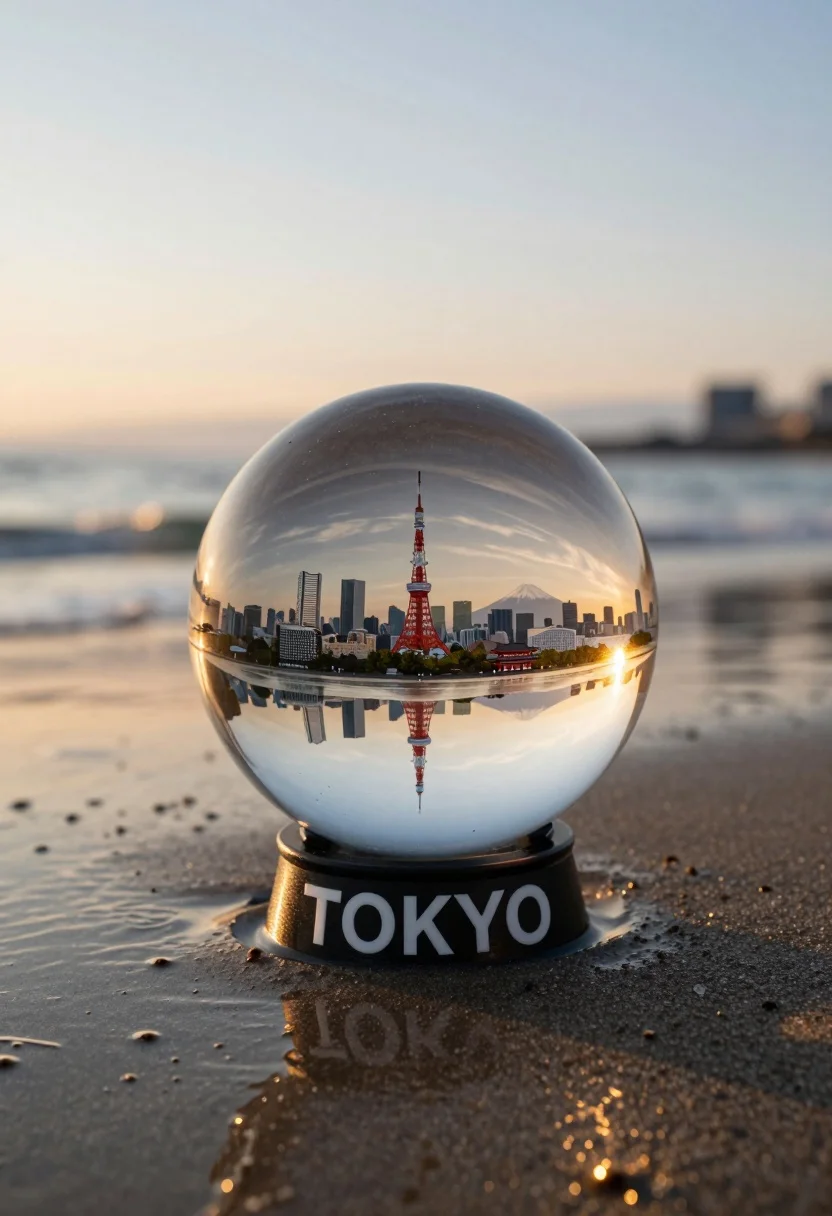
Glass sphere containing miniature tokyo cityscape on wet sand at sunset
Prompt
A glass sphere containing a miniature Tokyo cityscape sits on wet sand at the beach during sunset.

Subject: A large transparent glass globe resting on a sandy shore, encapsulating a detailed miniature model of the Tokyo skyline.

Clothing: Not visible.

Action: The sphere rests stationary on the wet sand, reflecting the surrounding environment.

Environment: A serene beach setting with gentle ocean waves in the background and a soft sky transitioning from blue to warm sunset hues.

Camera: Close-up shot focusing on the sphere with a shallow depth of field blurring the distant water and horizon.

Lighting: Warm golden hour sunlight casting long reflections on the wet sand and illuminating the interior of the glass globe.

Subject: Not visible.

Objects: The Tokyo skyline inside the sphere includes recognizable landmarks such as the Tokyo Tower, Mount Fuji in the distance, modern skyscrapers, and a traditional red temple structure.

Interaction: Not visible.

Text/Graphics: The word TOKYO is printed in bold white capital letters on the black base of the glass sphere.

Style Details: Photorealistic rendering with high detail, vibrant colors, and a magical realism aesthetic blending macro photography with miniature diorama elements.
Description
This prompt is useful for creating surreal architectural visualizations, detailed product mockups for travel brands, and conceptual art pieces exploring urban decay or preservation. The combination of 'macro shot' focus on the sphere against a 'shallow depth of field blurring the distant water' grounds the fantastical miniature within a believable, natural setting while the 'warm golden hour sunlight' ensures dramatic, reflective highlights across both the wet sand and the glass surface.
Suggestions
- Change 'Tokyo Tower' to 'Shibuya Crossing' for a more modern feel.
- Swap 'wet sand' for 'polished black obsidian' to change reflections.
- Adjust 'vibrant colors' to 'muted pastel tones' for a softer aesthetic.
Category
Tags
BeachMacro ShotRealisticRooftopUrbanWide Shot
Date added
August 5, 2026
Added by
PromptDexter Team
Related Prompts
More prompts with similar categories and tags.
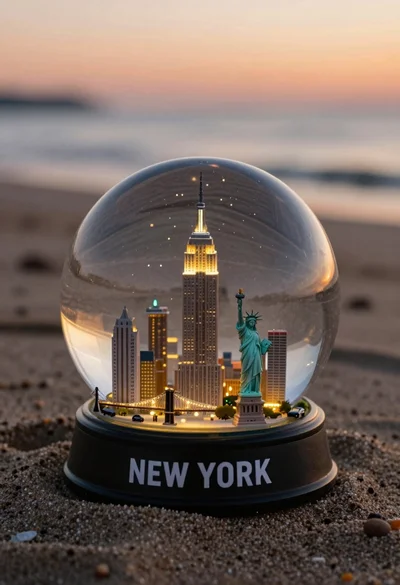
Miniature new york city skyline snow globe on sandy beach at sunset
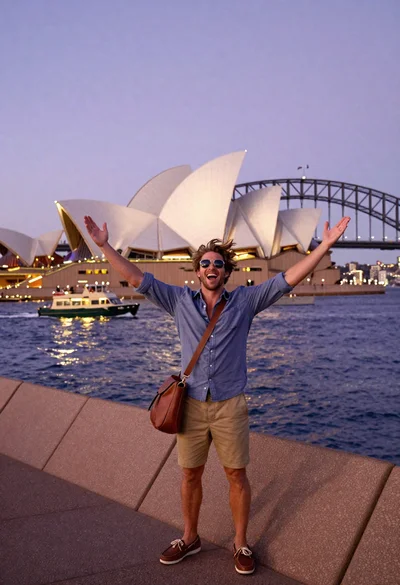
Exhilarated tourist man taking selfie near sydney opera house and bridge

Silhouette of india gate monument at sunset viewed from a low angle

Eiffel tower silhouette reflected in water at twilight against blue orange sky

Majestic golden domed palace overlooking sprawling cityscape at twilight
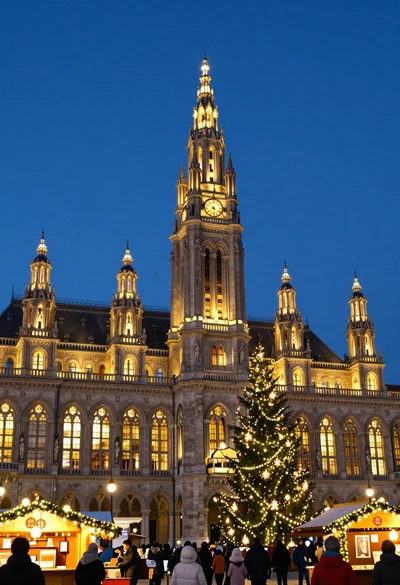
Majestic gothic revival city hall at twilight with glowing christmas market

Neoclassical building with dome scaffolding reflecting on calm river water at twilight

High angle aerial view of new york city skyline at twilight featuring

Wide view of tower bridge spanning river at sunset under dramatic colorful

Low angle wide shot of manhattan skyline at night with illuminated empire