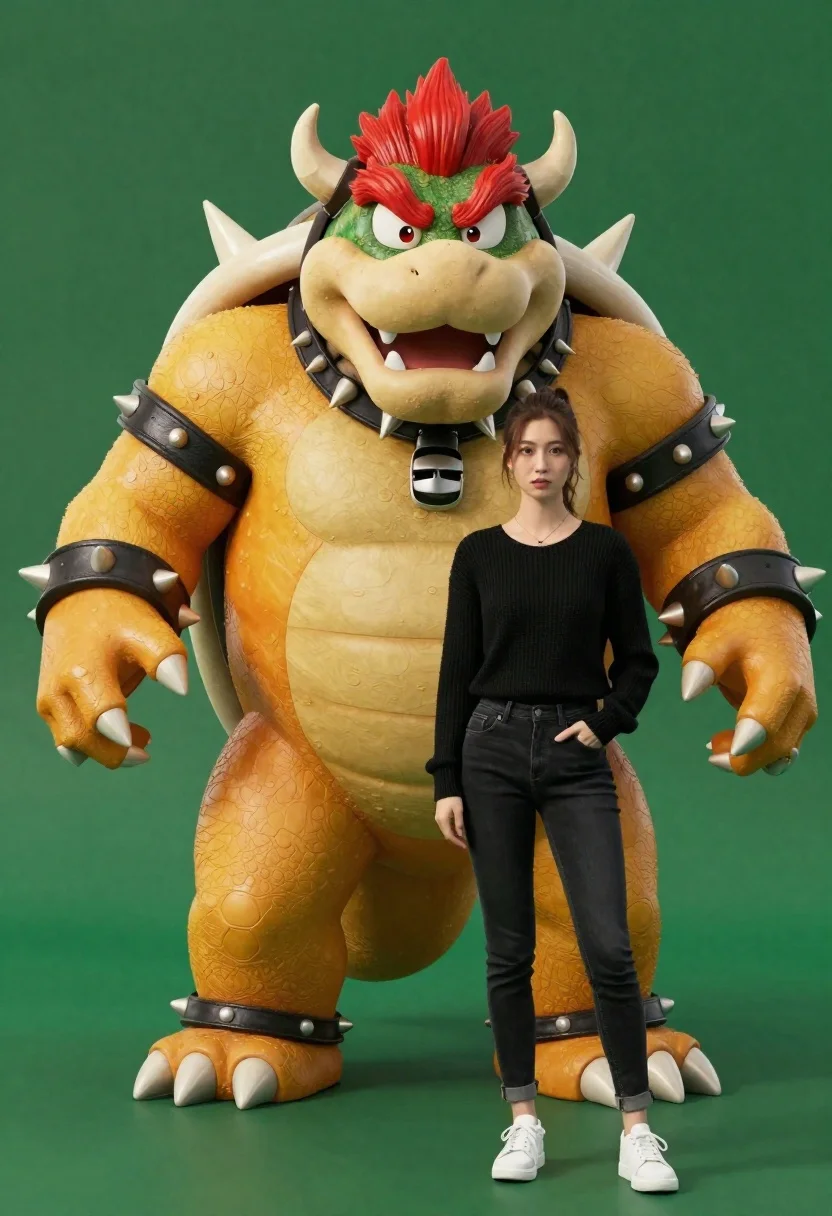
Muscular bowser character standing next to young woman in black sweater
Prompt
A massive, muscular Bowser stands next to a young woman in a studio setting.

Subject: A large, orange and green reptilian character with red mohawk-like hair, prominent horns, a spiked shell, and a fierce expression standing beside a human female.

Clothing: The woman wears a black ribbed sweater, dark skinny jeans, and white sneakers; Bowser has spiked leather straps around his arms and neck.

Action: The characters stand side-by-side facing forward with neutral expressions, hands in pockets or at sides.

Environment: A solid dark green background that suggests a studio backdrop.

Camera: Eye-level medium shot capturing both figures from the knees up with even framing.

Lighting: Soft studio lighting illuminating the subjects evenly with subtle shadows and highlights on the textures.
Second

Subject: A young woman with brown hair tied back, looking directly at the camera.

Objects: None.

Interaction: The two stand close together in a posed arrangement without physical contact.

Text/Graphics: None.

Style Details: Photorealistic 3D render style with high texture detail and smooth shading.
Description
This prompt is useful for creating character concept art, promotional merchandise mockups, or stylized narrative illustrations featuring contrasting figures. The combination of 'photorealistic 3D render style' and 'soft studio lighting illuminating the subjects evenly' ensures that both the highly detailed reptilian textures and the soft fabric folds of the woman's 'black ribbed sweater' are rendered with consistent, non-distracting clarity.
Suggestions
- Change 'dark green background' to 'charcoal gray backdrop' for a more modern feel.
- Add 'octane render' to enhance the 3D material quality.
- Swap 'fierce expression' for 'curious expression' to soften the interaction.
Category
Tags
3dBrown HairCasual WearFemaleFictional CharacterMedium ShotRealisticStudio
Date added
June 26, 2026
Added by
PromptDexter Team
Related Prompts
More prompts with similar categories and tags.

Smiling woman next to pink panther mascot in a seamless pastel studio

Smiling young woman posing with large blue robot cat mascot on solid

Woman in police uniform stands with fox wearing shirt against white studio
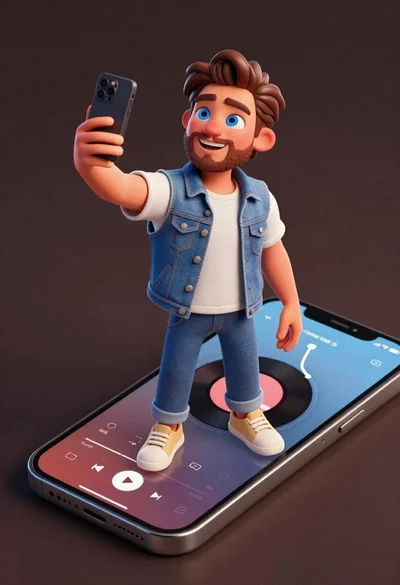
Cheerful young man taking selfie while standing on giant smartphone screen
Cheerful young woman taking selfie while standing on giant smartphone screen

Full body studio shot of woman standing between large mario and luigi
Young woman standing confidently between two large sonic the hedgehog characters
Woman in white ribbed sweater sitting on concrete steps fashion portrait