
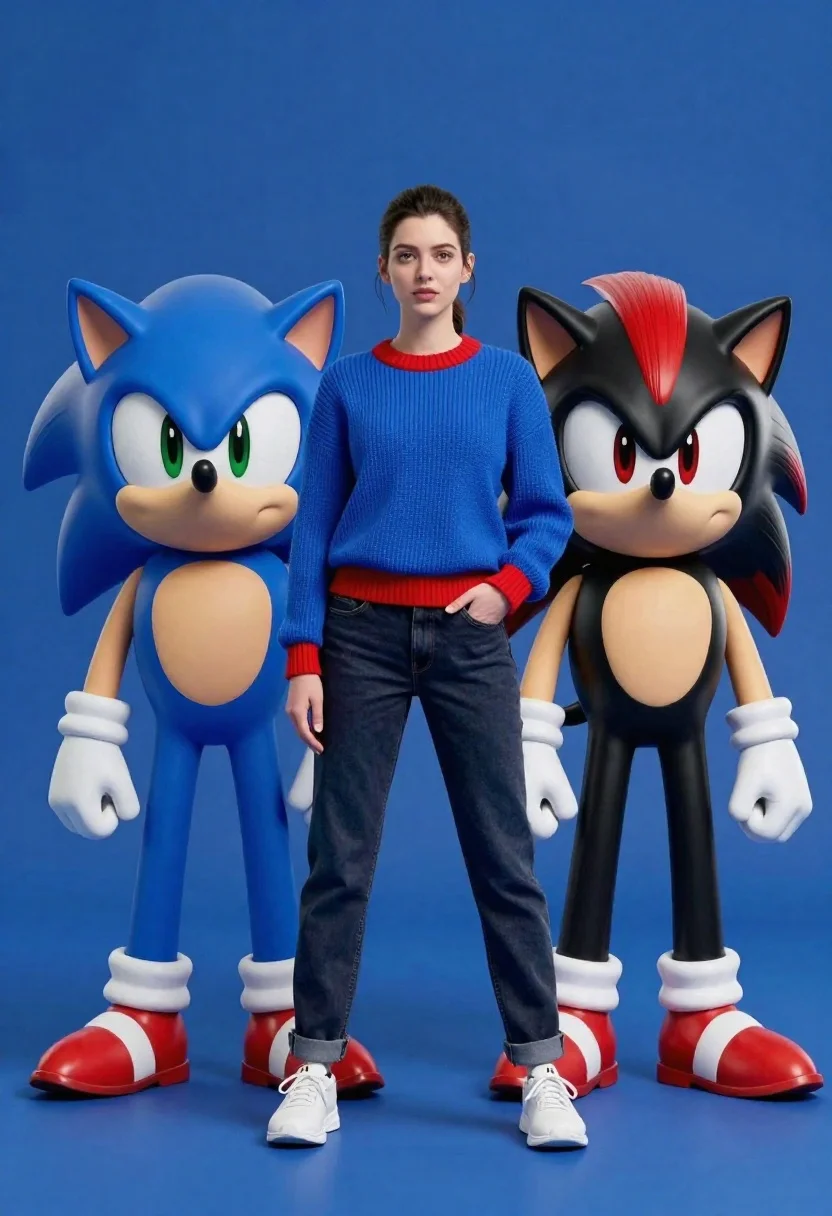
Young woman standing confidently between two large sonic the hedgehog characters
Prompt
A woman stands confidently between two large Sonic the Hedgehog characters against a solid blue background.

Subject: A young woman with dark hair pulled back, flanked by a blue hedgehog character on her left and a black hedgehog character on her right.

Clothing: The woman wears a blue ribbed knit sweater with red trim at the collar and cuffs, dark jeans, and white sneakers.

Action: The woman stands with one hand in her pocket looking forward, while the characters stand in relaxed poses facing slightly outward.

Environment: A solid deep blue studio background with a matching blue floor.

Camera: Eye-level medium shot capturing the full height of the subjects with a clean, centered composition.

Lighting: Soft, even studio lighting that minimizes harsh shadows and highlights the textures of the clothing and characters.
Second

Subject: The character on the left is a blue hedgehog with green eyes, white gloves, and red shoes.
Second

Subject: The character on the right is a black hedgehog with red quills, white chest fur, gold rings on his wrists, and red and white shoes.

Objects: No additional props are visible in the scene.

Interaction: The subjects stand side-by-side without touching or interacting physically.

Text/Graphics: No text or logos are visible on clothing or accessories.

Style Details: High-quality 3D render style with realistic textures and smooth shading.
Description
This prompt is useful for creating character concept art, promotional merchandise mockups, and stylized group shots for fan projects. The combination of 'soft, even studio lighting' and the 'solid deep blue background' ensures that all subjects—the woman in her 'blue ribbed knit sweater' and the detailed hedgehogs—are clearly visible without distracting environmental clutter.
Suggestions
- Change 'solid deep blue background' to 'gradient blue backdrop' for more visual interest.
- Swap 'blue ribbed knit sweater' for 'navy turtleneck' to simplify the color palette.
- Add 'octane render, unreal engine' to enhance the 3D quality.
Category
Tags
3dFemaleFictional CharacterFull BodyMedium ShotOutdoorsRealisticStudio
Date added
June 26, 2026
Added by
PromptDexter Team
Related Prompts
More prompts with similar categories and tags.

Full body studio shot of woman and anthropomorphic fox character

Woman in police uniform stands with fox wearing shirt against white studio
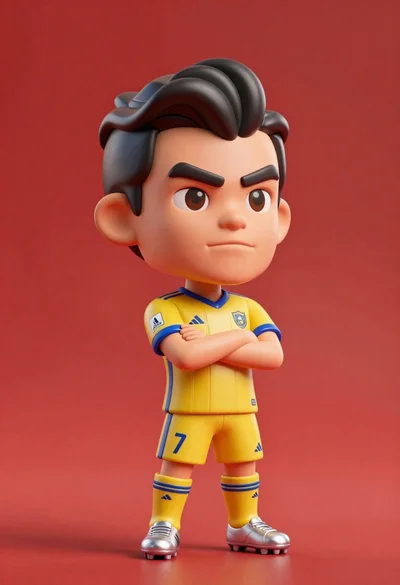
Stylized bobblehead soccer player in yellow jersey standing confidently against red background

Three animated characters standing together against a solid blue background
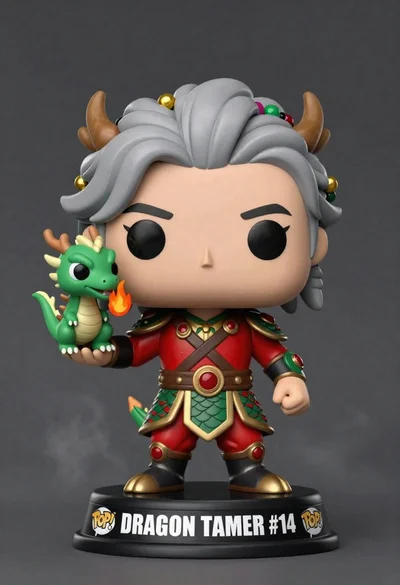
Stylized funko pop figure of dragon tamer holding small green dragon
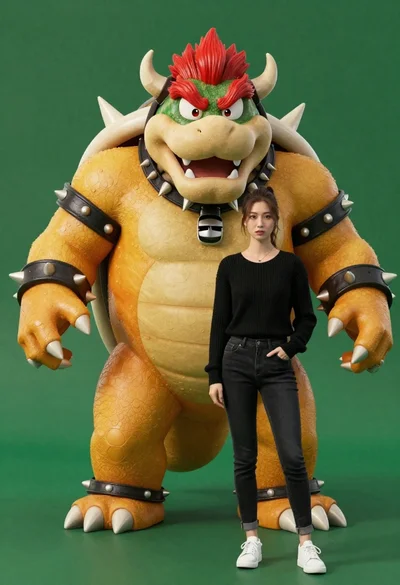
Muscular bowser character standing next to young woman in black sweater
Young woman in blue traditional outfit standing next to her animated 3d
Confident woman in silver beaded saree on a night balcony setting
