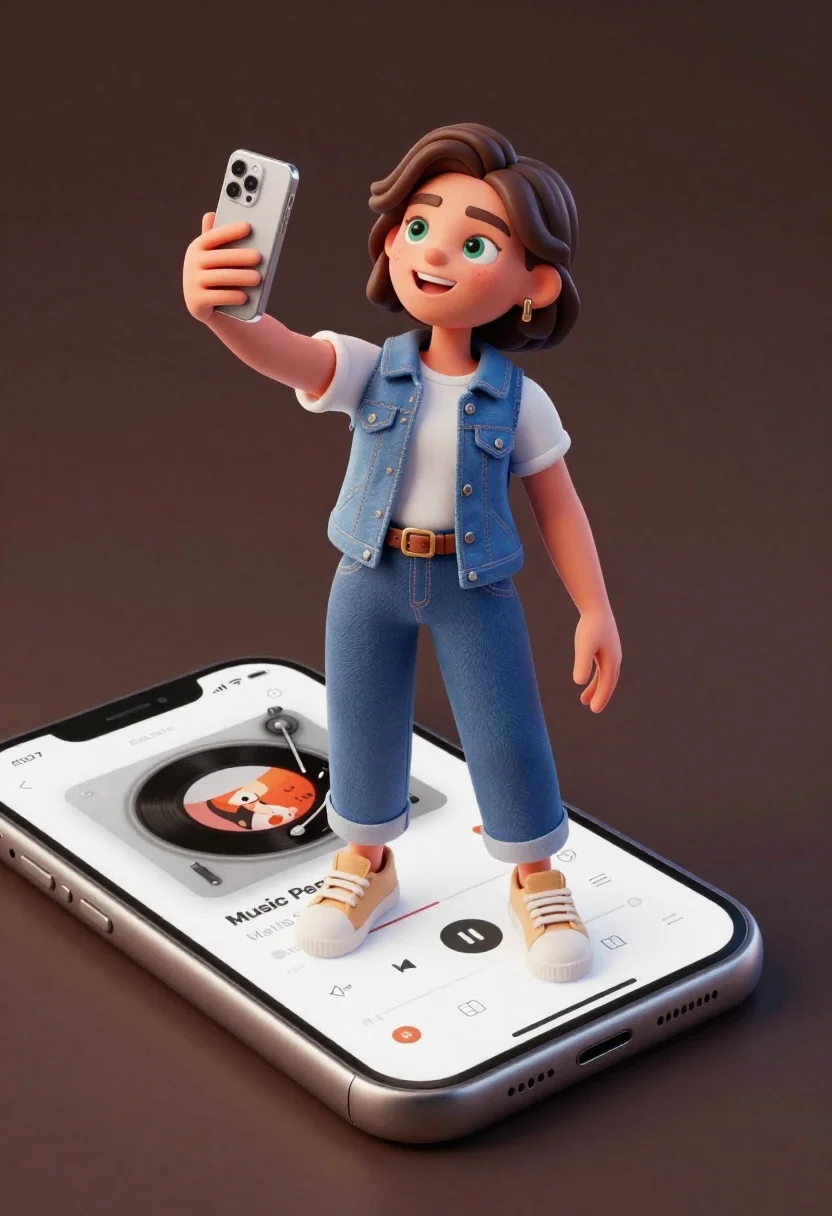
Cheerful young woman taking selfie while standing on giant smartphone screen
Prompt
A cheerful young woman with brown hair takes a selfie while standing on a giant smartphone screen displaying a music player interface.

Subject: A happy young woman with short wavy brown hair and green eyes, smiling broadly at the camera.

Clothing: She wears a white t-shirt under a blue denim vest, blue jeans, and beige low-top sneakers.

Action: She holds a silver smartphone in her right hand to take a selfie while standing on a larger phone screen.

Environment: A solid dark brown background with no other environmental details.

Camera: High-angle shot looking down at the subject, emphasizing the scale of the phone she is standing on.

Lighting: Soft studio lighting illuminating the face and body evenly with minimal harsh shadows.

Objects: A large smartphone displaying a music player interface with the text "Music People" and artist name "Marits Storie".

Style Details: 3D rendered style with smooth textures, rounded character proportions, and vibrant colors.
Description
This prompt is useful for creating whimsical advertising concepts, digital art book illustrations, and playful product mockups. The combination of 'high-angle shot looking down' and the 'giant smartphone screen' composition forces a dynamic perspective that emphasizes the surreal scale contrast, while 'soft studio lighting' ensures all the details on the clothing and phone interface remain visible without harsh distractions.
Suggestions
- Change 'blue denim vest' to 'red bomber jacket' for a bolder color pop.
- Adjust 'solid dark brown background' to 'gradient charcoal backdrop' for more depth.
- Swap '3D rendered style with smooth textures' for 'Pixar-esque, highly detailed rendering' to change the overall aesthetic.
Category
Tags
3dBrown HairCasual WearFemaleHigh AnglePortrait ShotRealisticStudio
Date added
June 21, 2026
Added by
PromptDexter Team
Related Prompts
More prompts with similar categories and tags.
Closeup portrait of stylized female art doll figure with brown hair
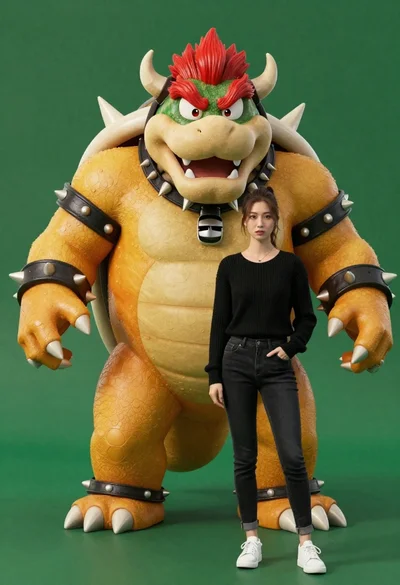
Muscular bowser character standing next to young woman in black sweater
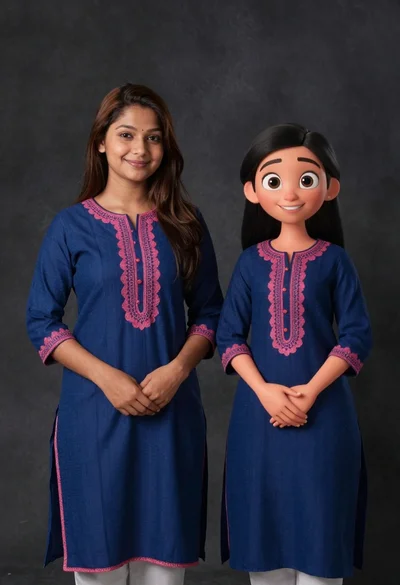
Young woman in blue traditional outfit standing next to her animated 3d

Full body studio portrait of woman with two animated animal friends

Smiling woman next to pink panther mascot in a seamless pastel studio

Smiling young woman posing with large blue robot cat mascot on solid

Woman in police uniform stands with fox wearing shirt against white studio
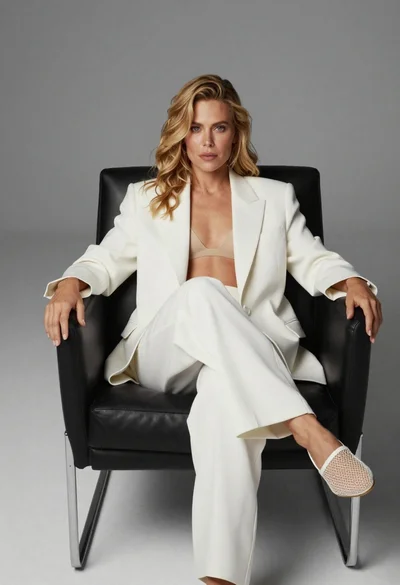
Blonde woman sitting in black leather chair against plain grey background