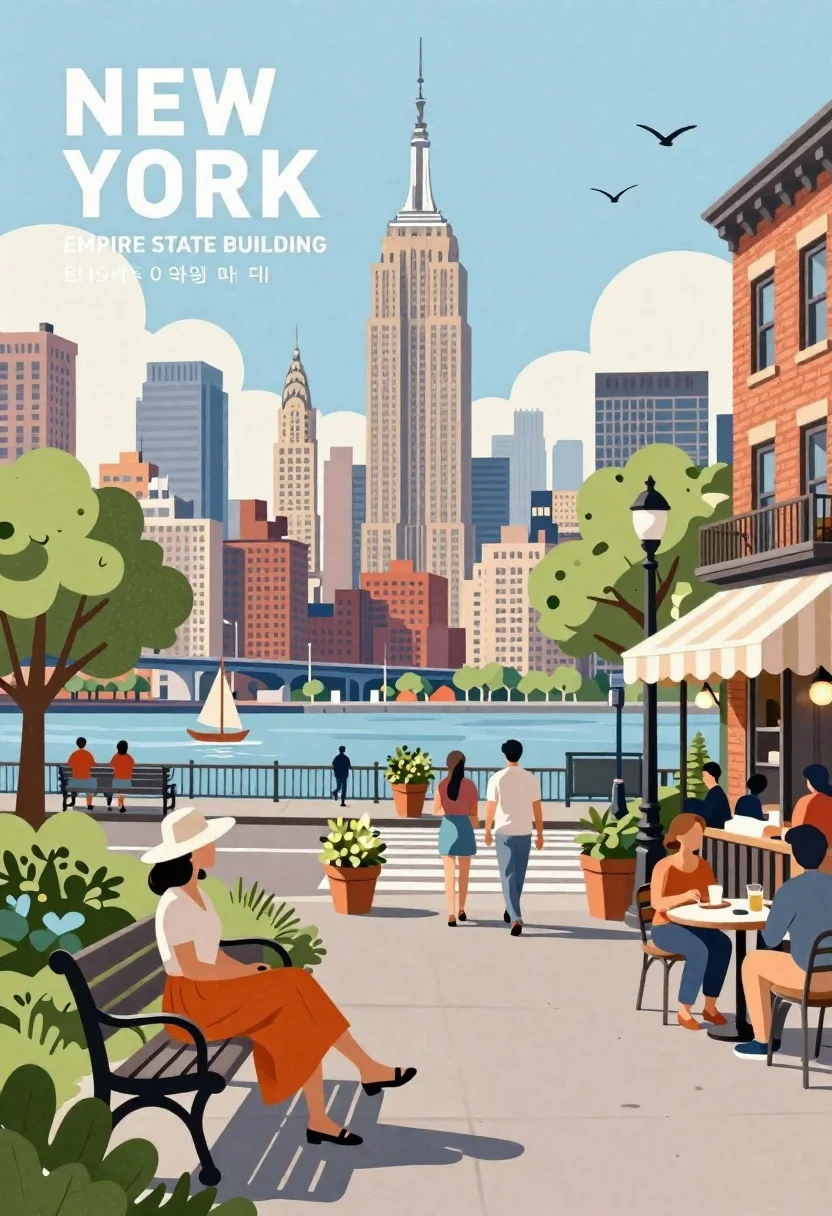
New york city street scene illustration with empire state building and park
Prompt
A vibrant, stylized illustration of a New York City street scene with the Empire State Building towering in the background under a soft blue sky.

Subject: A woman wearing a white top and orange skirt sits on a park bench in the foreground, while other pedestrians walk along the sidewalk and sit at an outdoor cafe table to the right.

Clothing: The seated woman wears a wide-brimmed hat and casual summer attire; pedestrians are dressed in light clothing suitable for a warm day.

Action: People are strolling across a crosswalk, sitting on benches, dining at a street-side cafe, and relaxing in a park area.

Environment: A bustling urban neighborhood with colorful brick buildings, green trees, flower pots, and a distant view of the Hudson River, a bridge, and the Manhattan skyline.

Camera: Eye-level perspective capturing both the intimate foreground activity and the grand scale of the city skyline behind it.

Lighting: Bright, soft daylight casting gentle shadows, creating a warm and inviting atmosphere with a pastel color palette.
Second

Subject: The Empire State Building stands prominently in the center background, flanked by other skyscrapers including One World Trade Center and the Chrysler Building.

Objects: A striped awning over a cafe, a black lamppost, potted plants, a small sailboat on the river, and birds flying in the sky.

Text/Graphics: Large white text reading "NEW YORK" at the top left, with smaller Korean and English text below it and "EMPIRE STATE BUILDING" further down.

Style Details: Paper-cut art style with clean lines, flat colors, and a textured background resembling handmade paper or cardstock.
Description
This prompt is useful for creating stylized travel posters, editorial neighborhood guides, and whimsical digital scrapbooking layouts. The combination of 'paper-cut art style' with 'flat colors' ensures that the architectural elements like the Empire State Building read as graphic cutouts rather than photorealistic structures, which prevents muddy detail in the background while keeping the foreground activity legible.
Suggestions
- Change 'soft blue sky' to 'pale yellow sky' for a more vintage feel.
- Swap 'colorful brick buildings' for 'terracotta colored facades' to unify the palette.
- Add 'visible paper creases' to the style details for increased texture.
Category
Tags
CafeDigital ArtOutdoorsStreetUrban
Date added
June 26, 2026
Added by
PromptDexter Team
Related Prompts
More prompts with similar categories and tags.
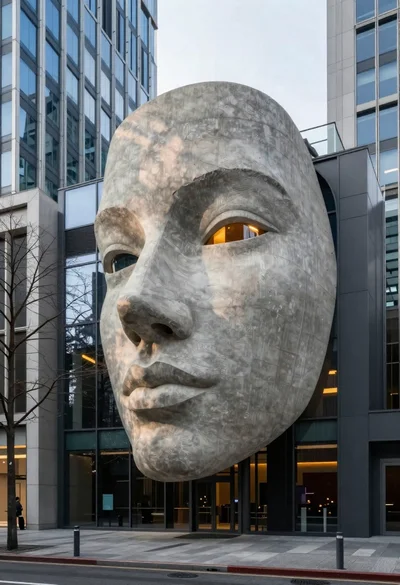
Modern city street with faceshaped concrete building facade
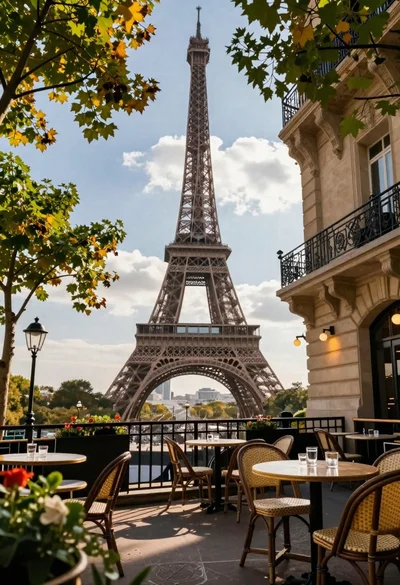
Romantic outdoor cafe terrace with eiffel tower in background under dramatic sky
Silhouette of india gate monument at sunset viewed from a low angle
Majestic cityscape at twilight featuring ornate historic building with blue dome
High angle view of historic city square pagoda temples at twilight
Majestic city skyline reflection on frozen water under deep blue twilight
High angle aerial view of st peters square in vatican city rome

Anime girl in france jersey standing before graffiti wall art