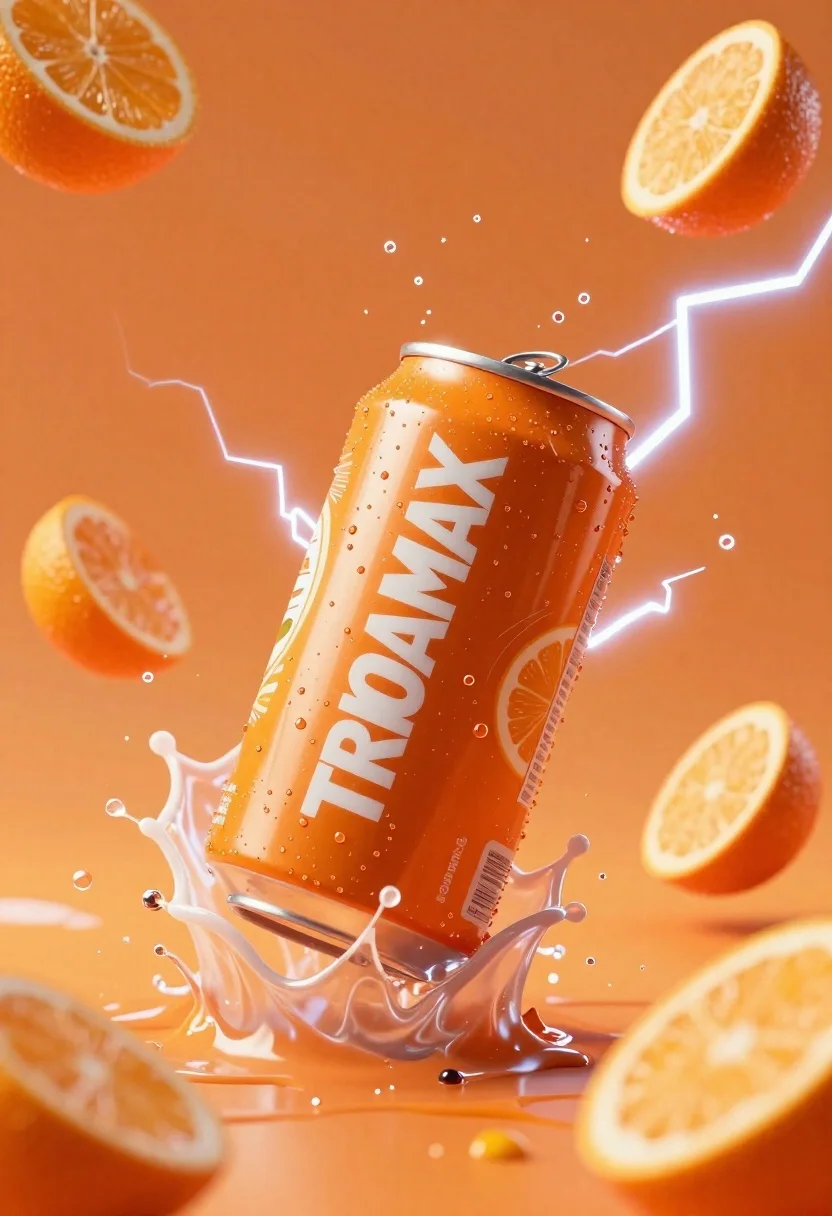
Orange soda can exploding in liquid splash with lightning effects
Prompt
A dynamic 3D render of an orange soda can exploding through a splash of liquid against a vibrant orange background with lightning effects.

Subject: A cylindrical aluminum beverage can with a metallic silver top and bottom rim, featuring a bright orange label with the white text "TRIOPAMAX" in bold sans-serif font.

Clothing: N/A.

Action: The can is captured mid-air in a high-velocity splash, surrounded by flying droplets of liquid and floating fruit slices, conveying extreme energy and motion.

Environment: A solid, vibrant orange background filled with stylized white lightning bolts that curve around the central subject.

Camera: Dynamic low-angle perspective looking up at the can, utilizing a wide aperture to create a shallow depth of field that blurs the background elements while keeping the can sharp.

Lighting: High-contrast studio lighting with bright specular highlights on the metallic rim and wet surfaces, creating a glowing effect around the lightning bolts.
Second

Subject: N/A.

Objects: Several orange slices are suspended in the air around the can, including one half-slice near the bottom and another floating above the splash.

Interaction: The liquid is actively splashing off the sides of the can, with droplets frozen in mid-air to emphasize the impact force.

Text/Graphics: The word "TRIOPAMAX" is printed in large white letters on the side of the can, accompanied by smaller illegible text below it and a small graphic of an orange slice with leaves near the bottom.

Style Details: Hyper-realistic 3D render with high-gloss textures, vibrant saturated colors, and dramatic motion blur effects to enhance the sense of speed.
Description
This prompt is useful for creating dynamic product advertisements, energy drink branding mockups, and high-impact commercial visual assets. The combination of 'high-contrast studio lighting' with 'bright specular highlights on the metallic rim' ensures that the wet surfaces catch light dramatically, which is essential for making the liquid splash look physically impactful rather than flat.
Suggestions
- Change 'vibrant orange background' to 'deep indigo background' for contrast.
- Swap 'lightning effects' for 'smoke plumes' to alter the energy feel.
- Adjust 'wide aperture' to '85mm lens, f/2.
Category
Tags
Low AngleRealisticWide Shot
Date added
June 23, 2026
Added by
PromptDexter Team
Related Prompts
More prompts with similar categories and tags.

Laptop displaying video thumbnails against blue lit monitors
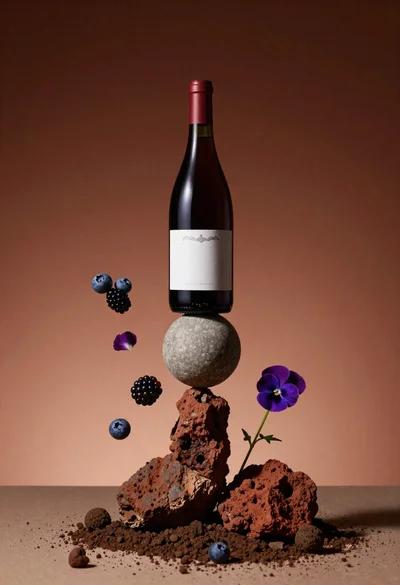
Wine bottle balanced on earth and stone still life
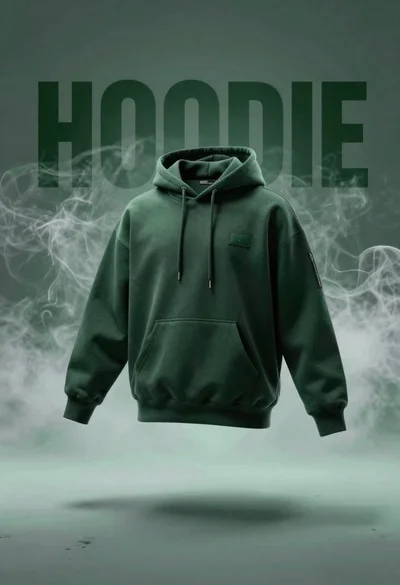
Dark green hoodie floating against smoky backdrop with 3d letters
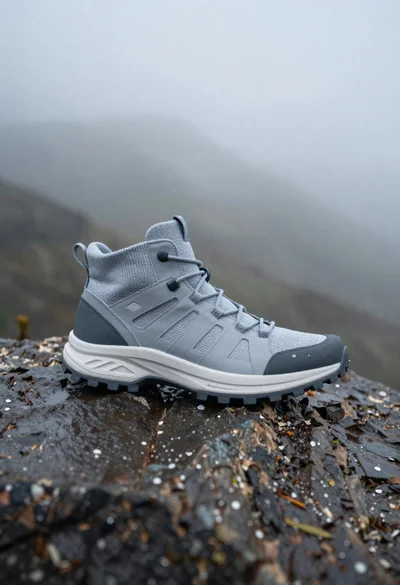
Grey and white hiking boot on wet rocky ground
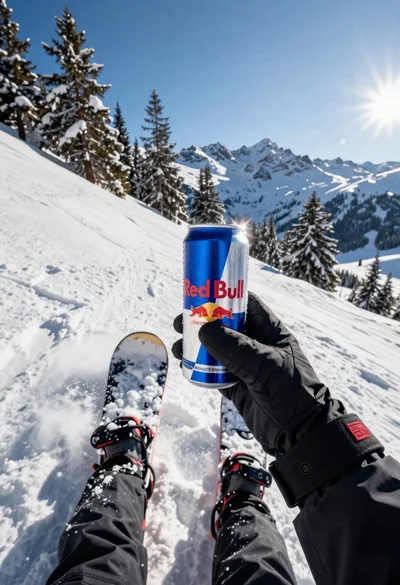
First person view of snowboarder riding down snowy mountain slope
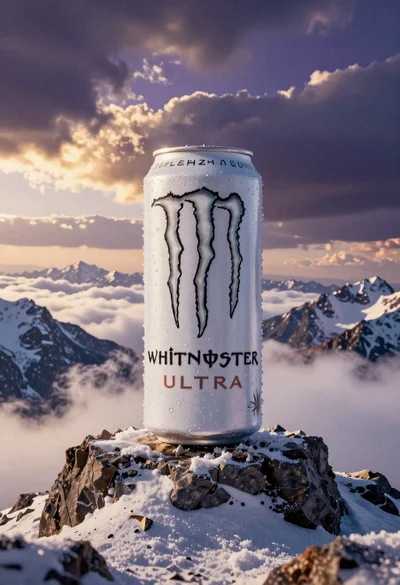
Giant white energy drink can on snowy mountain peak above sea of
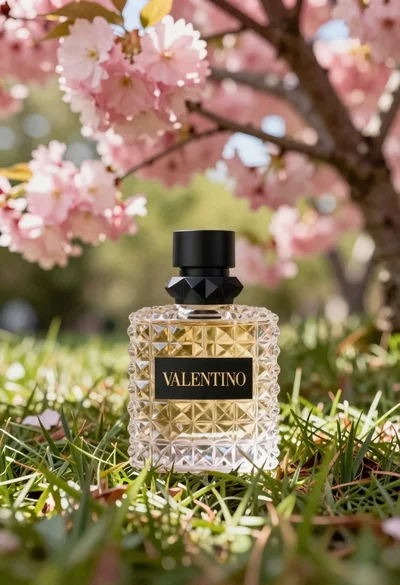
Transparent glass perfume bottle with black cap on green grass under pink
Woman in pink knit beanie midair acrobatic pose
