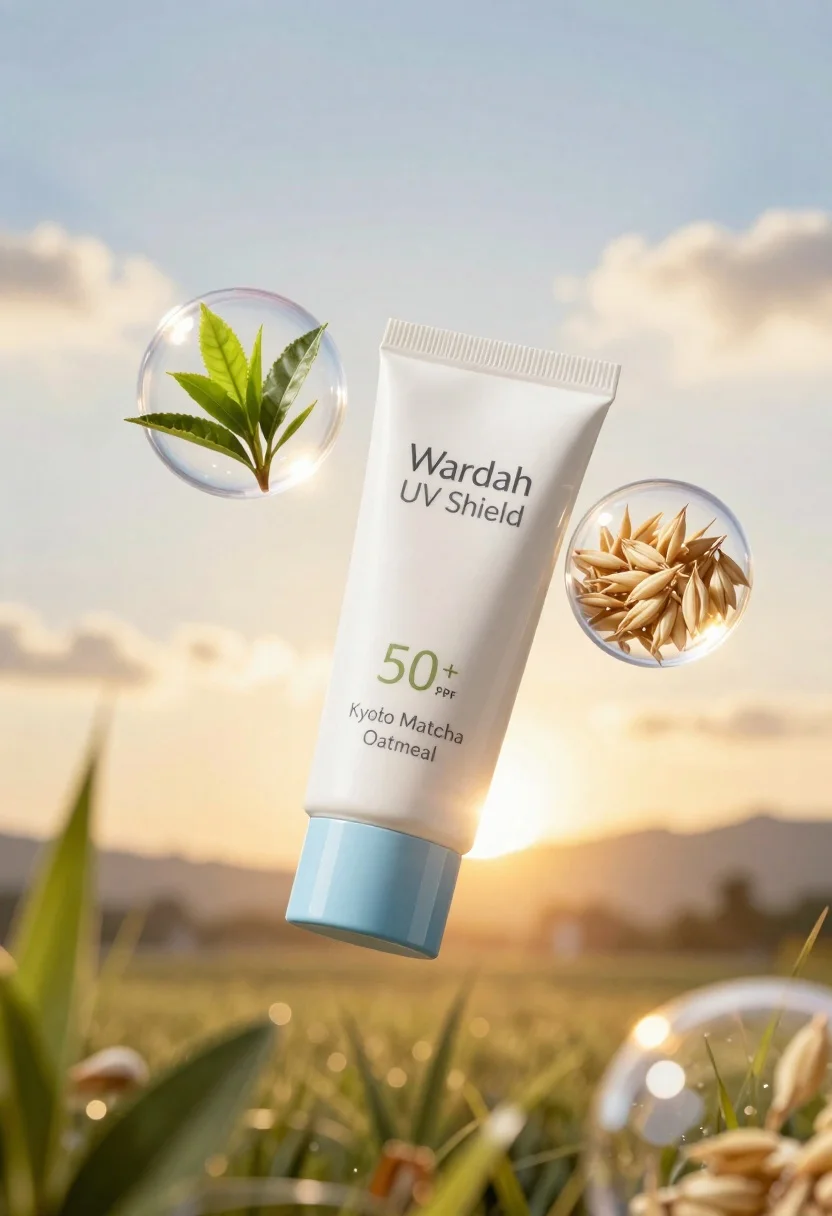
Wardah uv shield sunscreen tube floating with green tea leaves and oat
Prompt
A floating white tube of Wardah UV Shield sunscreen serum with a blue cap, surrounded by two transparent bubbles containing green tea leaves and oat grains against a radiant golden sky background.

Subject: A sleek white tube of Wardah UV Shield Physical Sunscreen Serum featuring a light blue cap and prominent branding text.

Action: The product floats centrally in mid-air with a slight tilt, surrounded by suspended bubbles.

Environment: A bright, dreamy outdoor setting with a soft-focus background suggesting a golden sunrise or sunset sky.

Camera: Close-up product shot with shallow depth of field blurring the distant horizon and lens flare effects.

Lighting: Warm, ethereal backlighting with strong highlights on the tube and bubbles, creating a glowing halo effect around the composition.
Second

Objects: Two clear spherical bubbles containing fresh green tea leaves and raw oat grains floating near the sunscreen tube.

Interaction: The product is visually integrated with natural ingredients inside the bubbles to suggest protection and hydration.

Text/Graphics: The tube displays "Wardah UV Shield," "50+ SPF PA+++", and ingredient details including "Kyoto Matcha" and "Oatmeal."

Style Details: High-end commercial photography with soft focus, vibrant color grading, and a clean, airy aesthetic emphasizing natural ingredients.
Description
This prompt is useful for creating high-end cosmetic advertising campaigns, wellness product editorials, and ingredient spotlight visuals. The combination of 'warm, ethereal backlighting' with the inclusion of specific elements like 'green tea leaves and raw oat grains' ensures that the product appears naturally protected and luxurious, preventing the composition from looking sterile or purely clinical.
Suggestions
- Change 'blue cap' to 'mint green cap' for a more natural palette.
- Replace 'golden sky background' with 'soft focus bokeh of diffused sunlight'.
- Add 'macro lens perspective' to emphasize the texture of the oat grains.
Category
Tags
Close UpMacro ShotOutdoorsRealisticWide Shot
Date added
June 23, 2026
Added by
PromptDexter Team
Related Prompts
More prompts with similar categories and tags.
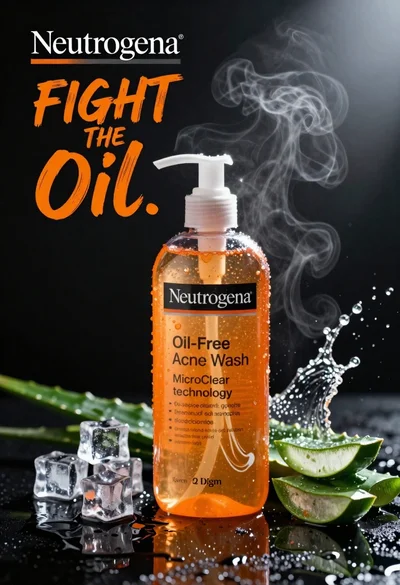
Commercial advertisement for orange facial cleanser bottle on wet black surface
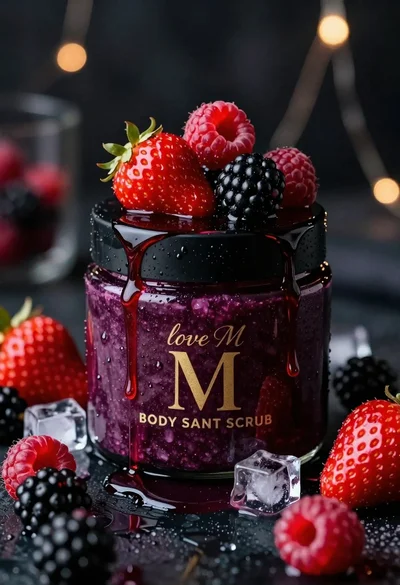
Luxurious dark berry body salt scrub jar with fresh strawberries and raspberries
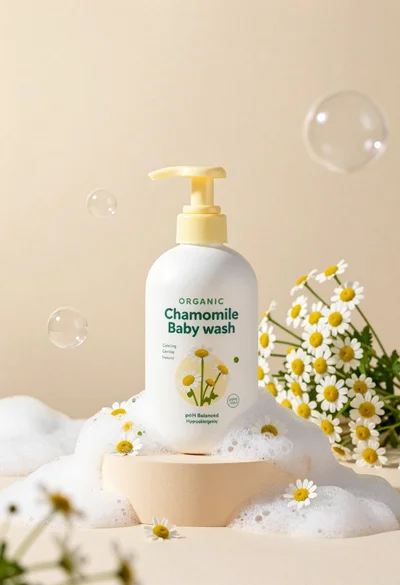
White pump bottle of organic chamomile baby wash on beige pedestal

Black perfume bottle on driftwood surrounded by pink cosmos flowers in purple
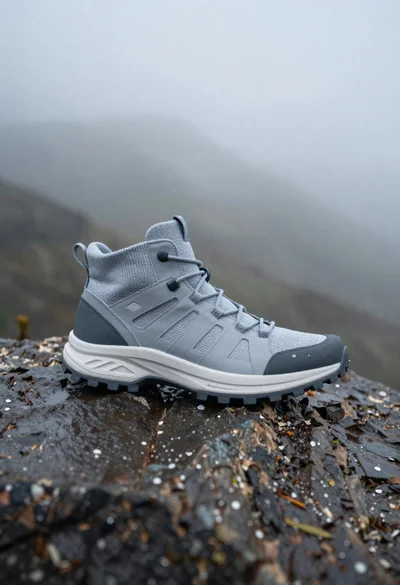
Grey and white hiking boot on wet rocky ground

Closeup product shot of hand holding frosted glass spray bottle with colorful

Clear glass serum bottle with lemons and water splashes in studio
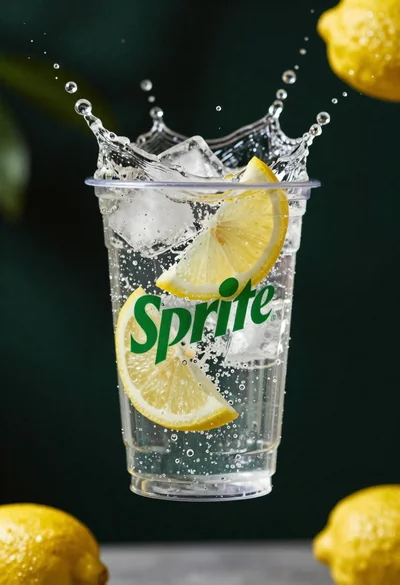
Clear plastic cup with fizzy liquid ice cubes and lemon slices suspended