
Medium close up portrait of blonde woman in grey cardigan indoors
Prompt
A close-up portrait of a young woman with long, wavy blonde hair and blue eyes looking off to the side.

Subject: A fair-skinned woman with voluminous, curly blonde hair held back by a thin headband, featuring soft facial features and a neutral expression.

Clothing: She wears a textured grey knit cardigan over a dark low-cut top, accessorized with a delicate gold necklace and small earrings.

Action: Her gaze is directed away from the camera, her lips slightly parted in a relaxed state.

Environment: The background is a soft-focus indoor setting with warm yellow walls and a white door frame visible behind her.

Lighting: Soft, natural light illuminates her face from the front, creating gentle highlights on her hair and skin with minimal harsh shadows.

Camera: A medium close-up shot with a shallow depth of field that keeps the subject sharp while blurring the background elements.

Style Details: The image has a cinematic quality with warm color grading and a smooth, slightly glossy texture typical of high-definition film photography.
Description
This prompt is useful for creating character portraits for literary magazines, intimate lifestyle branding materials, or moody cinematic stills. The combination of 'soft, natural light' illuminating the face from the front and the 'shallow depth of field' ensures that while the subject remains sharp, the background elements—like the warm yellow walls—are softened enough to avoid distracting from her neutral expression.
Suggestions
- Change 'grey knit cardigan' to 'charcoal wool sweater' for a deeper tone.
- Swap 'warm yellow walls' for 'muted terracotta paint' for more autumnal color grading.
- Add 'anamorphic lens flare' to the style details for an added cinematic touch.
Category
Tags
BlondeBrown HairFair SkinFemaleIndoorsMedium ShotRealistic
Date added
June 19, 2026
Added by
PromptDexter Team
Related Prompts
More prompts with similar categories and tags.
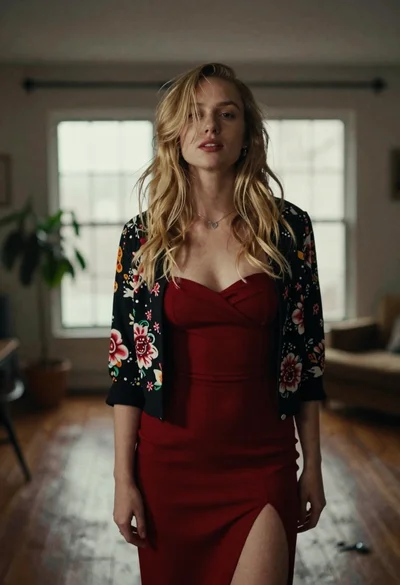
Fair blonde woman in red dress and floral jacket indoors
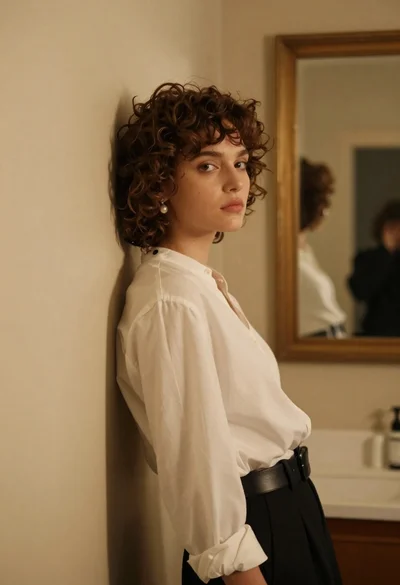
Young woman in white blouse leaning against beige wall near mirror
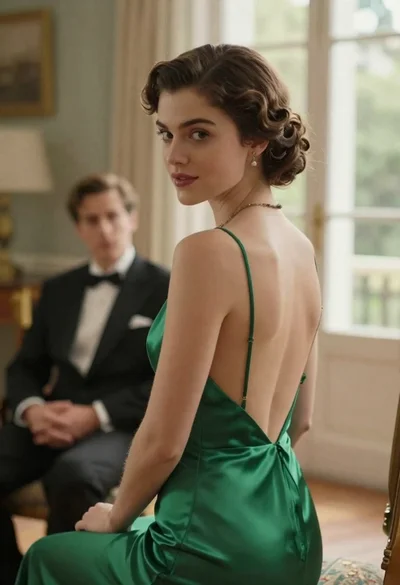
Woman in green dress looking over shoulder in bright ballroom setting

Blonde woman in teal slip dress leaning on elevator handrail

Woman in green satin slip dress standing in sunlit elegant interior room
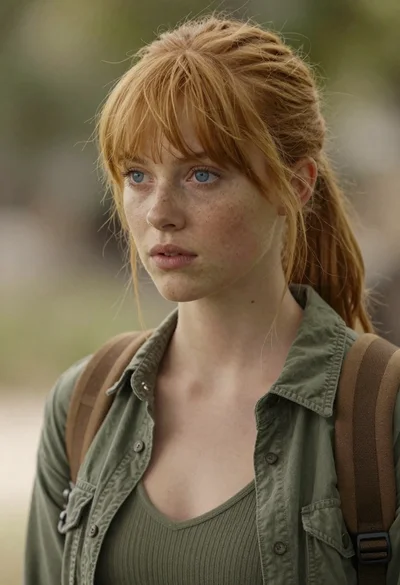
Photorealistic close up portrait of young woman with blonde hair
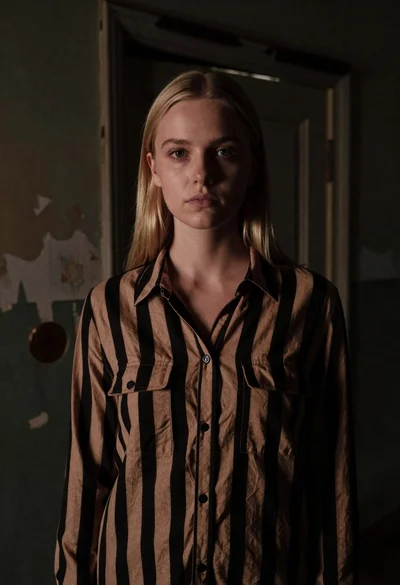
Fair skinned woman with straight blonde hair in striped shirt inside dimly
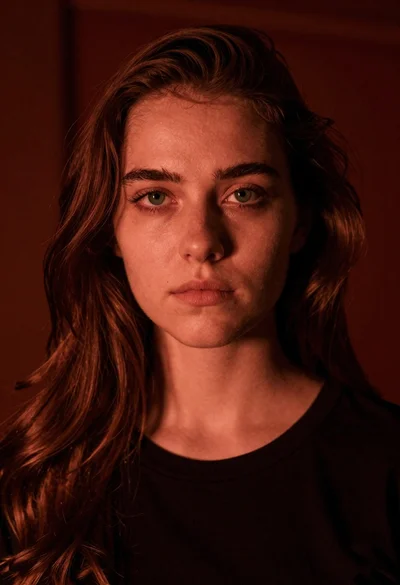
Closeup portrait of young woman with brown hair and green eyes in
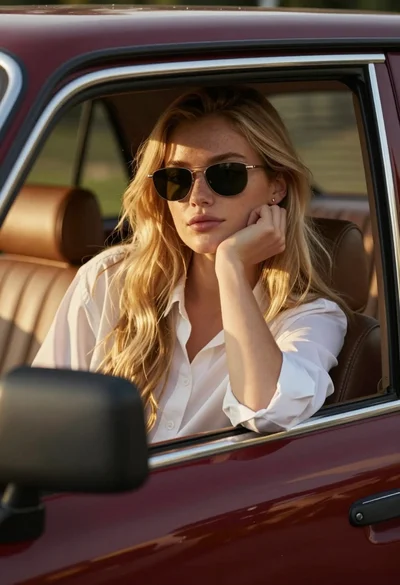
Young woman blonde hair leaning from vintage maroon car window at golden
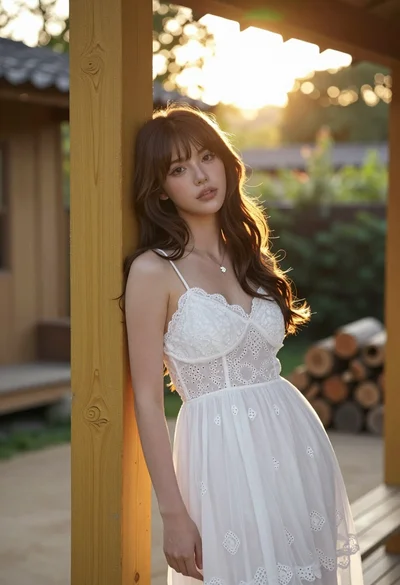
Young woman with brown hair leaning on yellow pillar during golden hour