
Poised woman in green and purple traditional indian outfit against lattice screen
Prompt
A woman stands gracefully in a vibrant green and purple traditional Indian outfit against an ornate geometric lattice screen.

Subject: A poised woman with dark hair pulled back, wearing a bindi on her forehead and a gentle smile.

Clothing: She wears a bright green blouse with puffed sleeves and gold trim, paired with a deep purple lehenga skirt featuring intricate silver or sequin work and a matching green border. A sheer green dupatta is draped over her shoulder with golden scalloped edges. She accessorizes with a gold necklace, earrings, a maang tikka on her forehead, and bangles on her wrists.

Action: Her hands are clasped gently in front of her waist, and she looks directly at the camera with a calm expression.

Environment: The background consists of a white or light-colored decorative screen with intricate geometric cutouts, allowing soft light to filter through.

Camera: A medium shot captures the subject from the knees up, framed centrally with a shallow depth of field that keeps the focus sharp on her while slightly blurring the patterned background.

Lighting: Soft, diffused lighting illuminates the scene evenly, highlighting the rich colors of her attire and creating gentle shadows that define her features without harsh contrast.

Style Details: The image has a polished, high-quality studio photography aesthetic with vibrant saturation and clear details in the fabric textures.
Description
This prompt is useful for creating cultural portraiture for lifestyle magazines, e-commerce lookbooks featuring ethnic wear, and artistic mood boards celebrating Indian textiles. The combination of 'vibrant green and purple' hues against a 'white or light-colored decorative screen' ensures the rich colors pop while the 'soft, diffused lighting' prevents harsh shadows from obscuring the intricate details of the silver or sequin work.
Suggestions
- Change 'gold necklace' to 'oxidized silver jewelry' for a different metallic tone.
- Swap 'vibrant green and purple' for 'jewel-toned emerald and amethyst' for more specific color guidance.
- Adjust 'shallow depth of field' to 'bokeh effect' for an even softer background blur.
Category
Tags
FemaleMedium ShotPortrait ShotRealisticStudioTraditional Wear
Date added
June 19, 2026
Added by
PromptDexter Team
Related Prompts
More prompts with similar categories and tags.
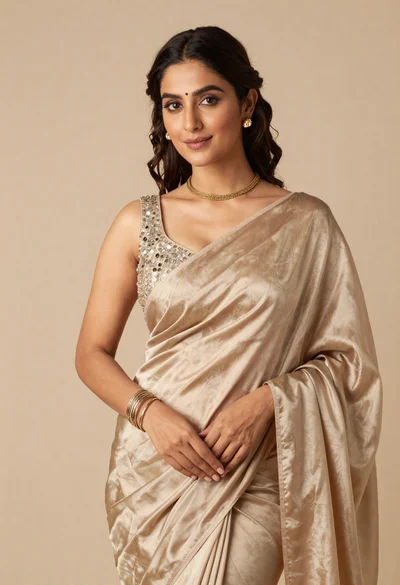
Portrait of woman in shimmering beige silk saree posing in studio
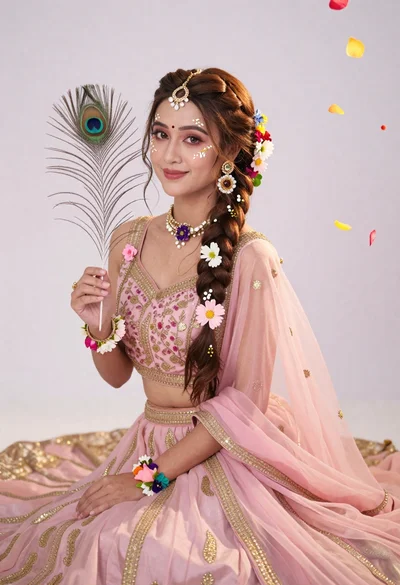
Young woman in pink traditional gown with gold embroidery and floral jewelry
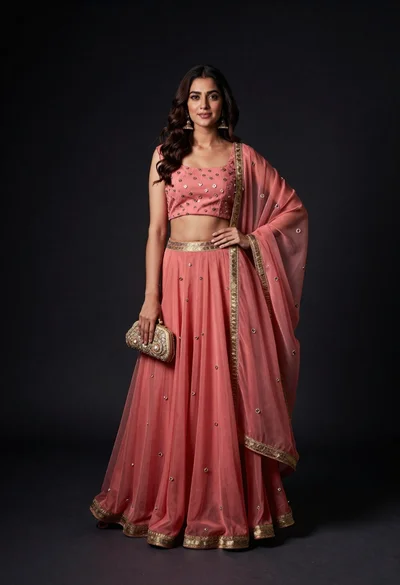
Portrait of woman in coral and rose traditional indian lehenga dress
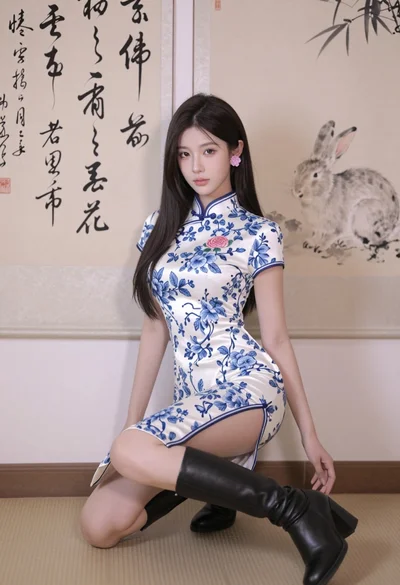
Poised young east asian woman in white cheongsam against chinese calligraphy art
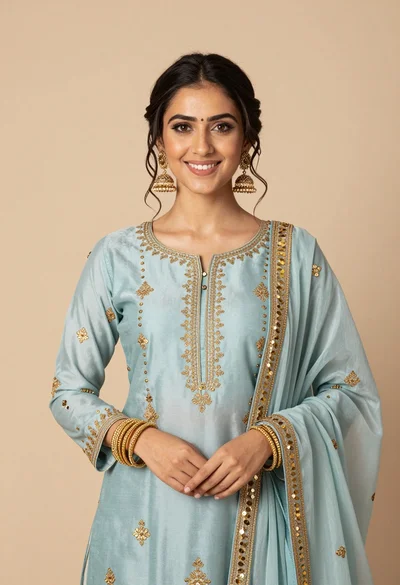
Smiling young woman in light blue embroidered traditional outfit studio portrait

Woman in black crop top posing against purple pink gradient background
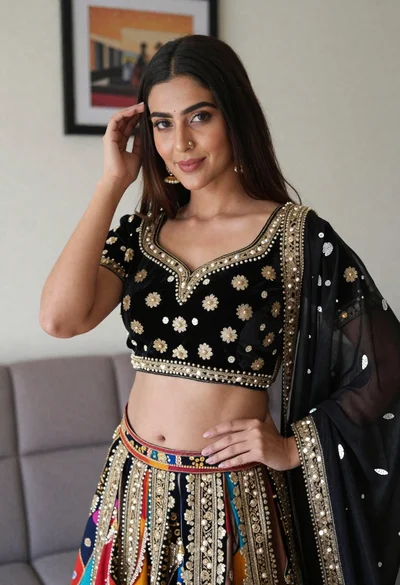
Young woman in ornate black and gold lehenga choli indoors portrait
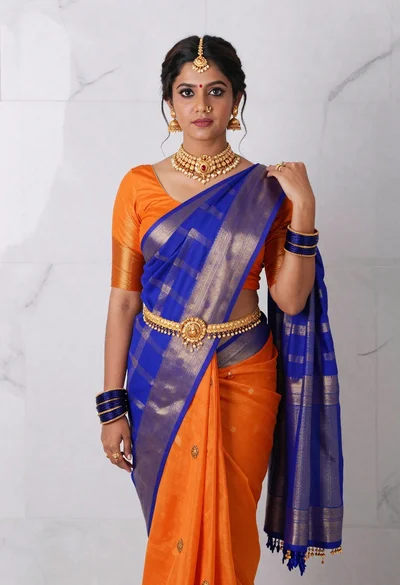
Woman in vibrant traditional indian saree against white marble backdrop
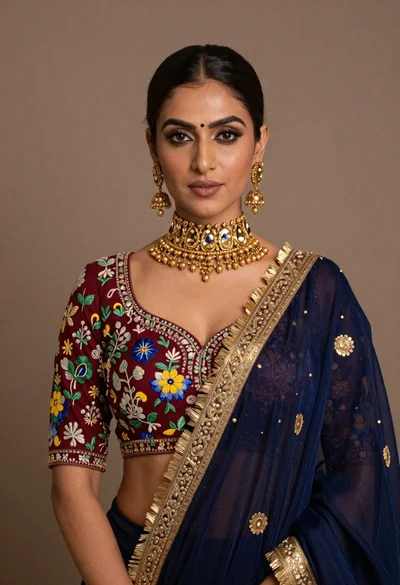
Portrait of woman wearing maroon embroidered blouse and heavy gold jewelry
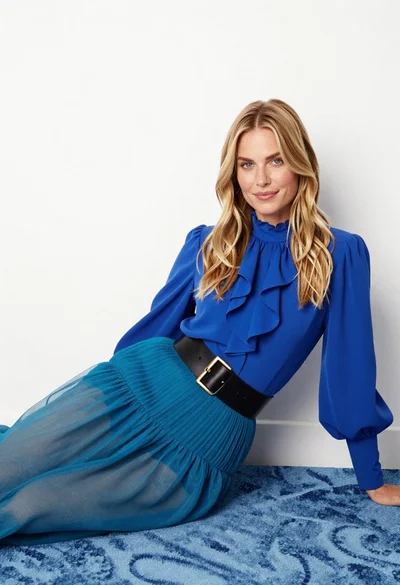
Fair blonde woman in blue blouse on textured surface studio portrait
