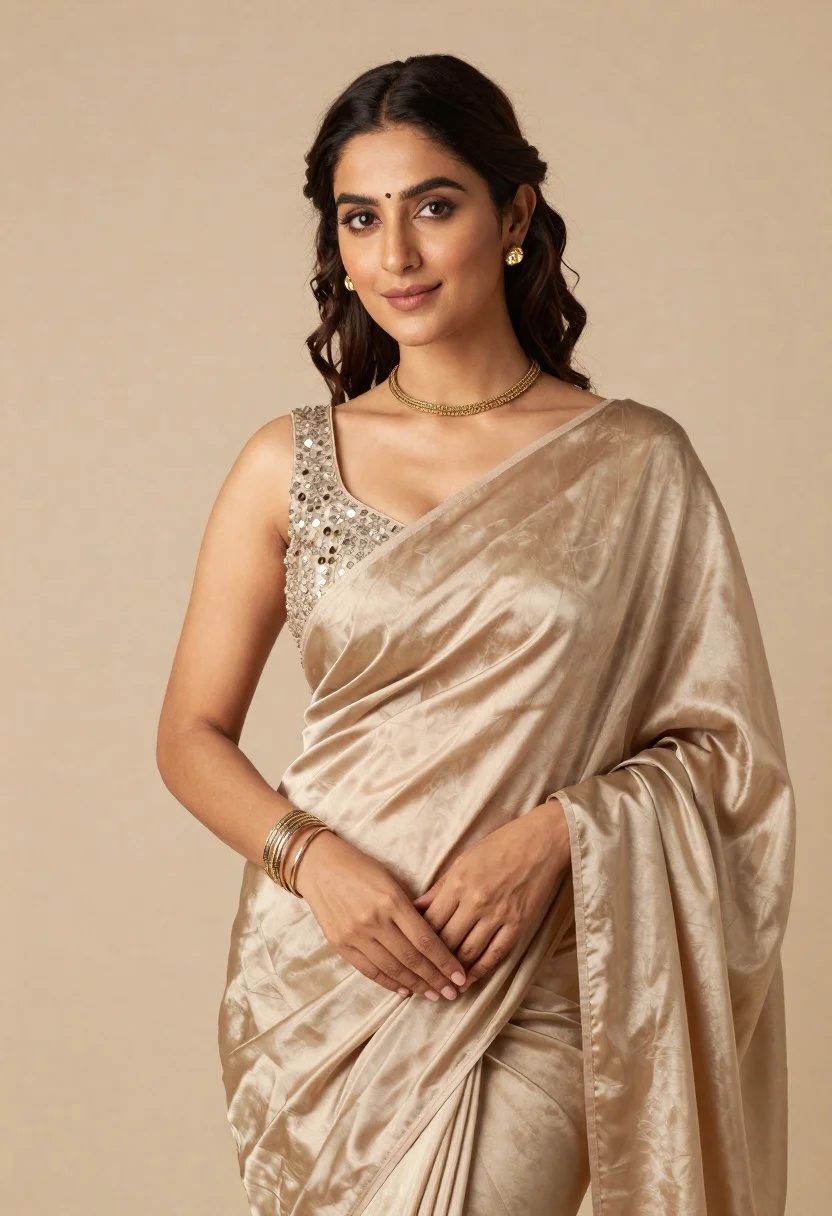
Portrait of woman in shimmering beige silk saree posing in studio
Prompt
A poised woman wearing a shimmering beige silk saree with an embellished blouse stands against a soft neutral background.

Subject: A woman with dark wavy hair styled in a half-up ponytail and loose tendrils framing her face, featuring defined eyebrows, subtle makeup, and a gentle smile.

Clothing: She wears a lustrous beige or champagne-colored silk saree that drapes elegantly over one shoulder, paired with a sleeveless blouse adorned with intricate sequin embroidery on the neckline.
Accessories: She is accessorized with a delicate gold choker necklace, matching gold stud earrings, and a stack of metallic bangles on her wrist.

Action: Her pose is relaxed yet elegant, with her hands gently clasped in front of her waist as she looks directly at the camera.

Environment: The setting is a minimalist studio environment featuring a smooth, solid beige backdrop that complements the subject's attire.

Lighting: Soft and diffused lighting illuminates the scene from the front, creating gentle highlights on the fabric and skin while casting soft shadows to define her features.

Camera: A medium close-up shot captures the subject from the waist up with a shallow depth of field that keeps the focus sharp on her face and upper body.

Style Details: The image exhibits a high-fashion editorial aesthetic with a warm color palette, smooth textures, and a polished, professional studio finish.
Description
This prompt is useful for creating luxury bridal lookbooks, high-end jewelry advertisements, and traditional portraiture editorials. The combination of 'shimmering beige silk saree' with 'soft and diffused lighting' ensures that the metallic sheen catches light without harsh reflections, while the 'shallow depth of field' isolates the subject against the 'smooth, solid beige backdrop,' directing all attention to the intricate gold accessories.
Suggestions
- Change 'beige or champagne-colored' to 'antique gold' for a richer tone.
- Swap 'delicate gold choker necklace' for 'kundan choker necklace' to specify craftsmanship.
- Adjust 'medium close-up shot' to 'full body shot' to better display the saree drape.
Category
Tags
Brown HairFair SkinFemaleFull BodyMedium ShotPortrait ShotRealisticStudioTraditional Wear
Date added
June 21, 2026
Added by
PromptDexter Team
Related Prompts
More prompts with similar categories and tags.

Glamorous woman posing in shimmering two piece outfit against green backdrop
Young woman in zebra print top and denim shorts posing in studio
Young woman in pink traditional gown with gold embroidery and floral jewelry
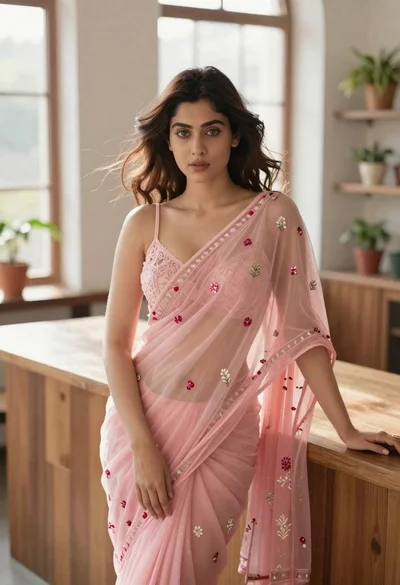
Young woman in pink saree leaning against counter in sunlit room
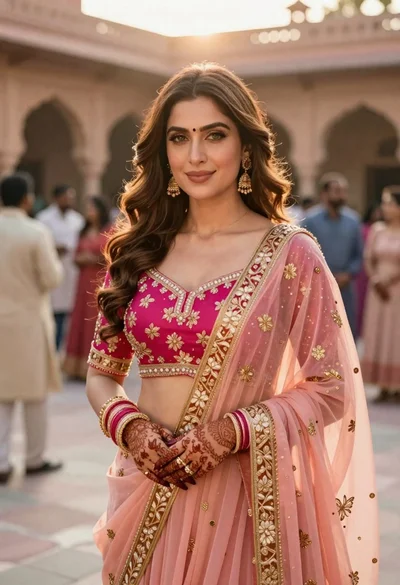
Indian woman in pink and peach traditional dress in sunlit courtyard
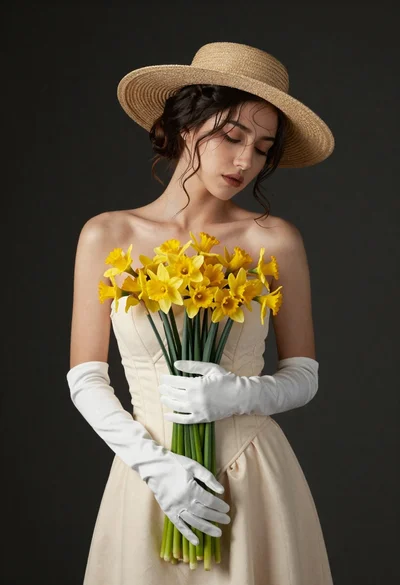
Graceful woman in cream dress holding yellow flowers in studio
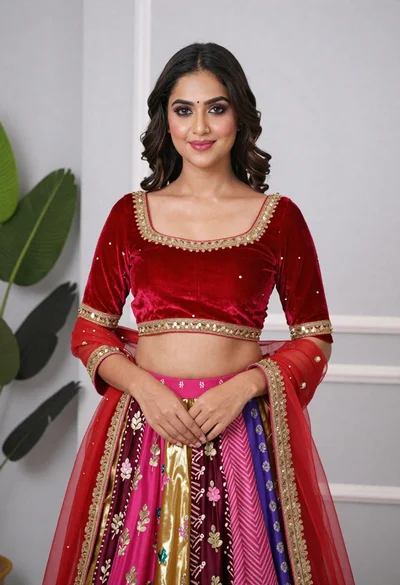
Young woman in elaborate red and pink traditional indian attire indoors

Woman in rust gown posing on white step and repeat backdrop