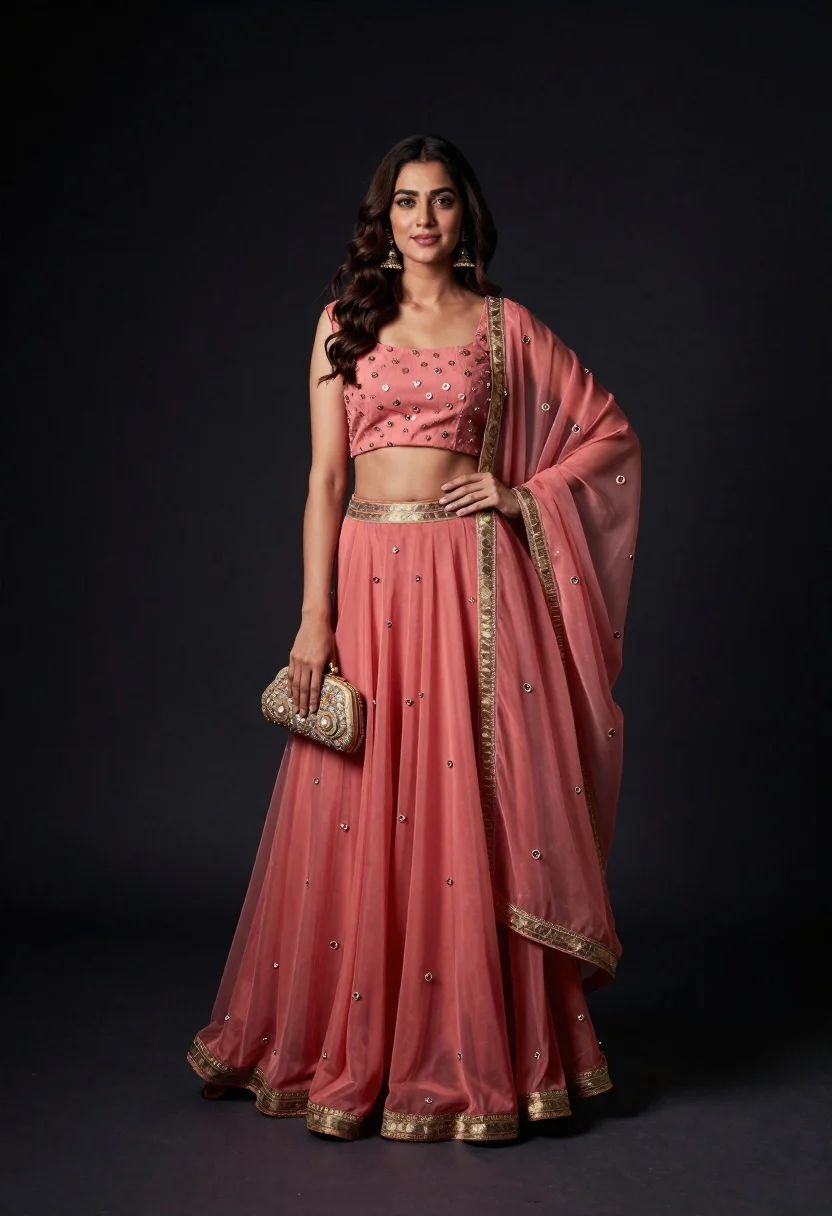
Portrait of woman in coral and rose traditional indian lehenga dress
Prompt
A full-length studio portrait of a woman wearing an elegant traditional Indian ensemble in soft coral and dusty rose tones.

Subject: A poised woman with wavy dark brown hair styled in loose waves, fair skin, and a gentle confident smile looking directly at the camera.

Clothing: She wears a sleeveless square-neck crop top paired with a flowing floor-length lehenga skirt made of sheer fabric with subtle pleats, draped with an embroidered organza dupatta featuring gold threadwork along the borders and scattered motifs.

Action: Standing upright in a relaxed pose with her left hand resting gently on her hip and her right hand holding a small embellished clutch bag by her side.

Environment: A dark studio setting with a solid black background that fades into deep shadows, isolating the subject against a minimalist void.

Camera: Shot from a straight-on eye-level angle with a full-body framing that captures the entire outfit and silhouette, using a shallow depth of field to softly blur the edges while keeping the subject sharp.

Lighting: Dramatic spotlighting from above creates a focused beam of light on the woman, casting soft shadows behind her and highlighting the texture of the fabric and jewelry against the dark backdrop.

Objects: A small ornate clutch bag held in her right hand, featuring intricate embroidery that matches the outfit’s color palette.

Style Details: High-fashion editorial aesthetic with rich textures, elegant draping, and a polished studio finish emphasizing traditional craftsmanship and modern silhouette.
Description
This prompt is useful for creating high-end bridal lookbooks, cultural fashion editorials, and luxury catalog imagery showcasing intricate textiles. The combination of 'dramatic spotlighting from above' against the 'solid black background' ensures that the 'soft coral and dusty rose tones' pop dramatically by controlling where the viewer's eye lands on the subject’s silhouette and the fabric's texture.
Suggestions
- Change 'soft coral and dusty rose tones' to include a metallic accent color like gold.
- Swap 'sheer fabric' for 'velvet' to change the light absorption quality.
- Adjust 'dramatic spotlighting from above' to 'rim lighting from the side' for more dimension.
Category
Tags
Brown HairFair SkinFemaleFull BodyMedium ShotPortrait ShotRealisticStudioTraditional Wear
Date added
June 21, 2026
Added by
PromptDexter Team
Related Prompts
More prompts with similar categories and tags.

Portrait of woman in elaborate red feathered gown against vivid blue background
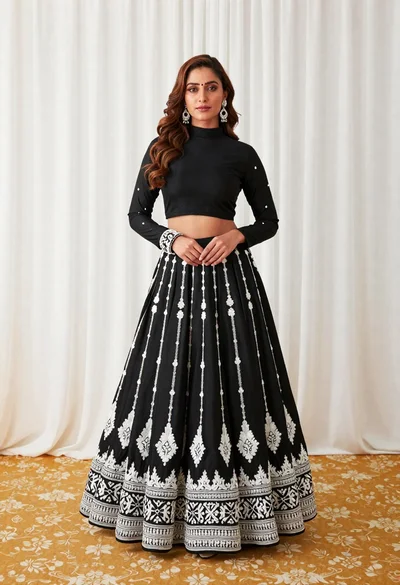
Full length portrait of woman in black traditional outfit indoors

Glamorous woman posing in shimmering two piece outfit against green backdrop
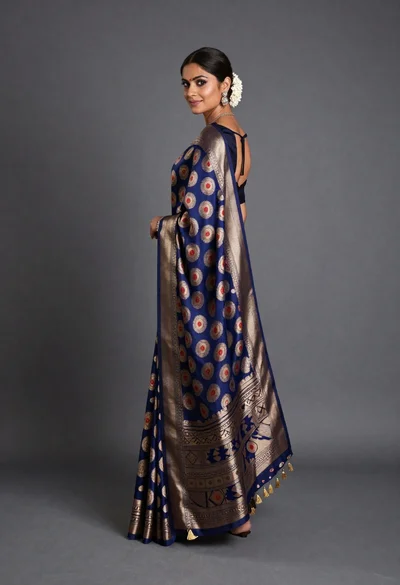
Woman in elaborate blue and gold saree looking over shoulder studio portrait
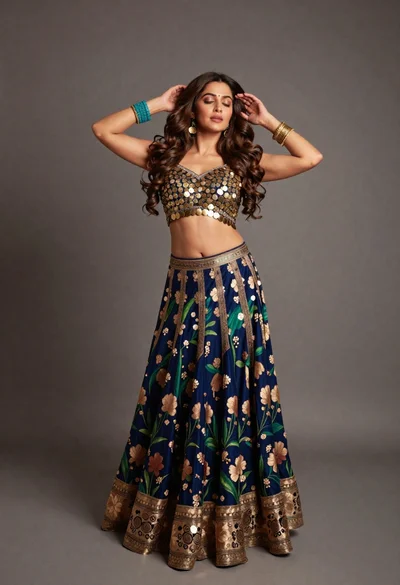
Full body portrait of woman in embellished lehenga choli studio setting
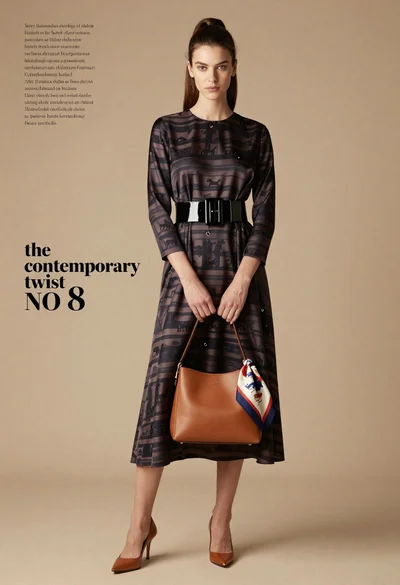
Full length fashion editorial of woman in striped silk dress studio
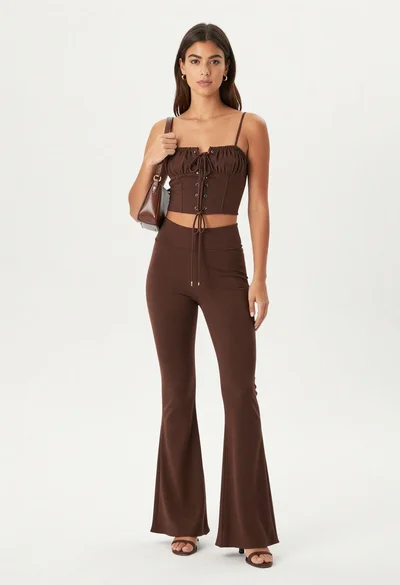
Young woman in chocolate brown two piece outfit posing in studio

Woman in rust gown posing on white step and repeat backdrop