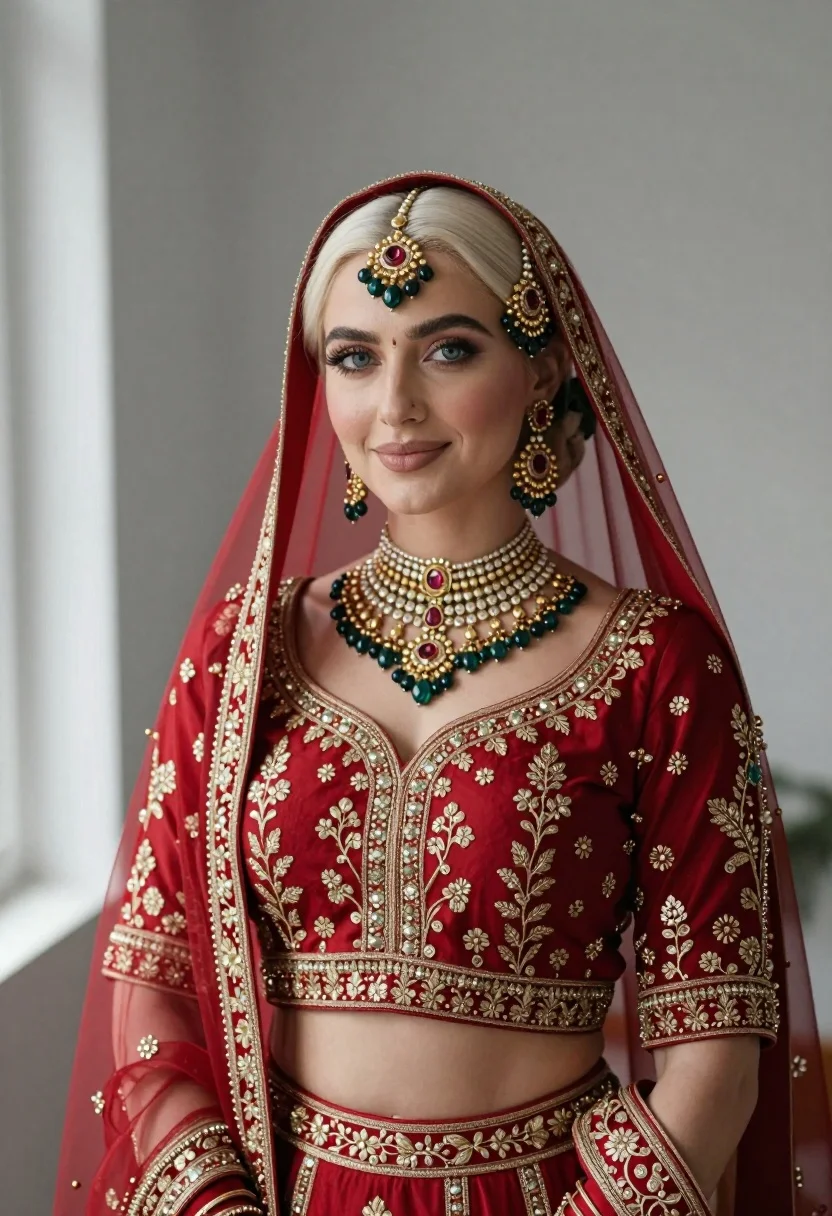
Portrait of fair woman in elaborate traditional indian bridal attire
Prompt
A portrait of a woman with platinum blonde hair wearing elaborate traditional Indian bridal attire.

Subject: A fair-skinned woman with platinum blonde hair styled under a sheer red veil, featuring striking blue eyes and a soft, gentle smile.

Clothing: She wears a rich crimson lehenga top heavily embroidered with gold threadwork and floral patterns, paired with a matching sheer dupatta draped over her head and shoulders.

Action: The subject is posed in a calm, frontal portrait stance, looking directly at the camera with a serene expression.

Environment: A minimalist indoor setting with a plain grey wall background and soft natural light coming from a window on the left side.

Lighting: Soft, diffused natural lighting illuminates the scene from the left, creating gentle highlights on her face and jewelry while casting subtle shadows to the right.

Style Details: High-resolution photography with a shallow depth of field that blurs the background slightly to emphasize the intricate details of the gold embroidery and gemstone jewelry.
Description
This prompt is useful for creating bridal magazine editorials, cultural portraiture for websites, and high-end wedding vendor portfolios. The combination of 'soft, diffused natural lighting' and a 'shallow depth of field' ensures that the intricate details of the gold embroidery remain visible while the background remains muted, preventing visual competition with the subject's attire.
Suggestions
- Change 'platinum blonde hair' to 'dark brown hair' for a more traditional look.
- Swap 'plain grey wall background' for 'ornate carved wooden backdrop' to add context.
- Adjust 'soft, diffused natural lighting' to 'rim lighting from the left' to accentuate jewelry.
Category
Tags
BlondeFair SkinFemaleFull BodyIndoorsPortrait ShotRealisticTraditional Wear
Date added
July 3, 2026
Added by
PromptDexter Team
Related Prompts
More prompts with similar categories and tags.
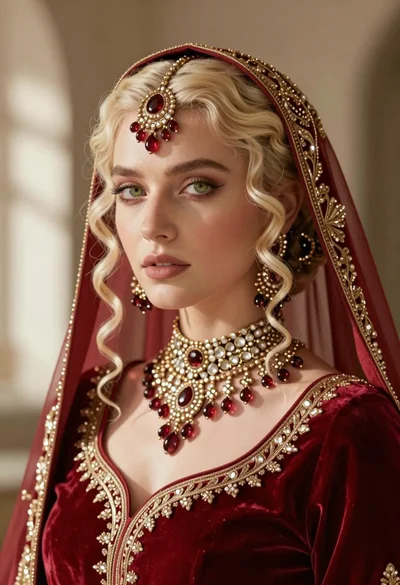
Close up portrait of fair blonde woman wearing elaborate traditional indian bridal
Blonde woman in black lace gown standing in opulent room setting
Young woman in elaborate red and pink traditional indian attire indoors
Young woman posing indoors with blonde hair

Blonde woman in striped swimsuit seated on sofa indoors studio shot
Blonde woman in pink satin slip dress against grey marble tile background
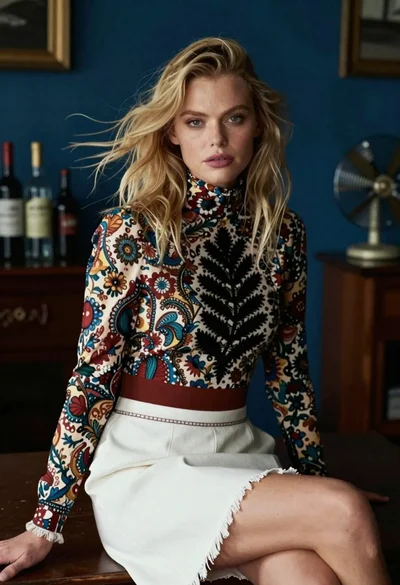
Blonde woman in floral blouse seated in moody blue interior setting
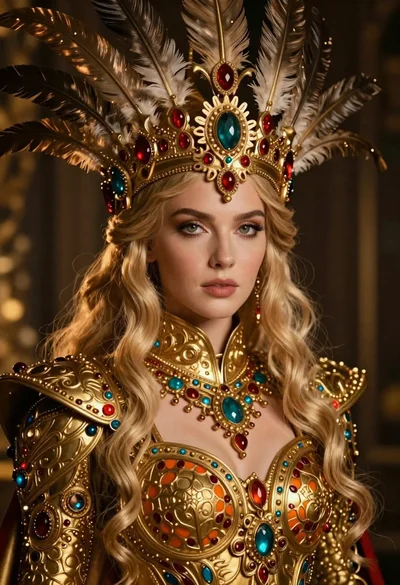
Fantasy portrait of regal woman in ornate golden armor

Blonde woman in cream sweater sitting on beige couch
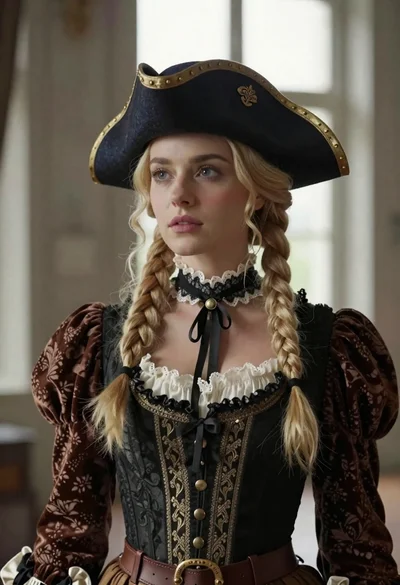
Blonde woman in victorian steampunk attire portrait