

Young woman in white satin dress making shushing gesture in bedroom
Prompt
A young woman with long dark hair sits on a bed in a bedroom, holding her index finger to her lips in a shushing gesture.

Subject: A fair-skinned woman with long, straight black hair and green eyes. She has visible tattoos of flowers on both forearms and a small tattoo near her collarbone. Her expression is calm and direct as she looks at the camera.

Clothing: She wears a white satin slip dress with lace trim along the neckline and hem. The dress features thin spaghetti straps tied in bows at the shoulders.

Action: She sits with her legs crossed, leaning slightly forward while placing her right index finger vertically against her lips to signal silence. Her gaze is steady and engaging.

Environment: The setting is a bedroom featuring a white metal bed frame, white pillows, and a patterned duvet. A nightstand with potted plants and flowers is visible in the background near a window covered by sheer curtains.

Camera: The shot is framed as a medium close-up from a slightly low angle, emphasizing the subject's face and upper body against the soft interior backdrop.

Lighting: Soft, natural light filters through the window on the left, creating gentle highlights on her skin and hair while casting subtle shadows that add depth to the scene.

Style Details: The image has a polished, high-definition aesthetic with smooth textures and a warm color palette typical of modern lifestyle photography.
Description
This prompt is useful for creating intimate portraiture, editorial boudoir content, and narrative character studies requiring a sense of secrecy. The combination of 'soft, natural light' filtering from the left and the 'white satin slip dress' ensures that highlights catch the sheen of the fabric while the subtle shadows prevent the scene from looking flat, supporting the quiet mystery implied by the shushing gesture.
Suggestions
- Change 'white satin slip dress' to 'silk charmeuse slip dress' for a different drape.
- Adjust 'soft, natural light' to 'rim lighting' to separate her hair more dramatically.
- Swap 'medium close-up' for 'head and shoulders shot' to focus solely on the gesture.
Category
Tags
BedroomBlack HairClose UpFair SkinFemaleIndoorsLingerieMedium ShotRealistic
Date added
June 21, 2026
Added by
PromptDexter Team
Related Prompts
More prompts with similar categories and tags.

Young woman in black outfit sitting inside car looking at camera

Portrait of young woman with black hair holding white roses bouquet

Portrait of young woman in black sweater against decorated wall

Young woman with short black hair reclining on a beige sofa
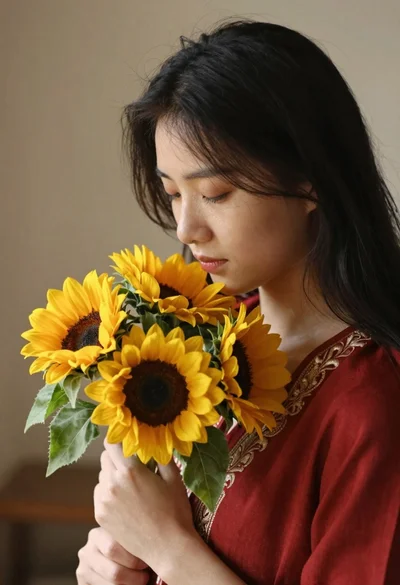
Young woman with black hair holding sunflowers in a red embroidered top
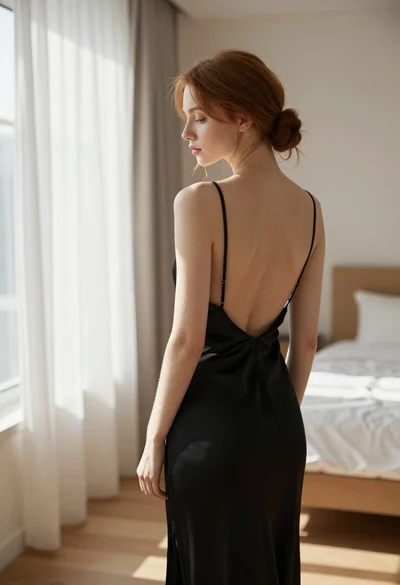
Young woman in black slip dress standing by window in bright bedroom

Young woman with dark hair resting cheek on hand in a softly

Woman in olive green silk dress reading a book on bed