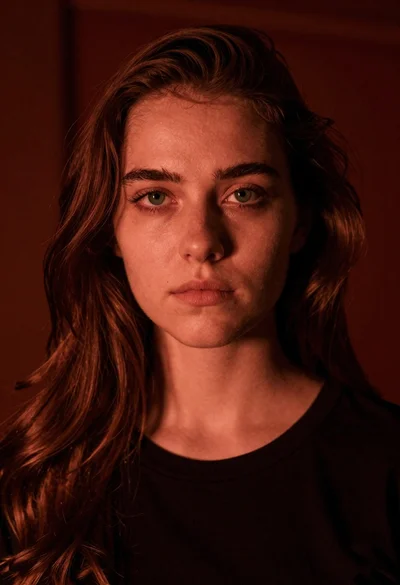

Young woman with short black hair reclining on a beige sofa
Prompt
A young woman with short black hair reclines on a beige sofa, gazing directly at the camera with a calm expression.

Subject: A young woman with fair skin and short, sleek black bob-cut hair. She has light-colored eyes and a neutral, soft facial expression. Visible tattoos include an angel wing design on her upper chest and a small red rose tattoo near her hip.

Clothing: She wears a simple white spaghetti-strap crop top that reveals her midriff and dark denim jeans with visible silver buttons.

Action: She is leaning back against the sofa cushions in a relaxed pose, with one arm resting along the side of the couch and her body angled slightly to the right.

Environment: The setting is an indoor space featuring a textured grey wall behind her and a plush beige sofa that fills the lower frame.

Lighting: Soft, diffused lighting illuminates the scene evenly, creating gentle shadows and highlighting the texture of her skin and hair without harsh contrast.

Camera: A medium close-up shot with a shallow depth of field that keeps the subject sharp while softly blurring the background wall.

Style Details: The image has a clean, high-quality photographic aesthetic with natural color tones and a focus on realistic skin textures.
Description
This prompt is useful for creating intimate portrait photography, lifestyle magazine features, and character concept art requiring subtle realism. The combination of 'soft, diffused lighting' and the 'shallow depth of field' ensures that while the subject remains sharp, the background wall recedes gently, preventing visual competition with the visible tattoos and the texture of the beige sofa.
Suggestions
- Change 'beige sofa' to 'velvet sofa' for a richer material contrast.
- Add 'natural window light streaming from the left' to introduce more directional shadow play.
- Modify 'short, sleek black bob-cut hair' to 'wavy black curtain bangs' for a different silhouette.
Category
Tags
Black HairCasual WearClose UpFair SkinFemaleIndoorsMedium ShotRealistic
Date added
June 21, 2026
Added by
PromptDexter Team
Related Prompts
More prompts with similar categories and tags.

Young woman in floral dress seated indoors by a window with greenery

Woman with black hair leaning indoors by glass railing in bright modern

Young woman in black crop top and cream trousers indoors looking over

Woman in black dress seated in dimly lit diner booth

Medium close up portrait of young woman wearing black top and sunglasses

Woman with dark hair sitting on wooden staircase looking thoughtfully upward

Young woman with dark hair smiling in upscale dimly lit restaurant setting

Young woman with braids smiling while holding chopsticks over ramen bowl