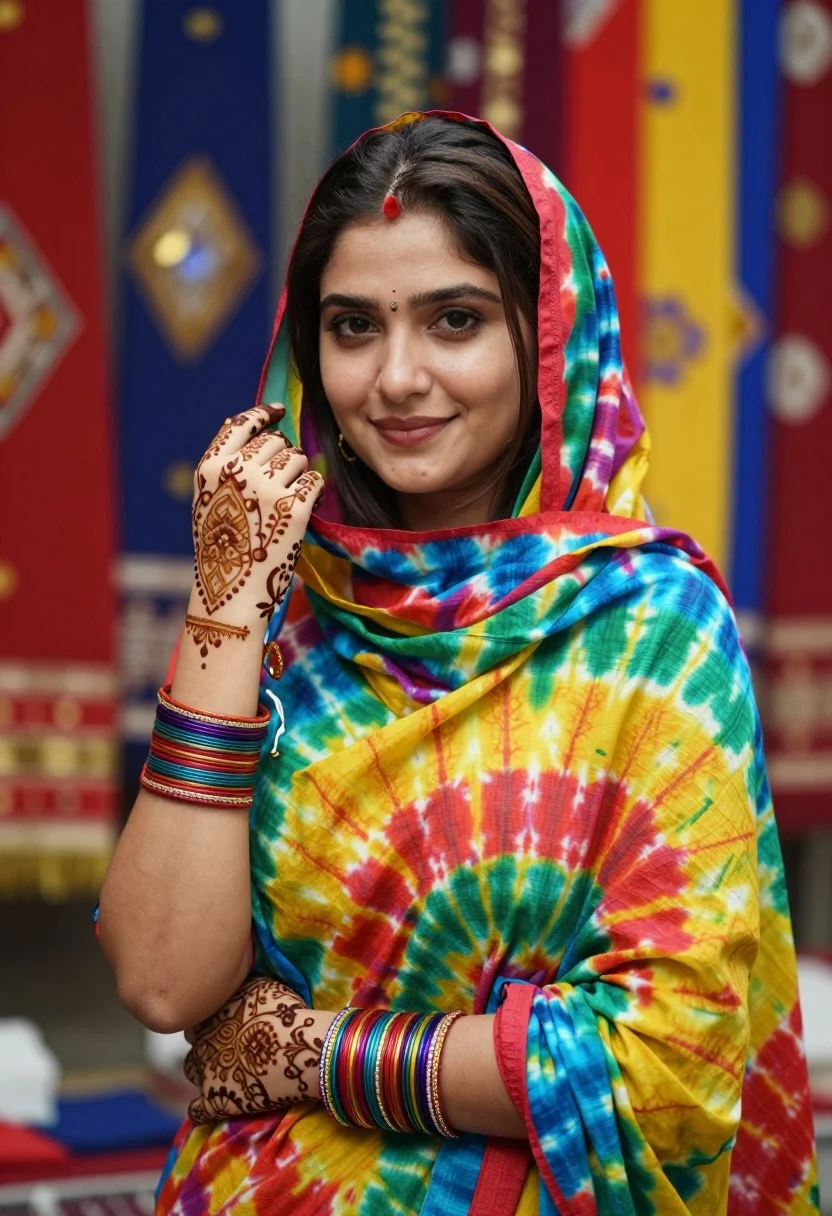
Portrait of young woman in tie dye dupatta against colorful textile backdrop
Prompt
A vibrant portrait of a young woman with dark hair, wearing a colorful tie-dye dupatta and traditional attire.

Subject: A young woman with fair skin, dark brown hair parted in the middle, and expressive eyes looking directly at the camera with a gentle smile. Her hands are decorated with intricate henna designs covering her fingers and forearms.

Clothing: She wears a vibrant, multi-colored tie-dye dupatta featuring shades of red, yellow, blue, and green draped over her head and shoulders. She is adorned with multiple stacks of colorful bangles on both wrists.

Action: Her right hand is raised near her face in a delicate pose, while her left hand rests gently against her forearm, showcasing the henna patterns.

Environment: The background consists of blurred vertical panels displaying rich fabrics or textiles in red, blue, and gold tones, suggesting a textile shop or market setting.

Lighting: Soft, diffused lighting illuminates her face evenly, highlighting her features without harsh shadows, creating a warm and inviting mood.

Style Details: High-resolution portrait with a shallow depth of field that blurs the background to emphasize the subject, rendered with realistic skin textures and vibrant color saturation.
Description
This prompt is useful for creating cultural fashion editorials, bridal lookbooks featuring traditional textiles, and lifestyle portraits set in artisanal markets. The combination of 'soft, diffused lighting' ensuring even illumination across the face, paired with a 'shallow depth of field,' directs all focus onto the subject while allowing the 'vibrant, multi-colored tie-dye dupatta' to pop against the blurred background.
Suggestions
- Change 'red, yellow, blue, and green' to specific jewel tones like 'emerald, sapphire, and ruby' for a richer palette.
- Add 'golden hour rim light' to enhance the edges of the dupatta.
- Swap 'shallow depth of field' for 'bokeh effect' for more pronounced background separation.
Category
Tags
BrunetteFair SkinFemalePortrait ShotRealisticStudioTraditional Wear
Date added
August 5, 2026
Added by
PromptDexter Team
Related Prompts
More prompts with similar categories and tags.
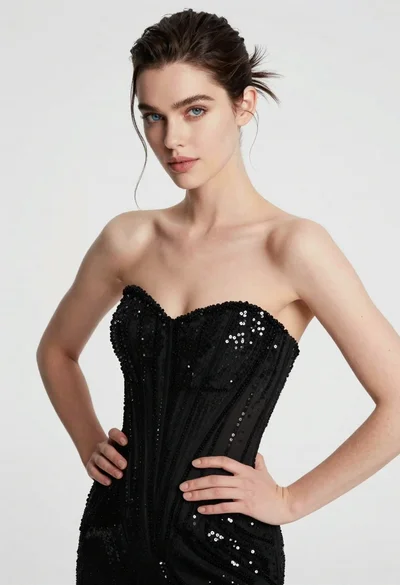
High fashion portrait of woman in sequined black gown against white studio
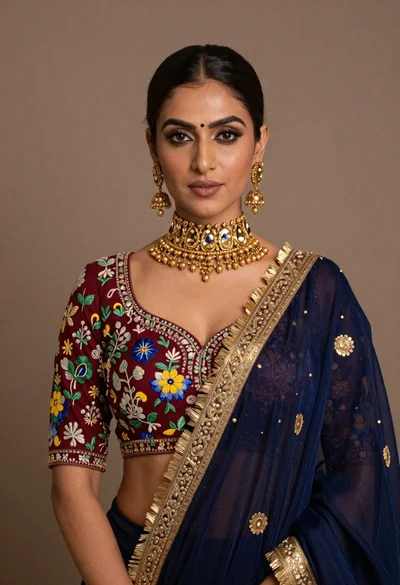
Portrait of woman wearing maroon embroidered blouse and heavy gold jewelry

Portrait of woman with red hair in navy blouse and green skirt

Young woman in blue denim jacket posing against pale pink seamless background
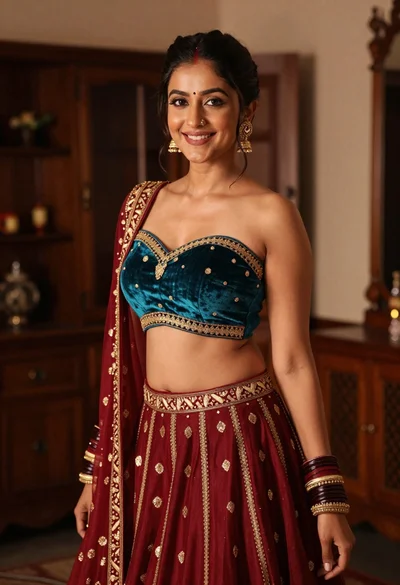
Young woman in teal lehenga choli smiling indoors with gold embroidery

Blonde woman in striped swimsuit seated on sofa indoors studio shot
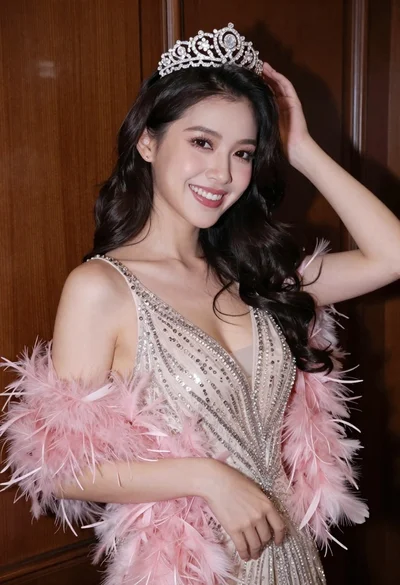
Smiling woman with dark wavy hair wearing sparkling tiara and pink boa

Confident woman in embellished denim jumpsuit against a gray studio backdrop
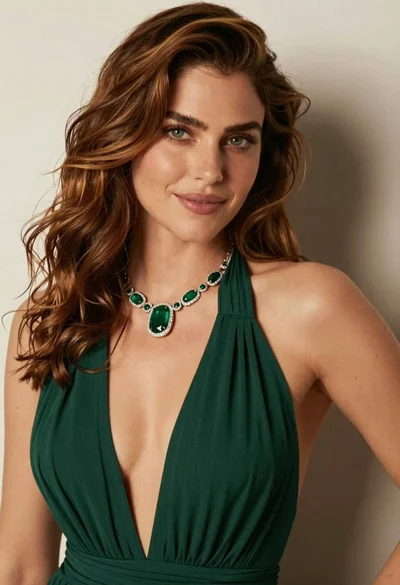
Close up portrait of woman with brown hair in green dress

Young woman in black graphic tshirt against white paneled wall
