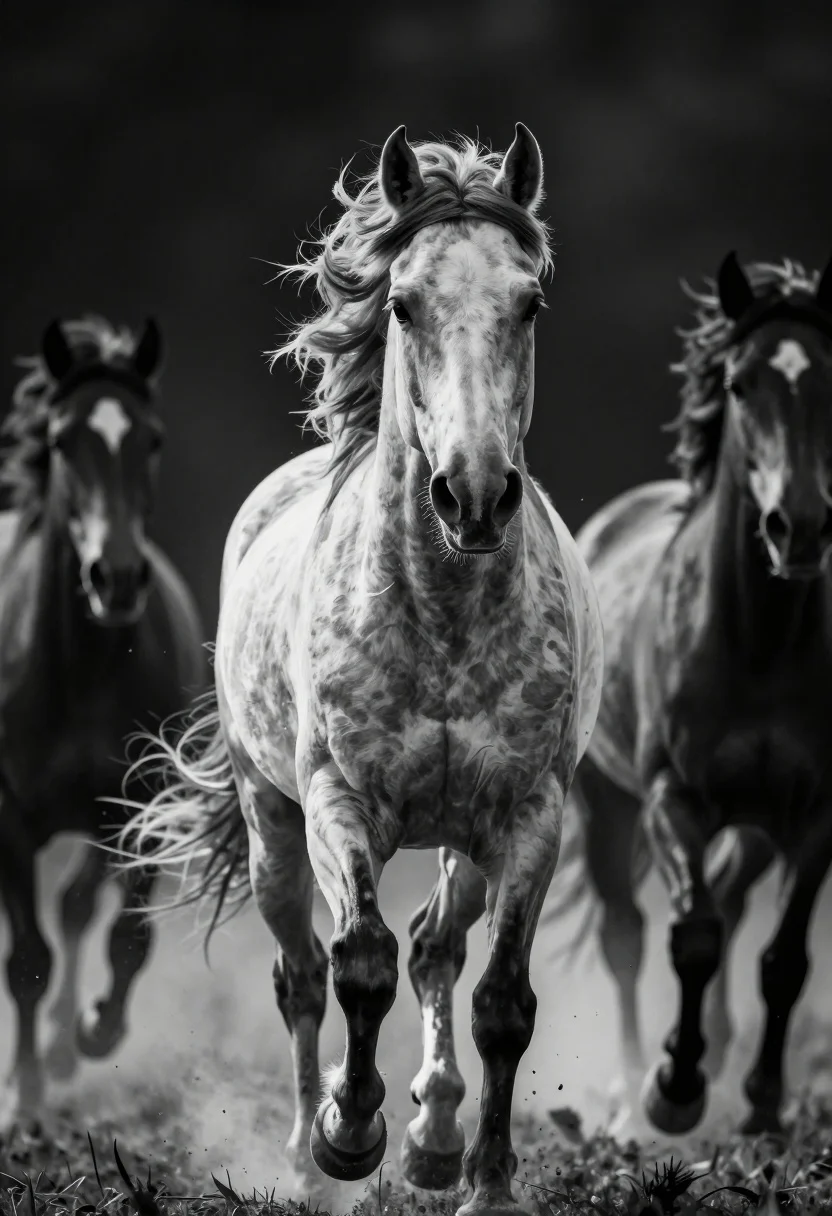
Powerful horse charging forward low angle shot against dark background
Prompt
A powerful horse with a white blaze on its face charges directly toward the viewer, surrounded by other horses in motion against a dark background.

Subject: A muscular horse with a flowing mane and tail, featuring a prominent white star and stripe on its face.

Action: The main horse is captured mid-gallop with intense forward momentum, while surrounding horses appear blurred to indicate speed and movement.

Environment: A dark, indistinct background that isolates the subjects, with mist or dust swirling around the hooves at the bottom of the frame.

Camera: Low angle shot looking up at the charging horse, utilizing a shallow depth of field to keep the foreground subject sharp while blurring the background figures.

Lighting: High contrast black and white lighting that highlights the texture of the muscles and hair, creating deep shadows and bright reflections on the coat.

Style Details: Dramatic monochrome photography with high dynamic range, emphasizing raw power and motion blur for a cinematic effect.
Description
This prompt is useful for creating dramatic sports photography, powerful album art covers, and intense action sequence concept art. The combination of 'low angle shot' and 'high contrast black and white lighting' exaggerates the horse's musculature and forward thrust, making the subject appear monumental against the dark background while the specified motion blur sells the raw power.
Suggestions
- Change 'white blaze' to 'dark muzzle markings' for a more aggressive look.
- Add 'cinematic grain' to enhance the monochrome texture.
- Swap 'mist or dust swirling around the hooves' for 'splashing water' for an alternative element of chaos.
Category
AnimalsB&w
Tags
AnimalFull BodyLow AngleRealisticWide Shot
Date added
July 12, 2026
Added by
PromptDexter Team
Related Prompts
More prompts with similar categories and tags.
Full length black and white portrait of woman with two dalmatian dogs
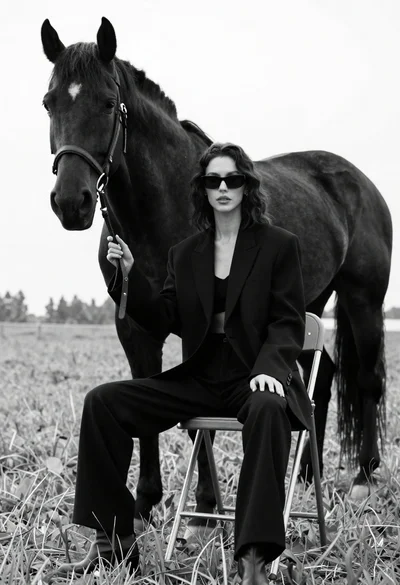
Woman in black outfit sitting on stool with large horse in field

Silhouette of two elephants with riders walking across grassy plain at sunset
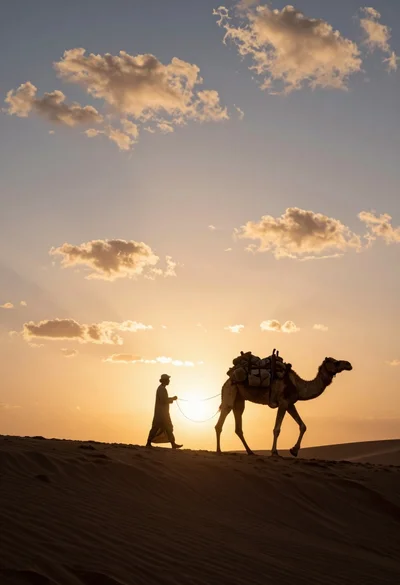
Dramatic silhouette of man leading camel across desert ridge at vibrant sunset
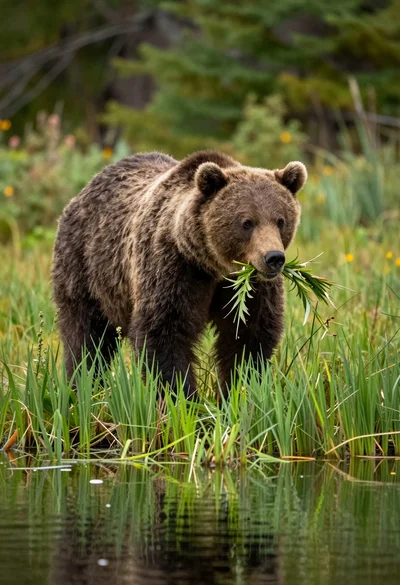
Large brown bear walking through tall green grass near reflective water surface
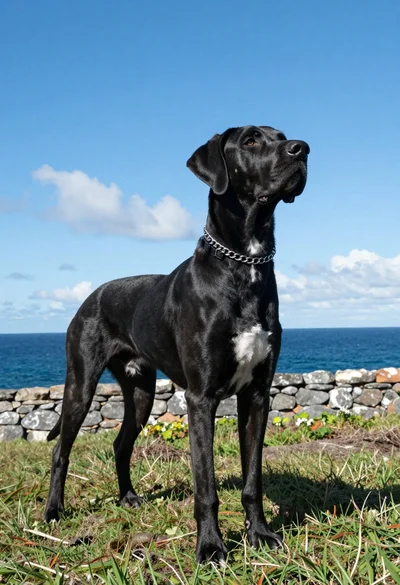
Majestic black great dane standing on grassy cliff overlooking deep blue ocean
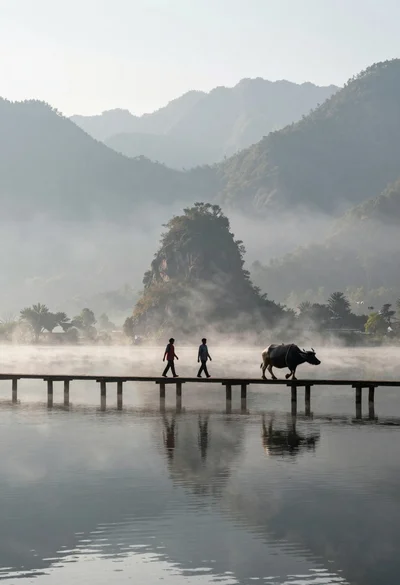
Two figures and buffalo walking across wooden pier over misty lake mountains
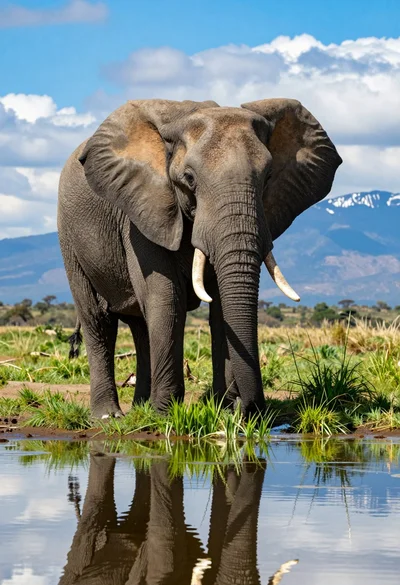
Majestic african elephant standing in shallow water reflecting against savanna backdrop
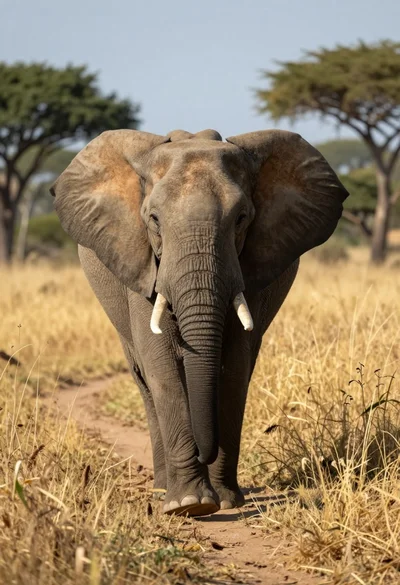
Massive african elephant walking through tall golden grass at low angle
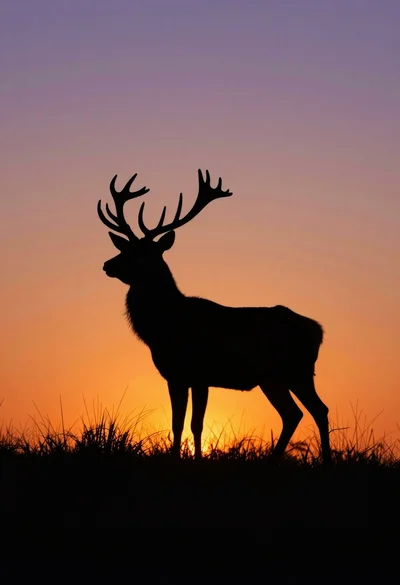
Majestic stag silhouette standing in tall grass against vibrant sunset sky