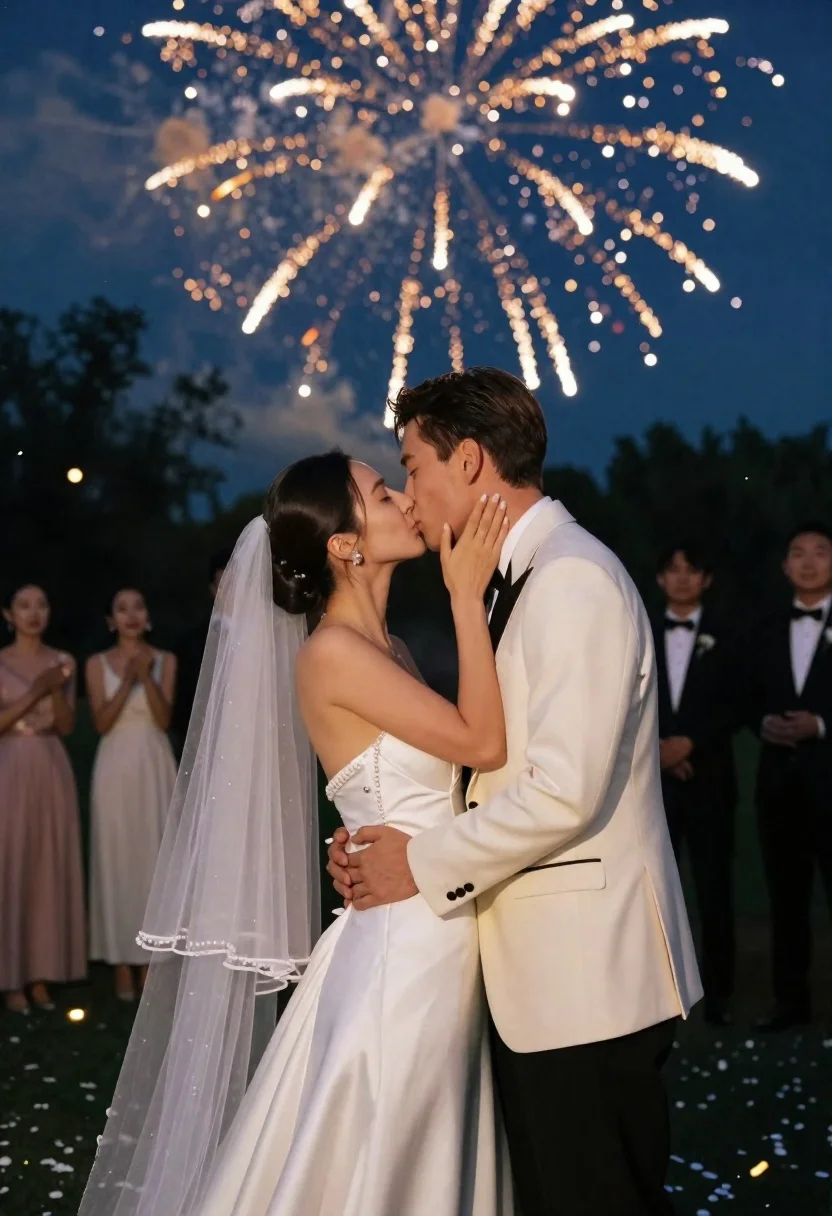
Bride and groom kissing under fireworks in a dark garden at night
Prompt
A romantic night scene of a bride and groom kissing under a spectacular fireworks display.

Subject: A woman with dark hair pulled back in an elegant updo wearing a strapless white wedding gown with a long sheer veil, standing close to a man with short brown hair in a cream-colored tuxedo jacket and black trousers.

Clothing: The bride wears a fitted satin bodice with pearl-like embellishments along the neckline and waist, while the groom wears a formal cream suit with black lapels and a white shirt; both appear polished and celebratory.

Action: The couple is locked in an intimate kiss, her hand gently cupping his cheek as he holds her waist, their bodies angled toward each other in a tender embrace.

Environment: A dark outdoor garden setting at night with blurred trees and silhouettes of guests in formal wear standing in the background, suggesting a wedding reception or celebration.

Camera: Shot from a medium close-up angle that centers the couple against the sky, using shallow depth of field to blur the background guests and foreground confetti while keeping the subjects sharp.

Lighting: Dramatic backlighting from golden fireworks illuminates the couple’s profiles and creates soft highlights on their skin and clothing, with ambient blue tones in the night sky adding contrast.

Style Details: Cinematic composition with bokeh effects from distant lights and falling confetti, rich color grading emphasizing golds and deep blues, high-resolution detail with a romantic, dreamy atmosphere.
Description
This prompt is useful for creating cinematic wedding album covers, dramatic anniversary announcements, and luxury event promotional materials. The combination of 'dramatic backlighting from golden fireworks' illuminating the profiles against the deep blues of the night sky ensures the couple remains the focal point while the 'bokeh effects from distant lights' soften the background elements, preventing visual clutter around the intimate kiss.
Suggestions
- Change 'strapless white wedding gown' to 'flowing silk gown' for more movement.
- Swap 'golden fireworks' for 'deep magenta fireworks' for a different color palette.
- Adjust 'medium close-up angle' to 'full body shot' to capture the veil and setting.
Category
Tags
Brown HairFemaleFormal WearFull BodyMaleMedium ShotOutdoorsRealistic
Date added
June 23, 2026
Added by
PromptDexter Team
Related Prompts
More prompts with similar categories and tags.
Romantic couple embracing on the steps of a vintage train car

Romantic couple dancing intimately on cobblestone street at dusk
Woman in white wedding gown on gravel path before misty castle
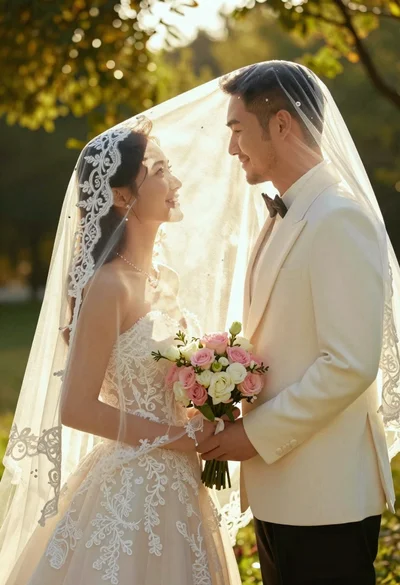
Bride and groom under lace veil in sunlit garden holding roses
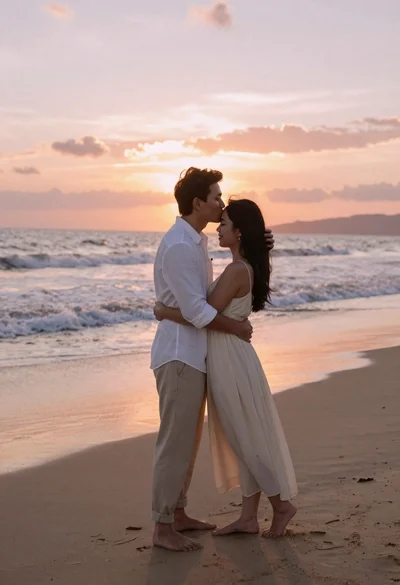
Romantic couple embracing on a sandy beach during sunset golden hour
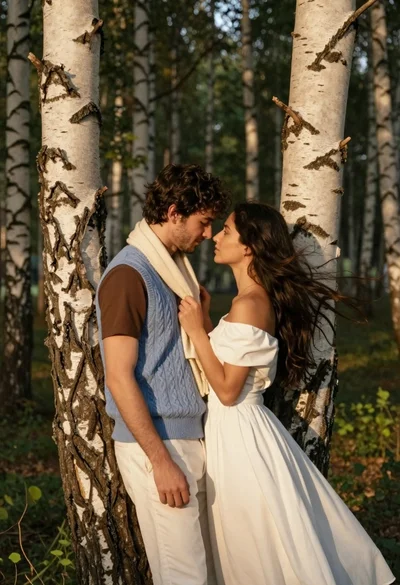
Romantic couple embracing between birch trees in a sunlit forest

Romantic couple embracing under a large firework display at night
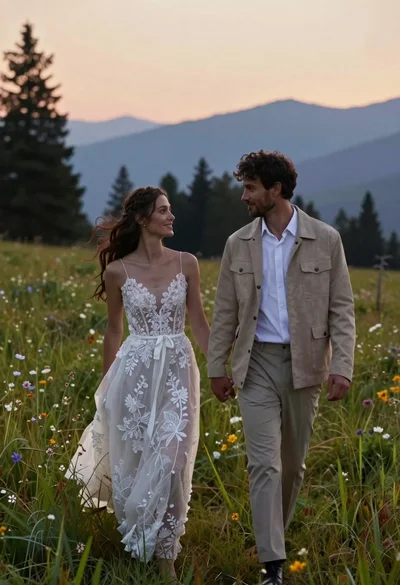
Romantic couple in wedding dress and suede jacket walking through grassy meadow