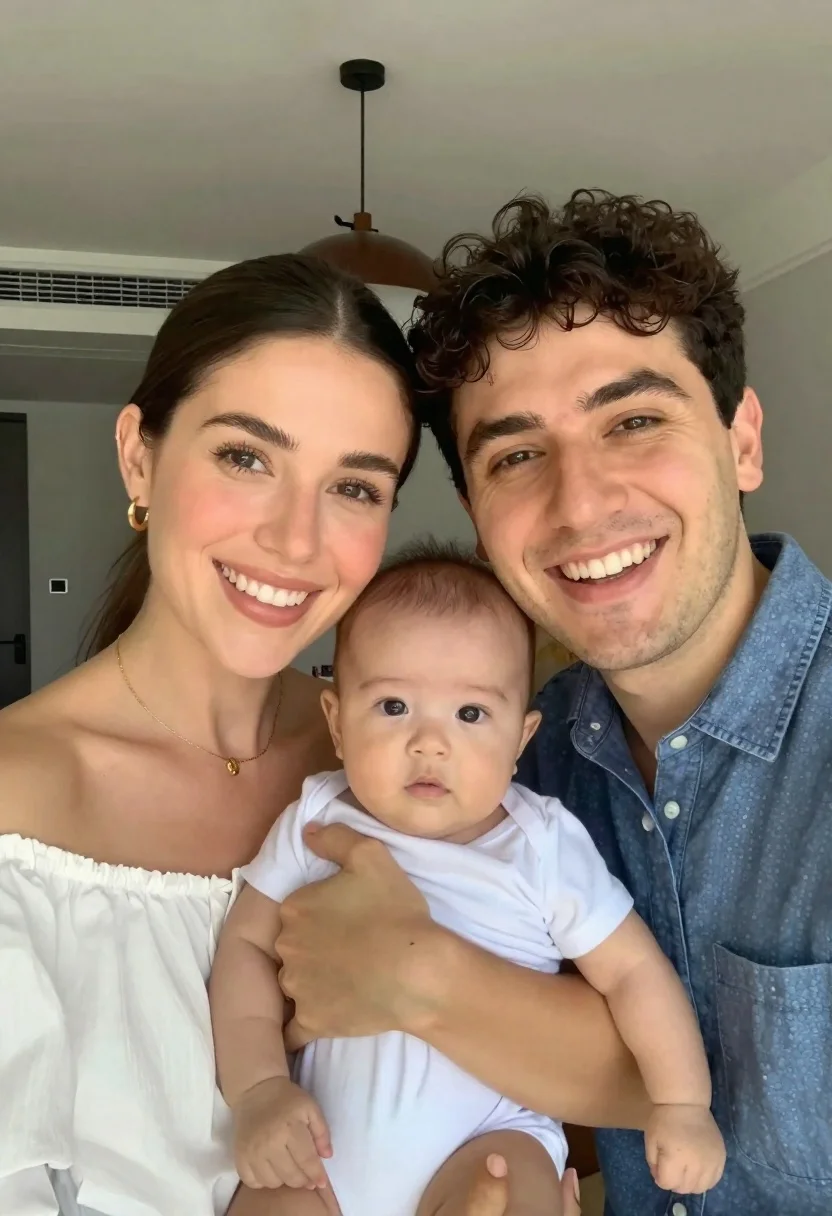
Smiling couple holding baby in bright indoor selfie
Prompt
A close-up selfie of a smiling couple holding their baby in a bright indoor setting.

Subject: A woman with dark hair pulled back and a man with dark curly hair are posing closely together while holding an infant between them. The woman has a warm smile, and the man is beaming broadly. The baby looks directly at the camera with wide eyes and a neutral expression.

Clothing: The woman wears a white off-the-shoulder top and gold jewelry including hoop earrings and a necklace. The man wears a blue button-down shirt. The baby is dressed in a simple white onesie.

Action: The couple holds the baby securely, with the woman's hand supporting the child's back. They are leaning in close for a group portrait, looking directly at the camera lens.

Environment: The background shows a neutral-toned interior room with a dark pendant light fixture hanging from the ceiling above them.

Lighting: The scene is illuminated by soft, bright natural light coming from the front, creating a high-key look with minimal harsh shadows on their faces.

Camera: The image is framed as a vertical selfie taken at eye level with a wide-angle perspective typical of smartphone cameras.

Style Details: The photo has a clean, modern aesthetic with vibrant skin tones and a shallow depth of field that keeps the family in sharp focus while softly blurring the background.
Description
This prompt is useful for creating lifestyle blog headers, intimate family portraiture, and casual social media announcements. The combination of 'soft, bright natural light' and a 'high-key look' ensures that skin tones remain vibrant without harsh shadows, which is crucial for the immediate connection desired in a selfie format, while the 'shallow depth of field' isolates the subjects from the background.
Suggestions
- Change 'white off-the-shoulder top' to 'cream knit sweater' for a softer texture.
- Add 'Kodak Portra 400 film grain' to enhance the candid feel.
- Swap 'wide-angle perspective typical of smartphone cameras' for '85mm portrait lens' for more flattering compression.
Category
Tags
Black HairClose UpFemaleIndoorsMalePortrait ShotRealisticSelfie
Date added
June 23, 2026
Added by
PromptDexter Team
Related Prompts
More prompts with similar categories and tags.
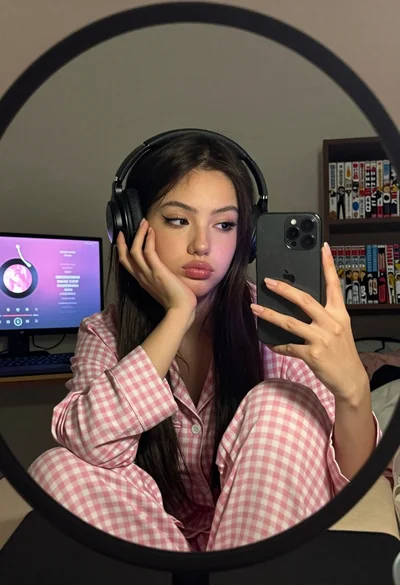
Young woman taking mirror selfie wearing pink checkered pajamas indoors
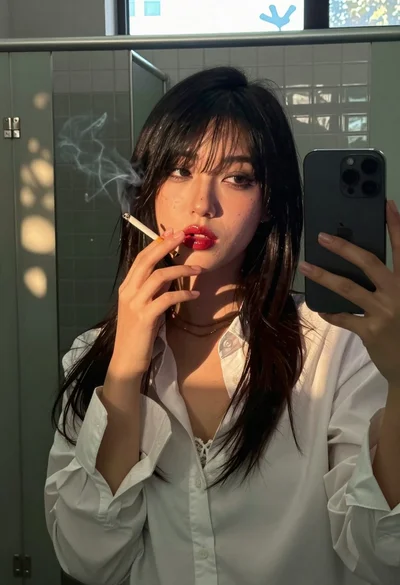
Young woman taking selfie in public restroom stall with cigarette smoke
Young woman taking mirror selfie in bathroom wearing sports bra
Blonde woman in black lingerie taking a mirror selfie
Selfie portrait of woman in cozy living room
Young woman taking mirror selfie in white sports bra indoors
Selfie portrait on busy hollywood boulevard at night
Close up selfie of young couple embracing indoors with warm ambient lighting