
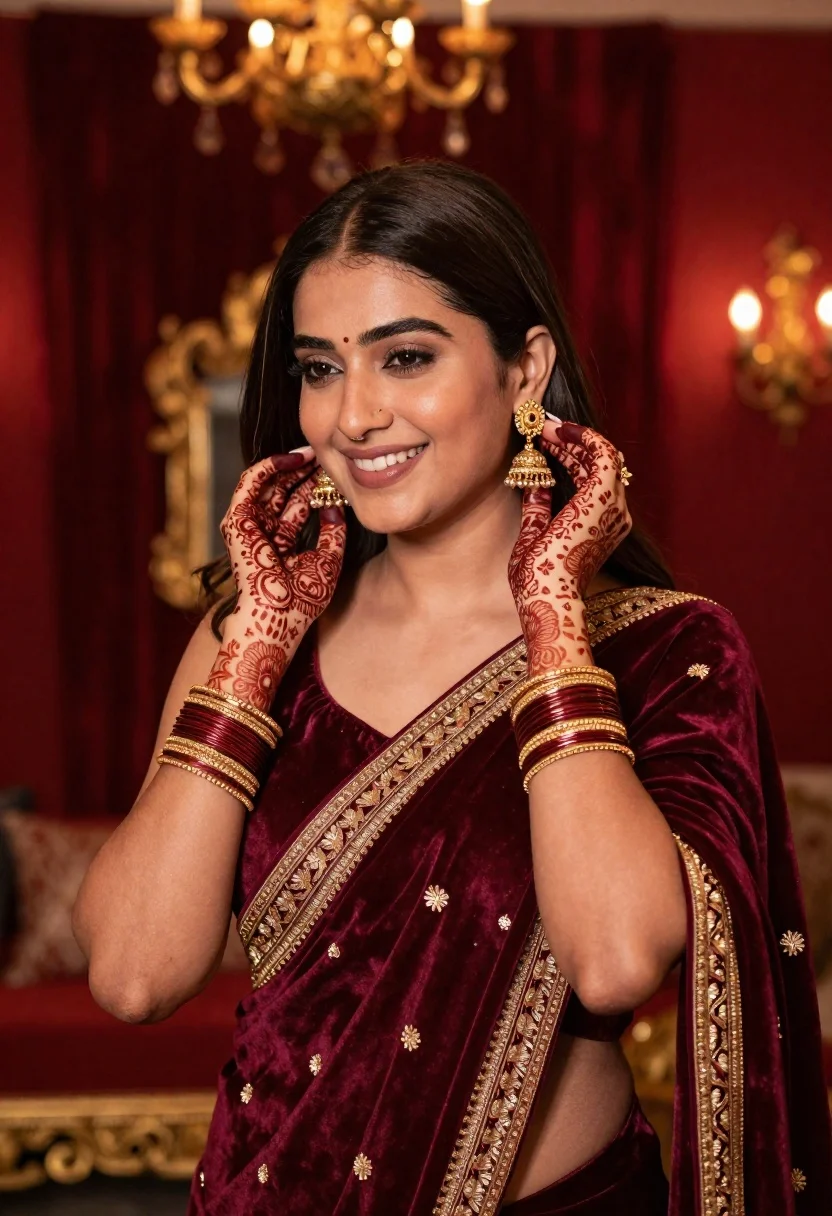
Smiling woman in maroon velvet saree touching gold earring indoors
Prompt
A smiling woman with long dark hair gently touching her ear with henna-decorated hands.

Subject: A young woman with a warm smile and long, straight dark brown hair parted in the middle. Her skin is fair and glowing, and she has intricate red henna designs covering both of her hands and forearms.

Clothing: She wears a luxurious deep maroon velvet saree or shawl featuring heavy gold embroidery along the borders and scattered motifs. She is adorned with multiple thick gold bangles on each wrist and a traditional gold jhumka earring in her right ear.

Action: The woman looks slightly to her left with a soft, happy expression. Her hands are raised near her face as she delicately touches or adjusts the large gold earring in her right ear.

Environment: The setting is an opulent interior room with deep red velvet walls and furniture visible in the background. A blurred golden chandelier hangs from the ceiling, contributing to a rich, royal atmosphere.

Camera: The shot is a medium close-up framed at eye level with a shallow depth of field that keeps the subject sharp while blurring the background elements into soft bokeh.

Lighting: The lighting is warm and ambient, emanating from the chandelier and unseen sources to create soft highlights on her face and hands, casting gentle shadows that enhance the velvet texture.

Style Details: The image has a cinematic, high-end portrait quality with rich color grading emphasizing deep reds and golds, rendered with smooth skin textures and a polished, elegant aesthetic.
Description
This prompt is useful for creating luxury bridal editorials, cultural portraiture showcasing traditional jewelry, and high-end fashion lookbooks set in opulent interiors. The combination of 'deep maroon velvet' against the 'blurred golden chandelier' establishes a rich, royal atmosphere that complements the subject's adornments, while the 'shallow depth of field' ensures the focus remains sharply on her smiling expression and the intricate gold earring.
Suggestions
- Change 'deep maroon velvet' to 'emerald green silk' for an alternative jewel tone.
- Swap 'gold jhumka earring' for 'pearl chandelier earrings' to alter the metallic feel.
- Adjust 'warm and ambient' lighting to 'dramatic chiaroscuro' for higher contrast.
Category
Tags
Brown HairCasual WearFair SkinFemaleIndoorsMedium ShotPortrait ShotRealisticTraditional Wear
Date added
June 26, 2026
Added by
PromptDexter Team
Related Prompts
More prompts with similar categories and tags.

Young woman seated on grey sofa against pink wall fashion portrait
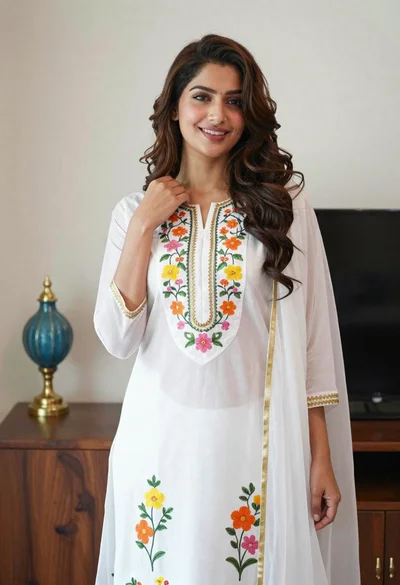
Smiling woman in floral kurta dress indoors with sheer dupatta drape

Young woman in navy jumpsuit posing indoors with soft expression

Young woman in black graphic tshirt against white paneled wall

Blonde woman in cream sweater sitting on beige couch
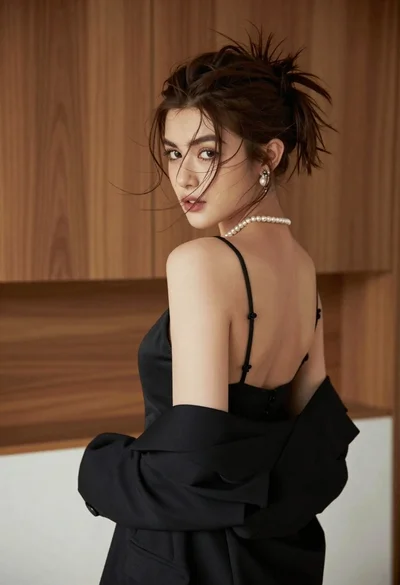
Young woman looking back over shoulder in black dress indoors

Woman with brown hair in white top and black skirt indoors

Blonde woman in black coat leaning against white wall by window
