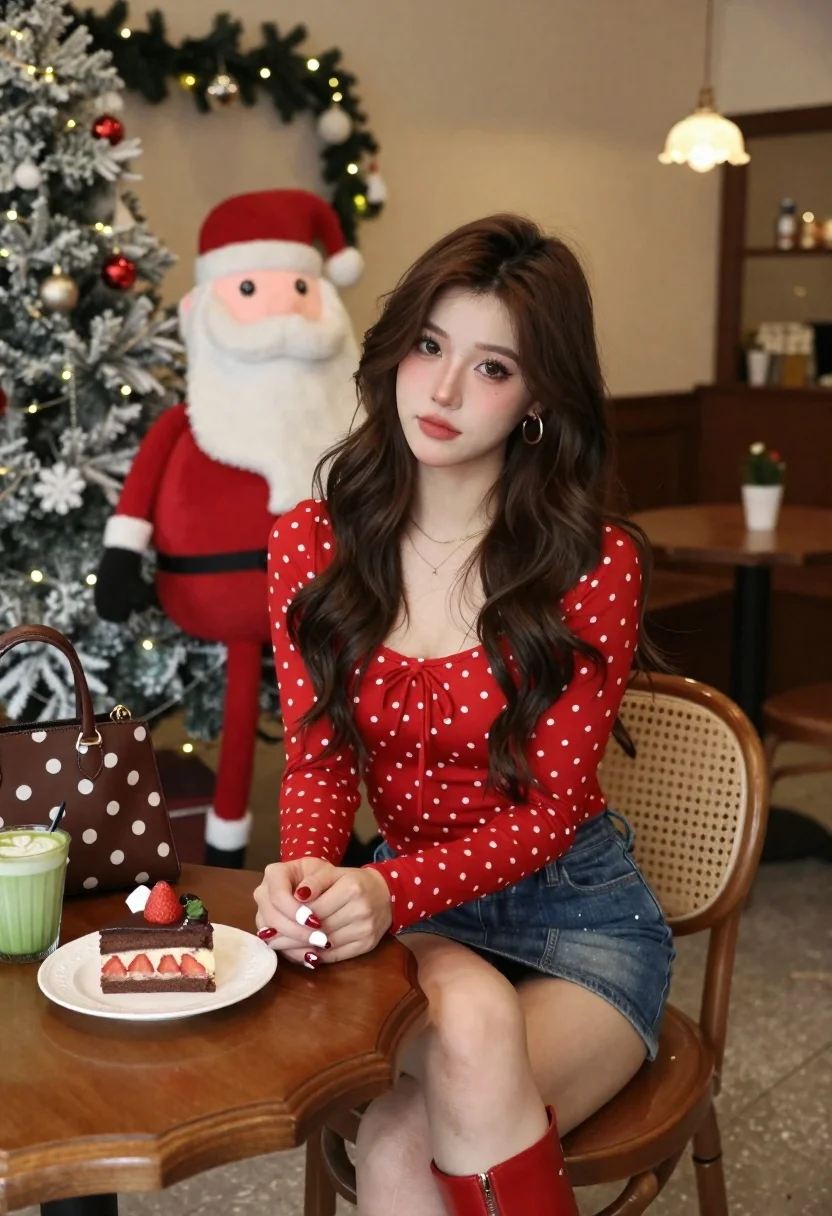
Young woman in red top sitting at cafe table during christmas
Prompt
A young woman with long wavy brown hair sits at a wooden table in a cozy cafe decorated for Christmas.

Subject: A beautiful young woman with long dark wavy hair, fair skin, and a soft confident expression looking directly at the camera.

Clothing: She wears a red polka-dot top with a square neckline featuring a small bow tie detail, paired with a denim mini skirt and red leather ankle boots. Gold hoop earrings and a delicate gold necklace are visible.

Action: She sits with her hands clasped on the table, displaying manicured nails painted with red polish and white accents.

Environment: The setting is a warm indoor cafe decorated for the holidays with Christmas trees adorned with lights and ornaments in the background. A large Santa Claus figure stands behind her to the left.

Objects: On the wooden table sits a slice of chocolate cake topped with strawberries on a white plate, a green matcha latte with latte art, and a brown polka-dot handbag.

Lighting: The scene is lit by soft warm ambient light from hanging lamps in the background, creating a cozy atmosphere with gentle highlights on her face and hair.

Camera: Shot from a slightly low angle with a shallow depth of field that keeps the subject sharp while blurring the festive background.

Style Details: High-resolution photography with a cinematic color palette emphasizing reds and warm tones, featuring soft focus and realistic textures.
Description
This prompt is useful for creating holiday lifestyle editorials, themed portrait sessions, and cozy seasonal advertising campaigns. The combination of 'soft warm ambient light' and the 'shallow depth of field' ensures the subject remains sharp against a blurred background, which directs viewer focus to the red polka-dot top and the festive details on the wooden table.
Suggestions
- Change 'red polka-dot top' to 'burgundy velvet blouse' for a richer holiday feel.
- Swap 'Santa Claus figure' for 'pine garland' to make the background less cluttered.
- Adjust 'soft warm ambient light' to 'bokeh from fairy lights' for more pronounced background highlights.
Category
Tags
Brown HairCafeFair SkinFemaleIndoorsMedium ShotPortrait ShotRealisticRed HairTraditional Wear
Date added
June 21, 2026
Added by
PromptDexter Team
Related Prompts
More prompts with similar categories and tags.
Young woman in traditional attire sitting at restaurant table with warm lighting
Indian couple in traditional wedding attire posing together in festive indoor setting
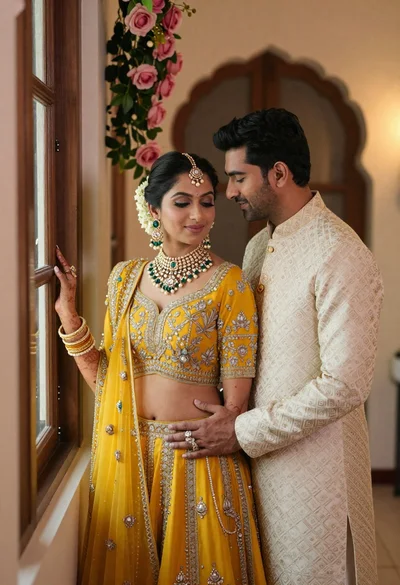
Indian couple in traditional wedding attire posing near a wooden window
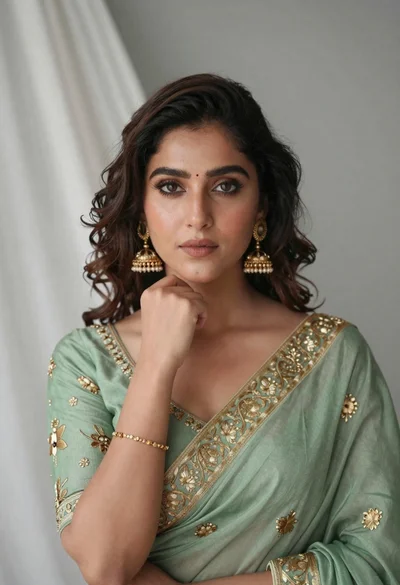
Portrait of young woman in sage green saree with gold embroidery
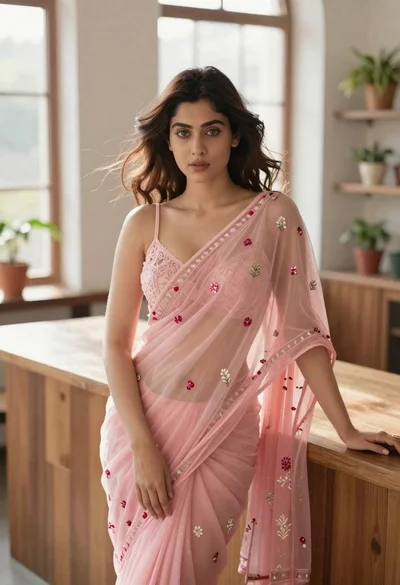
Young woman in pink saree leaning against counter in sunlit room
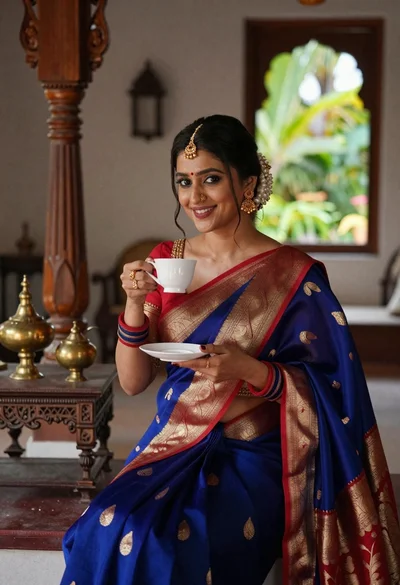
Smiling indian woman in blue silk saree holding a teacup indoors
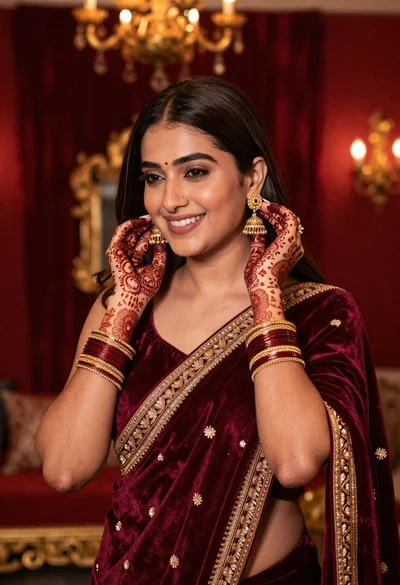
Smiling woman in maroon velvet saree touching gold earring indoors

Blonde woman reading at a cafe table with roses
