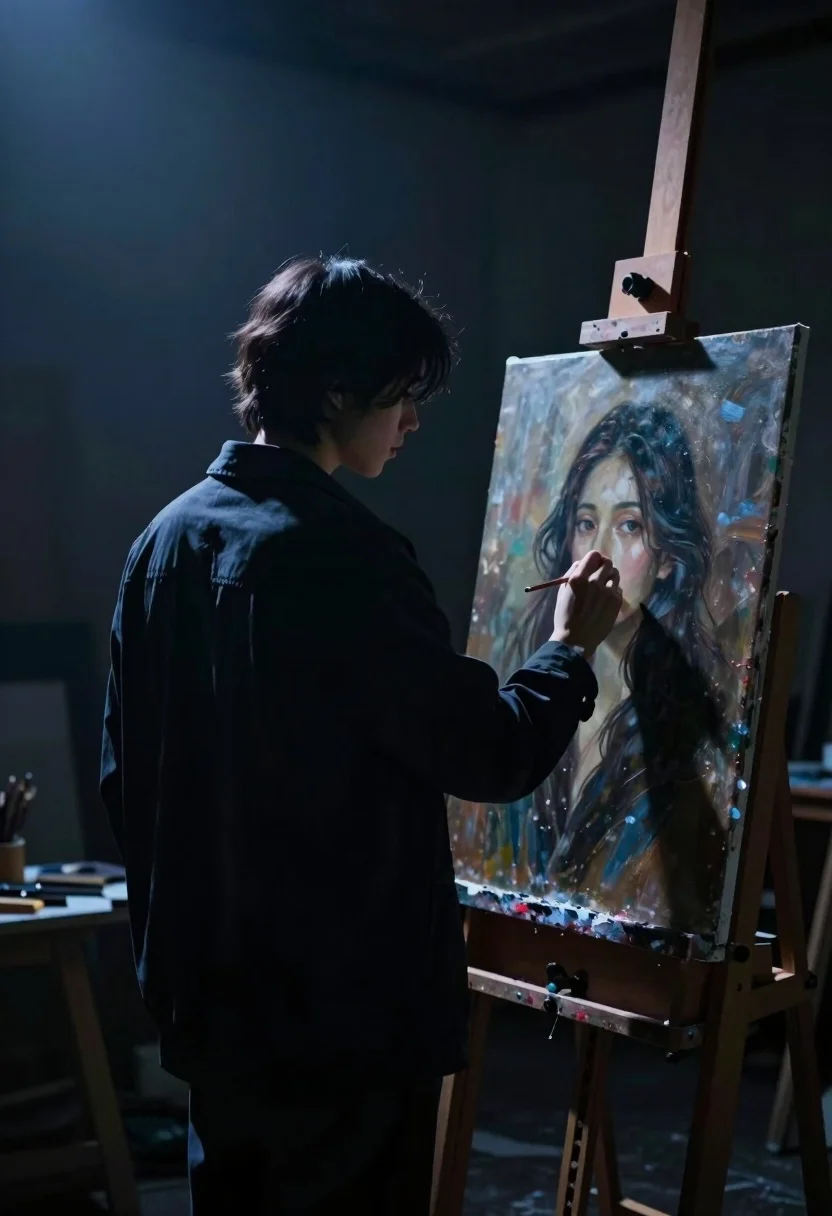
Solitary artist in dimly lit studio painting portrait under dramatic spotlight
Prompt
A solitary artist stands in a dimly lit studio, illuminated by a single beam of light from above as they work on a portrait.

Subject: A figure seen from behind and in silhouette, with short hair and a focused profile visible in the backlighting.

Clothing: The artist wears a dark, loose-fitting jacket or coat that blends into the shadows.

Action: The figure holds a paintbrush or palette knife near an easel, leaning slightly forward to inspect their work.

Environment: A dark, moody interior space with a wooden easel holding a canvas on the right side.

Lighting: Strong chiaroscuro lighting with a single spotlight from above creating a dramatic rim light on the subject's hair and shoulders while leaving the rest of the body in deep shadow.

Subject: The painting on the canvas depicts a woman with long dark hair, pale skin, and a soft, contemplative expression looking directly at the viewer.

Objects: A wooden easel supporting a large rectangular canvas.

Style Details: Cinematic composition with high contrast, cool blue tones dominating the shadows, and a painterly aesthetic that emphasizes texture and mood over sharp detail.
Description
This prompt is useful for creating cinematic character studies, moody fine art prints, and narrative concept art focusing on creation. The combination of 'strong chiaroscuro lighting' with 'cool blue tones dominating the shadows' sculpts the figure by using deep shadow to obscure details not relevant to the central action, while the specified 'rim light' isolates the subject against the darkness.
Suggestions
- Change 'dark, loose-fitting jacket or coat' to 'tweed painter's smock' for more texture.
- Adjust 'cool blue tones dominating the shadows' to include 'sepia undertones' for a warmer feel.
- Modify 'single spotlight from above' to 'overhead window light' for a different source angle.
Category
Tags
Back ViewFemaleFull BodyLow AngleMedium ShotPortrait ShotRealisticStudioTraditinal Art
Date added
August 5, 2026
Added by
PromptDexter Team
Related Prompts
More prompts with similar categories and tags.
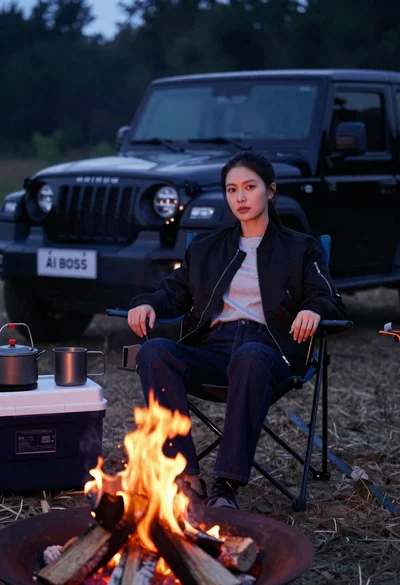
Woman sitting in camping chair by campfire with suv at night
Young woman with brown hair holding guitar in a dusty vortex
East asian woman in black leather jacket on bustling chinese street at
Hyperrealistic low angle shot of superhero crouching on cracked asphalt debris
Confident woman in black latex catsuit standing in luxurious room setting
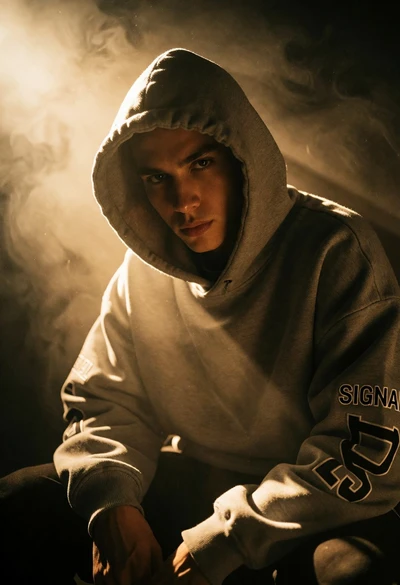
Hooded figure in grey sweatshirt lit by dramatic golden backlighting haze
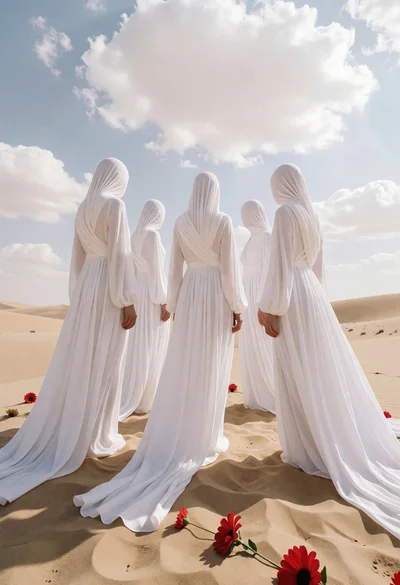
Five faceless figures in white gowns on vast sandy dunes under cloudy
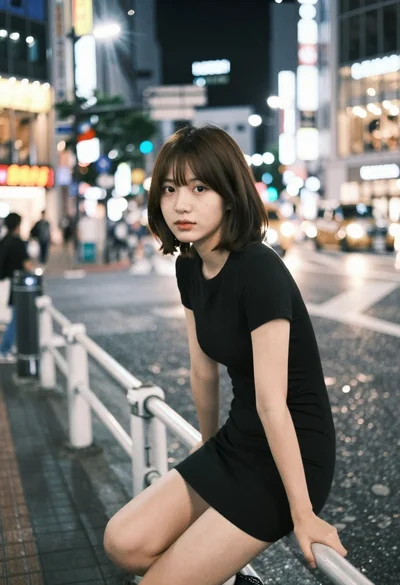
Young east asian woman on railing in busy japanese city street at
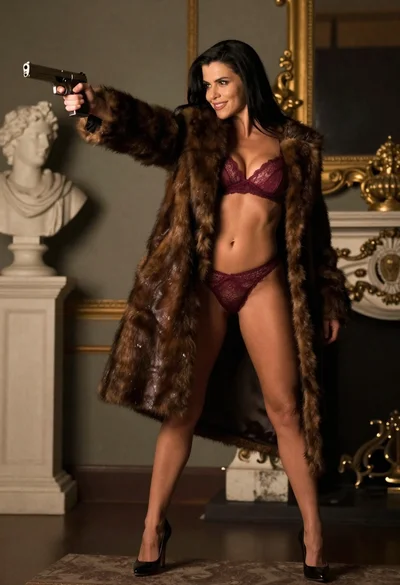
Woman in fur coat holding handgun in luxurious interior setting
Woman in black sequined dress pointing gun at viewer