
Blonde woman in champagne gown walking down theater aisle spotlight
Prompt
A glamorous blonde woman walks confidently down the aisle of a theater.

Subject: A fair-skinned woman with long, wavy blonde hair and a poised, confident expression.

Clothing: She wears a shimmering champagne-colored satin gown featuring a plunging neckline with sparkling embellishments, a high thigh slit, and strappy metallic heels.

Action: The woman strides forward with one hand resting lightly on the back of a red velvet theater seat while her gaze is directed slightly to the side.

Environment: Rows of plush red velvet seats line both sides of a narrow aisle in a dimly lit auditorium or cinema.

Lighting: A bright, warm spotlight shines from above and behind the subject, creating a strong rim light effect that highlights her hair and silhouette against the dark background.

Camera: The shot is taken from a low angle looking up at the subject to emphasize her height and elegance, with a shallow depth of field blurring the background rows.

Style Details: High-contrast cinematic photography with rich warm tones, dramatic shadows, and a polished magazine-quality aesthetic.
Description
This prompt is useful for creating movie poster concepts, high-end red carpet editorials, and theatrical costume showcases. The combination of 'low angle looking up' and the 'bright, warm spotlight' sculpts the figure by emphasizing height and drama, while the 'shimmering champagne-colored satin gown' catches the light to prevent the subject from appearing flat against the dark background.
Suggestions
- Change 'champagne-colored satin gown' to 'liquid gold silk gown' for more reflectivity.
- Swap 'red velvet theater seat' for 'deep sapphire curtain' to alter the color contrast.
- Adjust 'low angle looking up' to 'eye level medium shot' for a more intimate portrait.
Category
Tags
BlondeFair SkinFemaleFormal WearFull BodyLow AngleRealisticStudio
Date added
June 19, 2026
Added by
PromptDexter Team
Related Prompts
More prompts with similar categories and tags.

Blonde woman in black gown posing on city street near ritz london
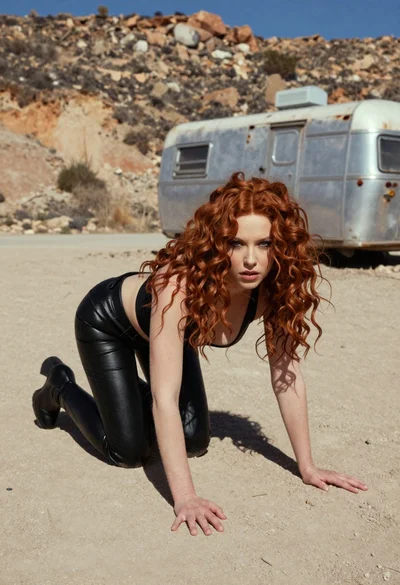
Woman crawling on dusty hillside in black leather outfit low angle
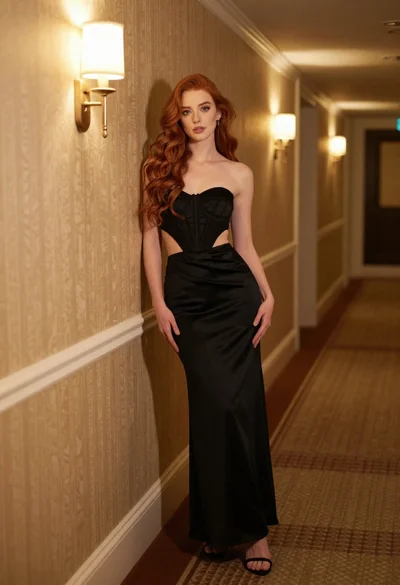
Woman in black strapless gown leaning against upscale hotel hallway wall

Blonde woman in teal slip dress leaning on elevator handrail
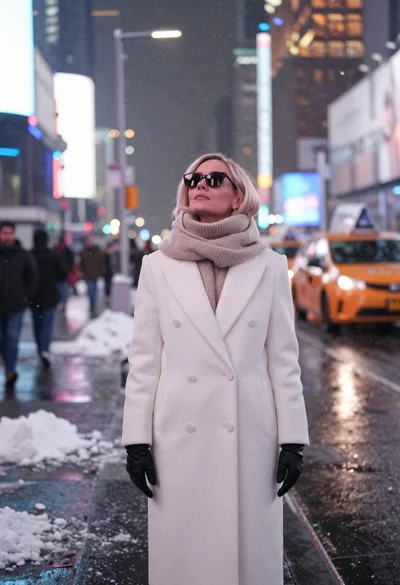
Fair skinned woman in white coat stands in snowy city street at
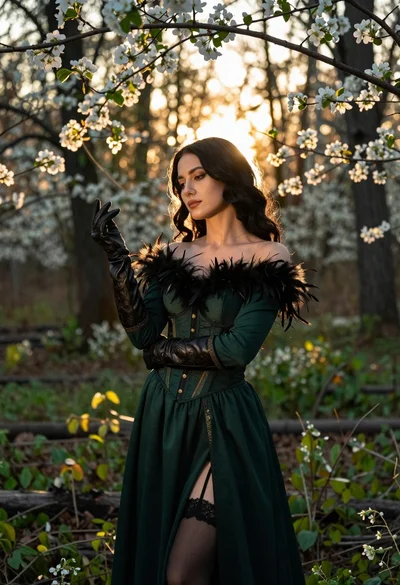
Woman in green gown stands in sunlit forest with blooming trees
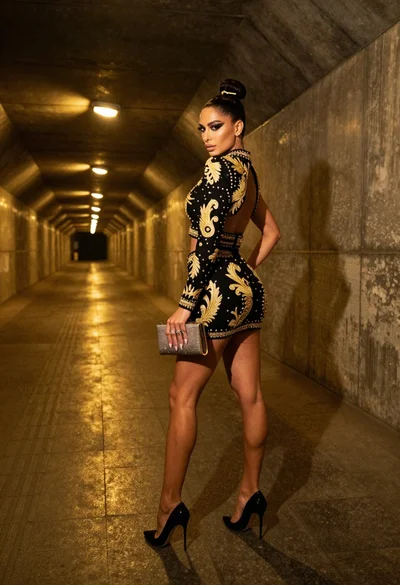
Glamorous woman in black gold outfit posing in concrete subway tunnel
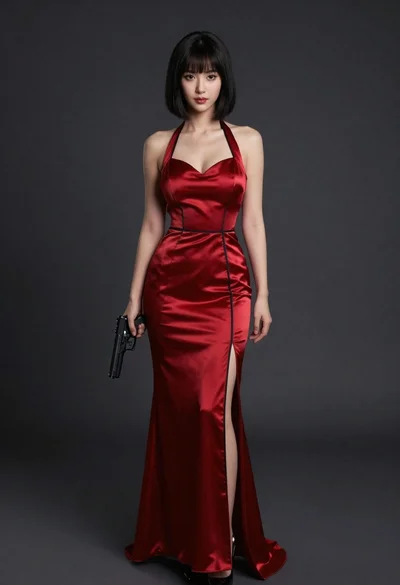
Confident woman in red satin gown holding a pistol against dark background
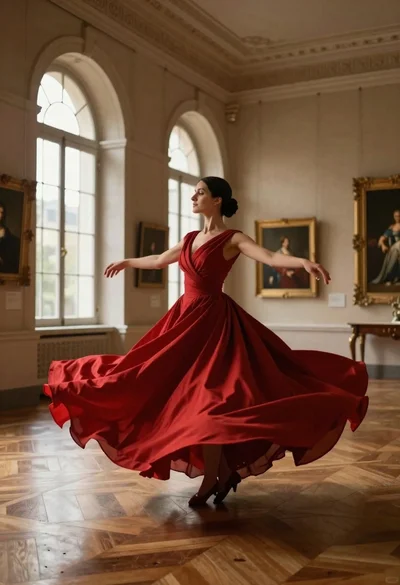
Woman in red ballgown spinning in elegant museum hall
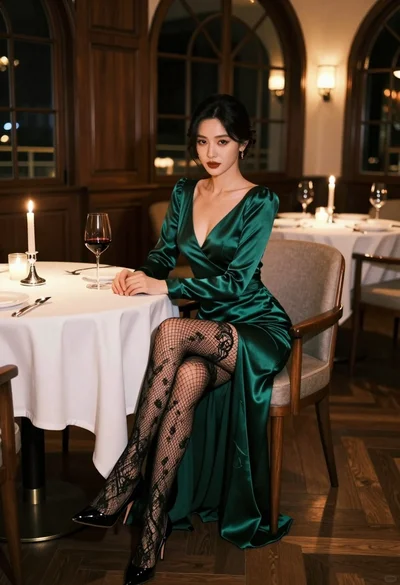
Glamorous woman in emerald gown seated at luxurious restaurant table setting