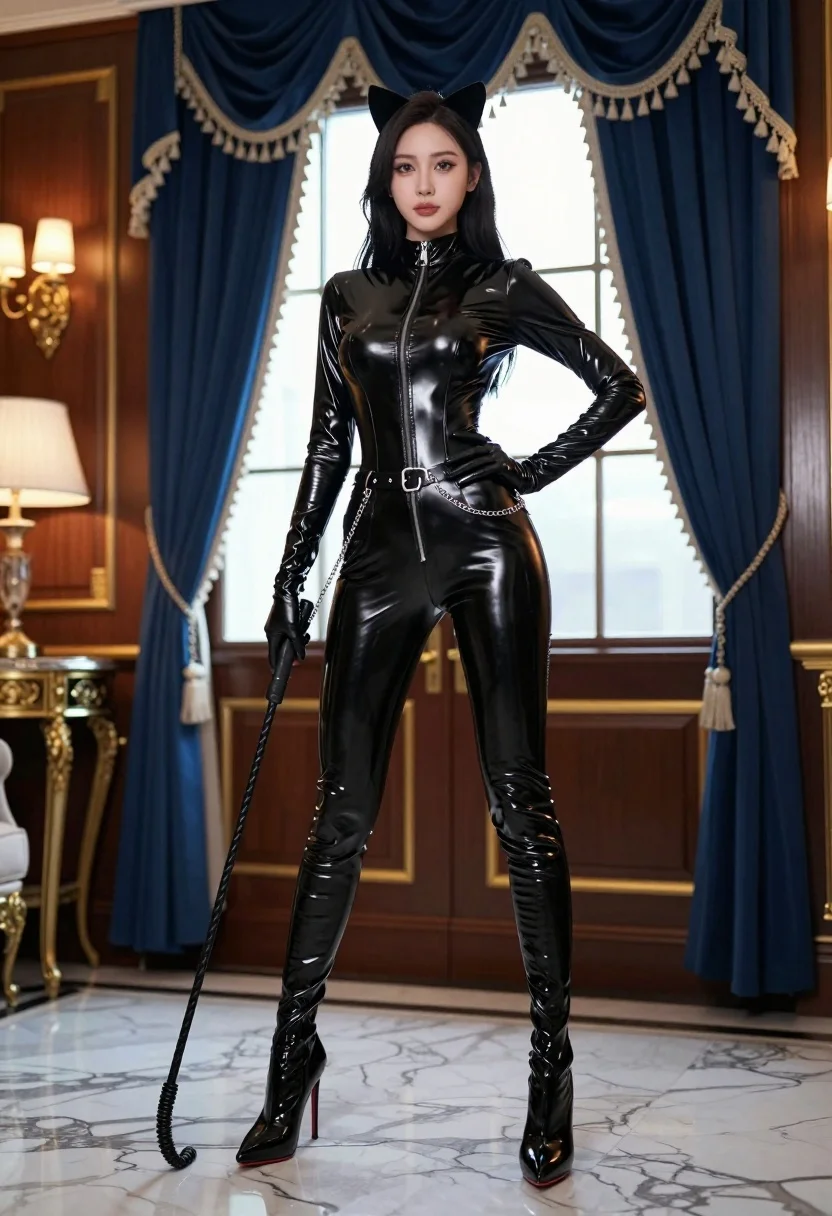
Confident woman in black latex catsuit standing in luxurious room setting
Prompt
A confident woman stands in a luxurious room wearing a sleek black latex catsuit with cat ears on her head.

Subject: A woman with long dark hair and a confident expression standing tall.

Clothing: She wears a tight, shiny black latex catsuit featuring a high collar, zipper front, belt with chains, matching gloves, and thigh-high stiletto boots.

Action: Her right hand rests on her hip while her left hand holds a coiled whip, gazing directly at the viewer.

Environment: An opulent interior with dark wood paneling, gold trim, marble floors, and heavy blue curtains with white fringe framing a bright window behind her.

Objects: A decorative side table is visible to the left, and a wall sconce provides ambient light on the far left.

Lighting: Dramatic lighting highlights the glossy texture of her outfit, with soft shadows and warm tones from the lamps contrasting against the cool blue background.

Camera: Full-body shot taken at eye level with a slight low angle to emphasize height and presence, capturing reflections on the polished floor.

Style Details: Cinematic composition with high contrast, rich colors, and a glossy, almost hyper-realistic rendering style reminiscent of fashion photography.
Description
This prompt is useful for creating dramatic character concept art, high-end editorial costume features, and cinematic villain portraits. The combination of 'dramatic lighting' contrasting with the 'cool blue background' ensures that the glossy texture of the black latex remains visible without being washed out by overly bright sources, while the 'low angle' composition forces the viewer to acknowledge her imposing presence.
Suggestions
- Change 'black latex catsuit' to 'wet-look patent leather catsuit' for a different sheen.
- Swap 'heavy blue curtains' for 'deep emerald velvet drapes' to shift the color palette.
- Adjust 'eye level with a slight low angle' to 'worm's eye view' for maximum dramatic impact.
Category
Tags
BrunetteFemaleFull BodyIndoorsLow AnglePortrait ShotRealisticStudio
Date added
August 5, 2026
Added by
PromptDexter Team
Related Prompts
More prompts with similar categories and tags.
Woman in art deco gown on fire escape looking back over shoulder
Confident woman in black dress walks through elegant museum hallway adjusting sunglasses
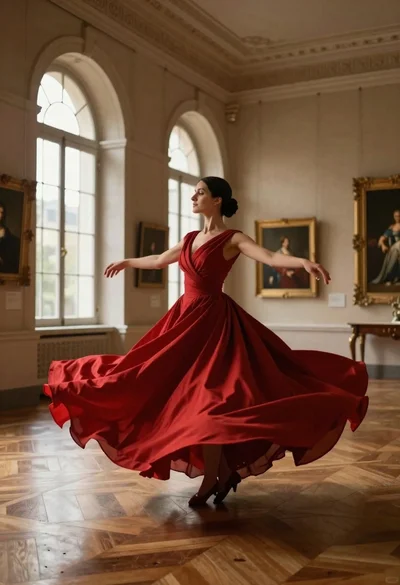
Woman in red ballgown spinning in elegant museum hall
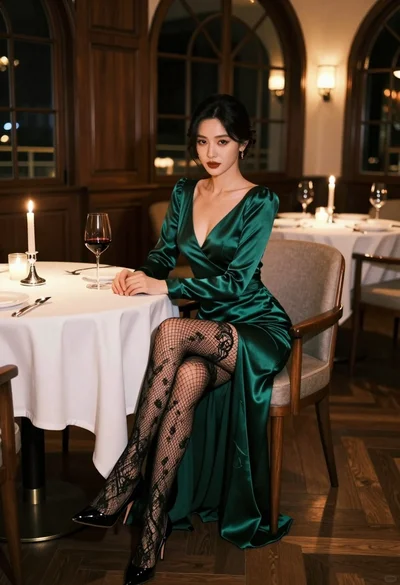
Glamorous woman in emerald gown seated at luxurious restaurant table setting
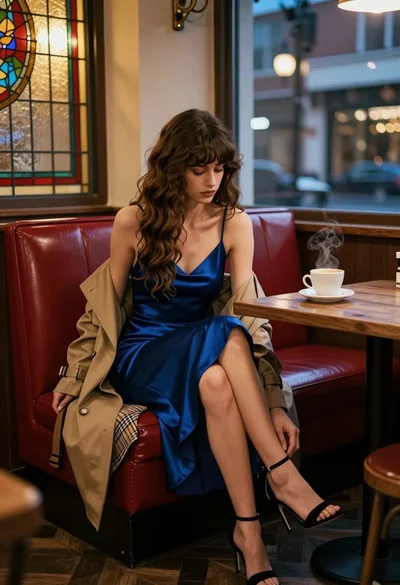
Woman in blue slip dress sitting in dimly lit cafe by stained
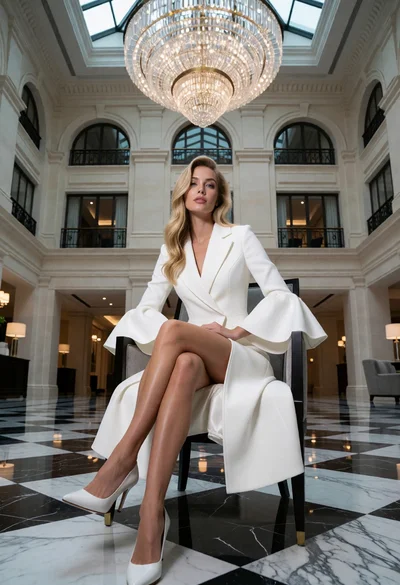
Blonde woman in white coat dress seated in grand hotel lobby
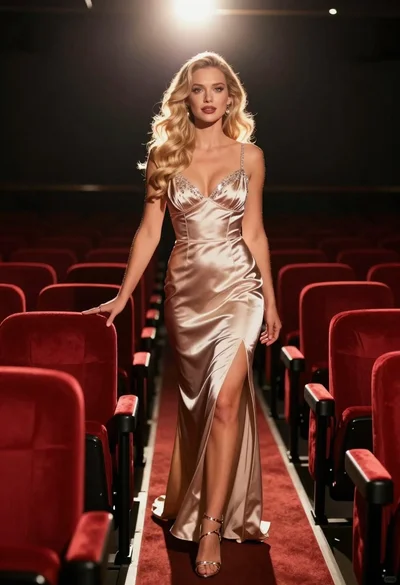
Blonde woman in champagne gown walking down theater aisle spotlight
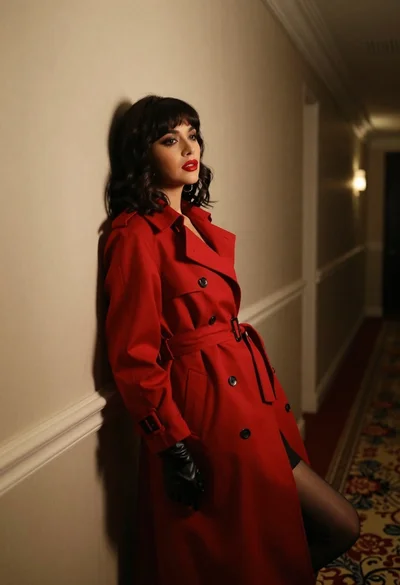
Woman in red trench coat leaning against hallway wall cinematic portrait
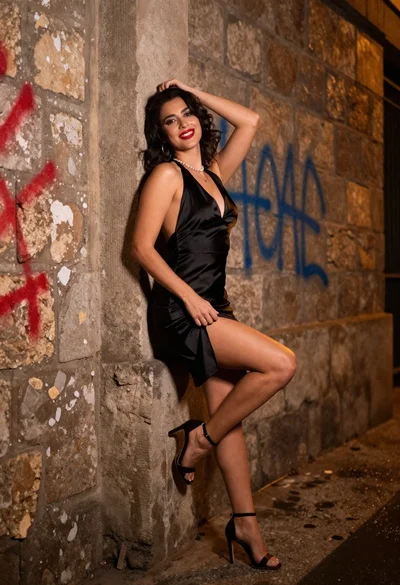
Confident woman in black satin slip dress against weathered stone alley wall
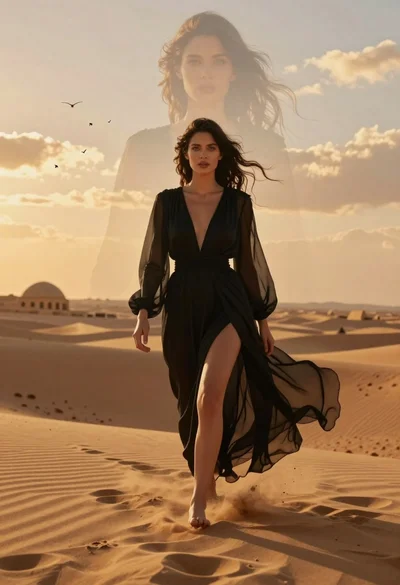
Woman walking through golden desert dunes with ghostly face overlay
