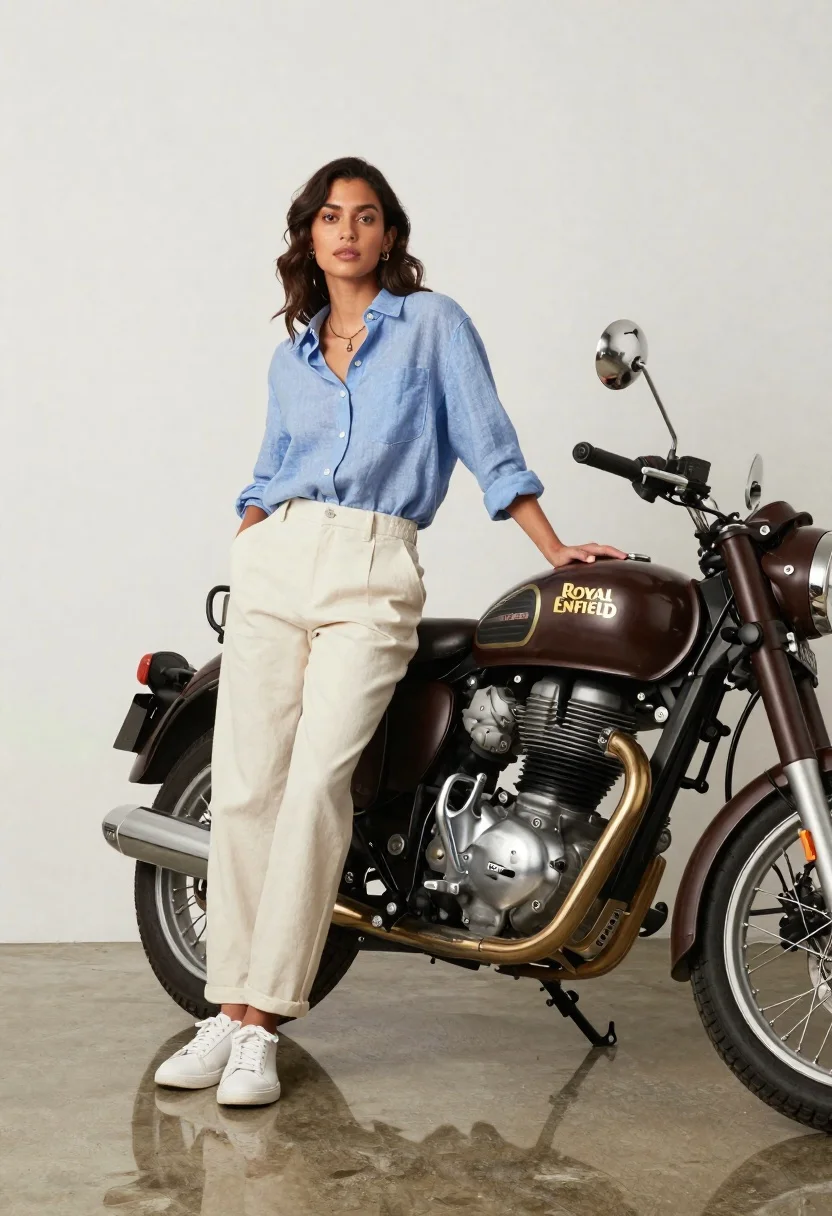
Stylish woman posing next to vintage motorcycle in minimalist studio
Prompt
A stylish woman poses confidently next to a vintage motorcycle in a minimalist studio setting.

Subject: A woman with dark wavy hair and a neutral expression stands leaning against the side of a classic motorcycle.

Clothing: She wears a light blue linen button-down shirt with rolled-up sleeves, loose-fitting cream trousers, and white sneakers, accessorized with a delicate necklace and earrings.

Action: Her left hand rests on the motorcycle seat while her right hand is in her pocket, looking slightly away from the camera with a calm demeanor.

Environment: The setting is a clean studio with a seamless off-white background and a polished concrete floor that reflects the subject and bike.

Camera: Shot at eye level with a medium-full body framing that captures both the woman and the motorcycle clearly against the plain backdrop.

Lighting: Soft, diffused studio lighting creates gentle highlights on the fabric and metal without harsh shadows, maintaining an even and bright exposure.

Objects: A dark brown Royal Enfield Int650 Classic motorcycle is positioned to the right, featuring a prominent chrome engine, exhaust pipe, and headlight.

Text/Graphics: The gold lettering "ROYAL ENFIELD" is visible on the fuel tank, and "INT 650" is marked on the side panel near the seat.

Style Details: High-resolution commercial photography with a polished aesthetic, emphasizing texture details in the clothing and mechanical components of the bike.
Description
This prompt is useful for creating automotive advertising campaigns, lifestyle brand lookbooks featuring vehicles, and editorial fashion spreads that incorporate props. The combination of 'soft, diffused studio lighting' with a 'seamless off-white background' ensures that the highly detailed textures of the 'chrome engine' and the 'light blue linen button-down shirt' remain visible without harsh shadows distracting from the product placement.
Suggestions
- Change 'dark brown Royal Enfield Int650 Classic motorcycle' to specify a metallic color for more contrast.
- Adjust 'soft, diffused studio lighting' to 'hard directional key light' for dramatic shadow play.
- Swap 'medium-full body framing' to 'waist up shot' if you want to focus more on the clothing details.
Category
Tags
Black HairCasual WearDark SkinFemaleFull BodyMedium ShotOutdoorsRealisticStudioVehicle
Date added
June 26, 2026
Added by
PromptDexter Team
Related Prompts
More prompts with similar categories and tags.
Stylish young man in black denim jacket leaning on suv in mountain
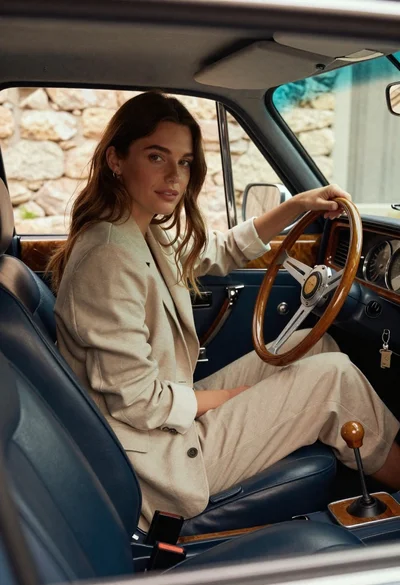
Woman in beige blazer sitting in vintage car driver seat
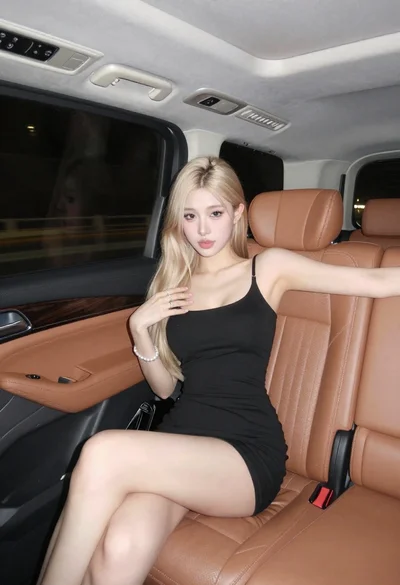
Blonde woman in black mini dress seated inside luxury car interior
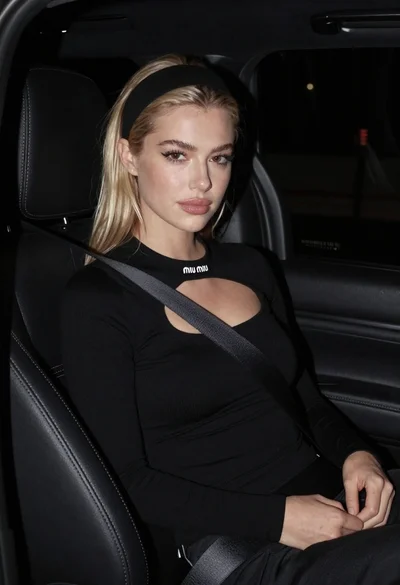
Close up portrait of blonde woman in black top inside luxury car

Woman leaning on silver sports car in showroom

Young man leaning on a modified sports car in city night
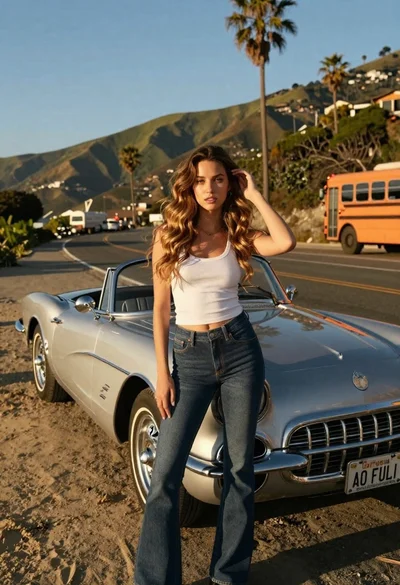
Young woman by vintage silver convertible on winding coastal road
Young woman in black bomber jacket leaning against a black sedan at