
Stylized santa claus character close up 3d render
Prompt
3D close-up of a stylized Santa Claus character with exaggerated features against a soft coral background.

Subject: A large-eyed cartoonish figure wearing a red and white knitted Santa hat, with an oversized round pink nose that fills the lower frame.

Clothing: Thick fluffy white fur beard framing the face; textured knit cap visible at top edge.

Action: Wide innocent eyes looking slightly upward, head tilted gently to one side.

Lighting: Soft warm lighting highlighting facial contours and texture of fur and skin with gentle shadows under nose and chin.

Style Details: Hyper-detailed 3D render with plush textures emphasizing softness of materials; clean minimal composition focused on expressive character design.
Description
This prompt is useful for creating whimsical holiday advertising, collectible toy packaging art, and stylized character concept sheets. The combination of 'hyper-detailed 3D render' with 'plush textures emphasizing softness of materials' ensures that the exaggerated features—like the oversized round pink nose—read as tactile and endearing rather than grotesque, which is crucial for commercial appeal.
Suggestions
- Change 'soft coral background' to 'deep navy blue background' for higher contrast.
- Swap 'cartoonish figure' for 'storybook illustration style' to adjust the overall aesthetic.
- Add 'bokeh effect' to the lighting description to soften edges further.
Category
Tags
3dClose UpPortrait Shot
Date added
June 19, 2026
Added by
PromptDexter Team
Related Prompts
More prompts with similar categories and tags.

Close up portrait of serene bust with gold kintsugi cracks

Hyperrealistic caricature sculpture of a man sitting
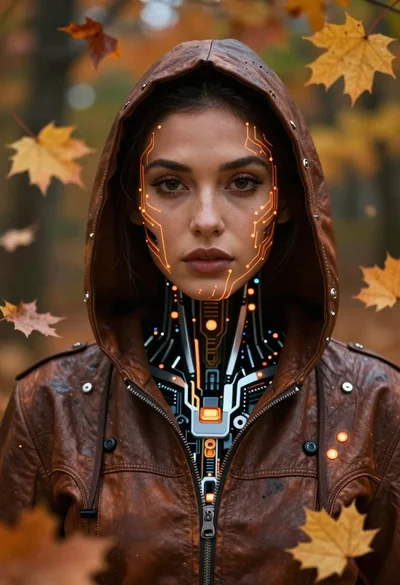
Cyborg woman in hoodie with glowing amber circuitry amidst floating autumn leaves

Astronaut portrait against pale blue sky background

Close up cyborg woman head with golden internal mechanics

Hyperrealistic jackal figure in ancient egyptian regalia

Cartoon bunny head portrait with large black eyes

Futuristic android woman in metallic corridor