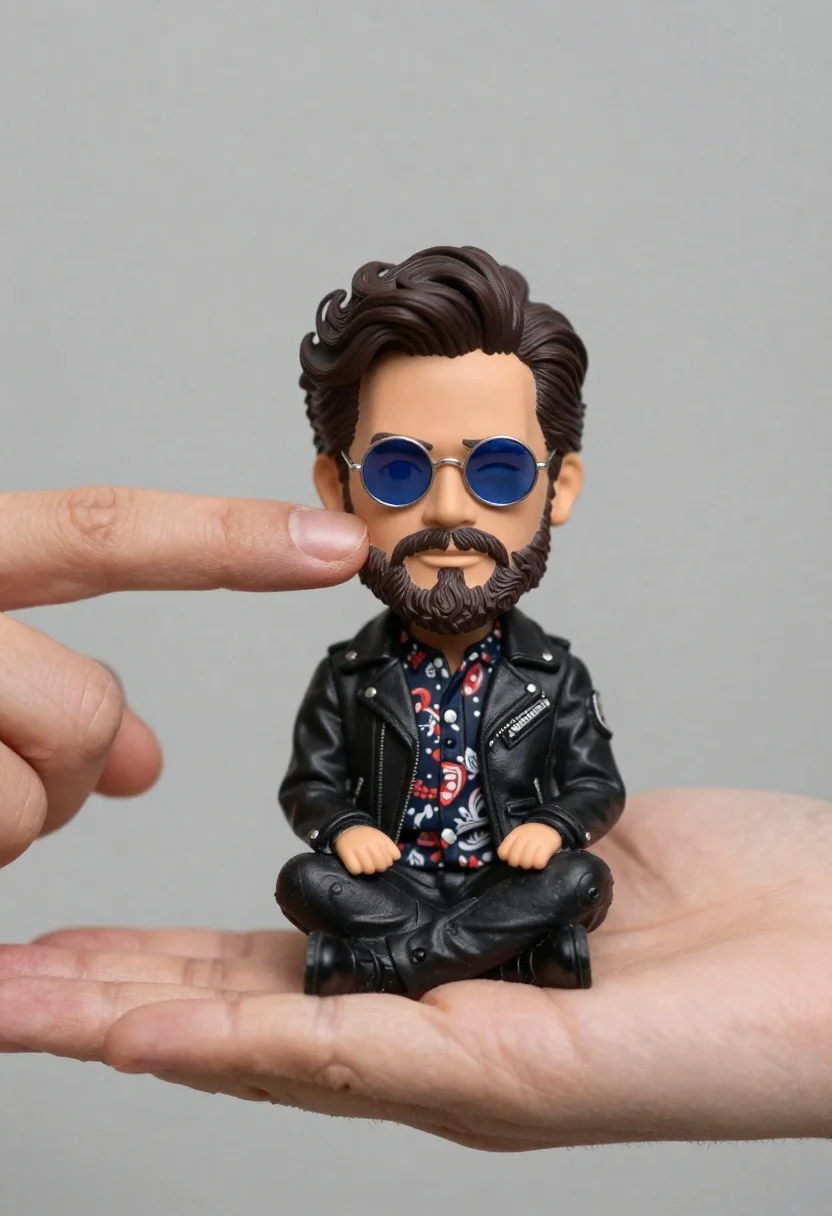
Hyperrealistic close up of bobblehead figure in an open hand
Prompt
A miniature bobblehead figure of a man with dark wavy hair and sunglasses sits in the palm of an open hand while another finger gently touches his cheek.

Subject: A small bobblehead doll featuring a man with thick dark wavy hair, a full beard, and round blue-tinted sunglasses.

Clothing: The figure wears a black leather jacket over a patterned shirt with floral or paisley designs in red and white tones.

Action: The miniature figure sits cross-legged in the palm of a hand while a second finger from above gently touches his cheek, causing a slight squint in his expression.

Environment: A plain neutral gray background provides a clean backdrop that emphasizes the subject without distraction.

Camera: Close-up shot with shallow depth of field focusing sharply on the miniature figure and fingertip interaction.

Lighting: Soft diffused lighting highlights the textures of the leather jacket and skin tones with minimal harsh shadows.

Style Details: Hyper-realistic rendering with high detail in skin pores, fabric texture, and realistic proportions for a miniature subject.
Description
This prompt is useful for creating product photography mockups, character concept art studies, and detailed collectible advertisements. The combination of 'hyper-realistic rendering' and 'soft diffused lighting' ensures that the intricate textures of the 'black leather jacket' and skin pores are visible without harsh shadows, which is crucial for making a miniature subject appear tangible and high-quality.
Suggestions
- Change 'dark wavy hair' to 'slicked back hair' for a more formal look.
- Swap 'plain neutral gray background' for 'polished mahogany surface' to add context.
- Adjust the action by changing 'gently touches his cheek' to 'rests against his collarbone' for a different pose.
Category
Tags
3/4 Angle3dCasual WearClose UpMalePortrait ShotRealisticStudio
Date added
June 19, 2026
Added by
PromptDexter Team
Related Prompts
More prompts with similar categories and tags.
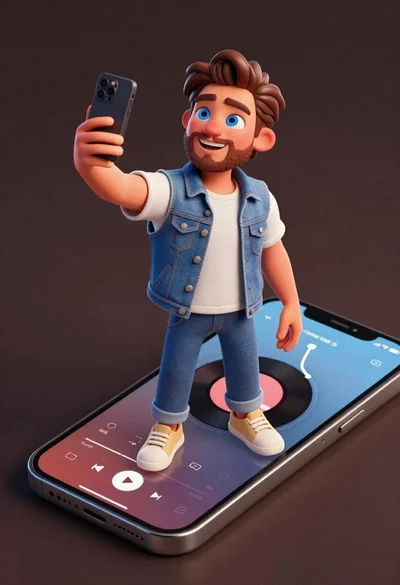
Cheerful young man taking selfie while standing on giant smartphone screen
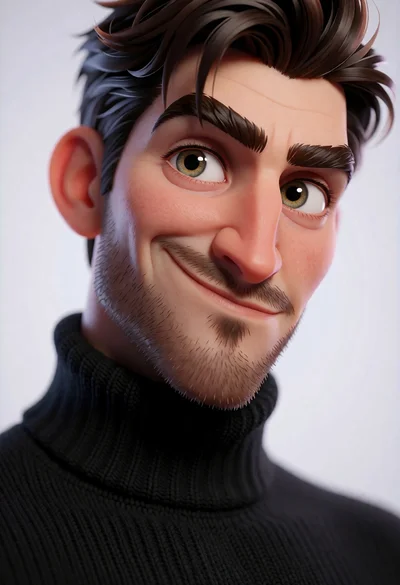
Hyperrealistic 3d portrait of stylized male character in black turtleneck
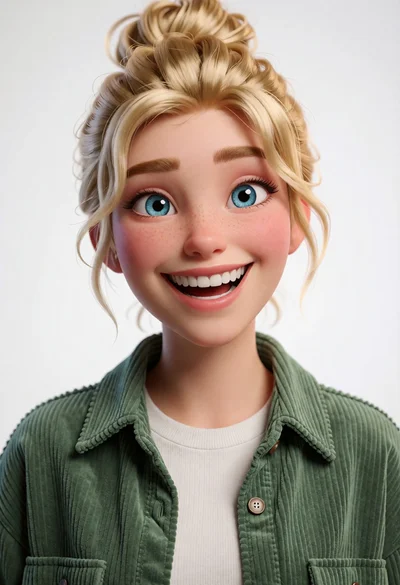
Cheerful young woman with blonde hair in green corduroy shirt studio portrait
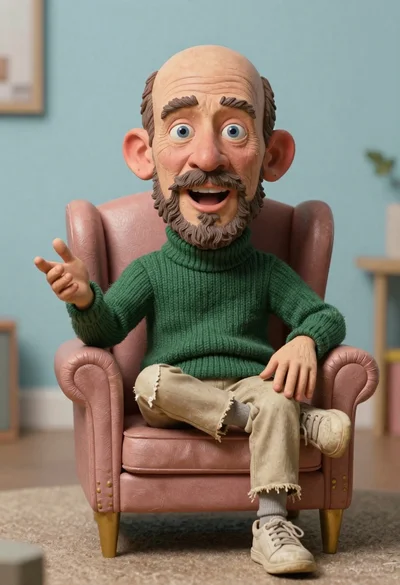
Hyperrealistic caricature sculpture of a man sitting
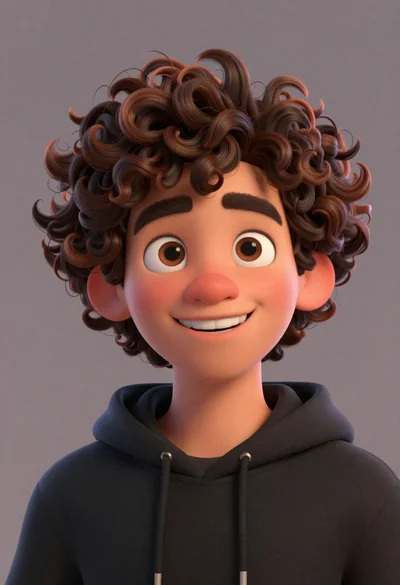
Close up portrait of cheerful young man with curly brown hair
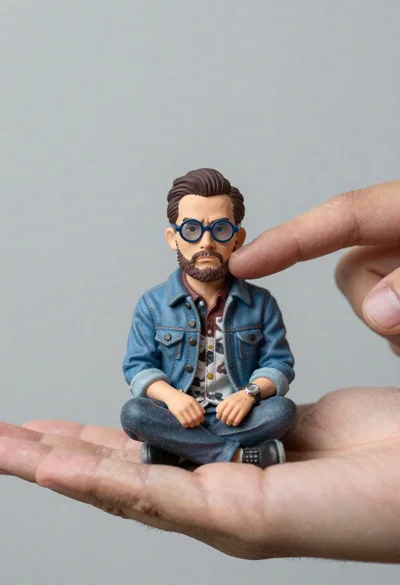
Macro photograph of miniature man seated in palm hand
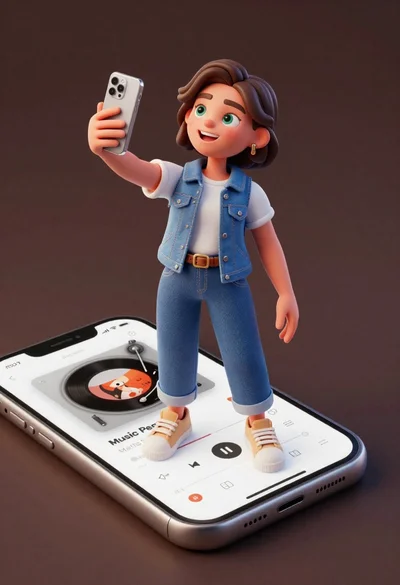
Cheerful young woman taking selfie while standing on giant smartphone screen
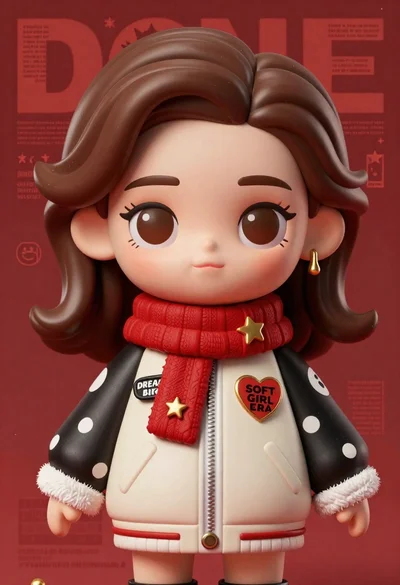
Closeup portrait of stylized female art doll figure with brown hair
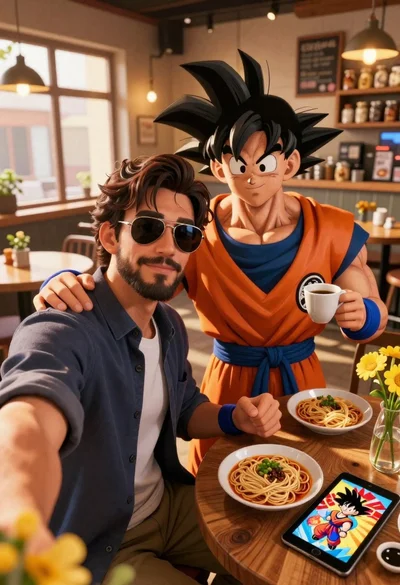
Handsome man taking a selfie with anime character goku in a cozy
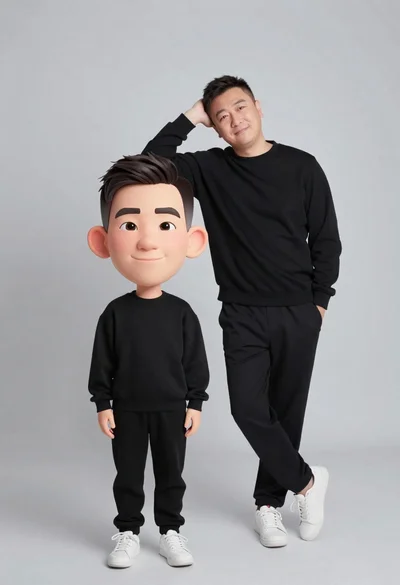
Large headed cartoon caricature standing in front of real life man in