
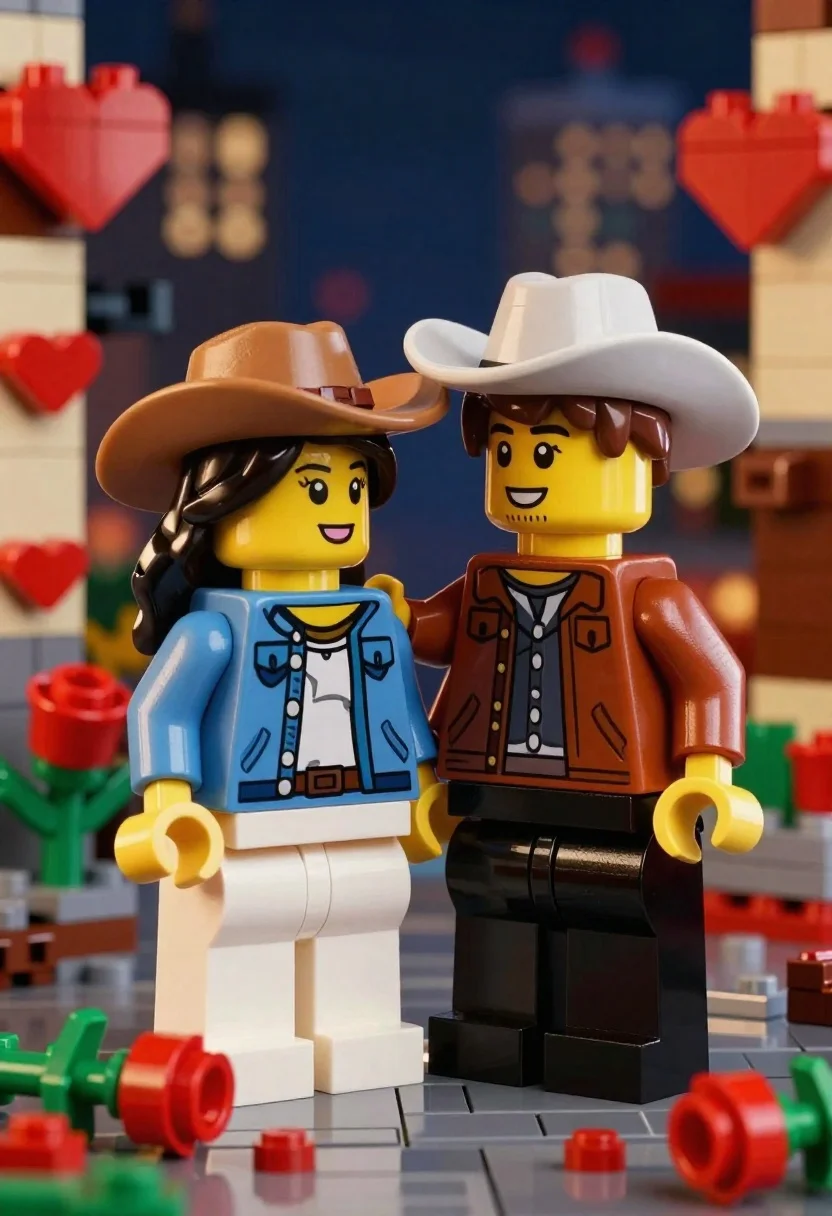
Two lego minifigures holding hands in a romantic nighttime city scene
Prompt
A romantic scene featuring two LEGO minifigures standing close together in a nighttime setting.

Subject: A female minifigure with long dark wavy hair and a male minifigure with short brown hair and facial stubble, both smiling warmly at each other.

Clothing: The female wears a tan cowboy hat, a blue denim jacket over a white top, and white shorts. The male wears a white cowboy hat, a brown leather-style jacket over a black shirt, and black pants.

Action: The figures are standing in an intimate pose, holding hands with the male’s arm around the female’s shoulder, conveying affection and connection.

Environment: A dark blue nighttime cityscape background with blurred bokeh lights suggesting distant buildings or streetlights. Red heart-shaped decorations adorn the vertical LEGO brick walls on either side of the scene.

Objects: Several red rose flowers with green leaves lie on the ground near their feet, along with scattered red LEGO flower pieces and a brown stem-like object.

Camera: Medium shot capturing both figures from the waist up, centered composition with shallow depth of field blurring the background to emphasize the subjects.

Lighting: Soft ambient lighting with warm highlights on the figures’ faces and clothing, creating a gentle glow that enhances the romantic mood.

Style Details: Highly detailed LEGO-style rendering with realistic textures, smooth shading, and cinematic color grading reminiscent of high-end stop-motion animation or digital art inspired by LEGO aesthetics.
Description
This prompt is useful for creating whimsical diorama displays, themed birthday party backdrops, and stylized character concept art. The combination of 'soft ambient lighting with warm highlights' against the 'dark blue nighttime cityscape background' ensures that the primary focus remains on the figures while the bokeh lights provide necessary visual interest without competing with the central action.
Suggestions
- Change 'tan cowboy hat' to 'black fedora' for a more dramatic look.
- Replace 'red heart-shaped decorations' with 'glowing neon signs' for an updated feel.
- Adjust 'shallow depth of field' to 'deep focus' if you want all background details visible.
Category
Tags
3dBlack HairBrown HairCasual WearDark SkinFemaleFull BodyLight SkinMaleMedium ShotOutdoorsUrban
Date added
June 23, 2026
Added by
PromptDexter Team
Related Prompts
More prompts with similar categories and tags.
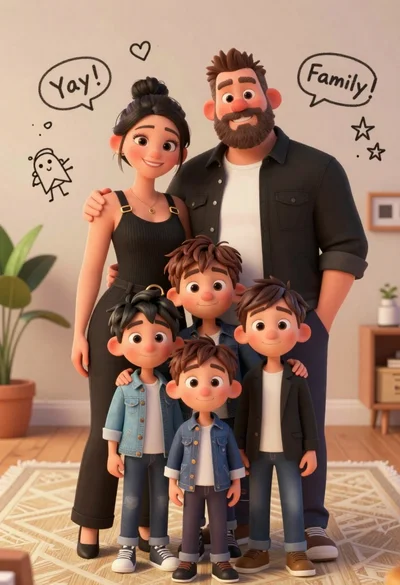
Warm family portrait of mother father and three young sons indoors

Cheerful young girl in red traditional clothing at chinese new year street
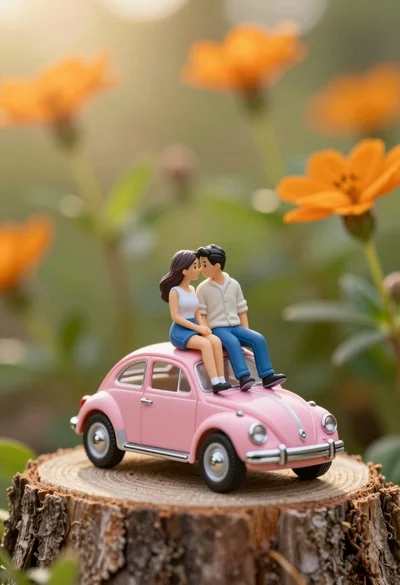
Miniature couple sitting intimately on pink beetle atop rough tree stump
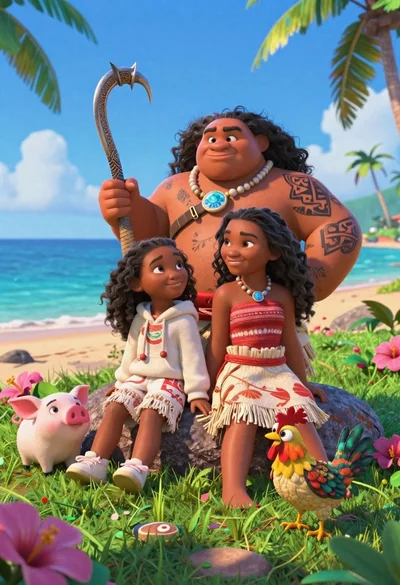
Three disney characters on a tropical grassy rock
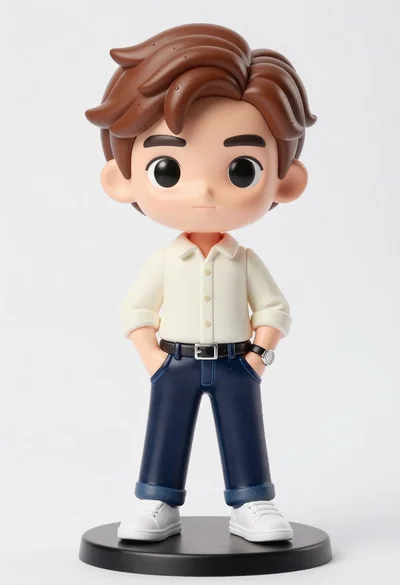
Vinyl figure of young man in cream shirt and jeans
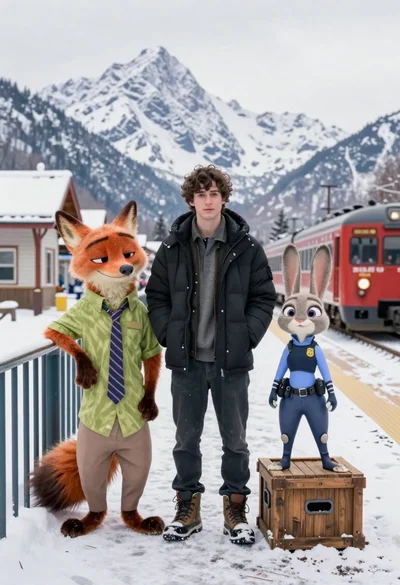
Young man flanked by fox and rabbit at snowy train platform
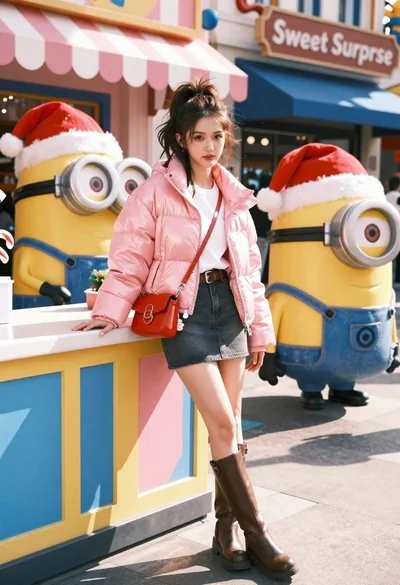
Young woman in pink puffer jacket standing by counter with minions

Romantic couple standing close together on wet city sidewalk during light snowfall
